


 Daily Living Skills for Special Education
Building independence in children with autism and other developmental differences starts with small everyday actions: choosing clothes, setting up a place to eat, putting materials away after an activity, noticing a difficulty, and asking for help. A child might need support at any stage, from understanding the task to making the movement it takes.
NeuroLevel interactive equipment brings visual tasks, movement, and immediate visible feedback into learning. Game-based practice carries over to real actions at home, in the classroom, or in a therapy or learning center.
 Made in USA
 3 Years Warranty
 US based Support
New activities, no paid subscription. Educators get fresh session ideas without paying an annual fee for updates.

What Daily Living Skills Can Students Practice?
Teaching daily living skills helps a child manage everyday tasks at home and at school. Each goal is based on the child's age and abilities: what they need to learn to do independently and how much support they still need.
For one student, the goal might be choosing a cup before snack time. For another, it might be gathering several items and checking that everything is ready. Either way, the goal should be a specific action the student can complete on their own. Sample session goals:
Self-Care
Recognize personal-care items, understand when they're needed, and practice individual steps of a hygiene routine.
Dressing and Getting Ready
Pick out items for a specific situation, tell what's needed apart from what isn't, and check readiness for an outing or activity.
Functional Communication
Make a choice and ask for an item, help, or a break in an accessible way.
Mealtime Skills
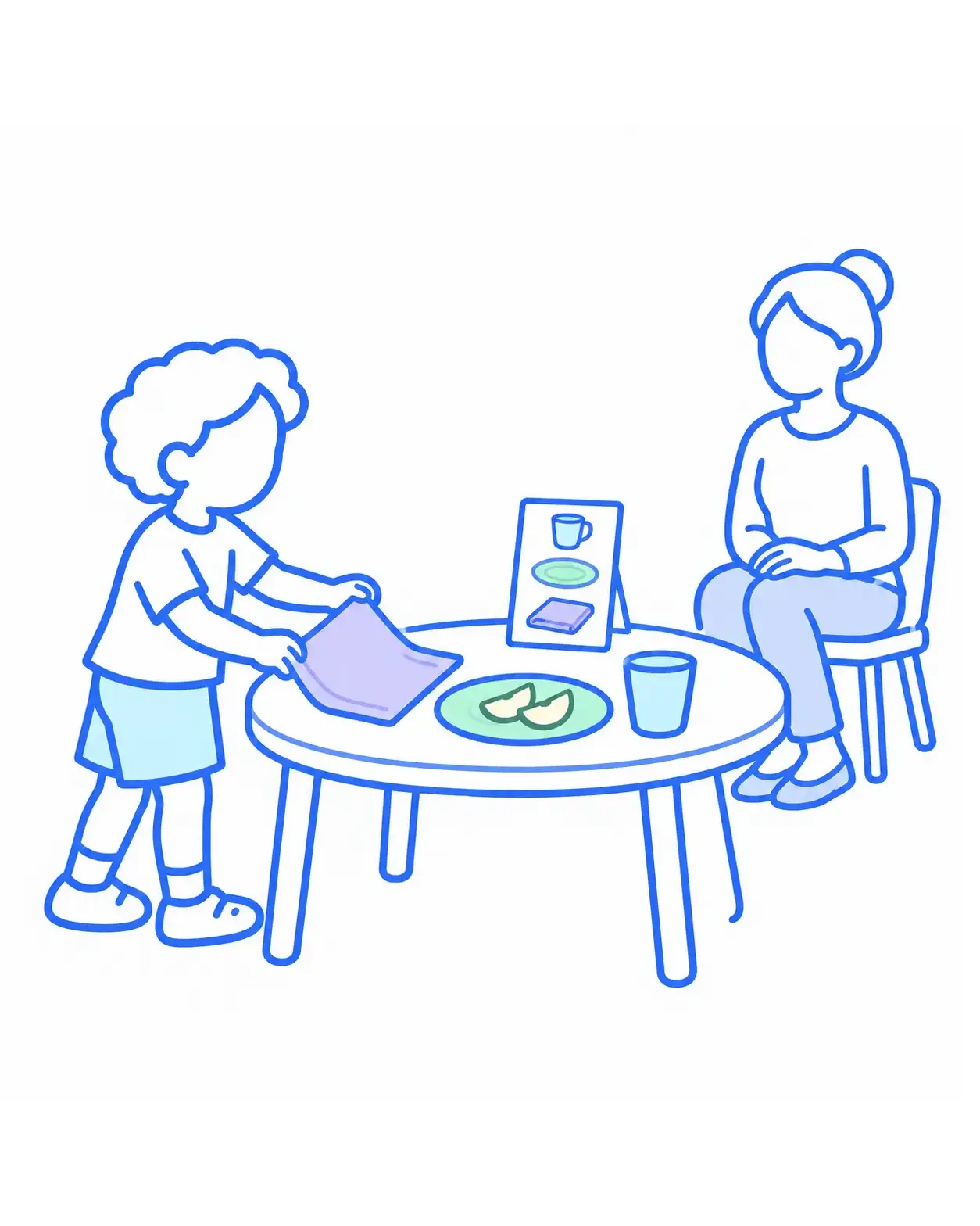
Choose dishes and utensils, and learn the steps for setting up and cleaning up after a meal.
Organizing the Environment
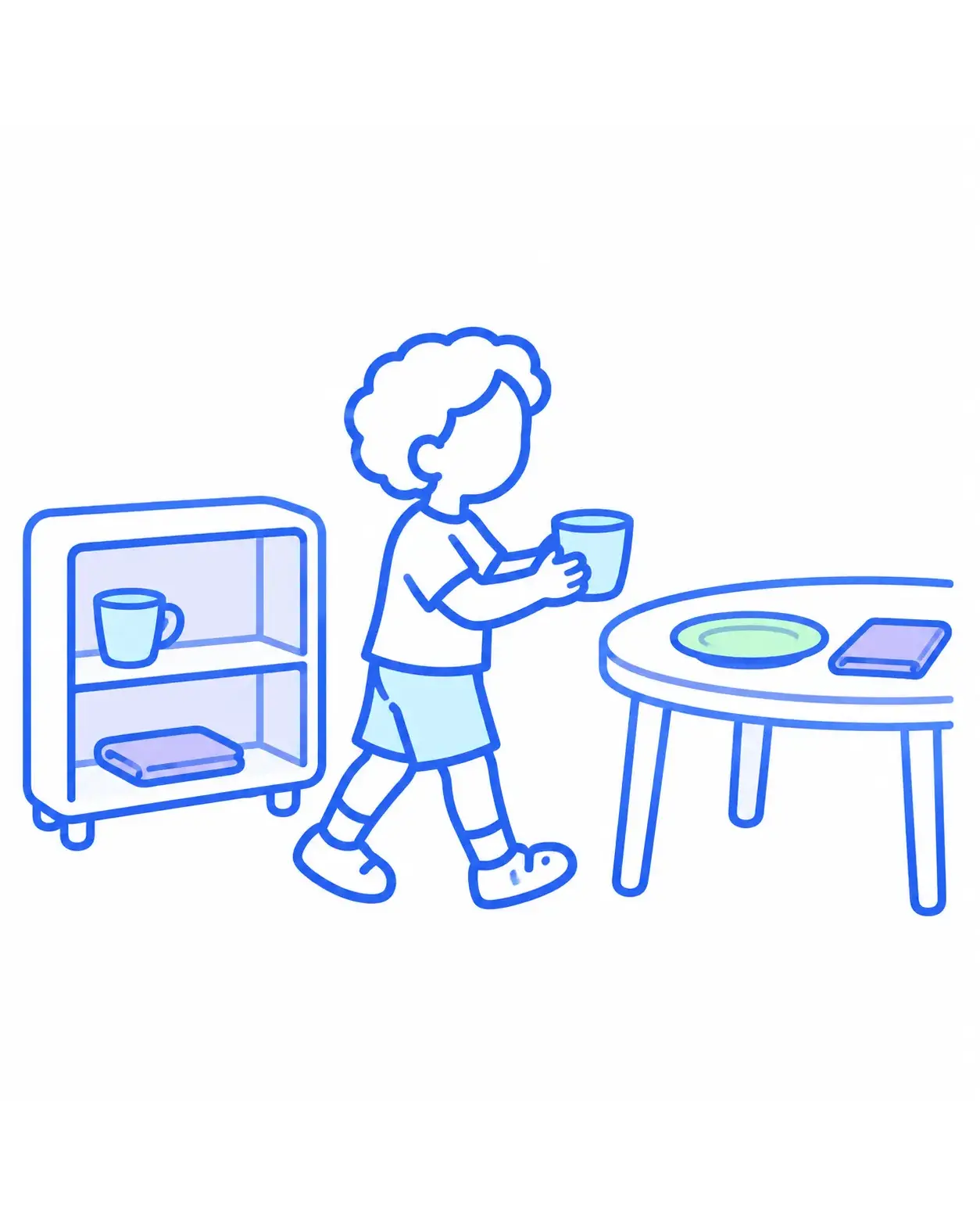
Find where an item belongs, group objects by function, and finish cleanup by following a clear rule.
How Interactive Equipment Supports Learning
Every daily living task involves several processes. The child needs to:
- understand the situation,
- identify the relevant item,
- keep the goal in mind,
- plan and organize the movement,
- notice the result.
If one step is hard, the whole task can stall. That's why we use the interactive format to break individual steps down and give the child a chance to act.
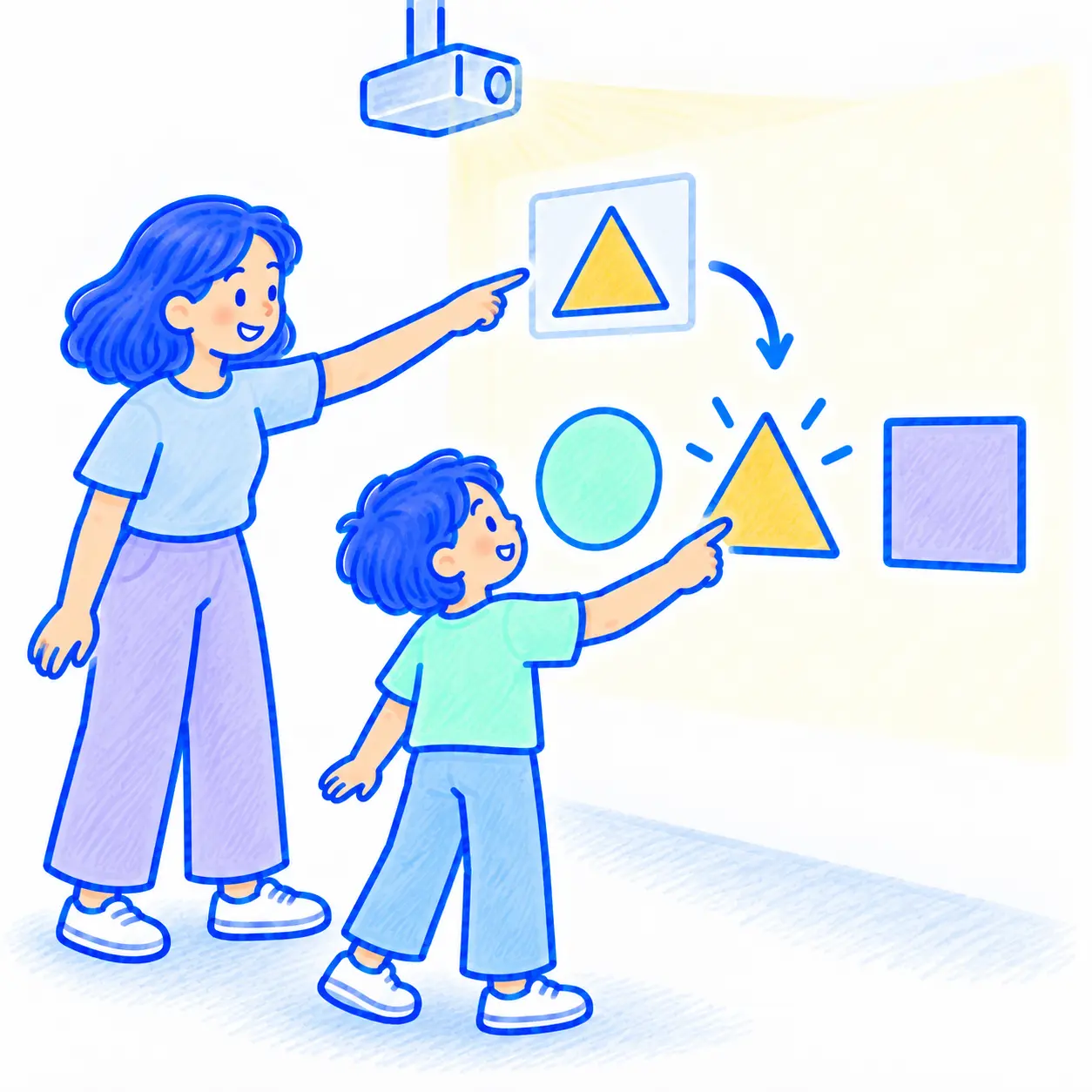
A Visual Task Helps Maintain the Goal
The child can see what needs to be done and look back at the task while working. That kind of external visual support can help students with ADHD who get distracted and lose track of the goal. It also helps any student who struggles with long verbal instructions.
On a large projection, the educator can:
- Show the target: which item needs to be found or selected.
- Highlight a relevant feature: shape, function, or category.
- Show one example, giving a clear model before the child tries independently.
Because part of the information stays on screen, it's easier for the student to check back on the task. The educator adjusts the amount of visual detail so the relevant feature stays easy to spot.
Research Basis
In a study by MacDuff and colleagues, children with autism learned to use photographic activity schedules and then applied that skill to new images and action sequences. As part of the instruction, adult support gradually faded out.
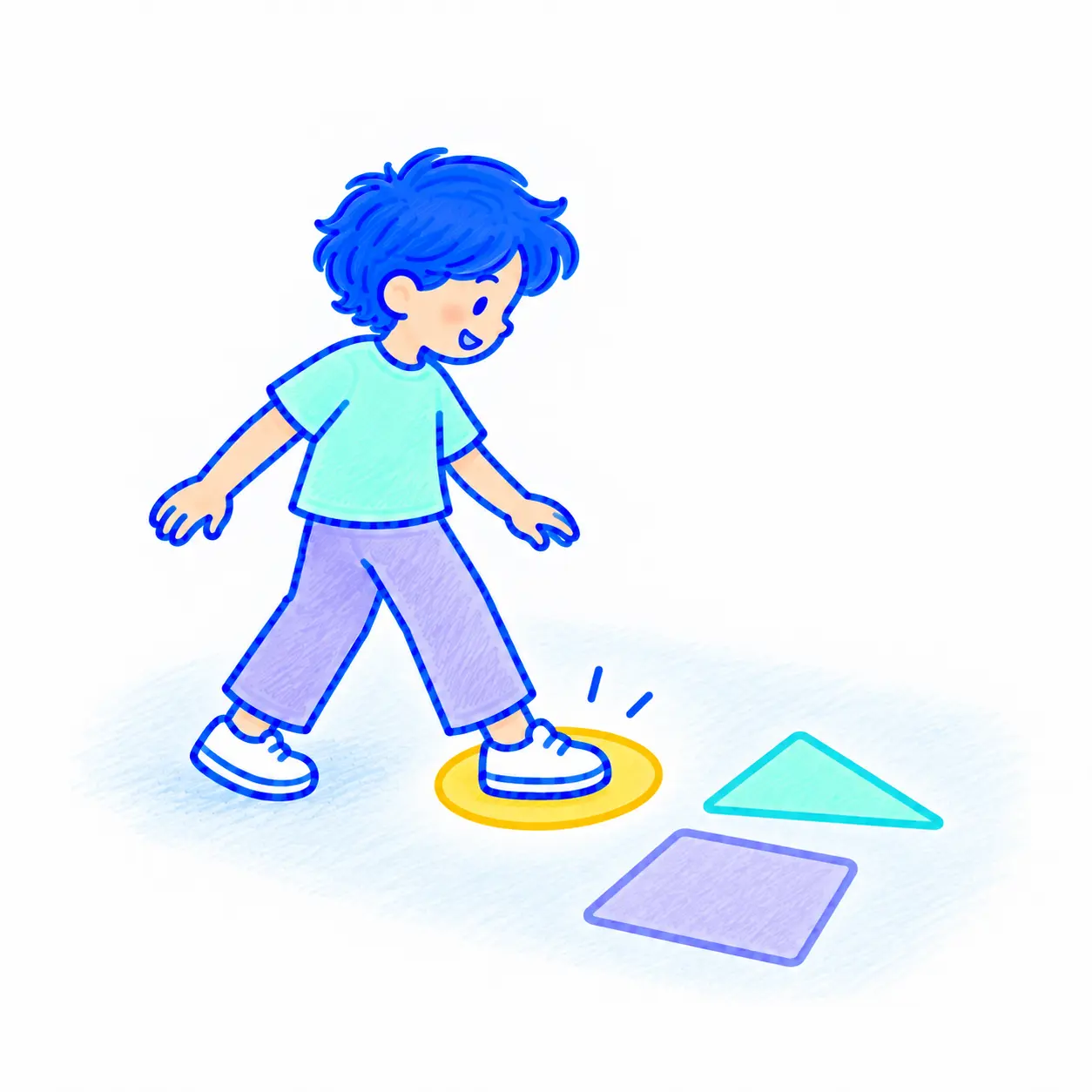
A Choice Becomes an Action
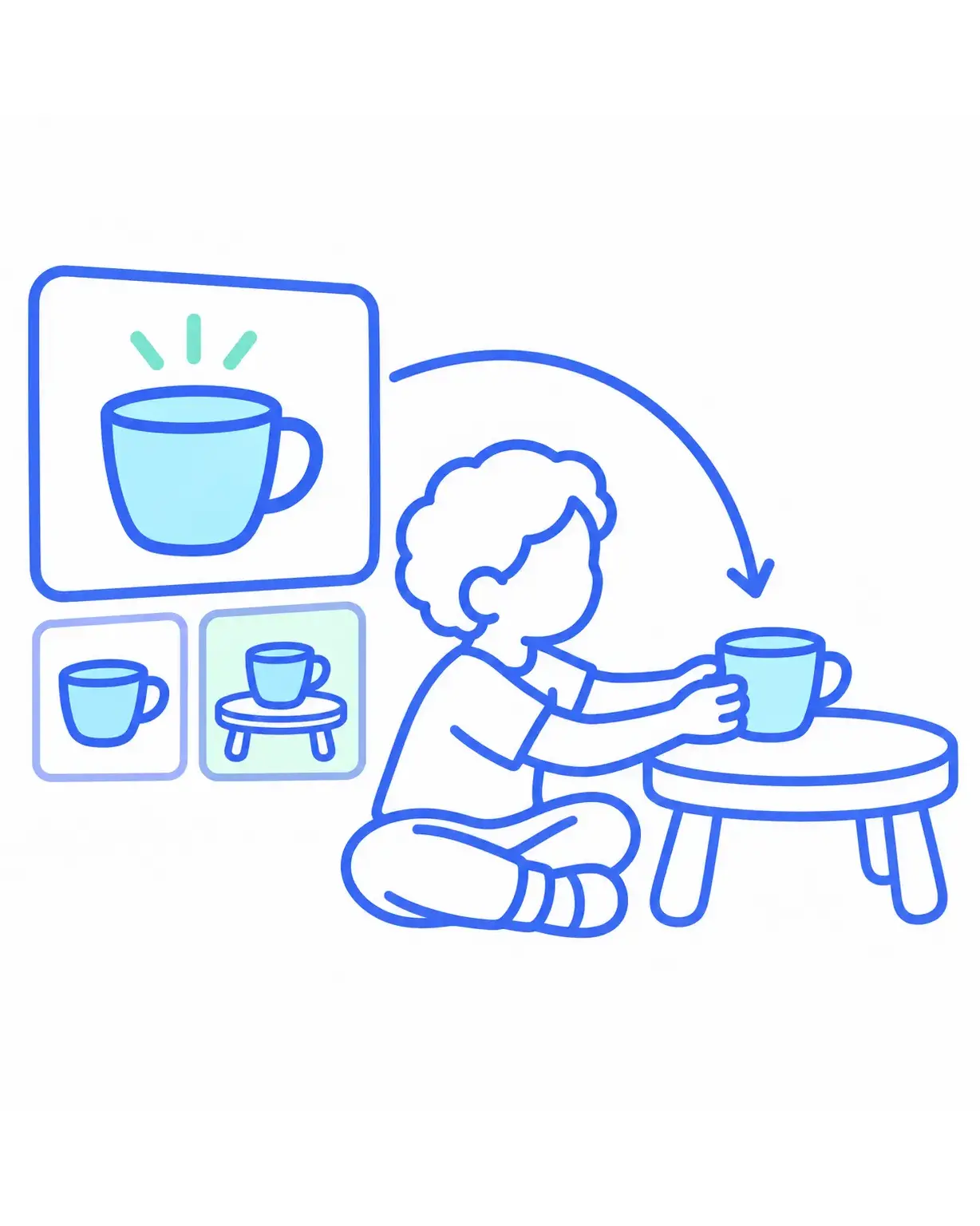
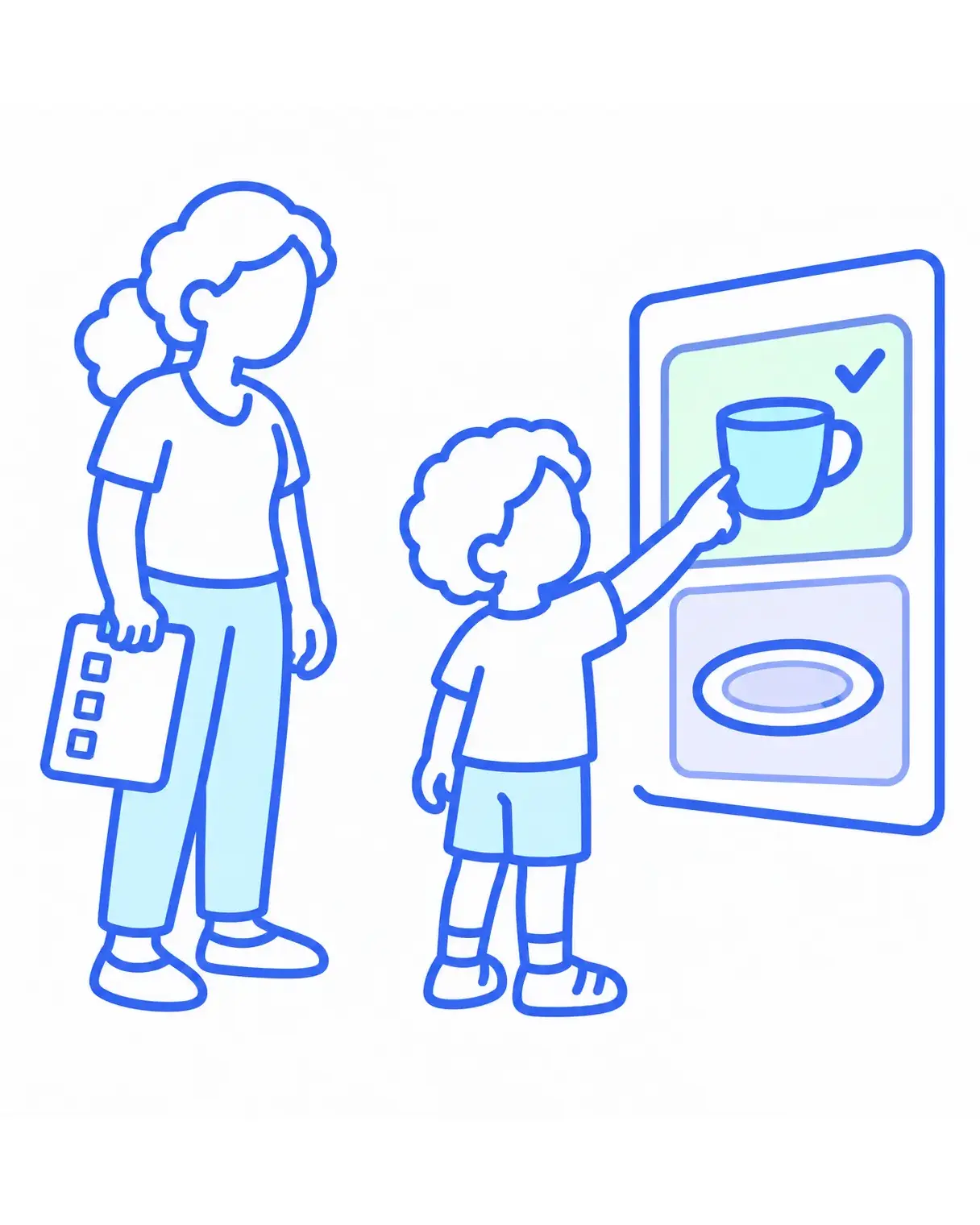
The child responds through movement and sees right away what changes after making a choice. On an interactive wall, that could mean touching an object. On the floor, it could mean stepping toward the selected option.
This type of response pulls together several processes:
- Find the target: pick out the relevant object among several options.
- Plan the movement: reach with the hand or take a step.
- Receive feedback: see the result and feel the completed movement.
Tying movement to a decision gives memory extra support through visual and proprioceptive input. The educator chooses an accessible response mode so the child can show they understand the task.
Connection to the Daily Living Skill. After selecting an image, the student repeats the action with a real object. That way, the activity covers both item recognition and functional use.
Research Basis
In a study by Xie and colleagues, children with autism and intellectual disabilities recalled instructions more accurately when they physically performed the actions instead of just listening to them.
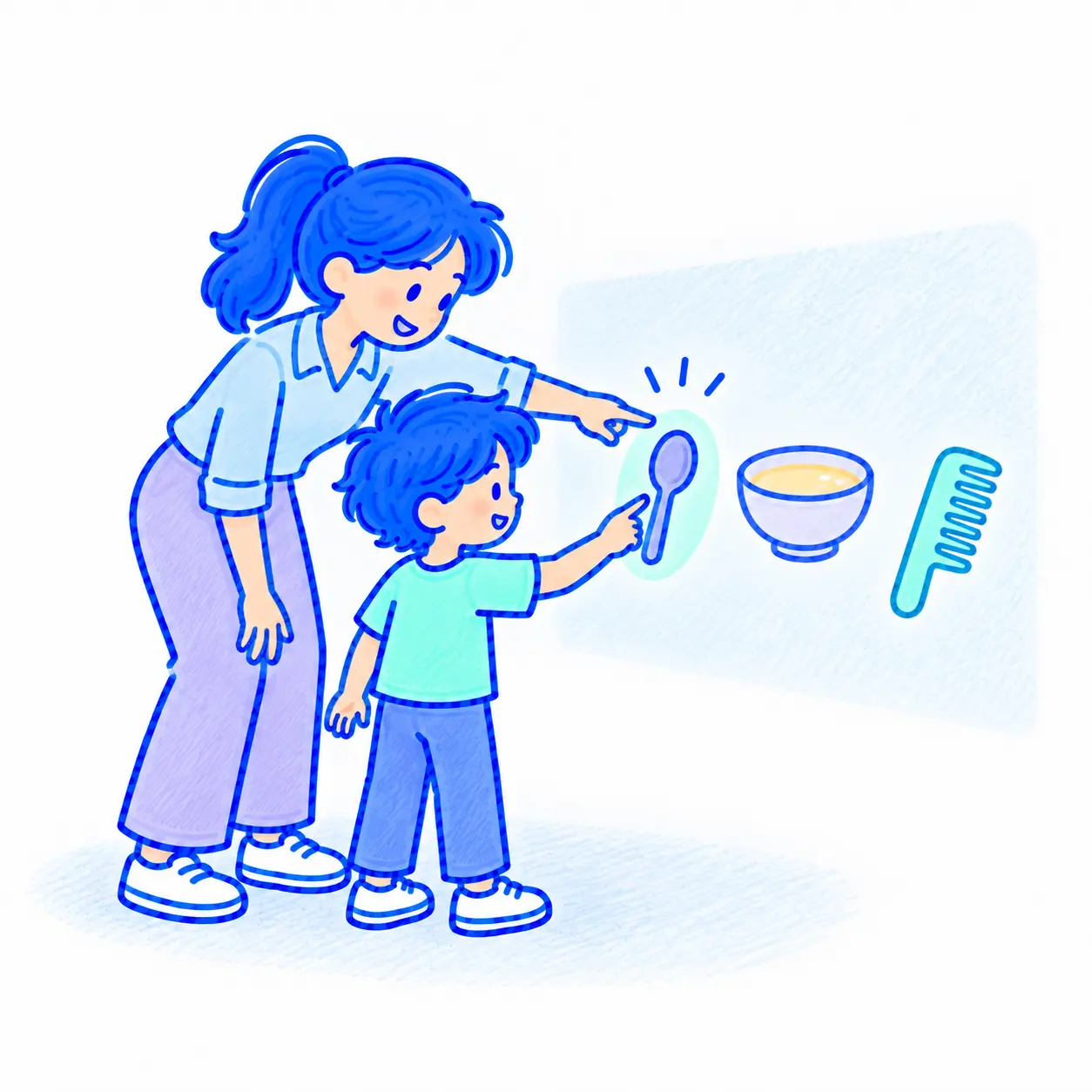
Clear Feedback Helps the Child Reconsider a Choice
The result shows up right after the response, so it's easier for the child to connect the choice with its consequence. The educator uses this moment to help the child understand the rule.
A short teaching sequence:
- Notice the result: "What changed?"
- Review the choice: "What is this item used for?"
- Apply the rule again: give the child a similar task with a different object.
What to Observe: Does the student choose based on the relevant feature, or try options until landing on the correct answer? If the rule isn't clear yet, the adult points out the difference between the items and offers another try.
Research Basis
Carroll, Kodak, and Adolf, 2016. The study compared immediate and delayed reinforcement with two children with autism. The children learned the skills with immediate reinforcement, but delayed reinforcement made teaching less effective.
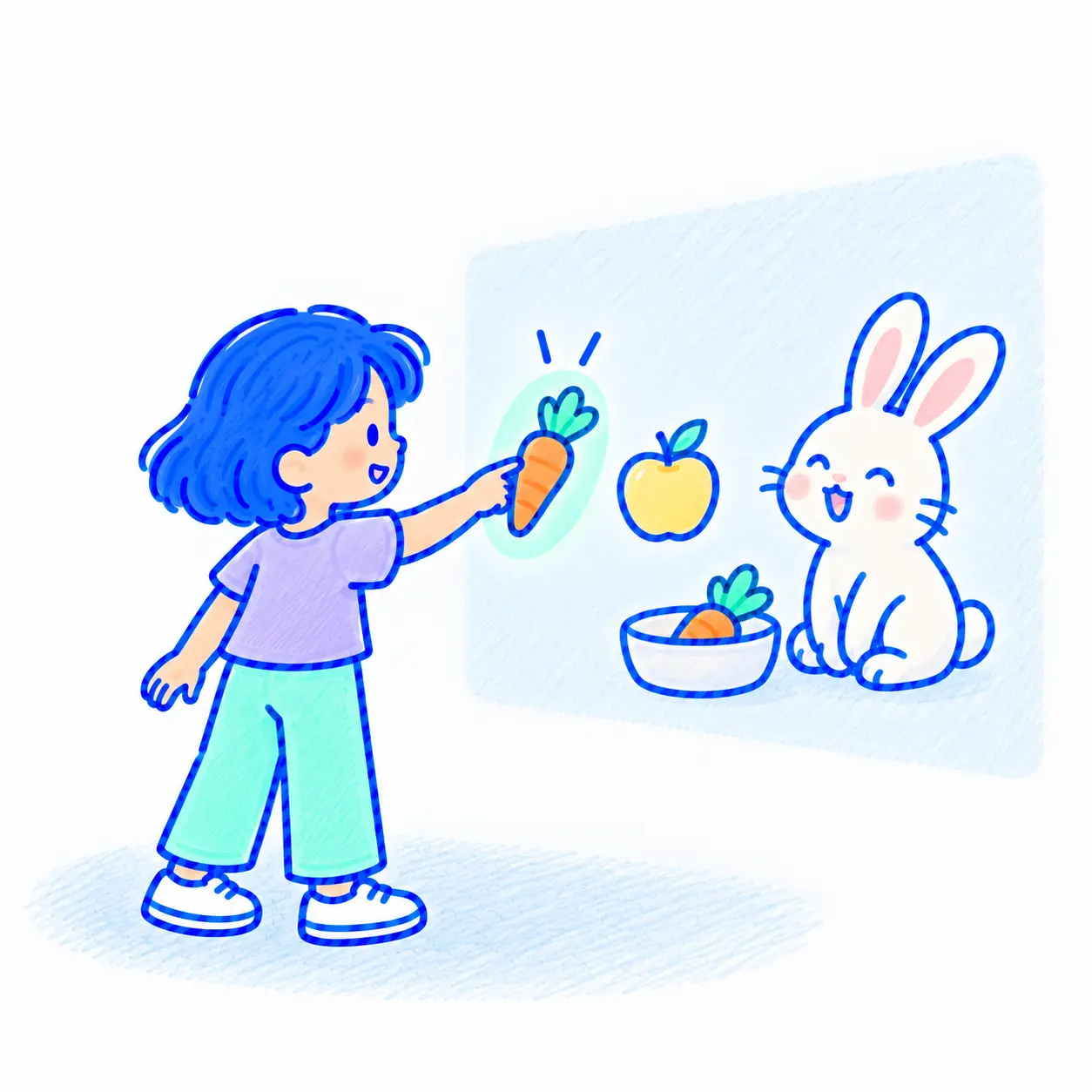
Interest Creates a Reason to Start and Try Again
In the game, the child shapes what happens by choosing an object, changing the situation, and trying again. A familiar scenario makes the purpose of the task clear.
To support engagement, the educator:
- Uses the student's interests: picks a familiar and engaging theme.
- Provides an achievable starting point: begins with a familiar action before introducing a new step.
- Makes completion clear: helps the student see when the task is done.
- Leaves room for choice: lets the student make their own decisions.
What to Observe: Does the child start with less support, make a meaningful choice, and come back to the task willingly?
Research Basis
In a study by Koegel and colleagues, four children with autism started tasks faster and showed more interest when the intervention combined choice, a mix of mastered and new tasks, and outcomes tied directly to the activity. The researchers looked at the intervention package as a whole.
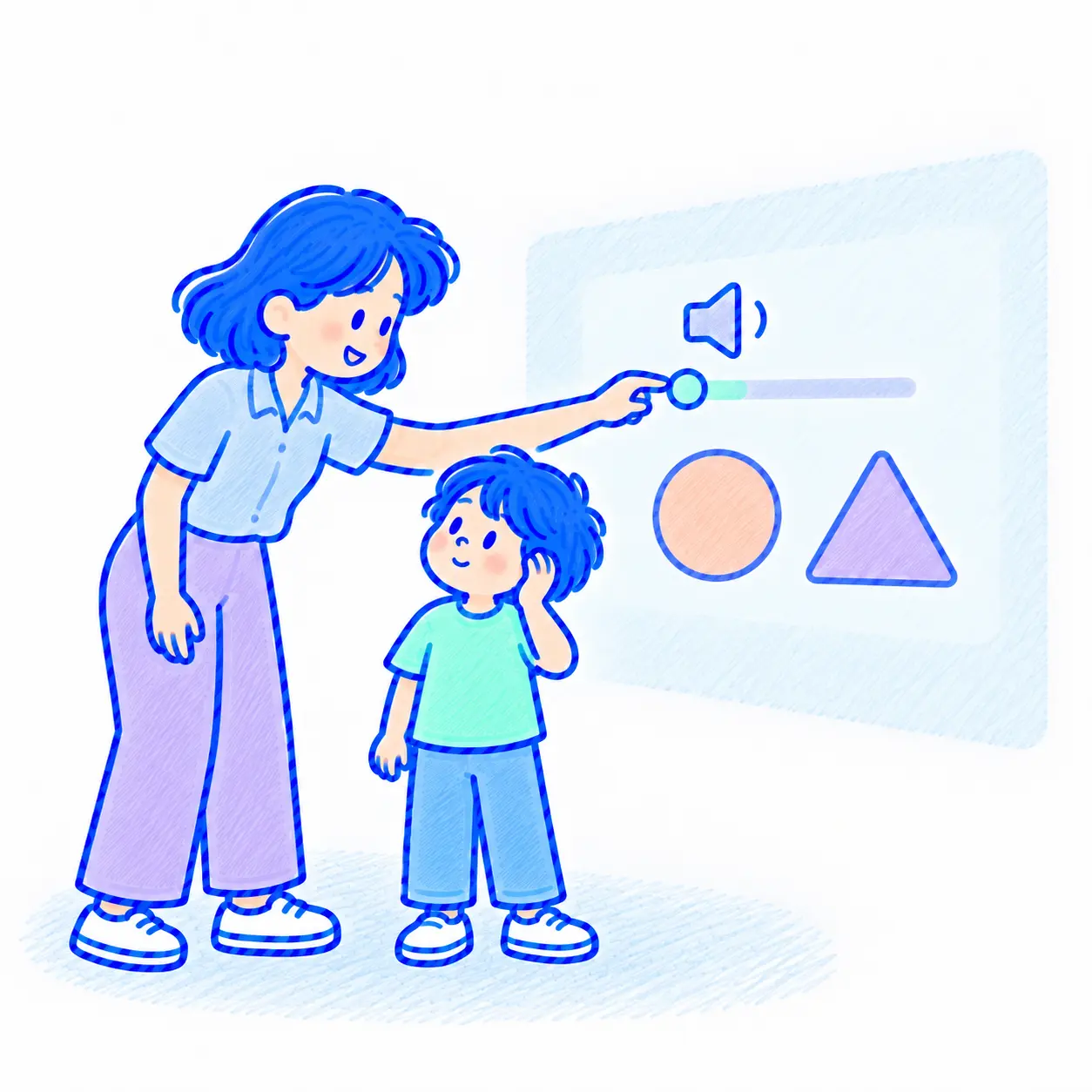
Sensory Input Is Adjusted to the Child
The right conditions help the child participate and show what they understand. Sound, light, touch, or physical effort can affect performance even during a familiar task.
During the session, the adult adjusts:
-
The scenario and available settings: based on how the child responds to sound, movement, and visual detail.
-
Duration and breaks: based on signs of fatigue and readiness to keep going.
-
Response mode: based on the student's motor abilities.
-
Pace: leaving enough time for processing and action.
A child covering their ears, turning away, or trying to leave is a sign the sensory demands need adjusting. When that happens, the adult changes the conditions and watches to see if the child participates more comfortably.
And if the difficulty involves water, fabric, or a fastener, the daily living task itself gets adapted separately.
Research Basis
In an observational study by Green and colleagues of 149 young children with autism, high sensory sensitivity predicted later increases in anxiety symptoms. That's why sensory conditions matter when planning activities.
Daily Skills Games
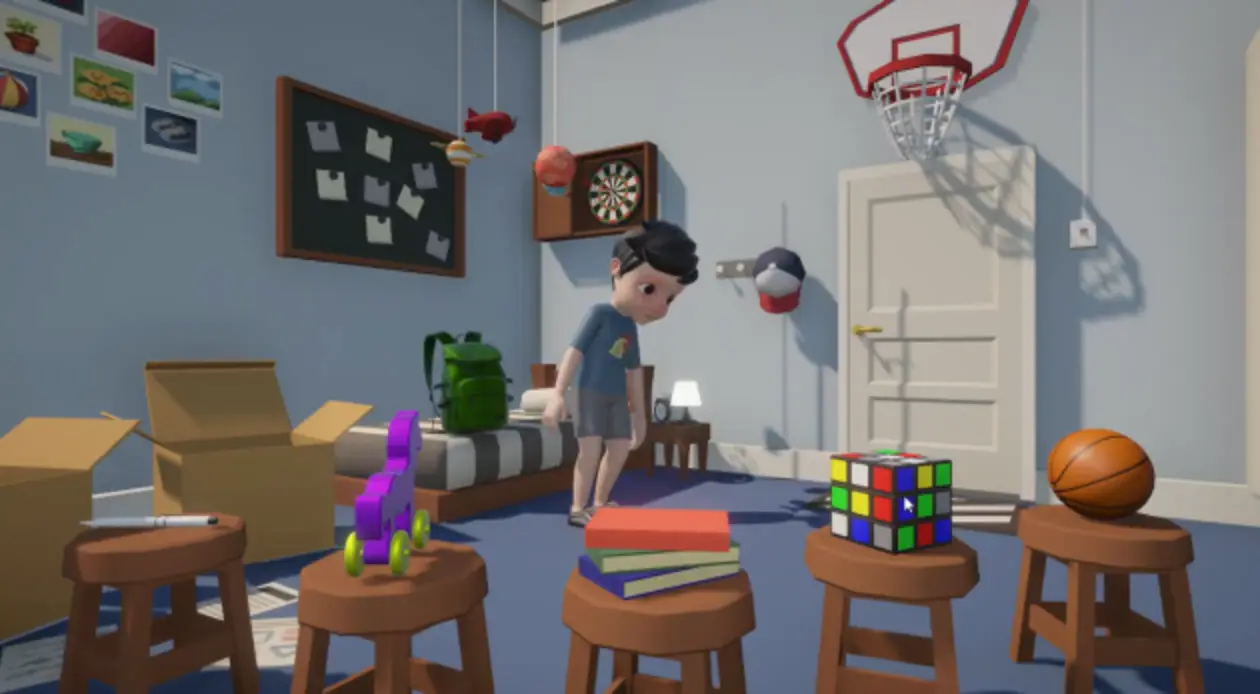
At NeuroLevel, every game is built around a clear task. Familiar objects and everyday situations tie the activity to daily life. And the interactive format gives the child a reason to engage and keep trying.

Develops: Selective attention, concentration and reflexes.
Available with the interactive wall
Custom Daily Skills Activities for Your Program
Every target skill starts with your specific goal. If none of our existing games covers it, the NeuroLevel team can build a custom scenario, like getting ready for an outing, putting materials away, or choosing items for mealtime.
Tell the team:
- What you want to practice: choosing, recognizing, or following a sequence.
- Who will participate: age, individual needs, and accessible response mode.
- What context is familiar to the child: objects, images, and everyday situations.
From there, the team works out the content and technical capabilities of the game.
Game Creator is in development now. Soon, professionals will be able to upload their own materials and build activities on their own.
Skills Students Can Practice Across Interactive Games
A common question is: if a child learns to choose pictures on a screen, how will that help at home or at school?
Interactive games can help students practice skills that are needed in everyday life:
[ 01 ]
Choosing the Right Item
You need a spoon to eat and a raincoat to go outside in the rain. The child learns to pick an item for a specific task.
How to Practice: offer a choice using an image, then repeat the same choice with real objects. Mix up the examples so the child learns that a spoon in a different color or size still works for eating.
[ 02 ]
Maintaining the Goal and Changing the Choice
First, the student gathers everything needed for drawing: paper, pencils, and paint. Then the task switches to cleaning the table, so now they need a cloth and a box for materials.
How to Practice: offer several choices for one task, then introduce a new task. Watch to see if the child picks what the current goal calls for.
[ 03 ]
Completing Actions in Sequence
Getting ready for an outing, washing hands, and preparing a place to eat all involve several steps. Teaching action sequences helps the child understand what comes first and what comes next.
How to Practice: show a short sequence in the game, then do it together in real life.
[ 04 ]
Checking Whether Everything Is Ready
Before leaving, make sure the backpack is packed. Before drawing, make sure paper and pencils are on the table. A clear visual model helps the child spot what's missing.
How to Practice: have the child compare the gathered items to a picture or short checklist. Show them how to check first, then let them try independently.
[ 05 ]
Requesting What Is Needed and Asking for Help
To teach the child to ask for help, the adult creates clear opportunities during the activity, like choosing a game, asking for another turn, communicating "help," or requesting a break.
How to Practice: give the student time to make the request through speech, gesture, or familiar communication cards. If touching the projection is hard for them, the adult can carry out the action based on what the student indicates.
How to Build a Daily Skills Session
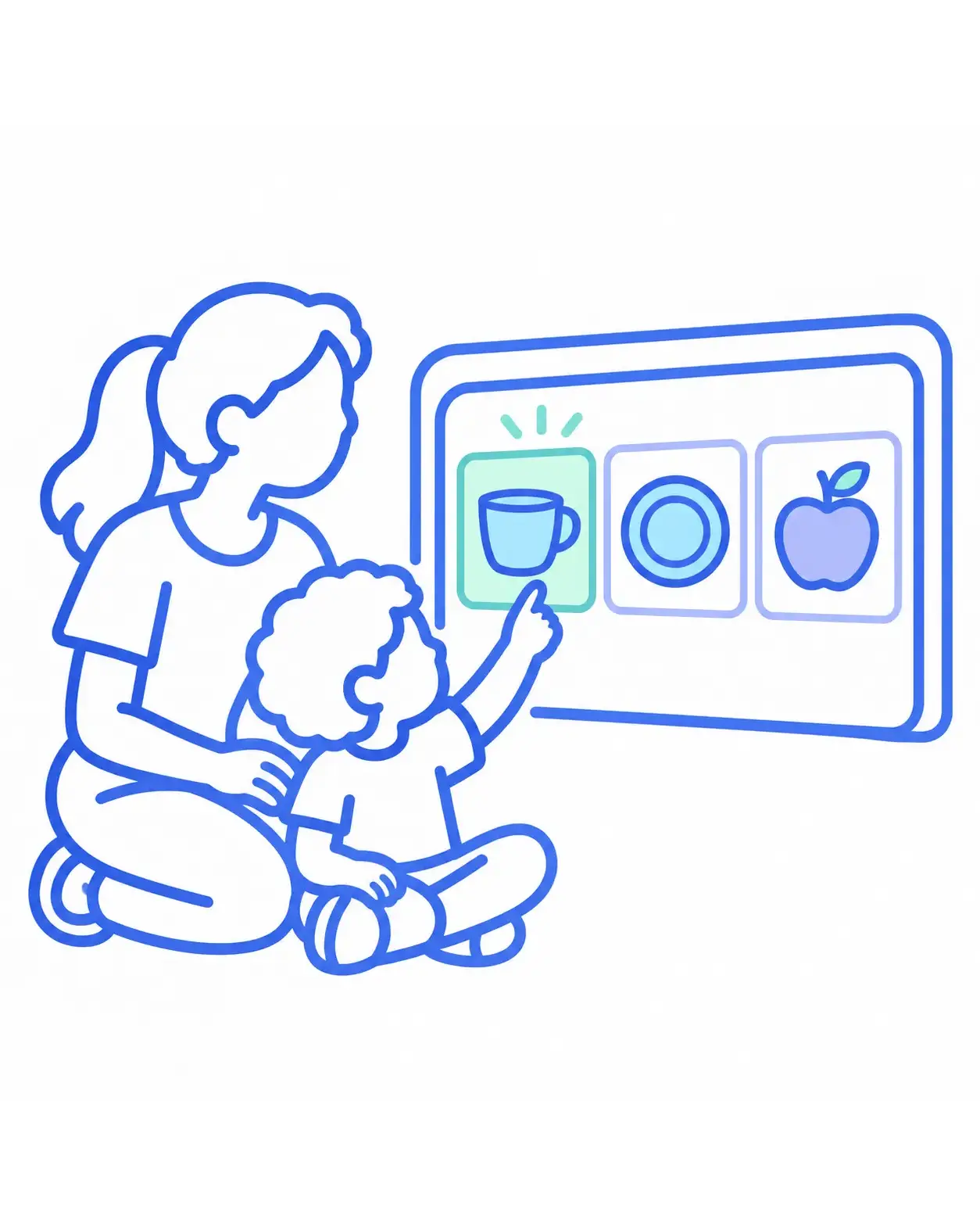
One System for Different Learning Environments
The same principle (make a choice in the game, talk it over, and act with real objects) can support different goals across settings:
- in the classroom, it helps organize a shared activity while students work toward their own individual goals;
- at home and in a center, it gives the child a chance to repeat a familiar skill and see if it carries over to another setting.
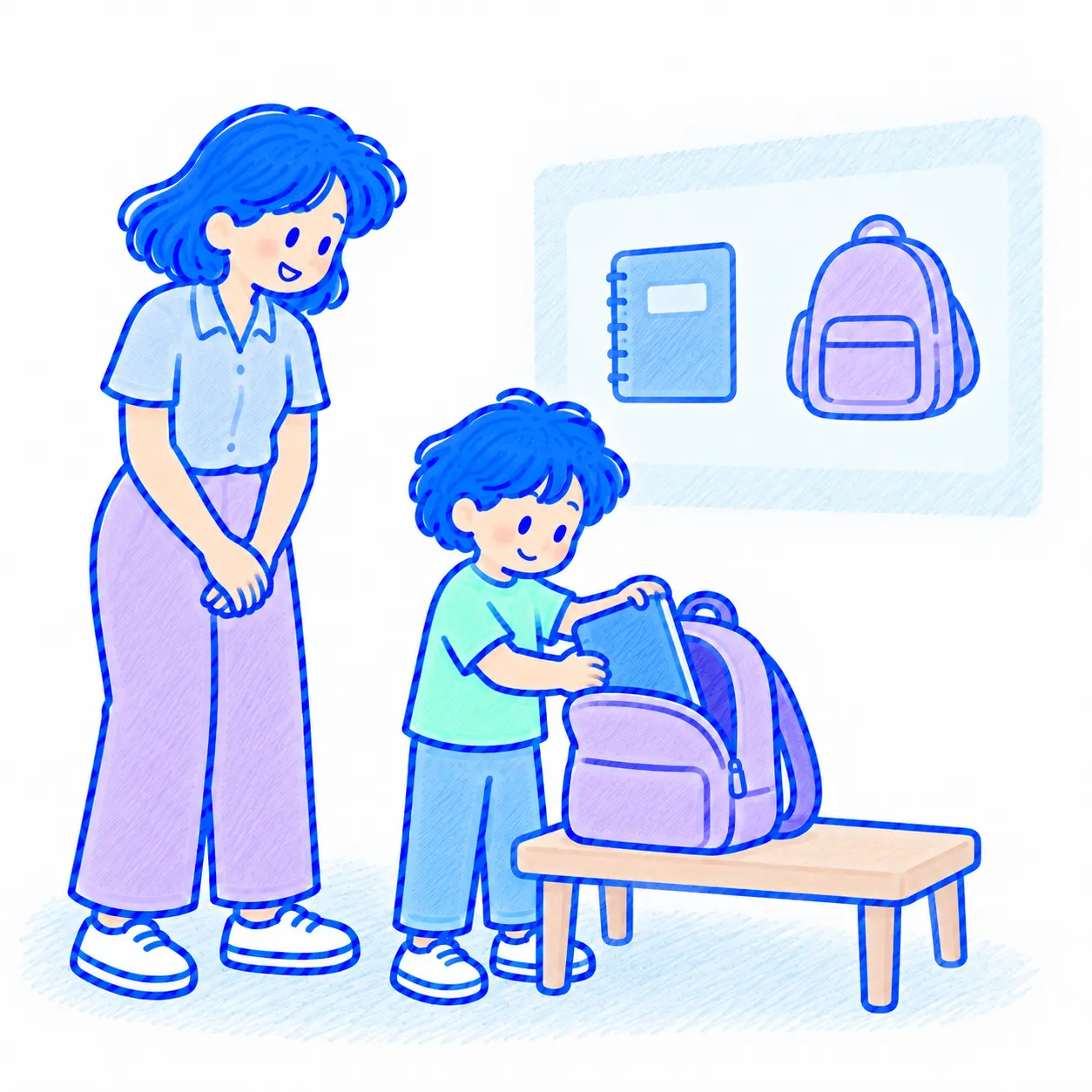
Special Education Classrooms
In a special education classroom, teachers can tie daily living skills to Individualized Education Program (IEP) goals. For example, a student might work on independently selecting the items they need for the school day.
How Does Our Equipment Help?
In the games, the child makes a decision, responds by touch, and sees the result right away. After the game, they pack a real backpack, and that's where independence gets assessed. The educator can see which steps the student completes on their own and where they still need a prompt.
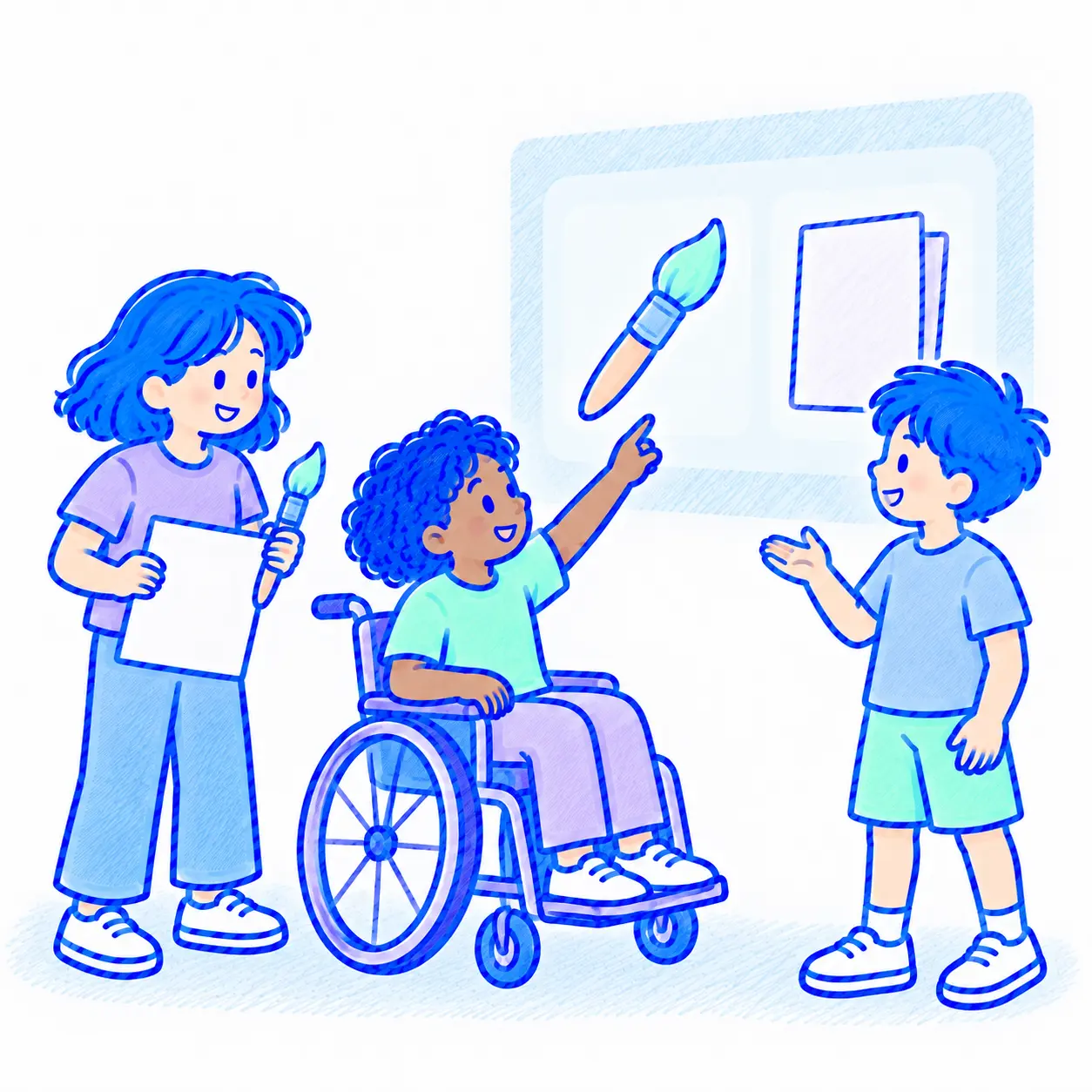
Inclusive Classrooms
In an inclusive classroom, the goal is to give every student a way into the shared activity. For example, the group might pick out materials for a creative task together.
How Does Our Equipment Help?
A large interactive wall creates a shared activity space. Several students can touch objects while others watch their choices play out in the game. One child might point to an answer by touch, while a peer explains it and another finds the matching real object. Then the group prepares the materials together, so every student has a specific role in the shared task.
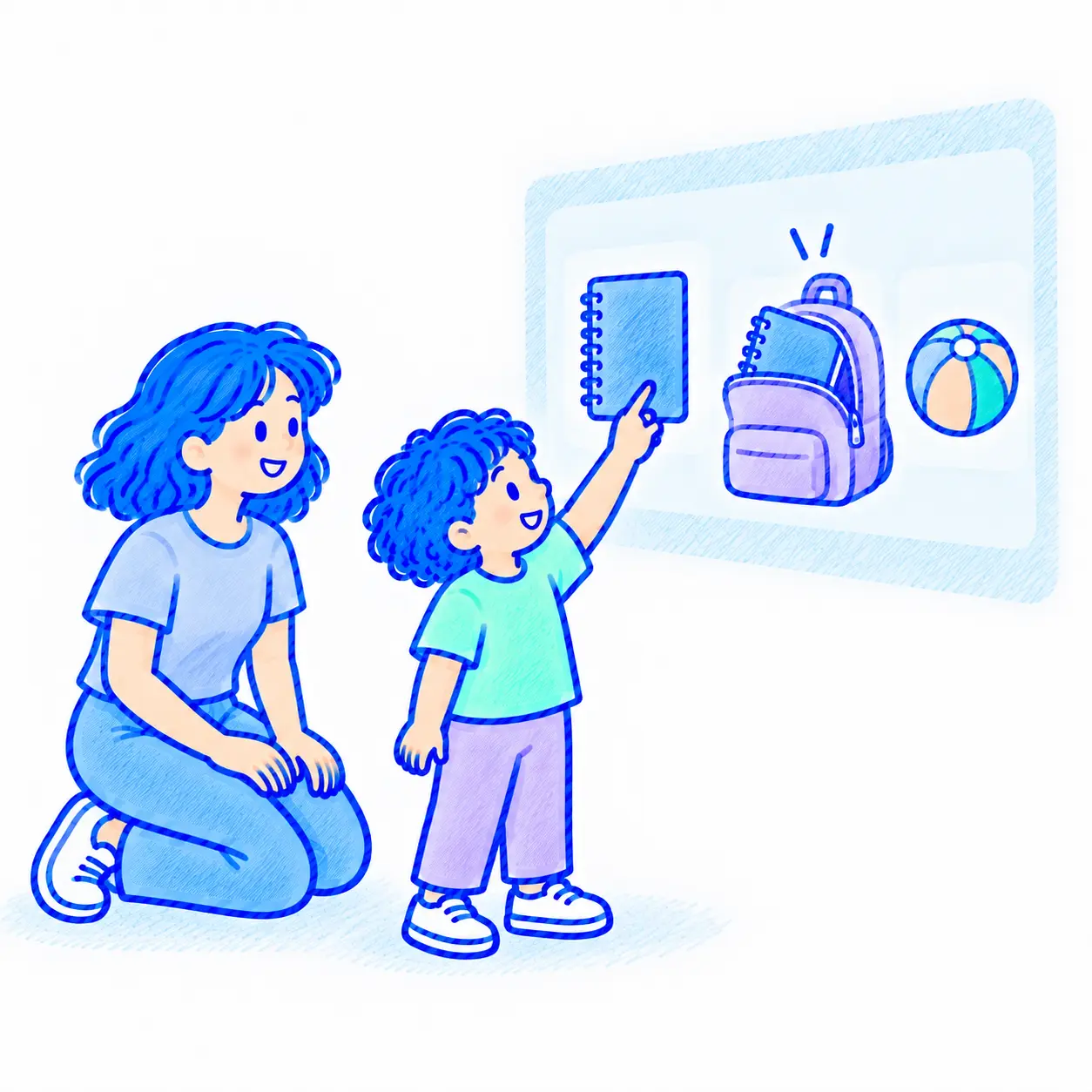
Therapy and Learning Centers
In an individual session, the specialist figures out what support the child needs to complete an everyday task.
How Does Our Equipment Help?
The interactive wall connects choice, movement, and visible feedback. Take School Bag: the student finds the needed item, touches its image, and sees if it lands in the backpack. The specialist can pinpoint the specific difficulty. Maybe the child picks the wrong item, points to the right one but struggles to touch it, or only responds after a prompt.
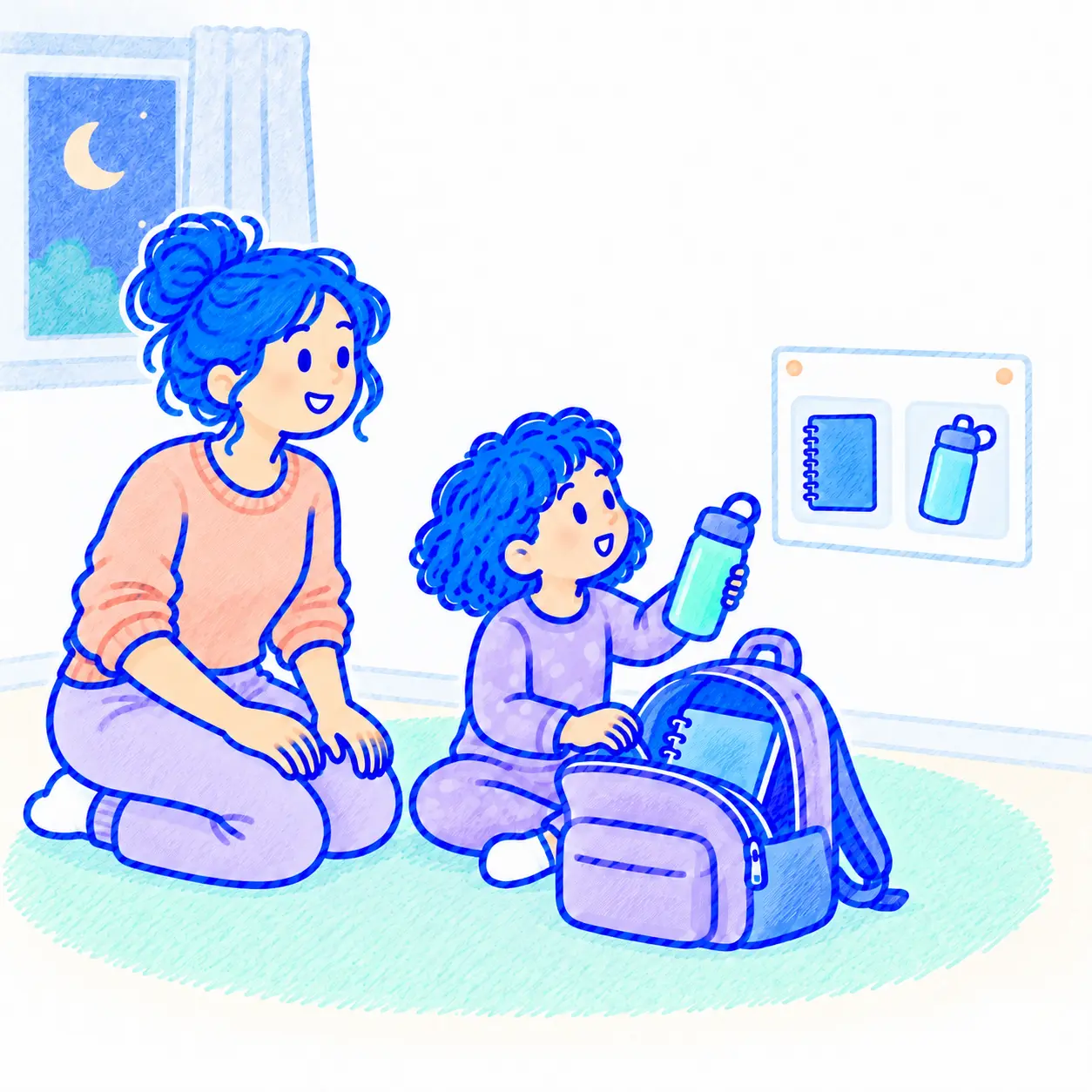
At Home
Families can fold daily living skills practice into familiar routines at home. For example, in the evening, the child can compare the next day's backpack to a short checklist. It's a quick review of a familiar skill, with no need for a separate long lesson.
How Does Our Equipment Help?
A familiar game reminds the child of the selection rule, and then they try to repeat the action in real life. This practice helps the skill hold up when the location, objects, or adult present changes, such as selecting the right items for a lesson, an outing, or a trip.
Expert Perspective on Interactive Daily Skills Learning

Dorinda Luzardo
Autism Intervention & Special Education Expert
Gabriela De la torre
BA, BCaBa, ABA Therapist
Lis Espinosa
RBT, ABA Therapist
Amanda Sosa
BCBA PCM-P2 Behavior AnalystCases: What NeuroLevel Reports
Play
Mother of Two Adult Sons With Developmental Disabilities (Ages 28 and 33, Autism, Cerebral Palsy, ADHD)
For Ruby Harris's adult sons with developmental disabilities, a big goal is buying a snack and paying at the register on their own.
Ruby says that in the past, long stretches of encouragement got only a few minutes of participation. With interactive equipment, her sons started initiating activities themselves and staying focused longer. Dustin, who has cerebral palsy, learned to recognize and count familiar items. For the family, these are steps toward everyday independence: understanding time and money, making purchases, and handling household tasks.
Play
Angels Reach: Showing a Choice When Words Are Difficult
When a child struggles to communicate needs through speech, giving them an accessible way to express a choice matters even more. Lisa Espinosa, an ABA therapist and RBT at Angels Reach, uses the interactive floor and wall for exactly this purpose.
The Choice Becomes Visible. During the game, the child can show a choice through gesture or movement. Lisa has seen this format help nonspeaking children express preferences more confidently. It also gives the specialist a chance to support communication through an action the child can manage.
Play
Christian Life Academy: Waiting for a Turn During Play
Waiting for a turn, passing an item to the next player, and following a shared rule are small actions preschoolers use every day. At Christian Life Academy, Joa Richardson and the teaching team build these skills into activities with a mobile interactive unit.
The Rule Has a Clear Purpose. To keep the game going and let everyone play, children have to take turns. Educators use this format to practice waiting, passing a relay item or object, and following group rules.
