
Interactive Animated Drawings That Bring Paper Art to Life

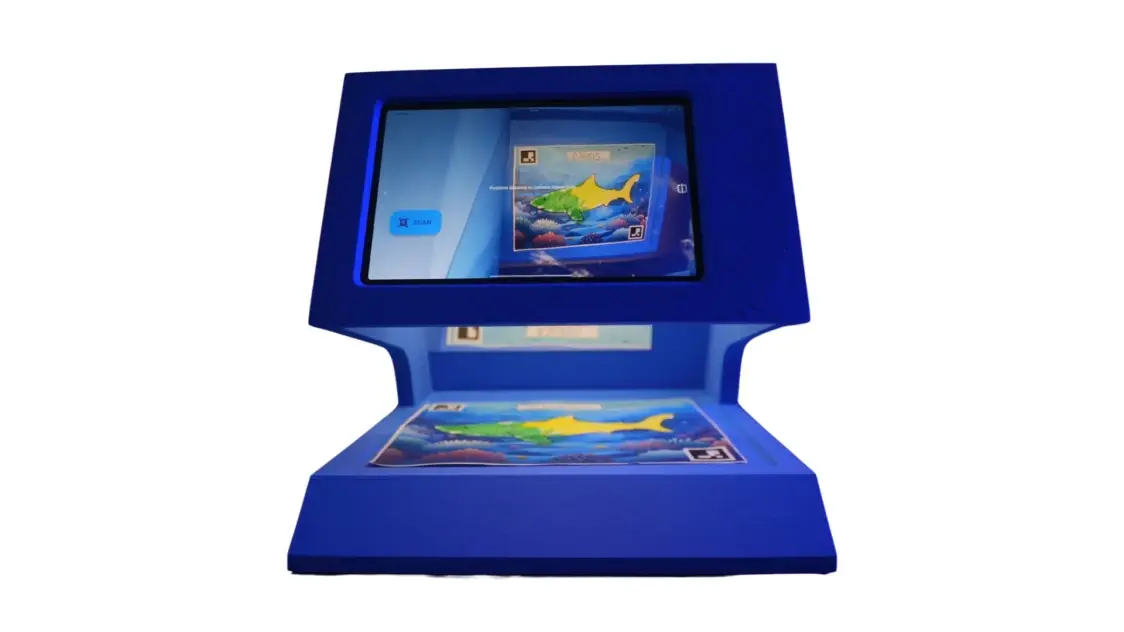
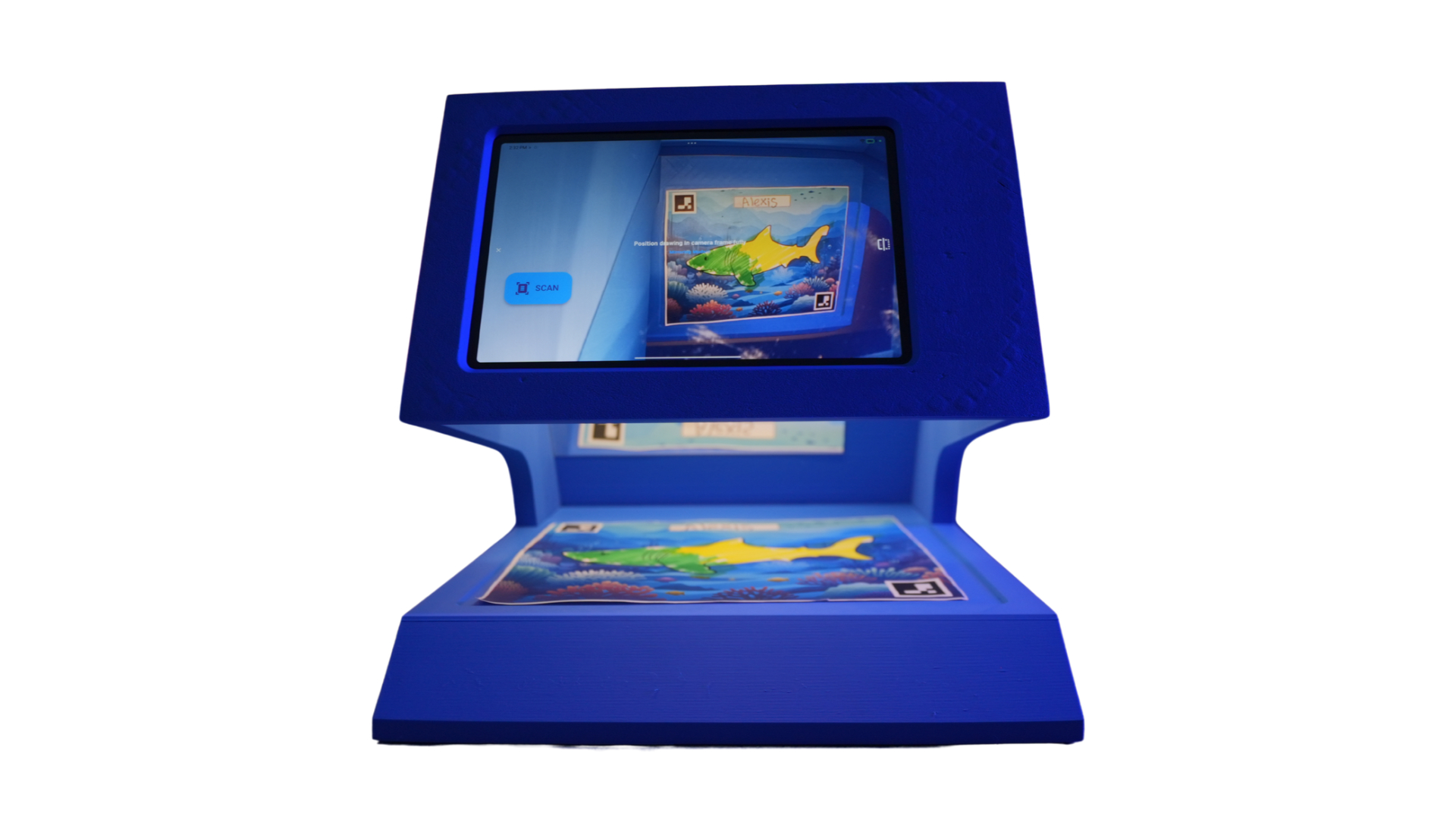
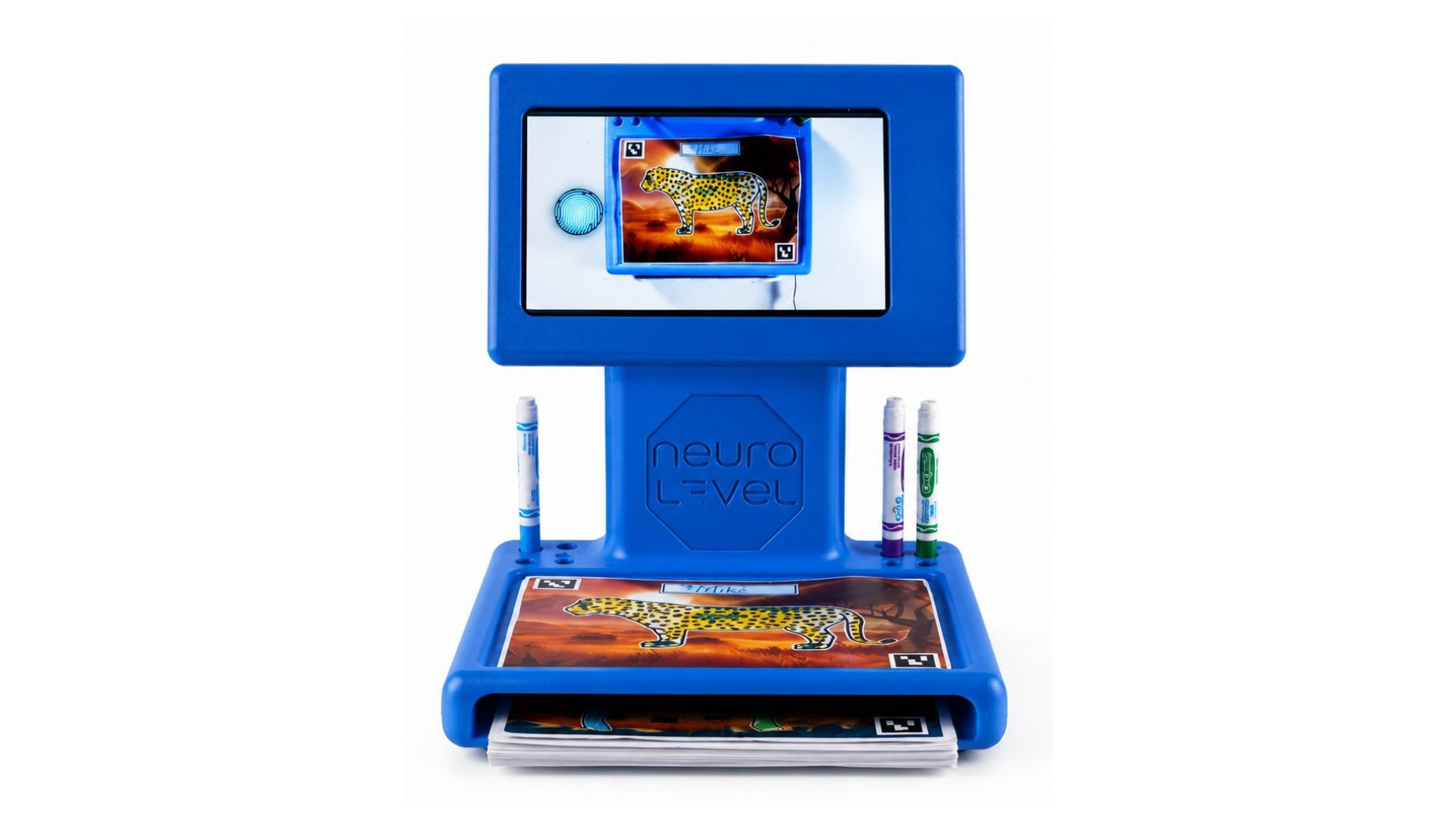
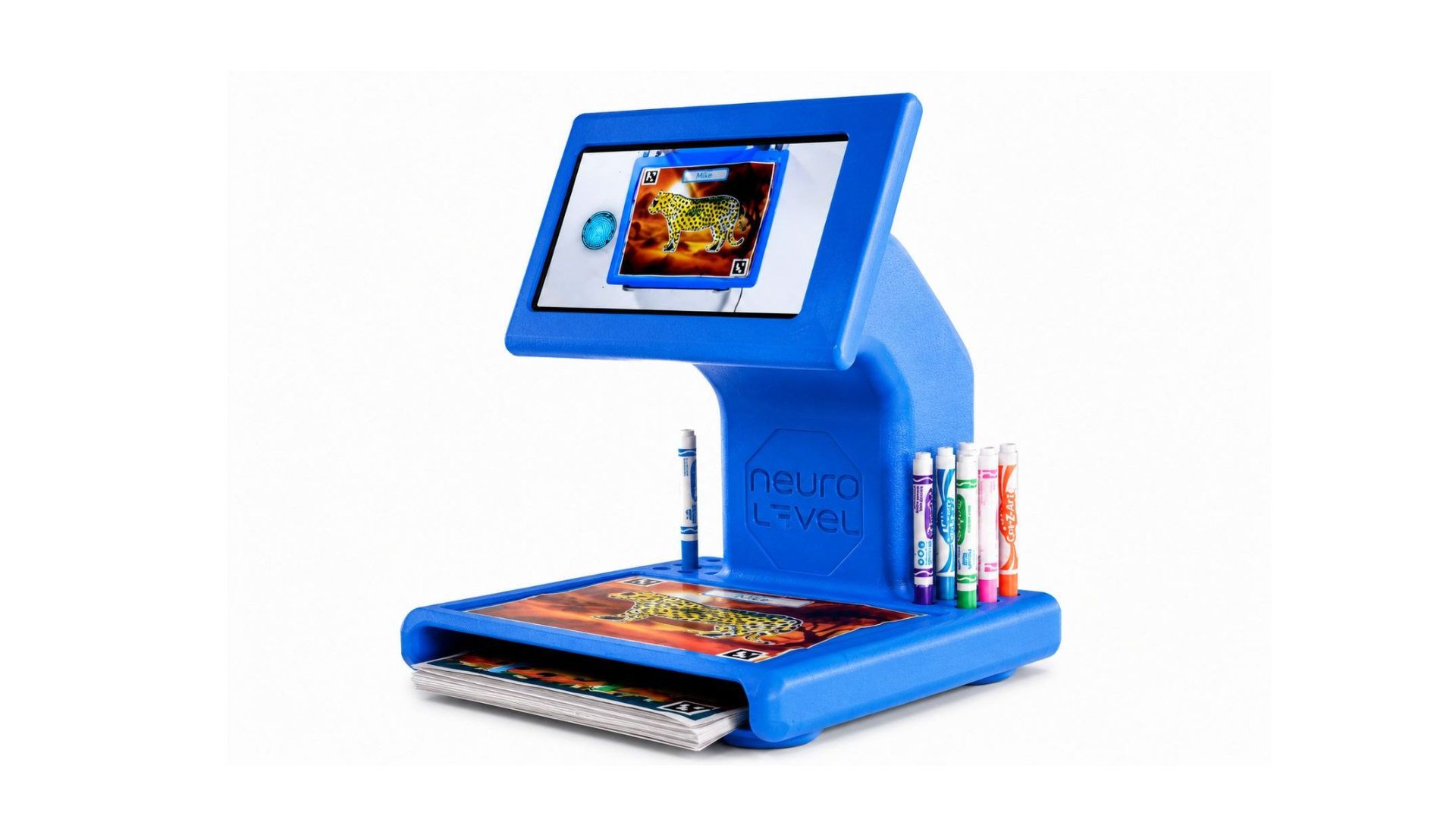
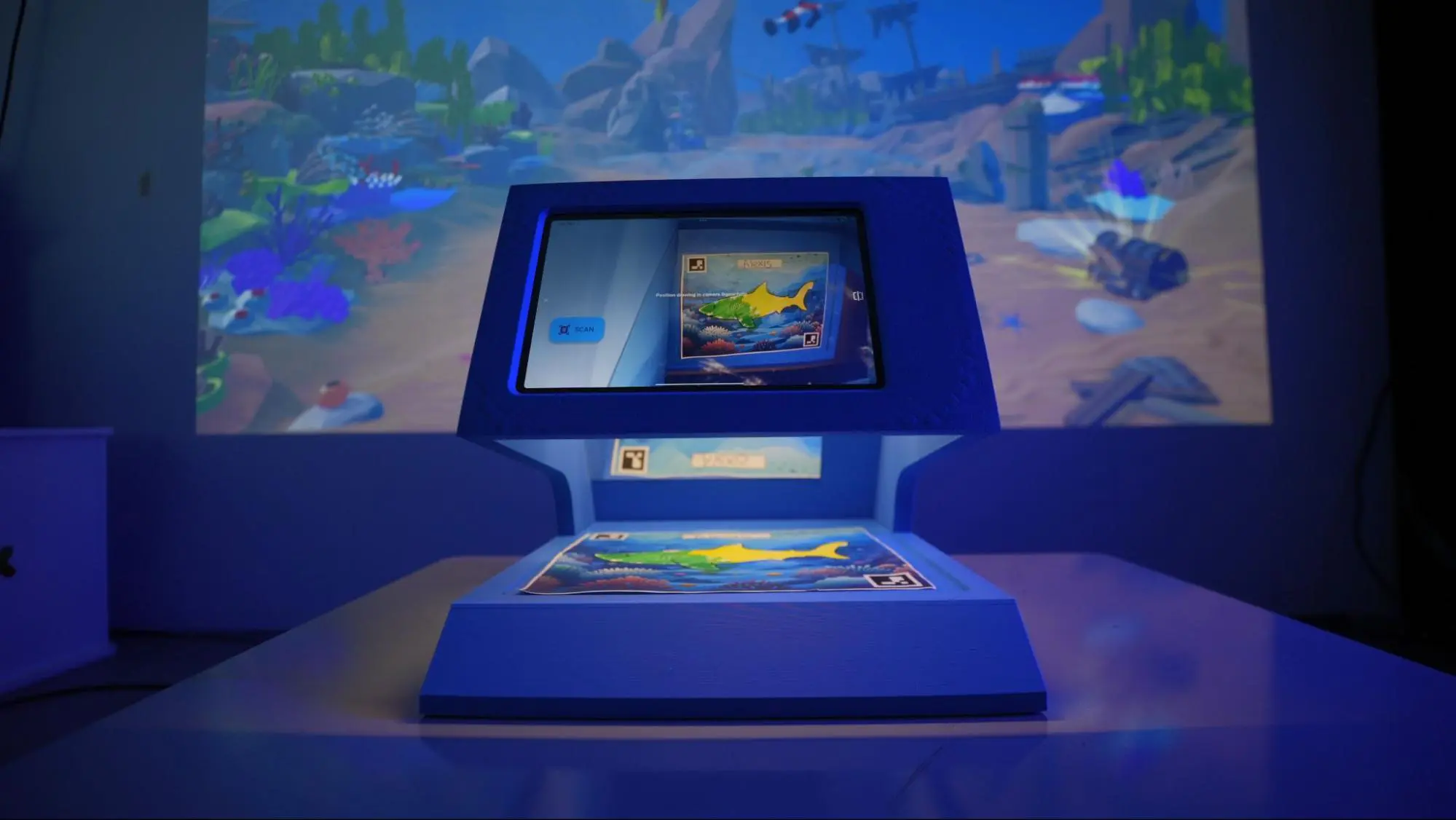
Animated Drawings scanner station
  • 90+ games Educational & therapeutic
  • Motion tracking Reacts in real time
  • Therapist-approved Built with specialists
  • Ceiling or mobile Fits different rooms
  • Made in USA American product
  • 2–5 years warranty Depending on model

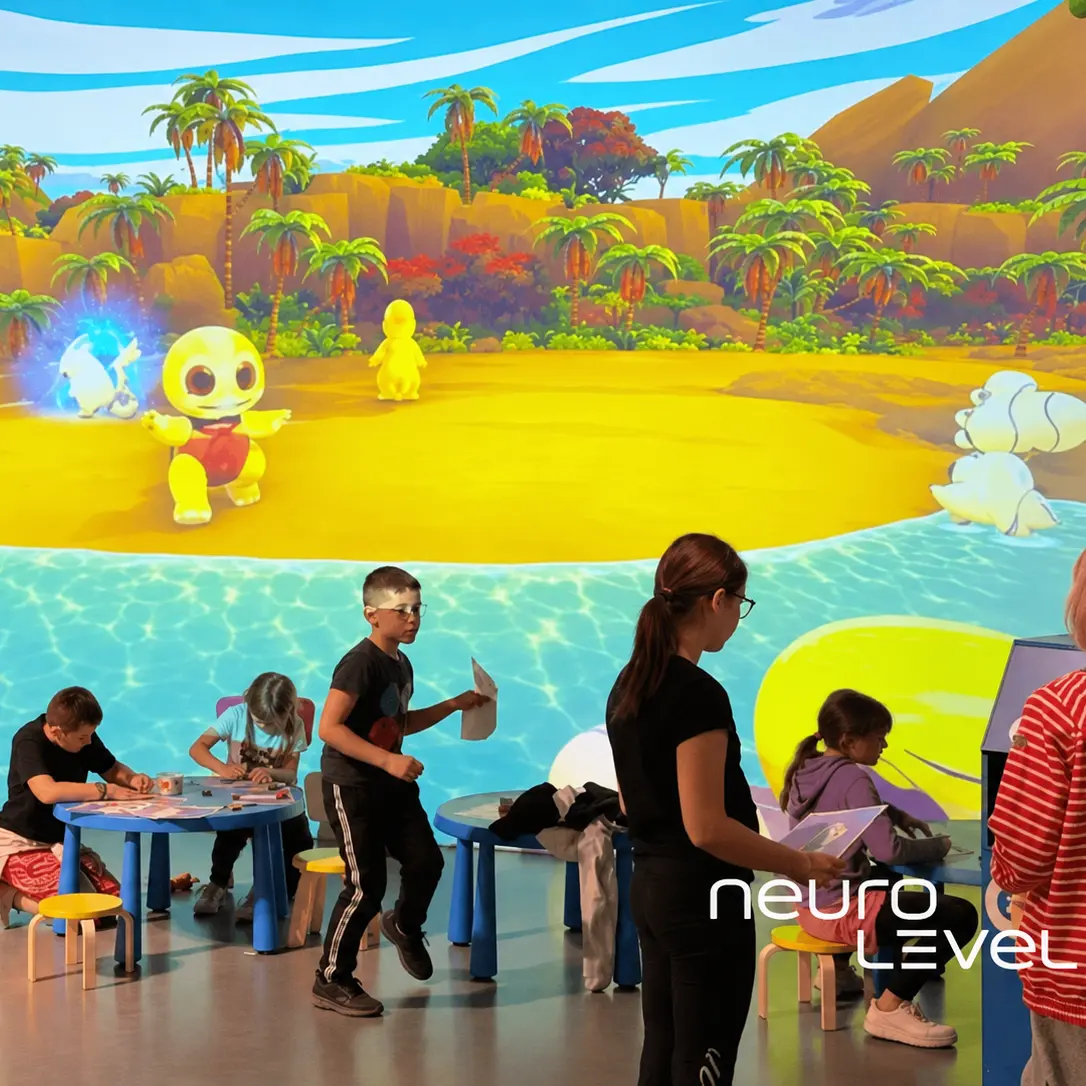
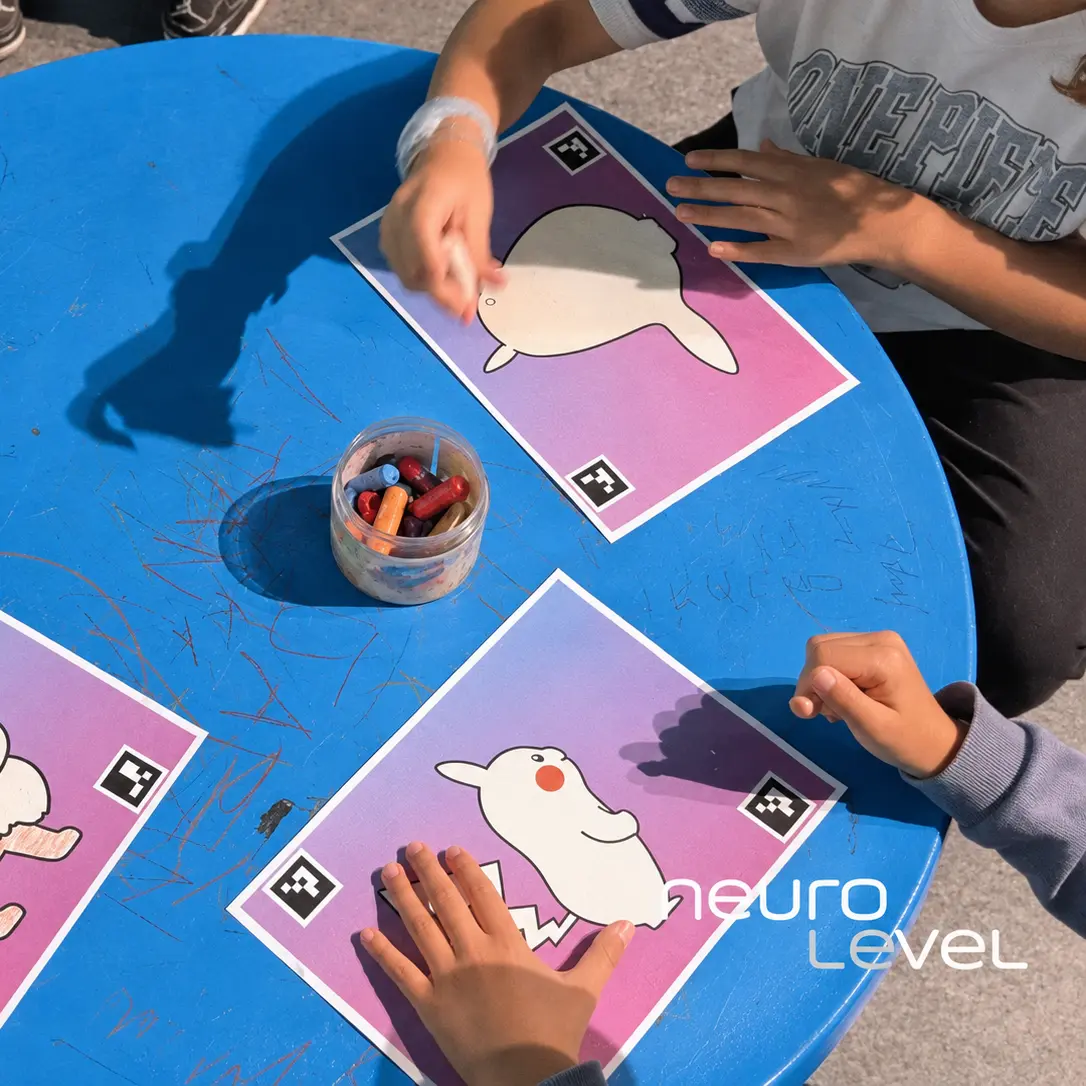
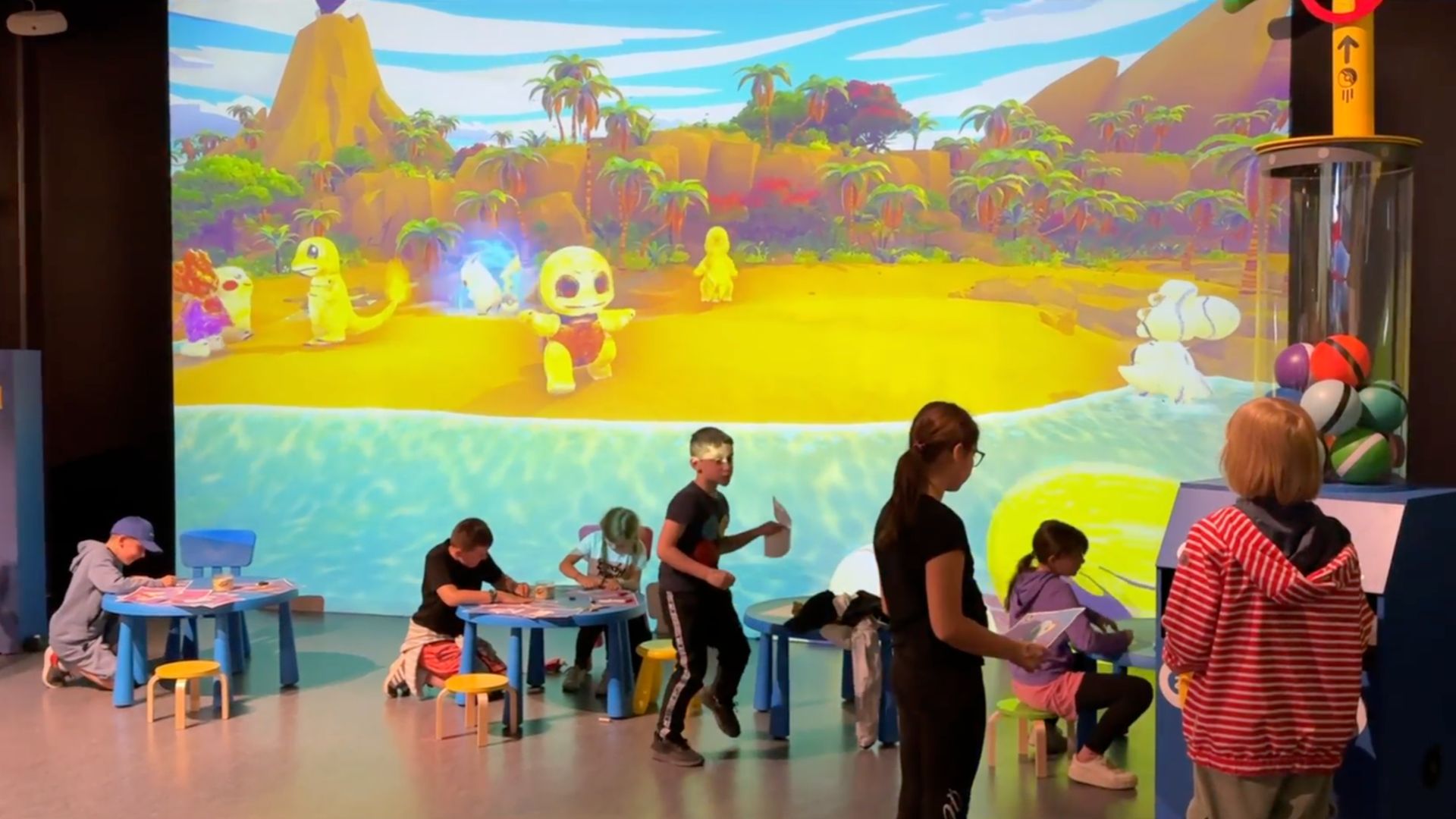
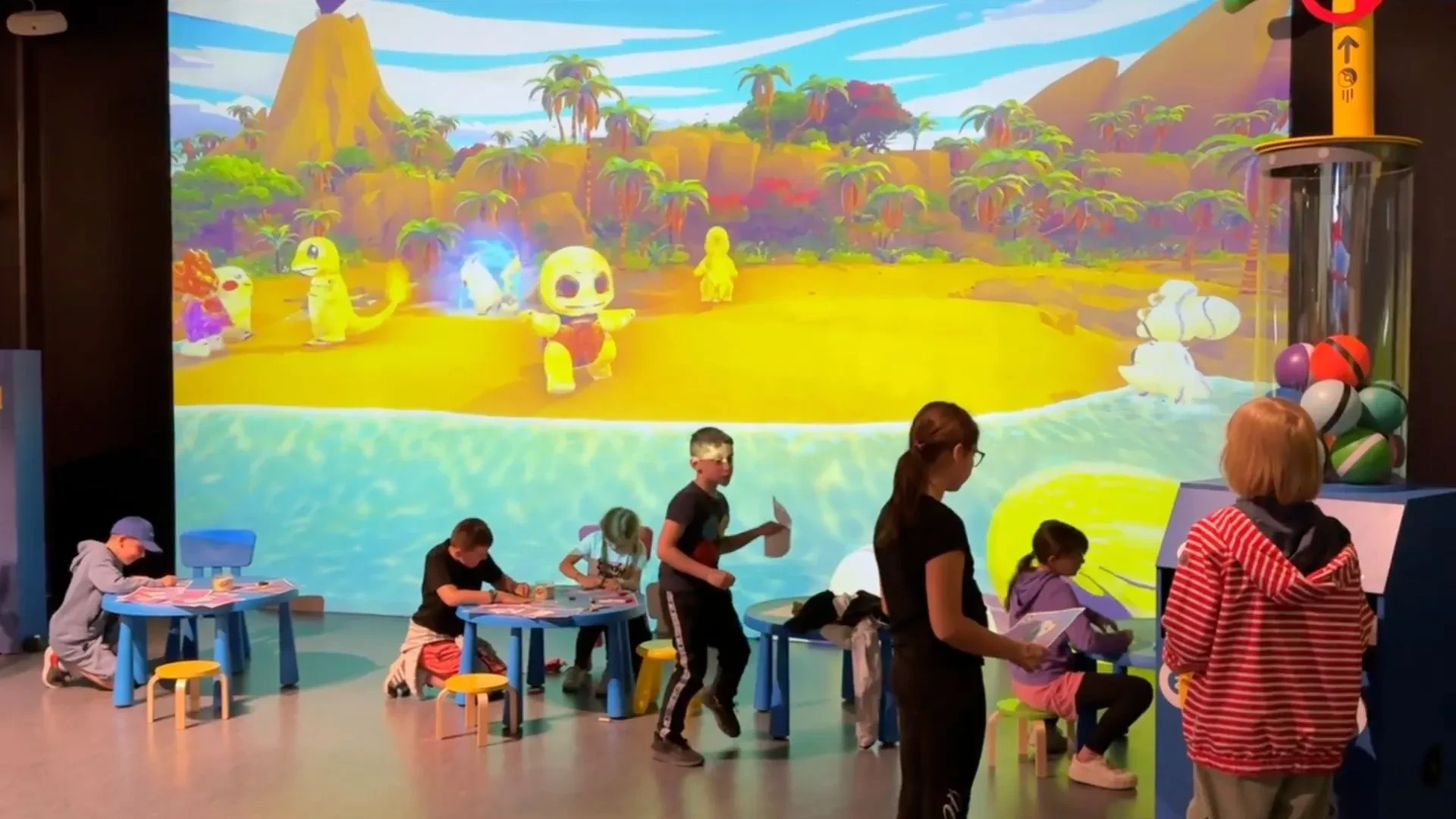
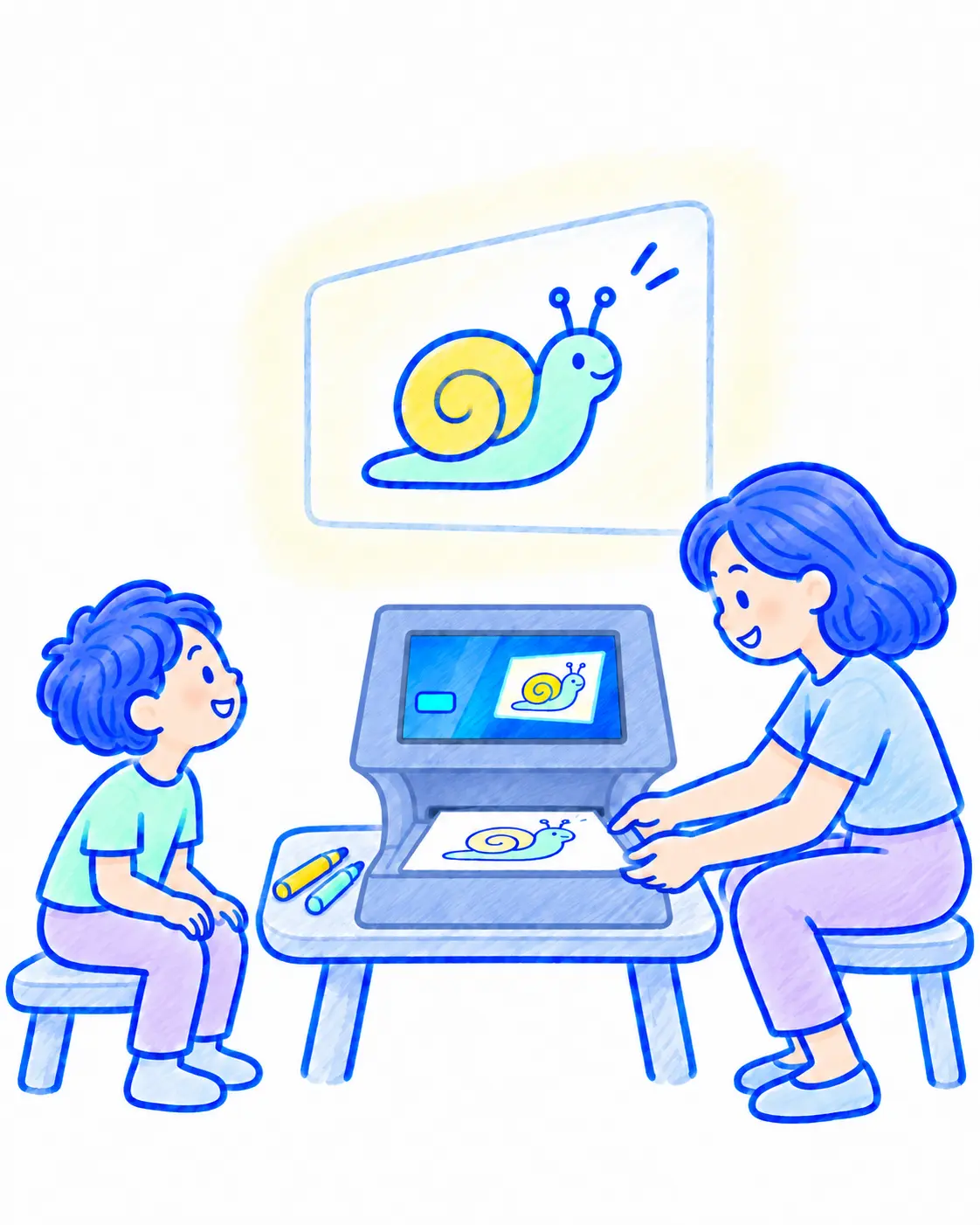
With NeuroLevel Animated Drawings, children color a paper character, scan it, and watch it move in a digital scene. The colors they choose on paper appear on the character, so each child can spot their own creation on the screen.

This interactive drawing animation system for schools pairs classroom art with group storytelling. Add it to compatible NeuroLevel equipment, or choose the standalone station for a TV, smart board, or external projector.

What Children Can Practice With Paper and Animation

A child’s color choices carry through to the animated drawing. That gives the group something specific to look for, point to, and talk about.

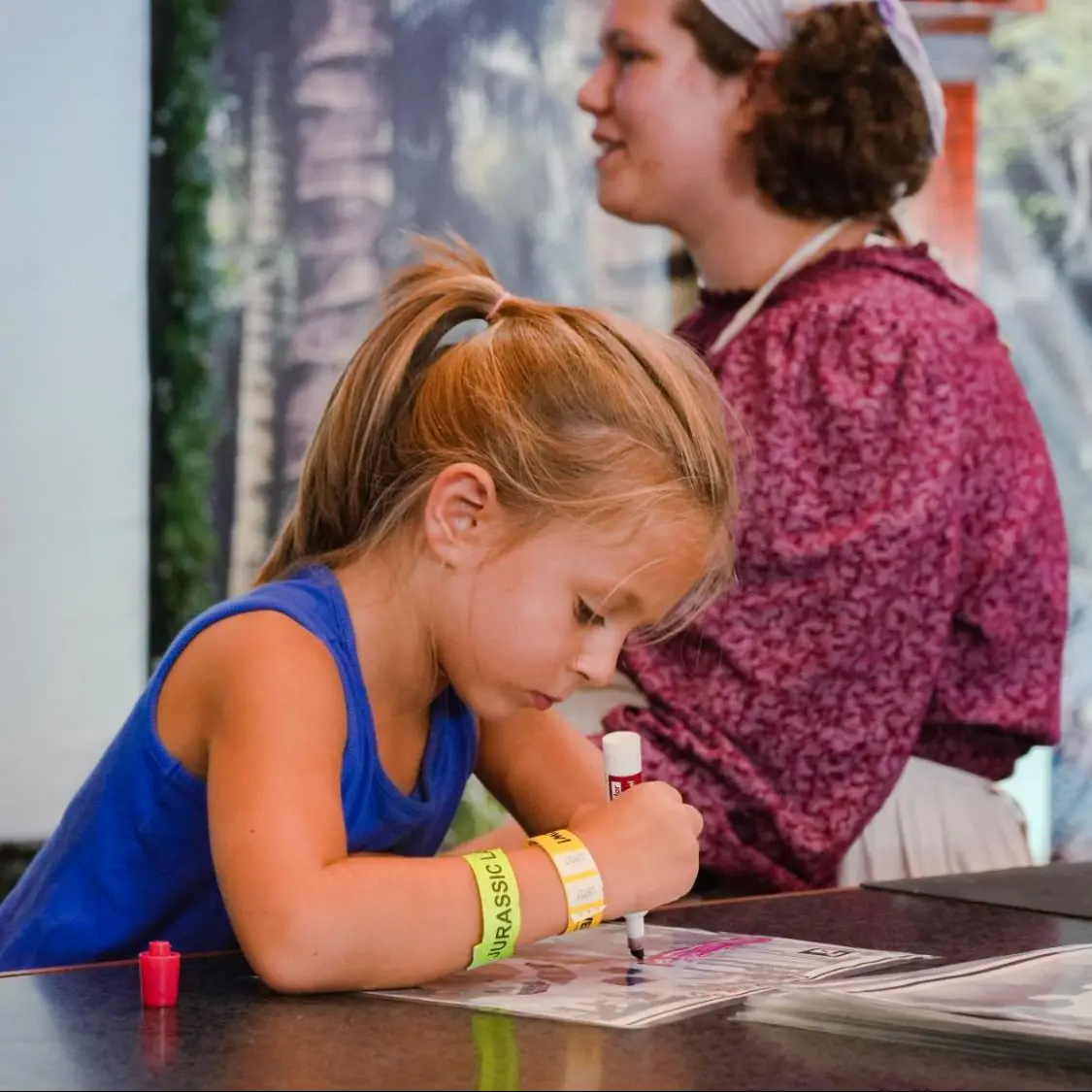
For this interactive coloring activity, start with a large shape or a few short strokes. For a child who finds it hard to control a marker, a smaller task gives them a way to practice hand control and still see their work on screen.

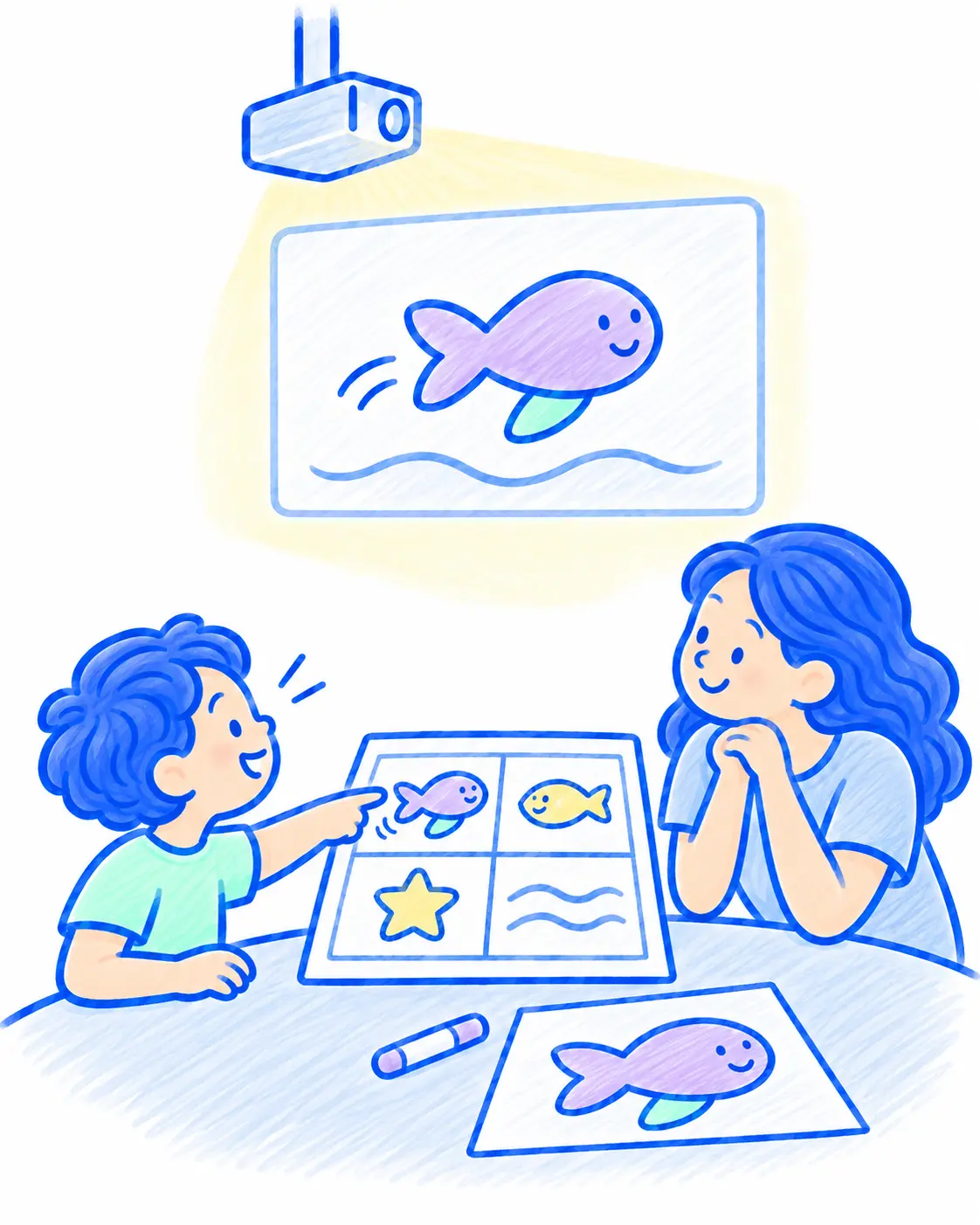
Offer two markers and let the child choose by pointing, reaching, or naming a color. Seeing that color in the animated drawing shows them that their choice changed the result.

When describing a whole picture feels hard, ask the child to point to one detail or show what their character is doing. The animated drawing gives them a way to share an idea using a gesture, an action, or a few words.

Ask the child to find one detail they chose in the animated drawing, such as a yellow tail. A familiar detail gives them a clear clue when it’s hard to pick out their character among several moving figures.

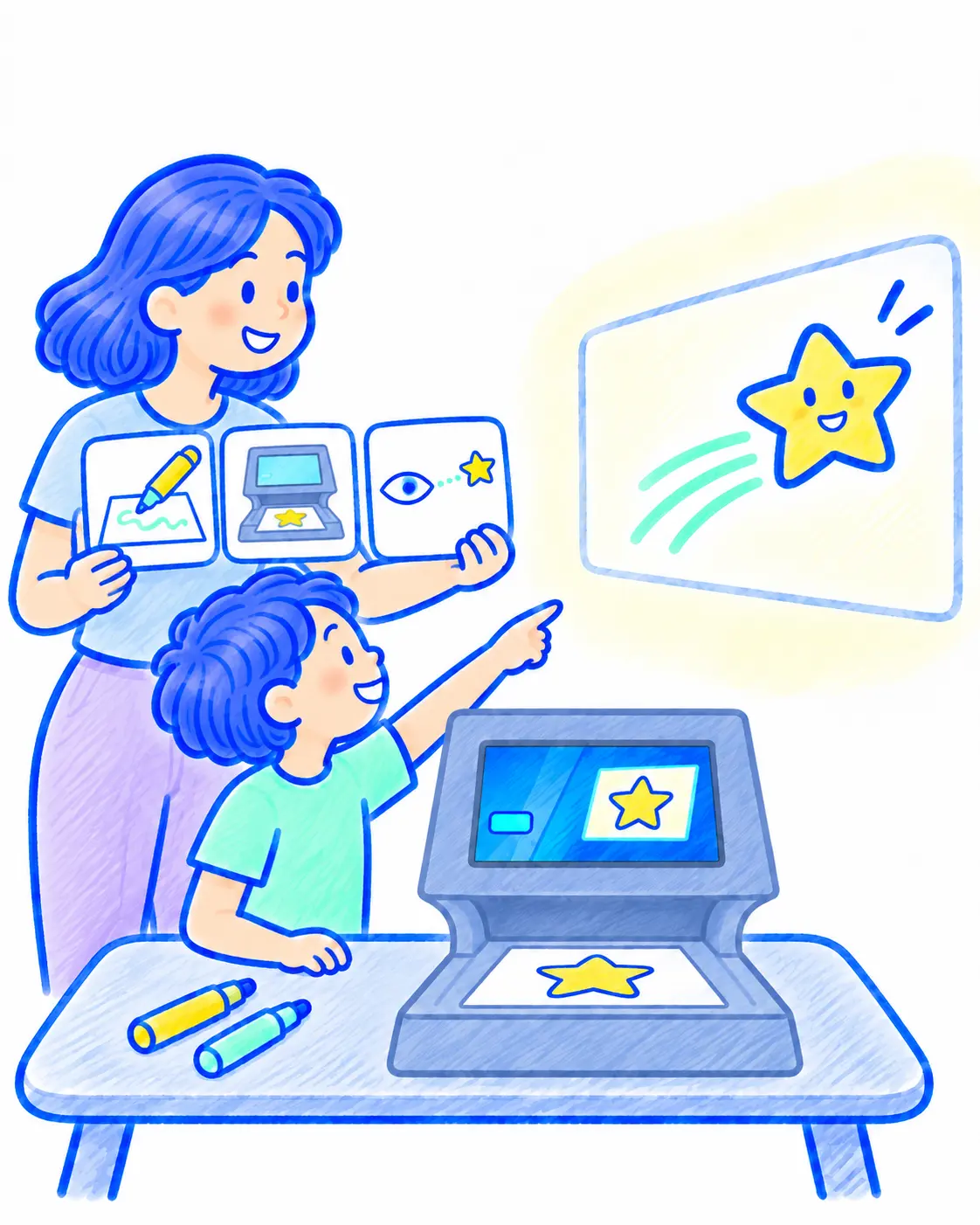
Show three picture cues for each step of the interactive coloring activity: color, scan, and watch. A child who has trouble holding several spoken instructions in mind can check the next picture and continue one step at a time.

Look at the same scene with a classmate and take turns pointing out your animated drawings. A shared image gives both children something concrete to respond to. For a learner with autism spectrum disorder (ASD) who prefers familiar themes, start with a character they already know and invite them to point out one detail to a classmate.

Fine Motor Practice

For this interactive coloring activity, start with a large shape or a few short strokes. For a child who finds it hard to control a marker, a smaller task gives them a way to practice hand control and still see their work on screen.

Choice Making

Offer two markers and let the child choose by pointing, reaching, or naming a color. Seeing that color in the animated drawing shows them that their choice changed the result.

Communication

When describing a whole picture feels hard, ask the child to point to one detail or show what their character is doing. The animated drawing gives them a way to share an idea using a gesture, an action, or a few words.

Visual Recognition

Ask the child to find one detail they chose in the animated drawing, such as a yellow tail. A familiar detail gives them a clear clue when it’s hard to pick out their character among several moving figures.

Sequencing

Show three picture cues for each step of the interactive coloring activity: color, scan, and watch. A child who has trouble holding several spoken instructions in mind can check the next picture and continue one step at a time.

Shared Attention

Look at the same scene with a classmate and take turns pointing out your animated drawings. A shared image gives both children something concrete to respond to. For a learner with autism spectrum disorder (ASD) who prefers familiar themes, start with a character they already know and invite them to point out one detail to a classmate.

Using Drawing Activities in Special Education and Therapy

Set One Goal

Use an interactive coloring station for special education classrooms to practice one observable action, such as choosing a marker or identifying a character.

Adjust the Task

For a learner with autism spectrum disorder (ASD) who benefits from visual instructions, show the three steps of the interactive coloring activity with pictures and reveal one step at a time if helpful.

Record What You Observe

Note whether the learner completes the chosen step independently or after a prompt.

How to Structure a Drawing Session

Use the same Animated Drawings routine each time so children know what comes next. For a learner with attention-deficit/hyperactivity disorder (ADHD) who finds it hard to get started, give one concrete direction, such as “Color the tail,” and wait before introducing the next step. Give each child a way to take part, from choosing a color to describing what their character does on screen.

01
Choose
Offer two templates or colors.
02
Show
Preview the three steps.
03
Color
Start with one part.
04
Scan
Bring pages to the drawing scanner one at a time.
05
Find
Spot each character.
06
Share
Point to it or describe one action.

Plan an Activity With Your Team

Corinne Grossman

Corinne Grossman

OTR/L, Pediatric Occupational Therapist

Tell us how your group works and what display you have. In an Animated Drawings demo, you can see how children take turns and how the setup fits your room.

Corinne Grossman

OTR/L, Pediatric Occupational Therapist

See How Paper Drawings Come to Life

SCR-20261123-llfx " alt="">
From Paper to an Animated Scene

See how animated drawings become part of a shared digital scene.
Five Worlds to Explore " alt="">
Five Worlds to Explore

See five examples of scenes children can add their animated drawings to.
Drawing and Sand Play in One Space " alt="">
Drawing and Sand Play in One Space

See an installation that combines an interactive coloring station with an interactive sandbox.
Farm Animals Come to Life " alt="">
Farm Animals Come to Life

Watch animated drawings of farm animals appear in a shared scene.

How Animated Drawings Work

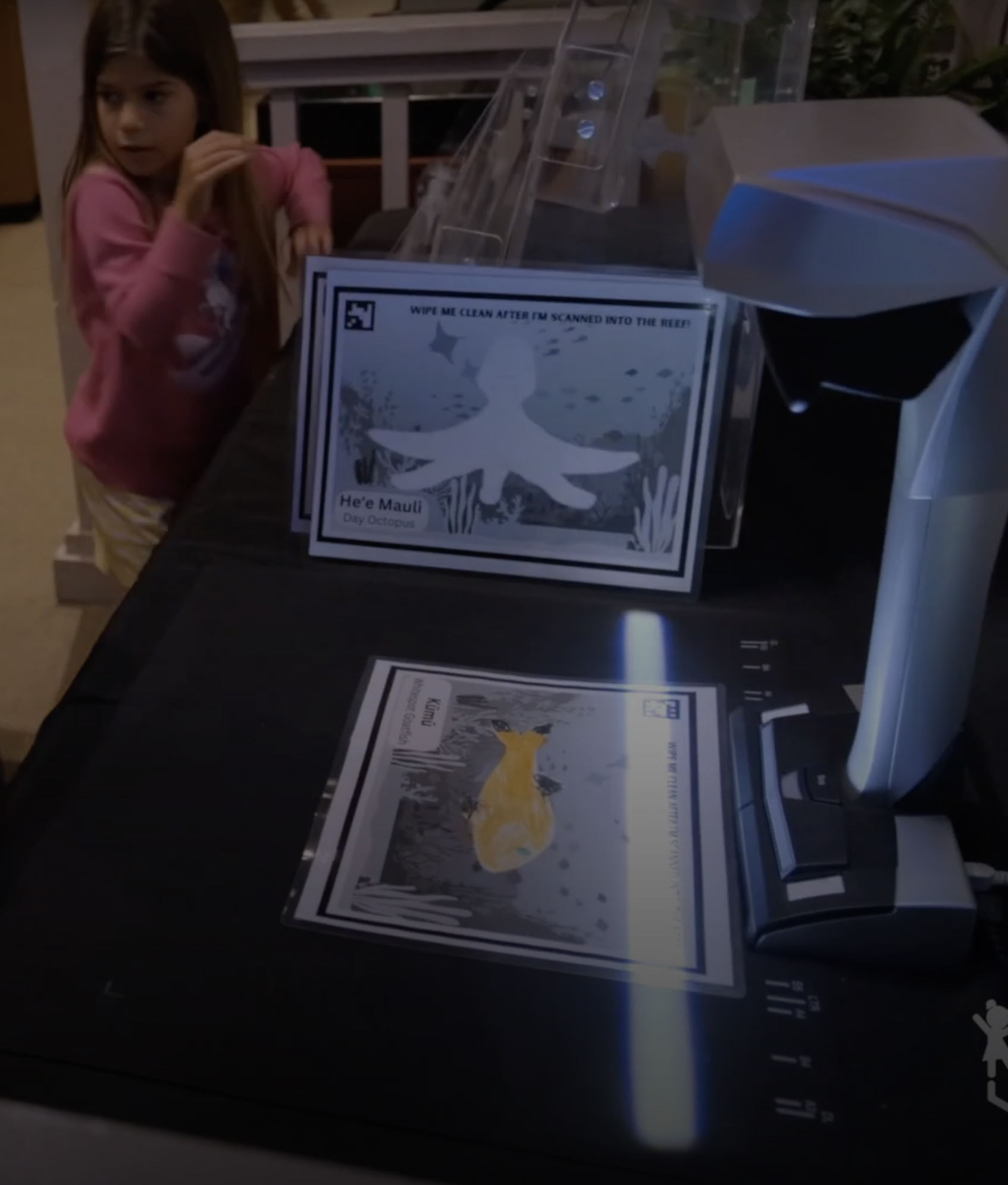
To scan and animate paper drawings, choose a scene, color its paper template, and place the page in the drawing scanner. The software puts the child’s colors onto a character that moves in the scene.

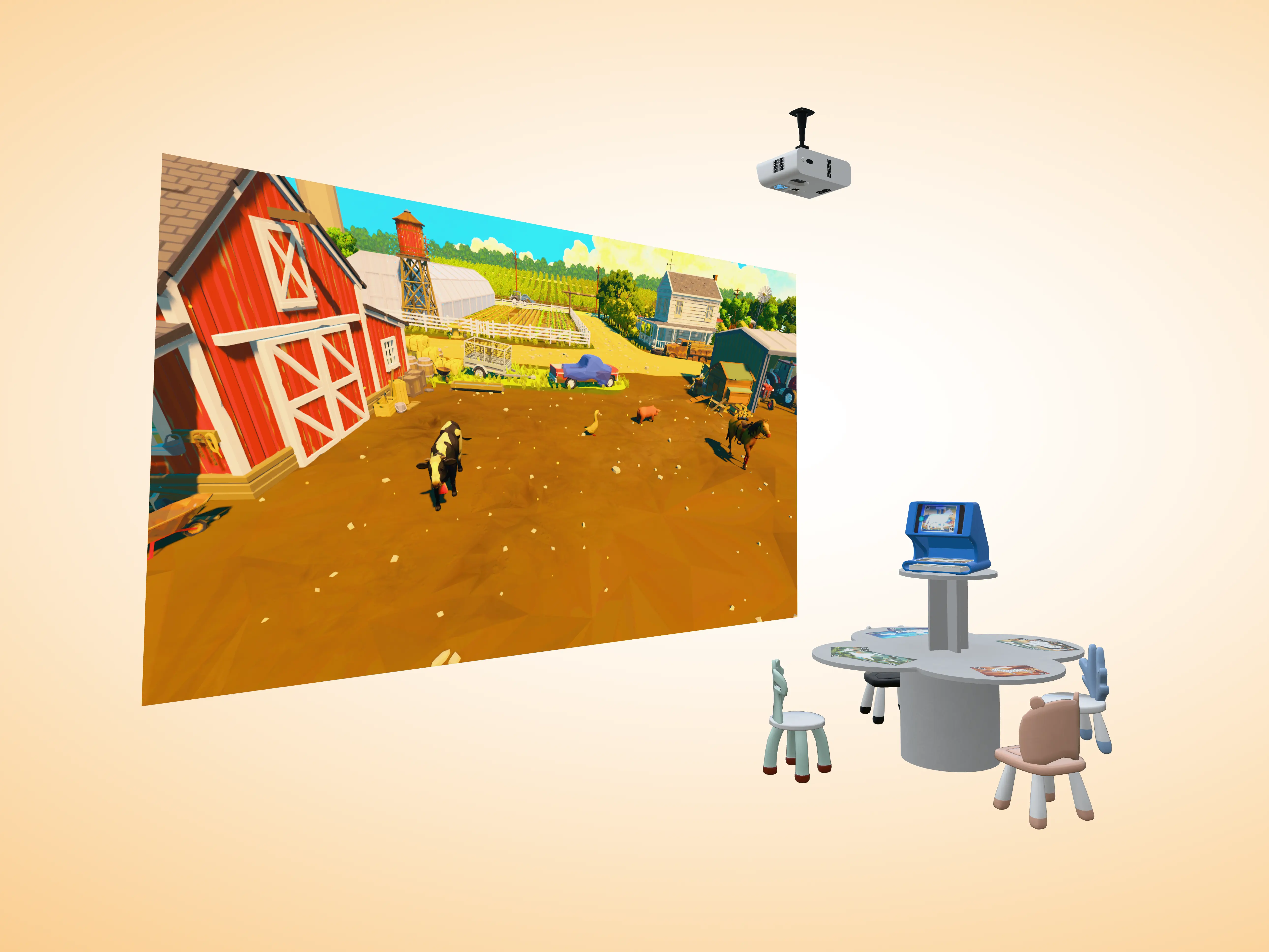
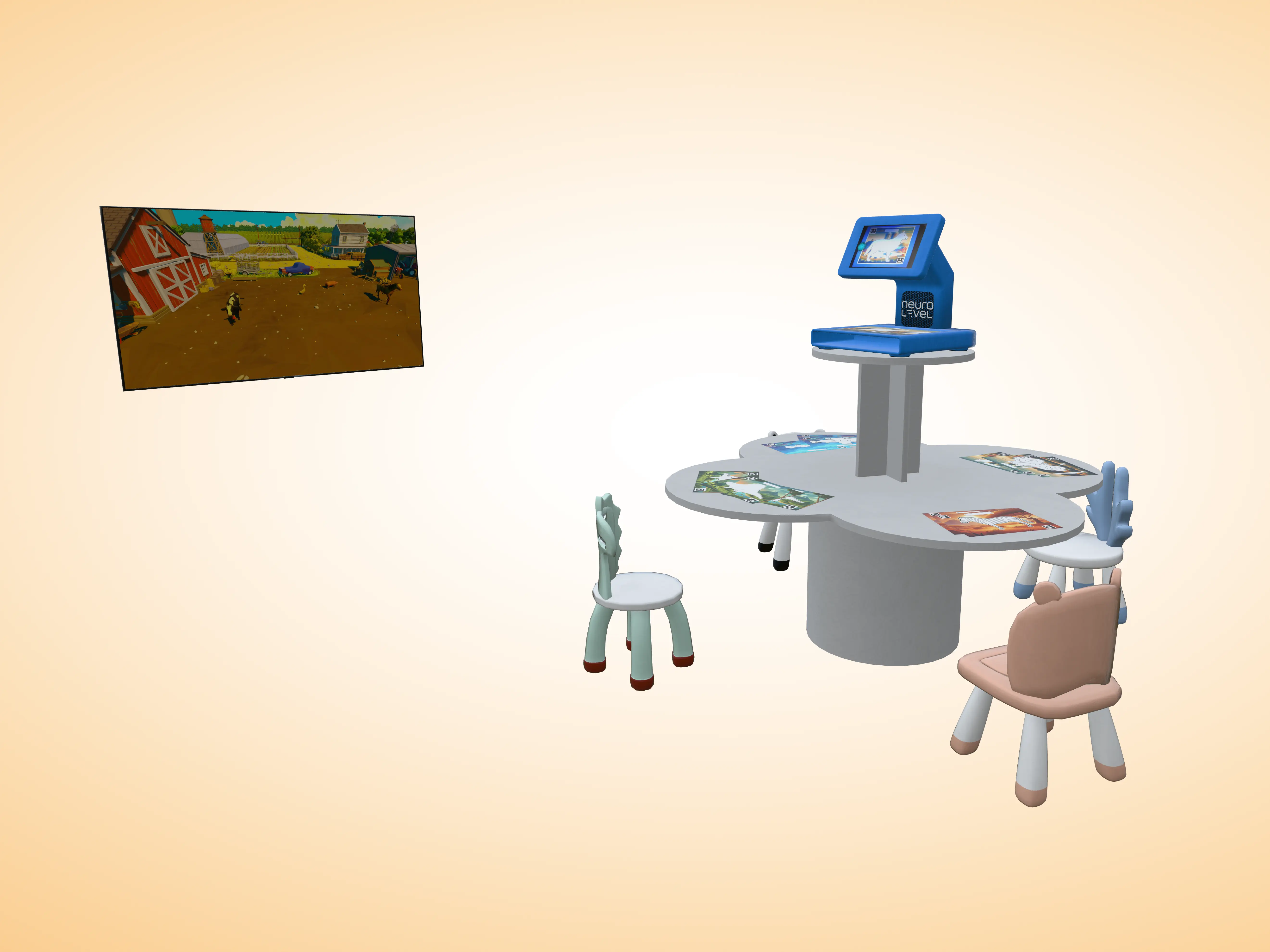
The Animated Drawings Add-On uses a compatible NeuroLevel host system. The Standalone has its own computer and sends the animation to an external display via wireless HDMI. Movement controls depend on the host and the activity.

Paper Template Choose the page made for the selected scene.
Drawing Scanner Reads the colors on the finished page.
Built-In Touchscreen Select the activity at the station.
Host or Built-In Computer Runs the scene and adds the character.
Display Shows the animated drawing in motion.
Blue Animated Drawings station with a built-in touchscreen above the paper scanner.

Software and Activity Example

Both configurations of the interactive drawing system include ten activities that bring colored templates into a scene. The Add-On also includes painting activities and a coloring book.

Watch Gameplay

Medium activity level

Gameplay:

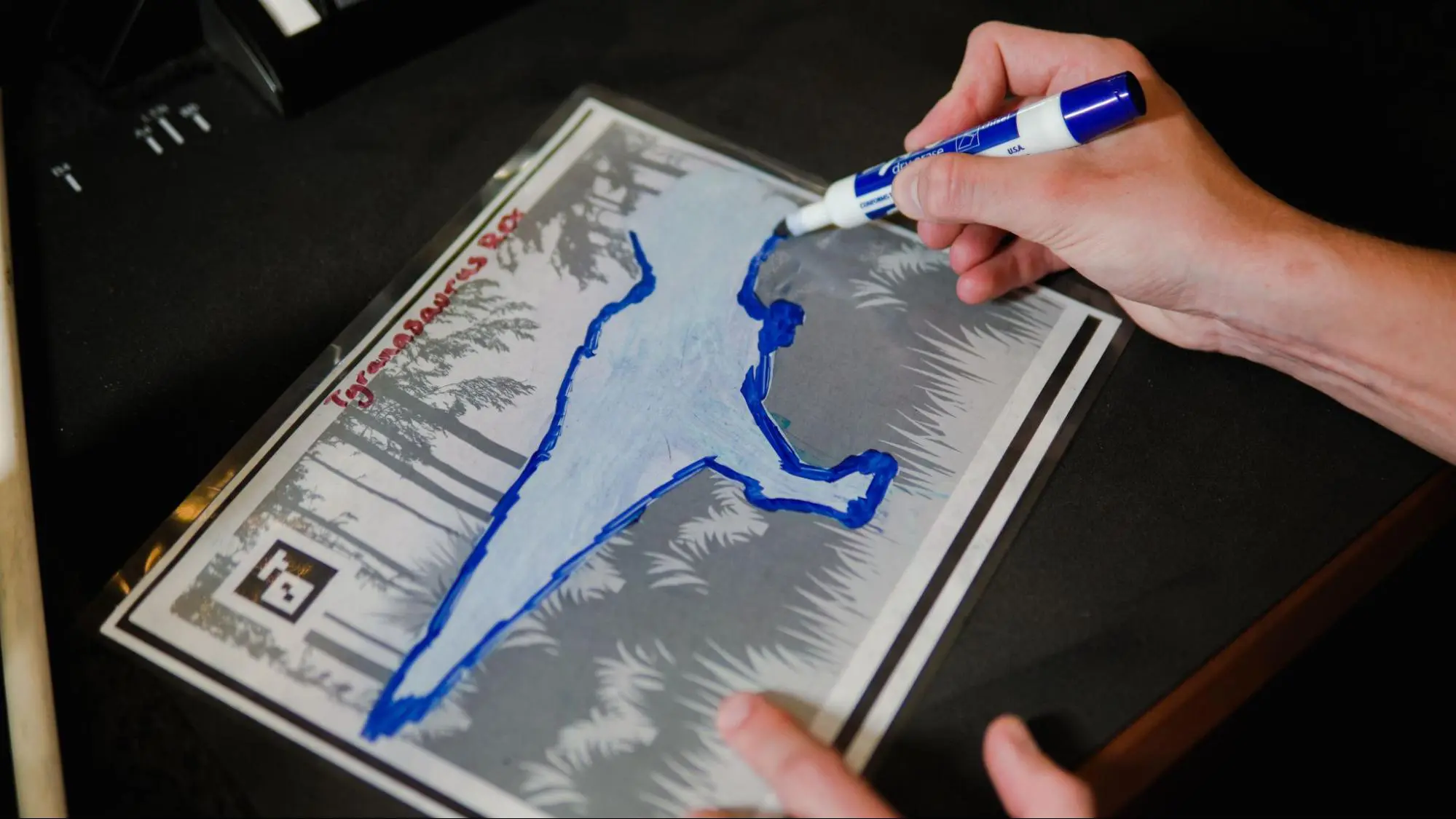
The learner colors a dinosaur template, places it in the drawing scanner, and watches it appear in an animated scene. They then find their dinosaur by its distinctive colors and can point to it or describe what it is doing.

Clinical value:

The task offers practice in marker control, visual recognition, and describing actions. Shared sessions also create opportunities for turn-taking. Therapists can observe how the learner makes marks, matches the paper drawing to its animated version, and communicates their choice, with prompts as needed.

Category:

Art & Storytelling

Targeted skills:

Marker control Visual recognition Turn-taking Describing actions

What Comes With the System?

Station A drawing scanner with a built-in touchscreen and wireless accessories.

Art Materials Both setups include 16 markers. The Add-On also lists 12 inflatable pencils.

Display Connection The Standalone includes a wireless HDMI kit. The Add-On connects to its host via Wi-Fi.

Interactive Coloring for Art, Learning, and Play

Give the group a shared theme, then let each child decide what their character will look like. Once the animated drawings appear on the display, use the scene to start a conversation or tell a story together

Classroom Art
Group Storytelling
Therapist-Led Activities
Family and Recreation

Where Can You Use It?

The interactive drawing system puts a child’s own colors on a moving character. Recognizing that character gives the child a visible result to work toward, something to point to, and a reason to look at the same scene as a partner. Use that feedback to practice a skill that fits the child and the setting.

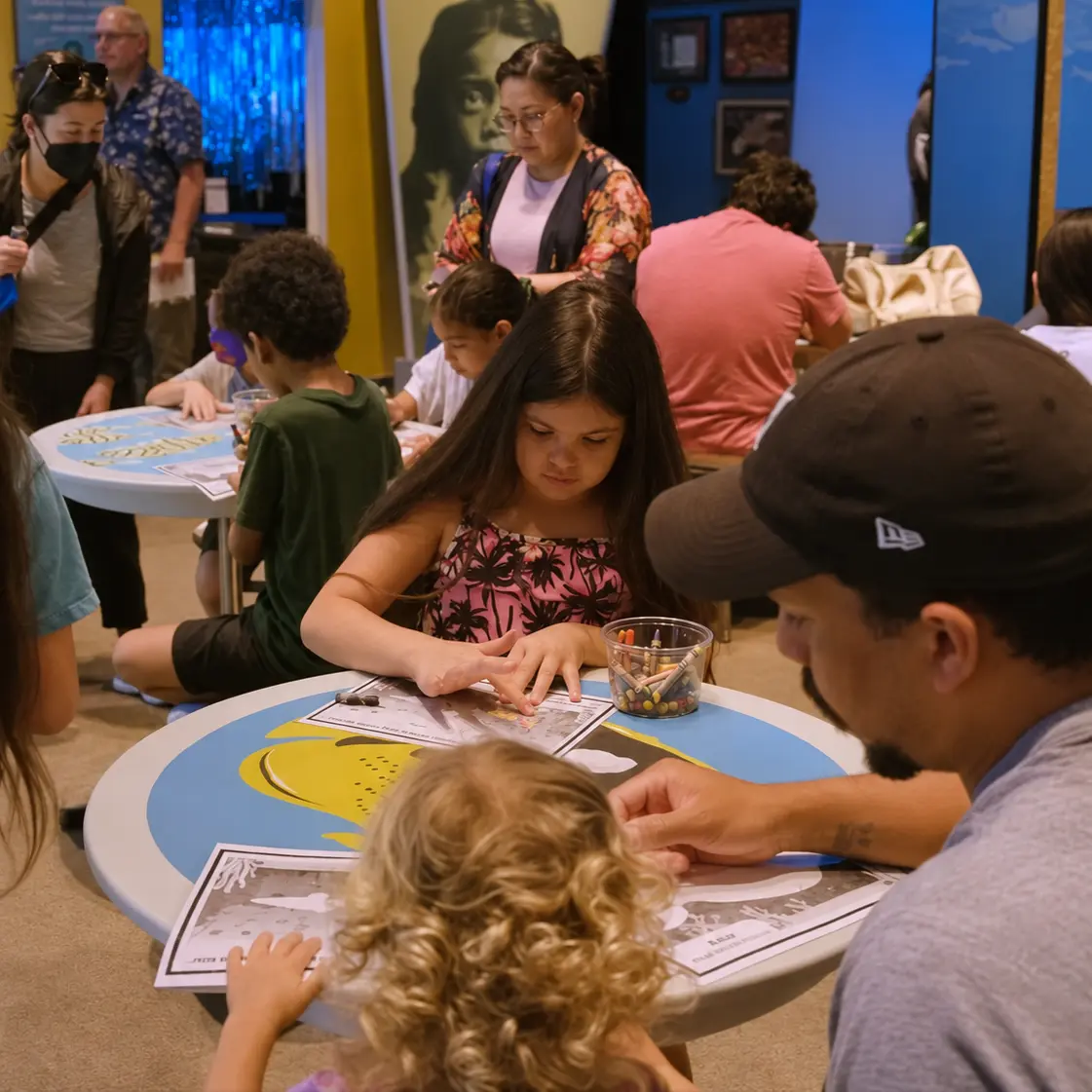
A child and an adult work on paper drawings at a table with a group.

Special Education Classrooms

Practice starting and finishing a short task. During the interactive coloring activity, give the learner picture cues for color, scan, and find. For a child who gets stuck when a task has several steps, each cue shows what to do next, and finding their own character on screen makes it clear when the task is done.

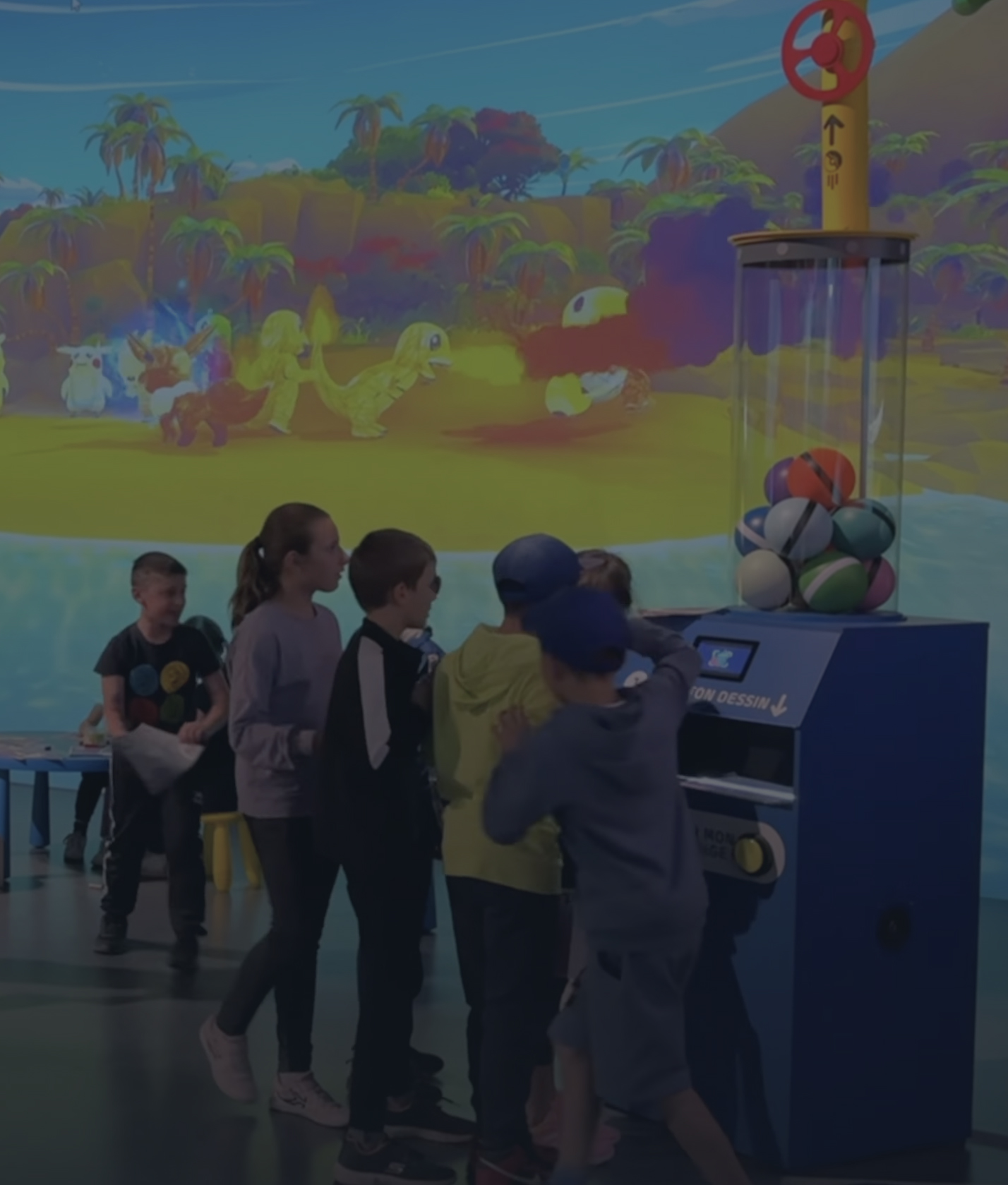
Children gather in front of a large projected landscape filled with colorful characters.

Sensory Rooms

Practice communicating a sensory preference. For a child with ASD who prefers to see a new activity before joining, put a familiar picture in the drawing scanner while they watch. Then offer a choice to watch again, join in, or stop. The animation gives the child a specific experience to respond to. They can show their preference with a gesture, a picture card, or words.

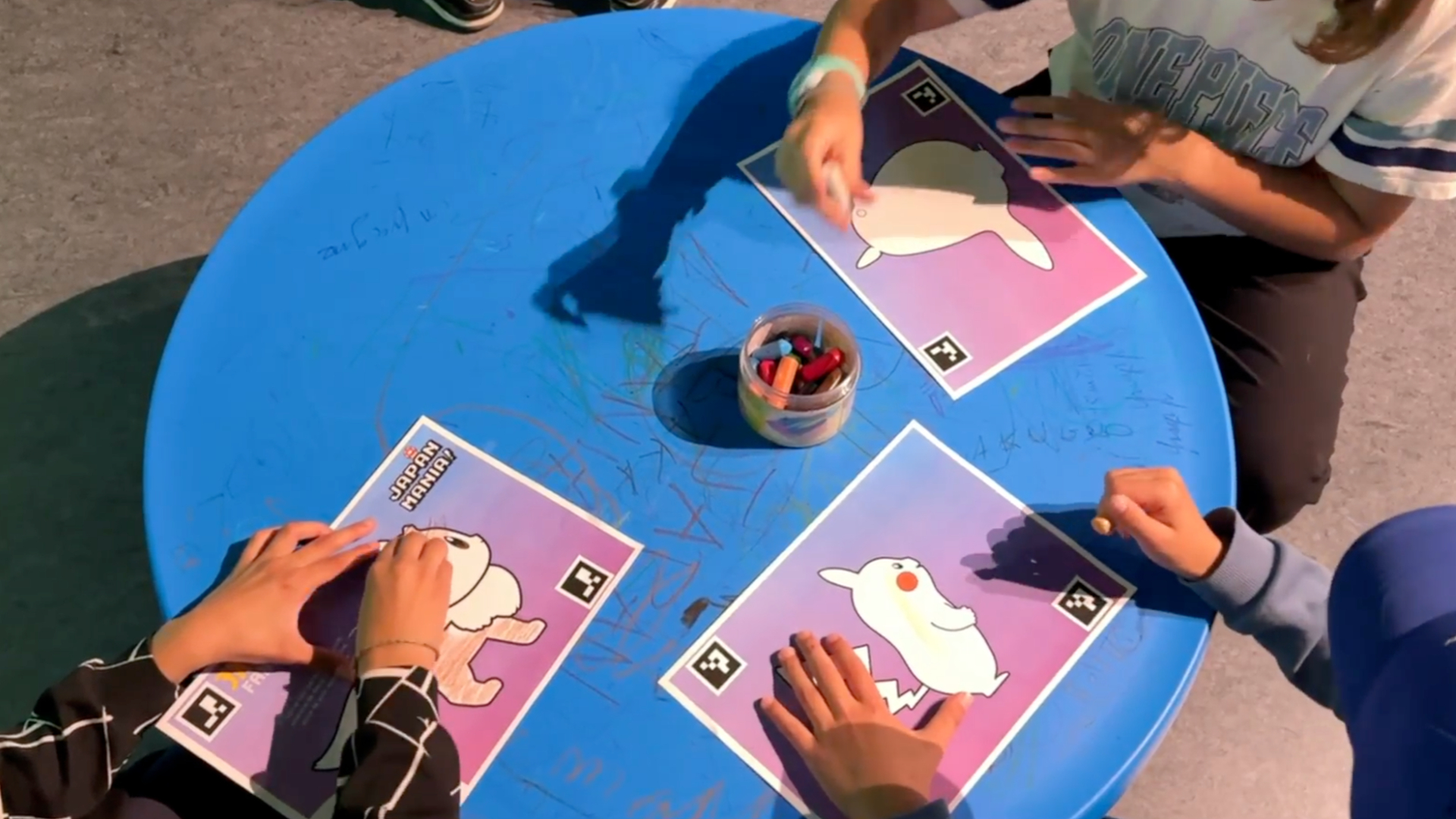
An overhead view of children coloring paper templates at a blue activity table.

Therapy Clinics

Practice using both hands together. In pediatric occupational therapy, the therapist can ask the child to steady the page with one hand while coloring a large shape with the other. Seeing their chosen color in the animated drawing gives the task a visible goal. The therapist can repeat the same task and note how much help the child needs to keep the page steady.

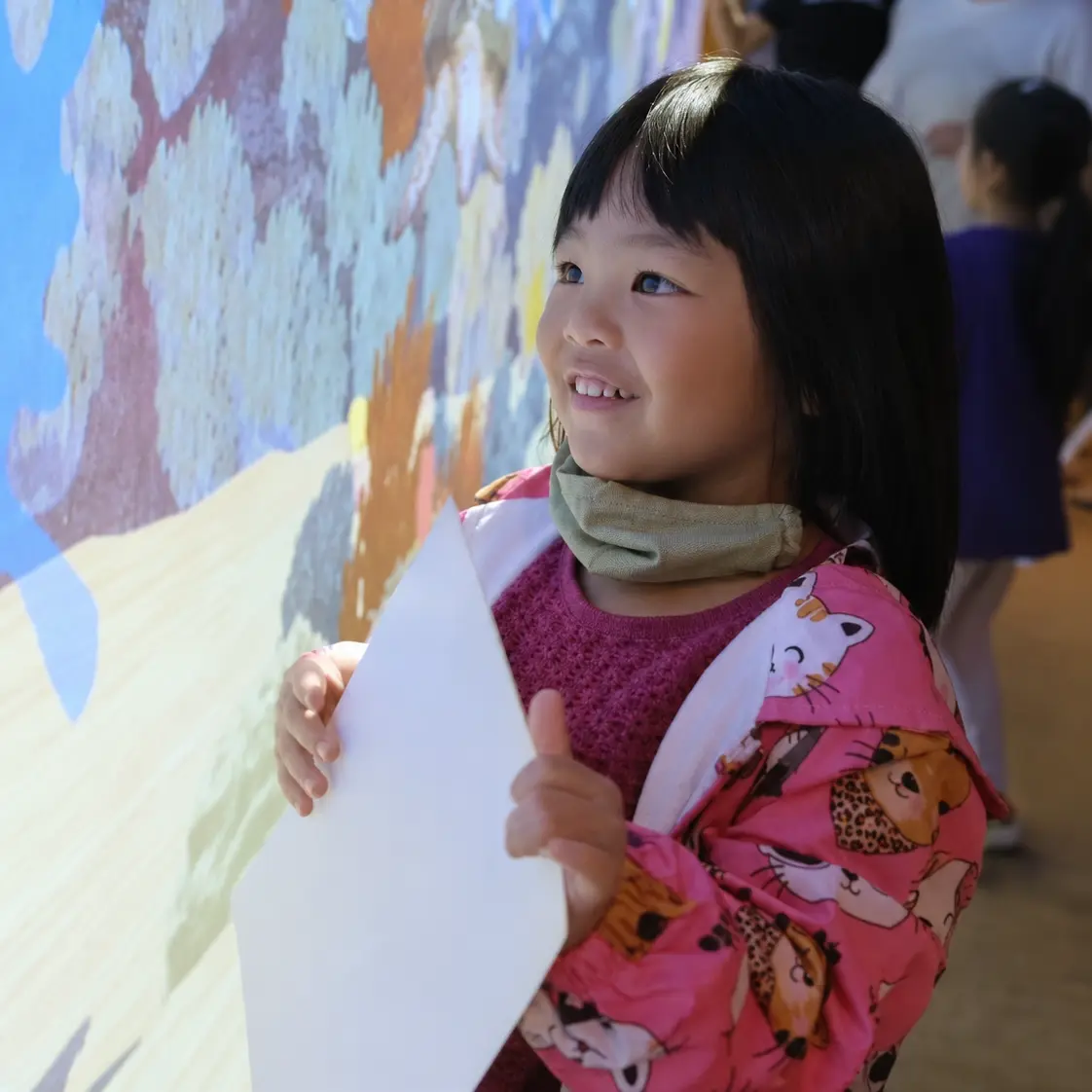
A child points up at a colorful wall projection.

Preschools and Early Learning

Practice waiting and taking a turn. Use a consistent cue to show whose page goes into the drawing scanner next. While children wait, invite them to find the animated drawing that just appeared. For a learner with ADHD who finds waiting hard, give them one detail to look for, such as the character’s hat. The shared display gives them a concrete job between turns and helps them follow the sequence as pages are scanned one at a time.

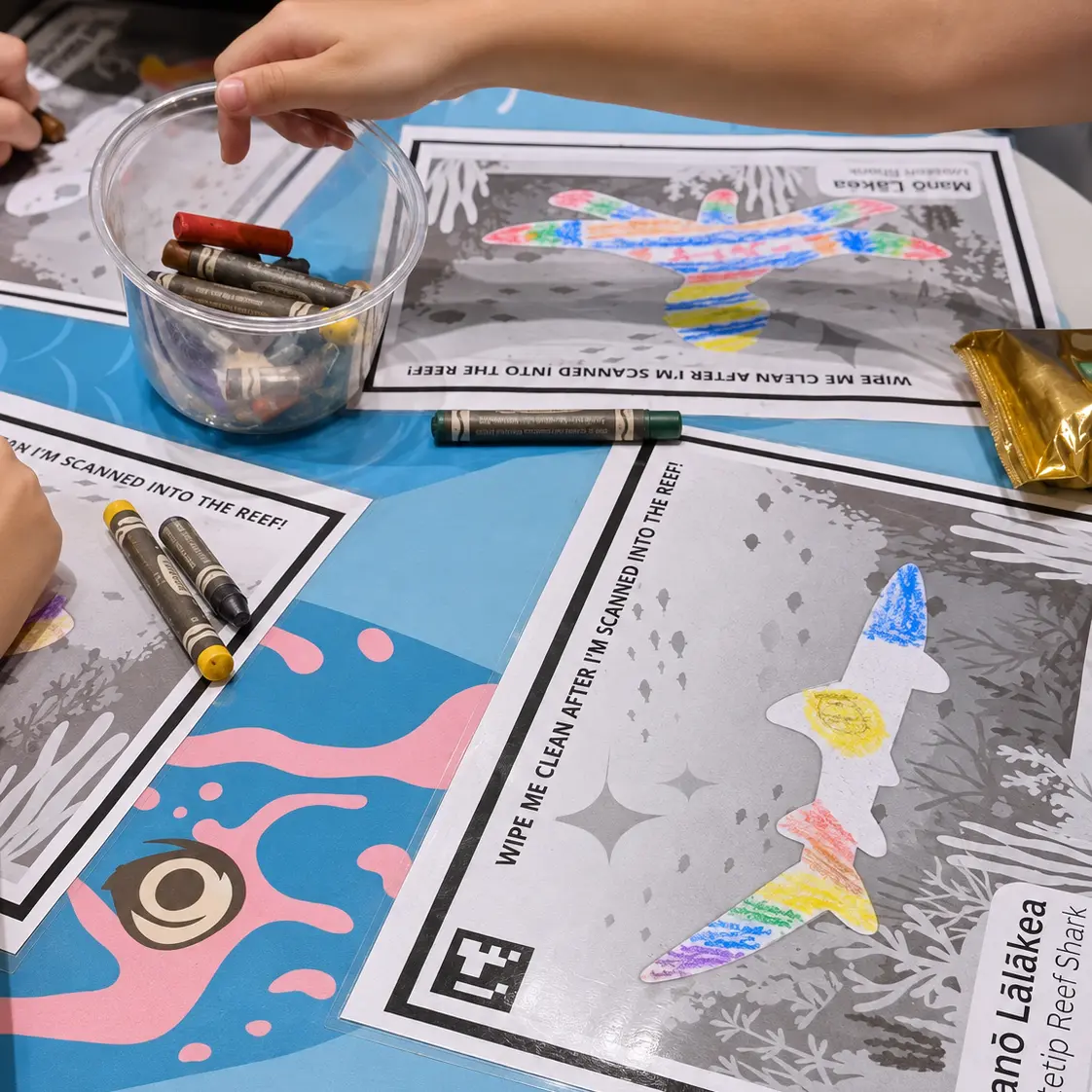
Printed character templates and colored drawings are spread out on an activity table.

Schools and Art Programs

Practice sorting and explaining ideas. Have students add animated drawings of animals to a shared scene, then ask them to group the characters by a feature, such as how they move. Because everyone can see the animals together, a learner can point to two examples or describe what they have in common to show their reasoning.

A child raises a hand toward an animated scene on the wall.

Pediatric Healthcare Settings

Practice making a choice and seeing its result. For an interactive coloring activity in a supervised playroom, offer two colors and let the child point to or name the one they want. They can add a small detail to the template and then look for it on screen. Even a brief visit gives them a chance to make a decision that visibly changes their character.

Children and adults sit around a table creating drawings together.

Museums and Recreation Centers

Practice sharing attention with a peer. After two children use the drawing scanner, ask each to show the other one detail on their character. The moving figures give them a shared focus and a reason to respond to a partner’s point or comment, even in a short drop-in activity.

Children and adults sit around a table creating drawings together.

Home Learning and Family Play

Practice putting story events in order. Scan characters from a familiar story and use the animated drawings to ask who comes first and what happens next. A child who finds it hard to retell the story from memory can use the characters as visual cues and answer by pointing or narrating.

Custom Scenes for Animated Drawings

Have a theme in mind for a classroom project or a group event? Tell us what you want participants to color and where you want those characters to appear. Our team can discuss a custom scene around your theme.

What Sets the NeuroLevel System Apart

[ 01 ]

Start With Supplies Children Already Know

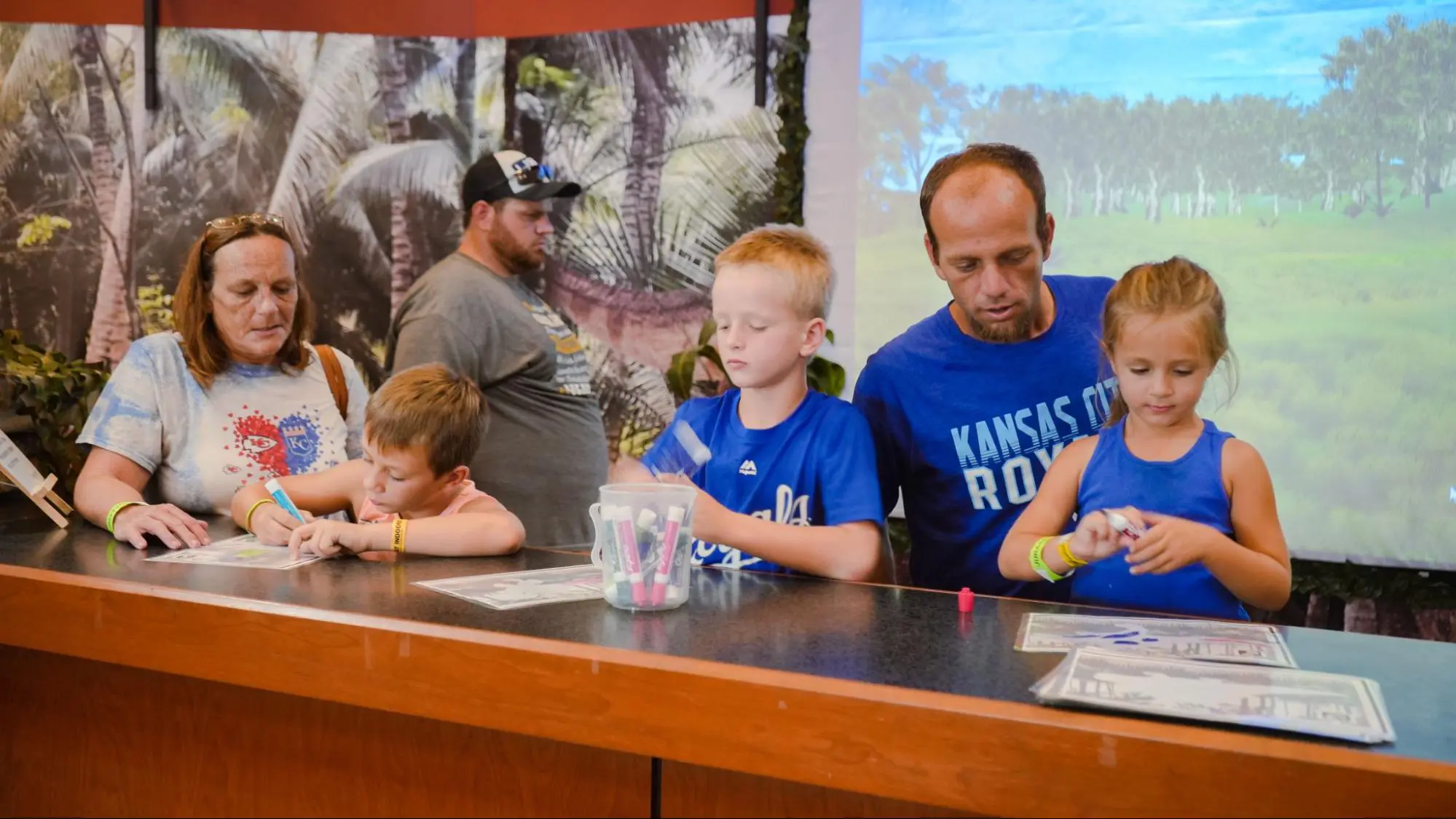
Hand out paper templates and markers so the whole group can start coloring together. Children work at their seats and share one drawing scanner when they’re ready to see their characters move.

[ 02 ]

Give Each Child a Result They Can Recognize

The animated drawing keeps the colors the child chose. A learner who finds it hard to describe their work can spot a familiar detail on screen and point it out to the group.

[ 03 ]

Include Different Abilities in One Group Project

One child can color a small detail while another completes a whole template. Both can see their animated drawings in the same scene, so you can adjust the task for each learner while keeping the group project shared.

[ 04 ]

Build on Equipment You Already Have

Use the Add-On if your room already has a compatible NeuroLevel system. Choose Standalone if you need a station with its own computer and plan to connect it to an external display.

[ 05 ]

Choose a Display That Fits the Group

Connect Animated Drawings Standalone to a TV for a small group, or use an external projector so the whole class can see the scene at once. Choose the display based on where children will sit or stand.

[ 06 ]

Reuse One Routine for Different Learning Goals

Keep the interactive coloring routine familiar: color, scan, and watch. Then change what you ask the child to do, such as choosing a color, steadying the page, or describing an action. You can work on a new goal within the same routine.

[ 07 ]

Give Learners an Easier Place to Start

Each Animated Drawings scene has matching templates. A child who finds a blank page challenging can start with one outlined shape and contribute a character with colors they chose themselves.

[ 08 ]

Plan Around a Known Warranty Period

Both configurations have a one-year warranty. You can compare the two setups on equipment and installation needs knowing the warranty period is the same.

[ 09 ]

Test the Workflow Before You Buy

Ask to see a full round, from handing out templates to finding the characters on screen. Use the demo to check how you’d organize turns at the drawing scanner and whether children can see the display from their seats.

Animated Drawings Models and Pricing

Choose the Animated Drawings setup based on what you already have in the room and how you want to display the finished artwork.

Compare the Two Animated Drawings Setups

The Add-On card lists compatibility with NeuroLevel Interactive Floor, Interactive Wall, Multi-Touch Table, and AR Sandbox. Share your model with us to confirm how Animated Drawings would work in your setup.
Feature Animated Drawings Add-On Animated Drawings Standalone System
Equipment you need Compatible NeuroLevel host system TV, smart board, or external projector
Display connection Wi-Fi to the host system Included wireless HDMI kit
Included software 10 drawing activities, 7 painting activities, and 1 coloring book 10 drawing activities
Hardware Drawing scanner with built-in touchscreen Drawing scanner with built-in touchscreen and computer
Accessories 16 markers, 12 inflatable pencils, and wireless peripherals 16 markers and wireless peripherals
Warranty 1 year 1 year

Need Help Choosing a Setup?

Already have NeuroLevel equipment, or setting up a new space? Tell us what’s in the room and how many children will use it. We’ll check which setup works with your equipment, help you choose between the Animated Drawings Add-On and Standalone, and talk through where to place the station and how to organize turns at the scanner.

Benefits for Parents

Find an Easy Way to Play Together

Start with one template and take turns adding color. When your child’s animated drawing appears, you have something to react to together. Even if starting a conversation is hard, you can share the moment by spotting the character or copying how it moves.

See What Your Child Wants to Do Again

Offer two familiar themes and let your child choose by pointing, reaching, or naming one. Seeing what they pick gives you a concrete idea for the next time you play together, even when they have trouble telling you what interests them.

Give Your Child More Ways to Share an Idea

Ask your child to show you a detail on their character or act out what it does. The animated drawing gives you a shared reference, so you can respond to a gesture, a movement, or a few words.

Make Home Play Easier to Plan

Use the same three steps for each interactive coloring session: color, scan, and watch. If a new activity feels uncertain, your child already knows what to do first. You also have a clear way to wrap up: find the character on screen together.

Include Siblings With Different Abilities

Build one family story around the animated drawings you make. One child can choose a color, another can fill in the template, and a sibling can narrate. You can run one activity and give each child a role that suits them.

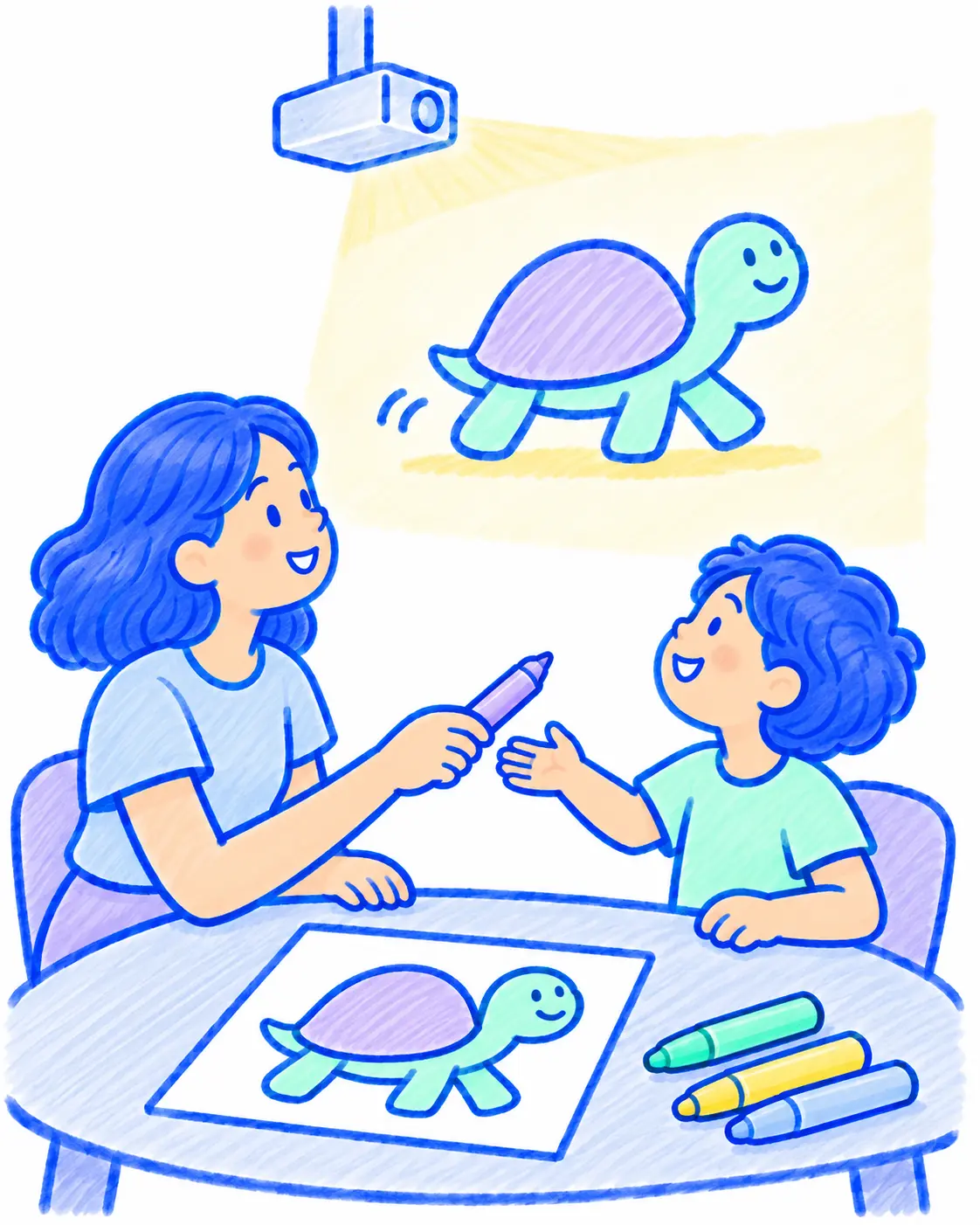
An adult and child color together as an animated turtle appears on the wall.
Find an Easy Way to Play Together

Start with one template and take turns adding color. When your child’s animated drawing appears, you have something to react to together. Even if starting a conversation is hard, you can share the moment by spotting the character or copying how it moves.

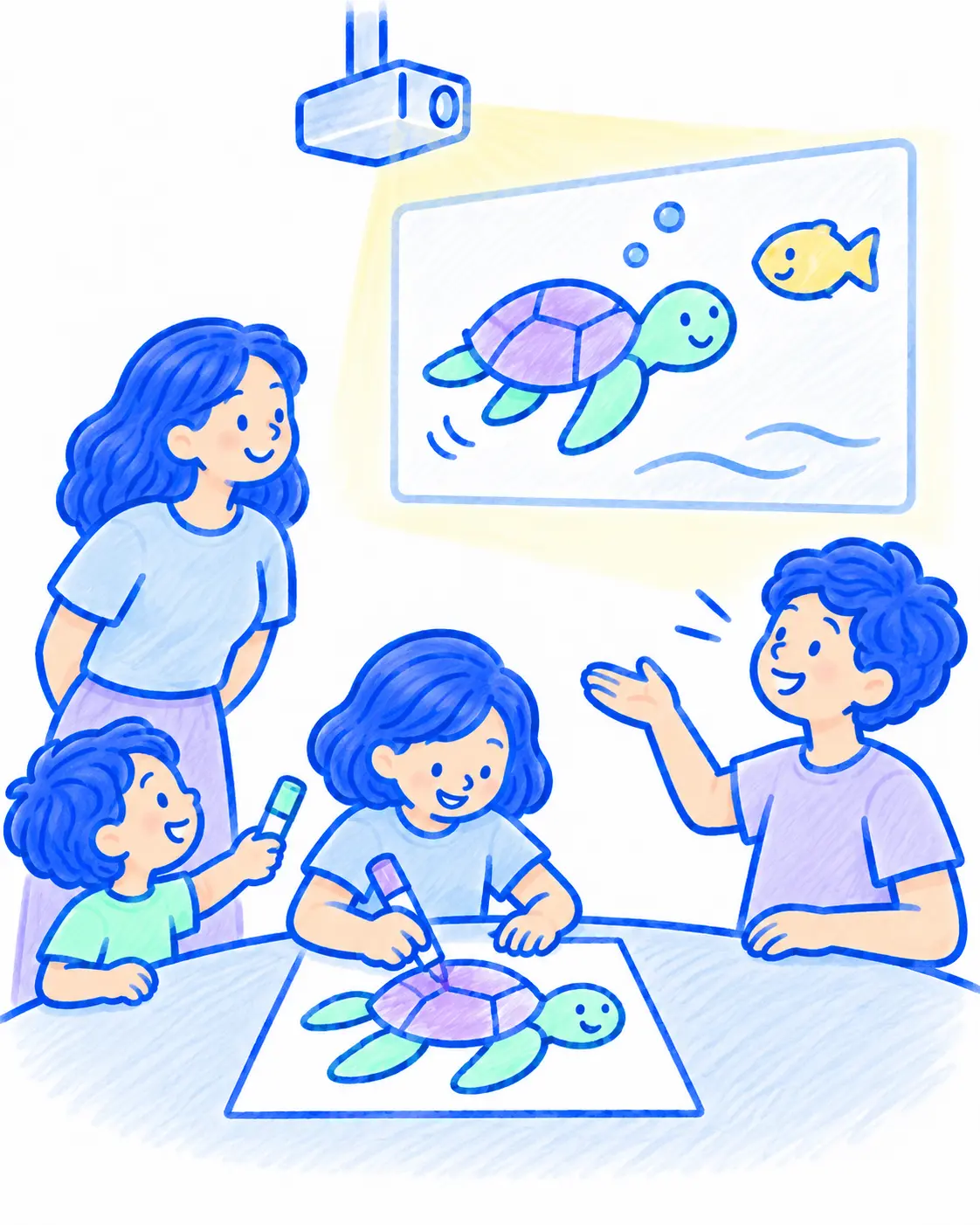
An adult and two children sit at a drawing table beneath projected sea creatures.
See What Your Child Wants to Do Again

Offer two familiar themes and let your child choose by pointing, reaching, or naming one. Seeing what they pick gives you a concrete idea for the next time you play together, even when they have trouble telling you what interests them.

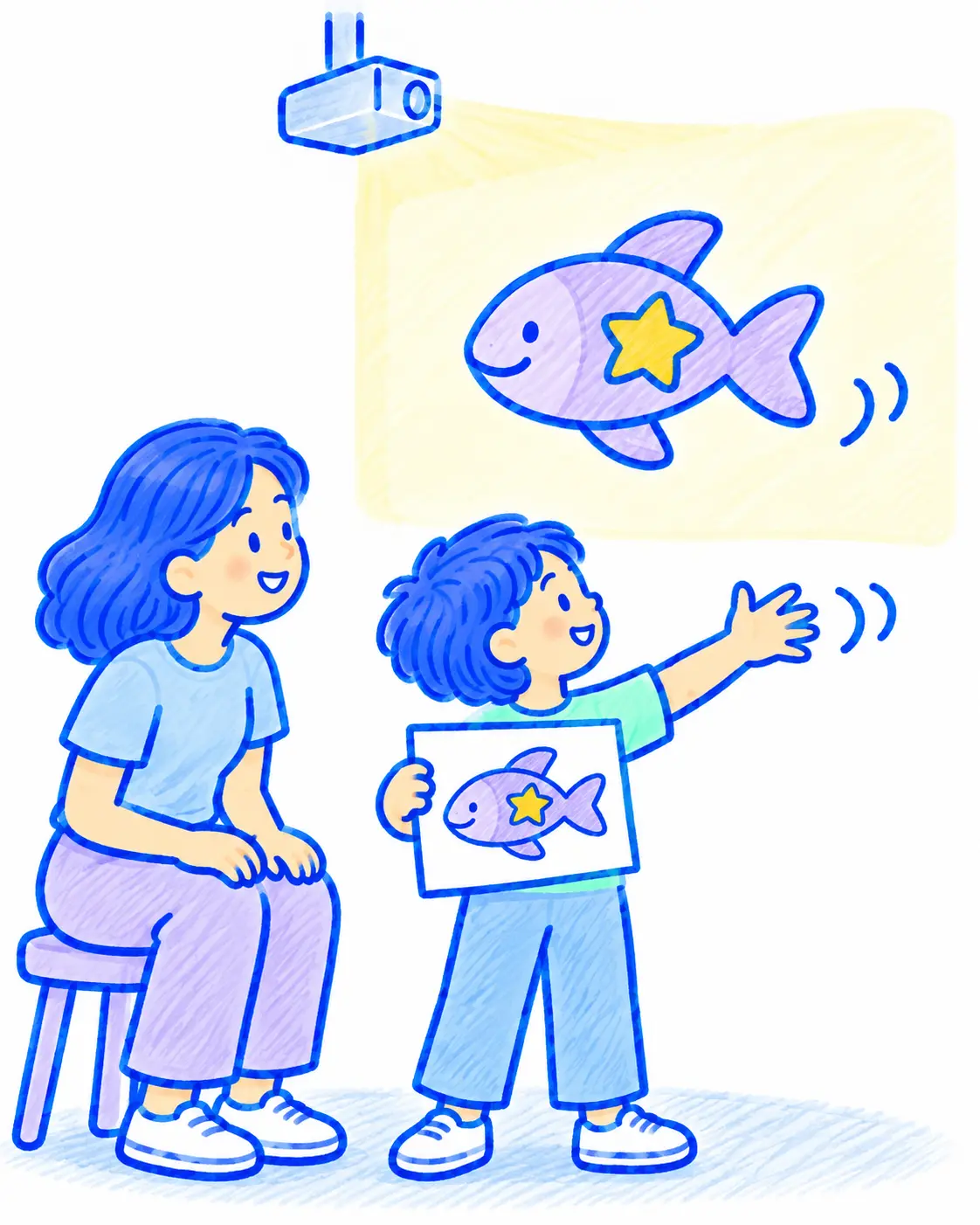
A child points to an animated fish on the wall while an adult watches.
Give Your Child More Ways to Share an Idea

Ask your child to show you a detail on their character or act out what it does. The animated drawing gives you a shared reference, so you can respond to a gesture, a movement, or a few words.

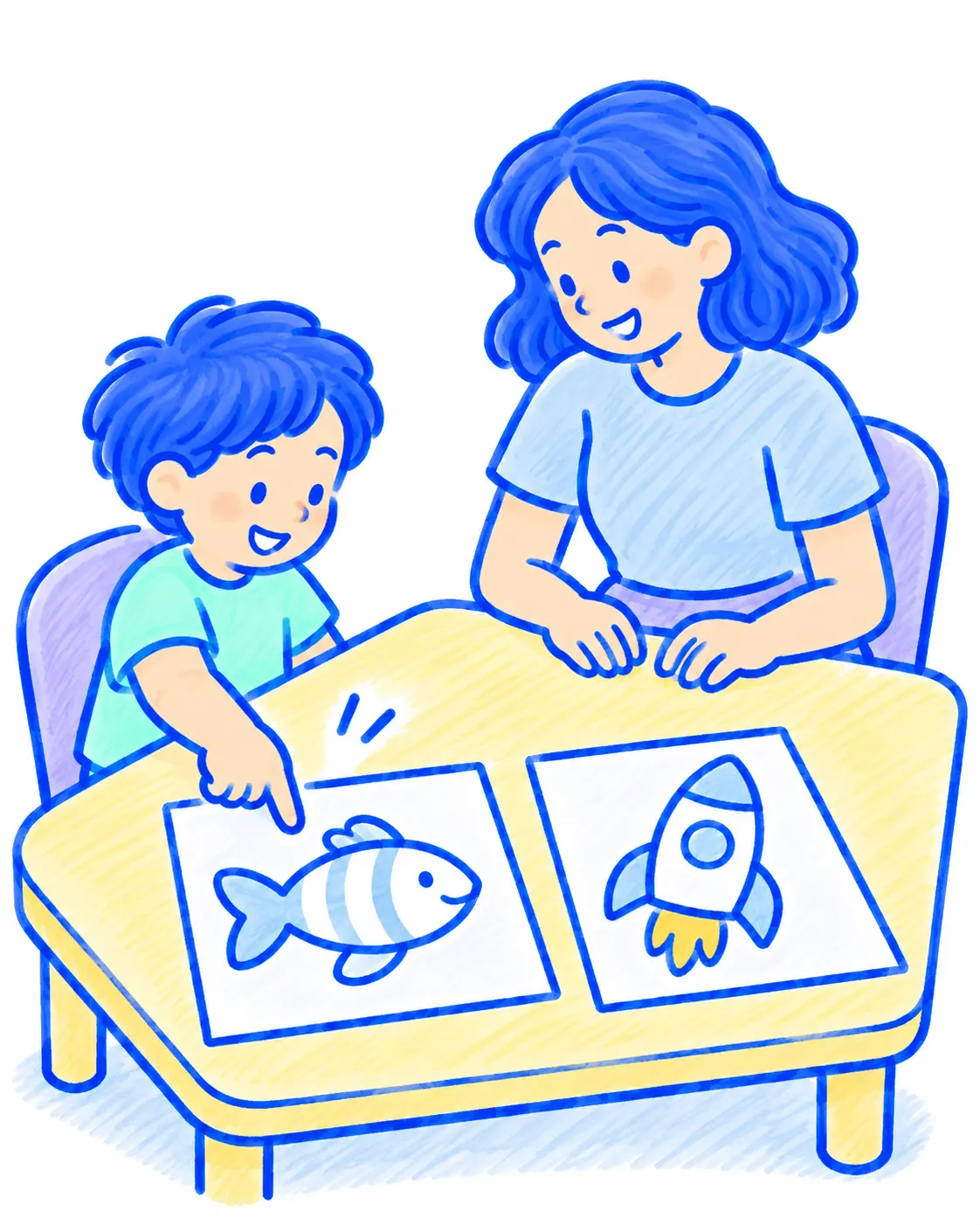
An adult and child work on paper templates at a low drawing table.
Make Home Play Easier to Plan

Use the same three steps for each interactive coloring session: color, scan, and watch. If a new activity feels uncertain, your child already knows what to do first. You also have a clear way to wrap up: find the character on screen together.

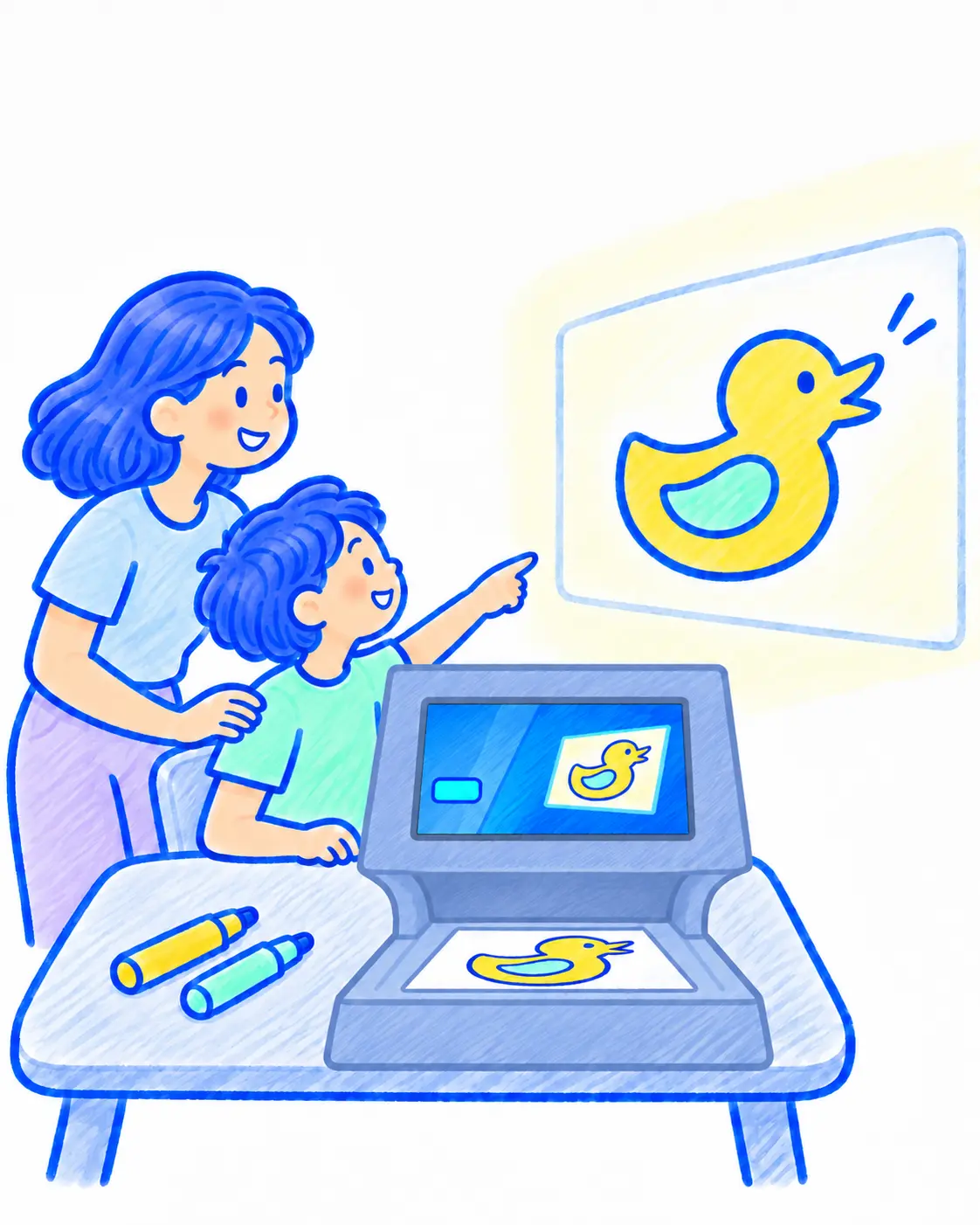
An adult and child use a drawing scanner as an animated duck appears on the wall.
Include Siblings With Different Abilities

Build one family story around the animated drawings you make. One child can choose a color, another can fill in the template, and a sibling can narrate. You can run one activity and give each child a role that suits them.

Benefits for Kids

Visual Recognition

The colors and patterns a child chooses on paper carry over to the animated drawing. A familiar detail, such as a yellow tail, gives the child a clear clue when they’re trying to find their character among several moving figures.

Choice Making

A child can choose between two markers by pointing, reaching, or naming a color. Seeing that color appear in the animated drawing makes the effect of their choice visible and gives them a concrete reason to express a preference.

Fine Motor Practice

A short stroke or part of a large shape gives a child who finds markers difficult to control a manageable way to practice. Seeing the detail they added in the animated drawing makes their contribution visible, even when they complete just one part of the page.

Following a Sequence

An adult can show a picture cue for each step of the interactive coloring activity: color, scan, and watch. For children who find several spoken directions hard to remember, the cues show what comes next. Finding the character on screen gives the task a clear endpoint.
Communicating an Idea

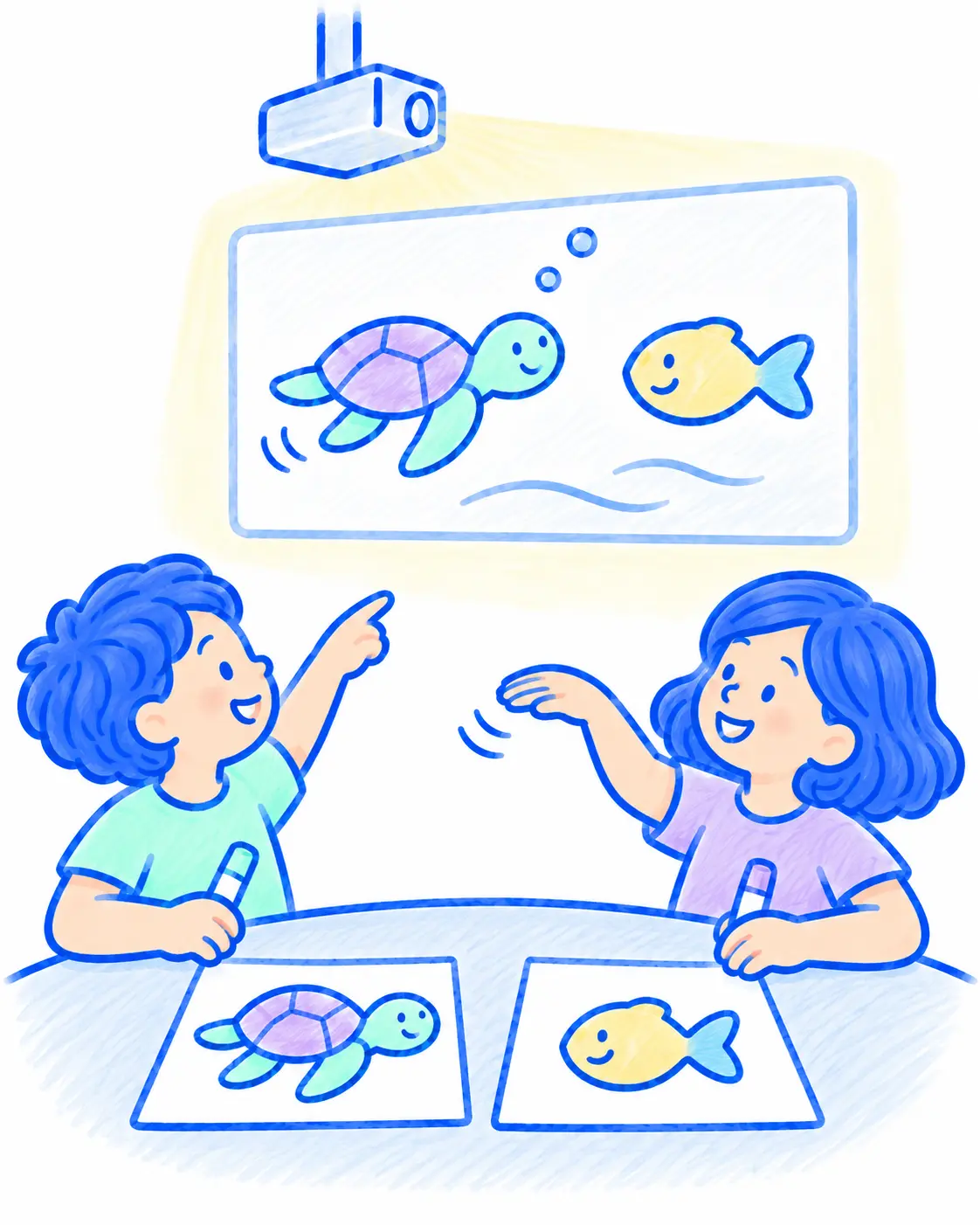
A child can point to a feature, copy the character’s movement, or describe it in a few words. The shared image gives the listener something specific to look at when the child finds it hard to explain the whole picture. In speech-language therapy, a child who uses a communication board can also point to a symbol to comment on the action.

Taking Turns

A turn card can show when it’s time for a child to bring their page to the drawing scanner. The cue makes the transition from waiting to taking a turn easier to follow when spoken directions are hard to pick out in a group.
Building a Story Together

When two animated drawings appear in the same scene, children can take turns deciding what happens next. A child can point to who goes first or act out a move, giving a partner a clear idea to respond to.

Joining at a Comfortable Pace

A child who needs time to get used to the moving scene can watch someone use the drawing scanner first. When they’re ready to join, they can choose one color or add one detail and see their contribution on screen.

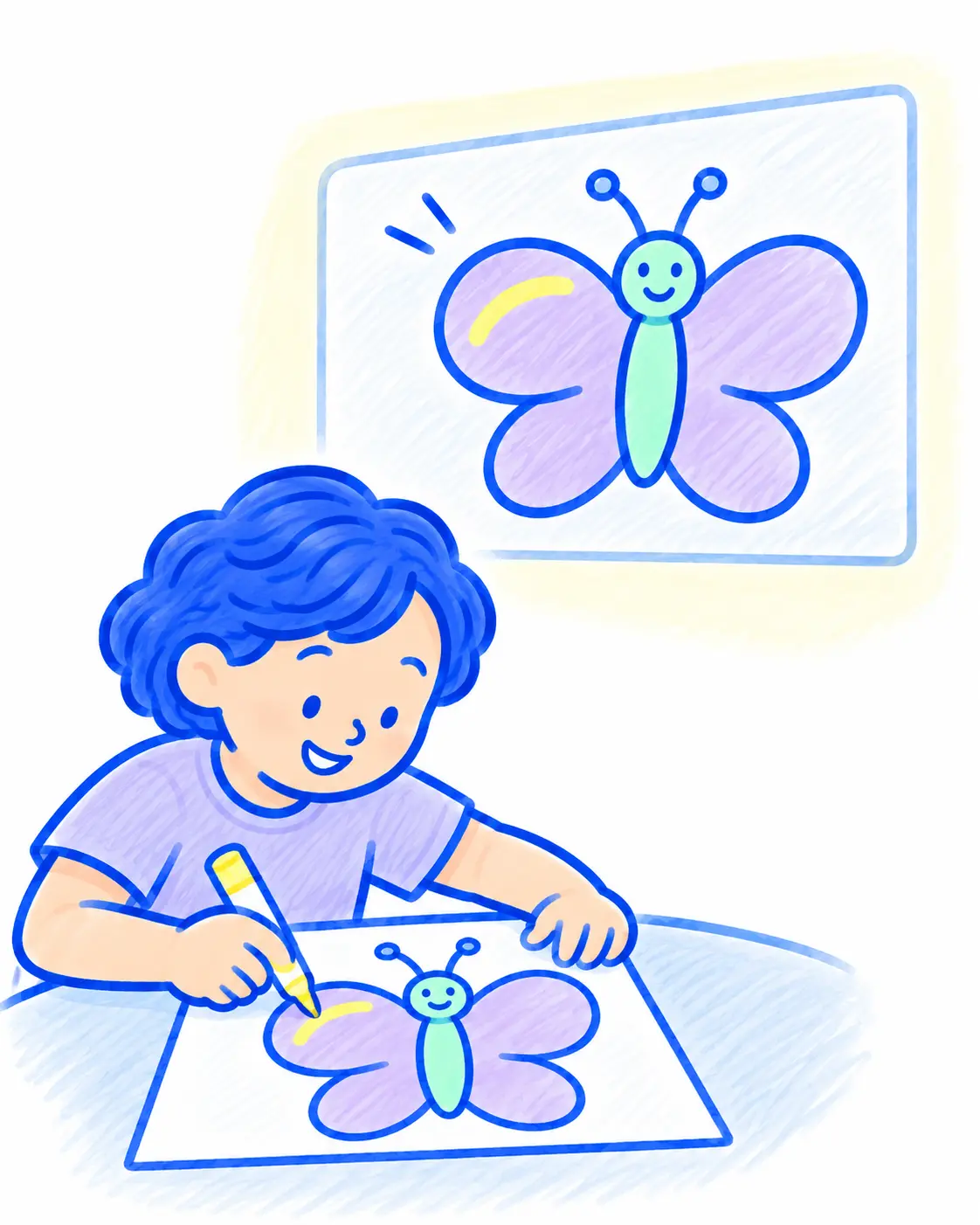
A child colors a paper butterfly while a matching butterfly appears on the wall.
Visual Recognition

The colors and patterns a child chooses on paper carry over to the animated drawing. A familiar detail, such as a yellow tail, gives the child a clear clue when they’re trying to find their character among several moving figures.

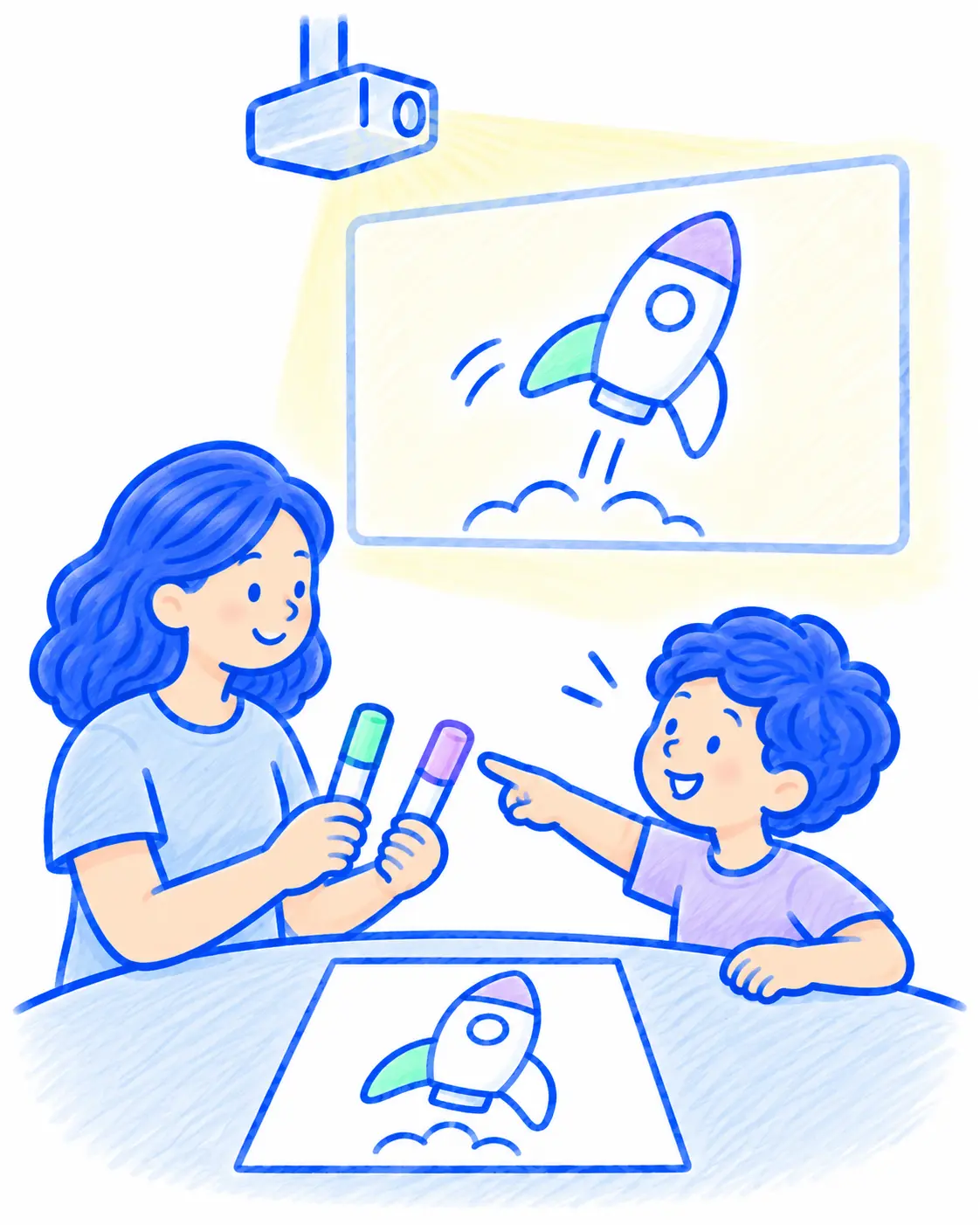
An adult offers markers to a child, with a rocket drawing on the table and a rocket projected behind them.
Choice Making

A child can choose between two markers by pointing, reaching, or naming a color. Seeing that color appear in the animated drawing makes the effect of their choice visible and gives them a concrete reason to express a preference.

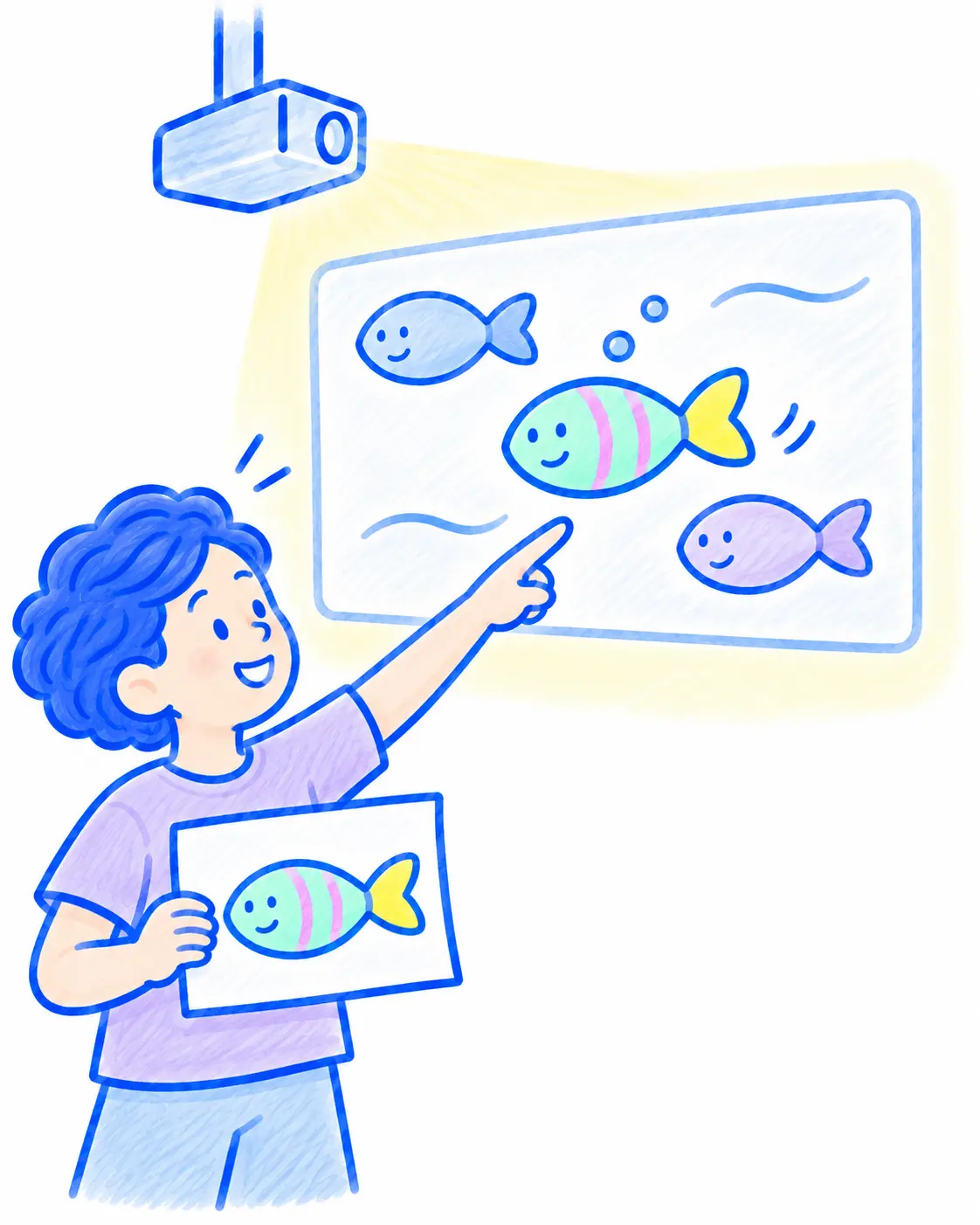
A child holds a colored paper drawing and points toward the animated characters on the wall.
Fine Motor Practice

A short stroke or part of a large shape gives a child who finds markers difficult to control a manageable way to practice. Seeing the detail they added in the animated drawing makes their contribution visible, even when they complete just one part of the page.

Two children bring a paper character template to a blue drawing scanner.
Following a Sequence

An adult can show a picture cue for each step of the interactive coloring activity: color, scan, and watch. For children who find several spoken directions hard to remember, the cues show what comes next. Finding the character on screen gives the task a clear endpoint.

A child points toward an animated fish while an adult sits beside them at the drawing table.
Communicating an Idea

A child can point to a feature, copy the character’s movement, or describe it in a few words. The shared image gives the listener something specific to look at when the child finds it hard to explain the whole picture. In speech-language therapy, a child who uses a communication board can also point to a symbol to comment on the action.

A child brings a star drawing to the scanner while an adult stands nearby.
Taking Turns

A turn card can show when it’s time for a child to bring their page to the drawing scanner. The cue makes the transition from waiting to taking a turn easier to follow when spoken directions are hard to pick out in a group.

Two children point toward animated characters above a table with their paper drawings.
Building a Story Together

When two animated drawings appear in the same scene, children can take turns deciding what happens next. A child can point to who goes first or act out a move, giving a partner a clear idea to respond to.

An adult and child watch an animated duck beside a blue tabletop scanner.
Joining at a Comfortable Pace

A child who needs time to get used to the moving scene can watch someone use the drawing scanner first. When they’re ready to join, they can choose one color or add one detail and see their contribution on screen.

Benefits for Educators and Therapists

Saves time and resources

Simplifies lesson or therapy planning with pre-designed activities and games. Reduces the need for extensive physical materials thanks to its versatility.

Enhances professional impact

Increases the effectiveness of therapy and educational sessions by integrating advanced technology.

Builds credibility and trust

Strengthens trust and authority with parents by demonstrating innovative and effective tools.

Seamless integration

Easily fits into various educational and therapeutic settings, from classrooms to therapy centers.

drawing-teacher1
Saves time and resources

Simplifies lesson or therapy planning with pre-designed activities and games. Reduces the need for extensive physical materials thanks to its versatility.

drawing-teacher2
Enhances professional impact

Increases the effectiveness of therapy and educational sessions by integrating advanced technology.

drawing-teacher3
Builds credibility and trust

Strengthens trust and authority with parents by demonstrating innovative and effective tools.

drawing-teacher4
Seamless integration

Easily fits into various educational and therapeutic settings, from classrooms to therapy centers.

Sensory Rooms Bundles With Our Products

We offer portable sensory rooms and sensory corners to transform any space into an engaging environment. Our solutions are customizable, providing immersive experiences for therapy, events, or active exploration.