


 Math Technology for the Classroom: Interactive Learning Through Movement
Every child processes information differently
Neurolevel math games are grounded in research and designed for students with developmental and learning differences. We help you choose the right approach so learning stays engaging and delivers the greatest possible benefit.
 Made in USA
 3 Years Warranty
 US based Support
No subscription or recurring fees. Access to games and free updates does not require an annual subscription.

What Math Skills Can Students Practice?
Counting, number recognition, and understanding number order are not isolated basic exercises — they are the foundation of number sense. They help students connect quantities, symbols, and mathematical operations.
Counting
What it means: The ability to determine the number of objects and connect that quantity to the corresponding numeral.
Why it matters: A child may memorize number names without understanding the quantities they represent. Without the “quantity → number” connection, it's hard to move on to comparing numbers and performing arithmetic operations.
Number Recognition
What it means: The ability to quickly recognize a numeral and retrieve its numerical value.
Why it matters: When recognition takes a great deal of effort, some attention goes to decoding the symbol rather than solving the problem. More automatic numeral recognition frees cognitive resources for comparison, calculation, and pattern recognition.
Number Sequencing
What it means: Understanding number order and relationships: what comes before, after, or between two numbers.
Why it matters: Number sequences help students understand how numbers relate to one another. This is the foundation for comparing quantities, moving forward and backward along a number line, and learning addition and subtraction.
Basic Math Operations
What it means: The ability to use addition, subtraction, and number comparison to find an answer.
Why it matters: Solving a problem requires students to recognize the numbers, interpret the operation sign, hold the problem in mind, and choose an answer at the same time. Arithmetic therefore combines foundational number skills with attention, working memory, and self-monitoring.
Neurolevel engages several sensory channels at the same time:
Visual processing. Students track objects and distinguish numerals, shapes, colors, directions, and positions.
Movement and balance. For example, moving forward and backward can be associated with addition and subtraction or with moving along a number line.
Proprioceptive input. When throwing a ball or touching a target, students control the direction and force of their movement, turning a math response into a purposeful action that demands attention, choice, and motor control.
Tactile input. Working with balls and other materials allows students to count, group, and match real objects to numbers. This makes abstract mathematical concepts more visual and concrete.
Auditory input. Sound can signal the start of an activity, accompany an action, or confirm a correct response. Adjustable volume and the option to turn off unnecessary sounds keep the cues meaningful without overwhelming the student.
A layer of challenge. When a child selects an answer by touching it or throwing a ball, they engage visual-motor integration and motor planning: they identify the target, plan the action, and direct their movement.
Want to see how Neurolevel can fit into your math lessons? See the system in action.
Explore Neurolevel Math Games
Ready-to-use games let you target a specific skill, rather than just defaulting to generic math practice.

Skills developed: Counting Skills, Visual Stimuli, Numerical Recognition
Available for: interactive wall

Skills developed: Academic Engagement, Number recognition, Counting Skills
Available for: interactive floor

Skills developed: Academic Engagement, Social skills, Memory
Available for: interactive wall
Explore our other math games and the skills they help students develop.
One System for Different Learning Environments
Neurolevel helps students practice social skills in a range of settings:
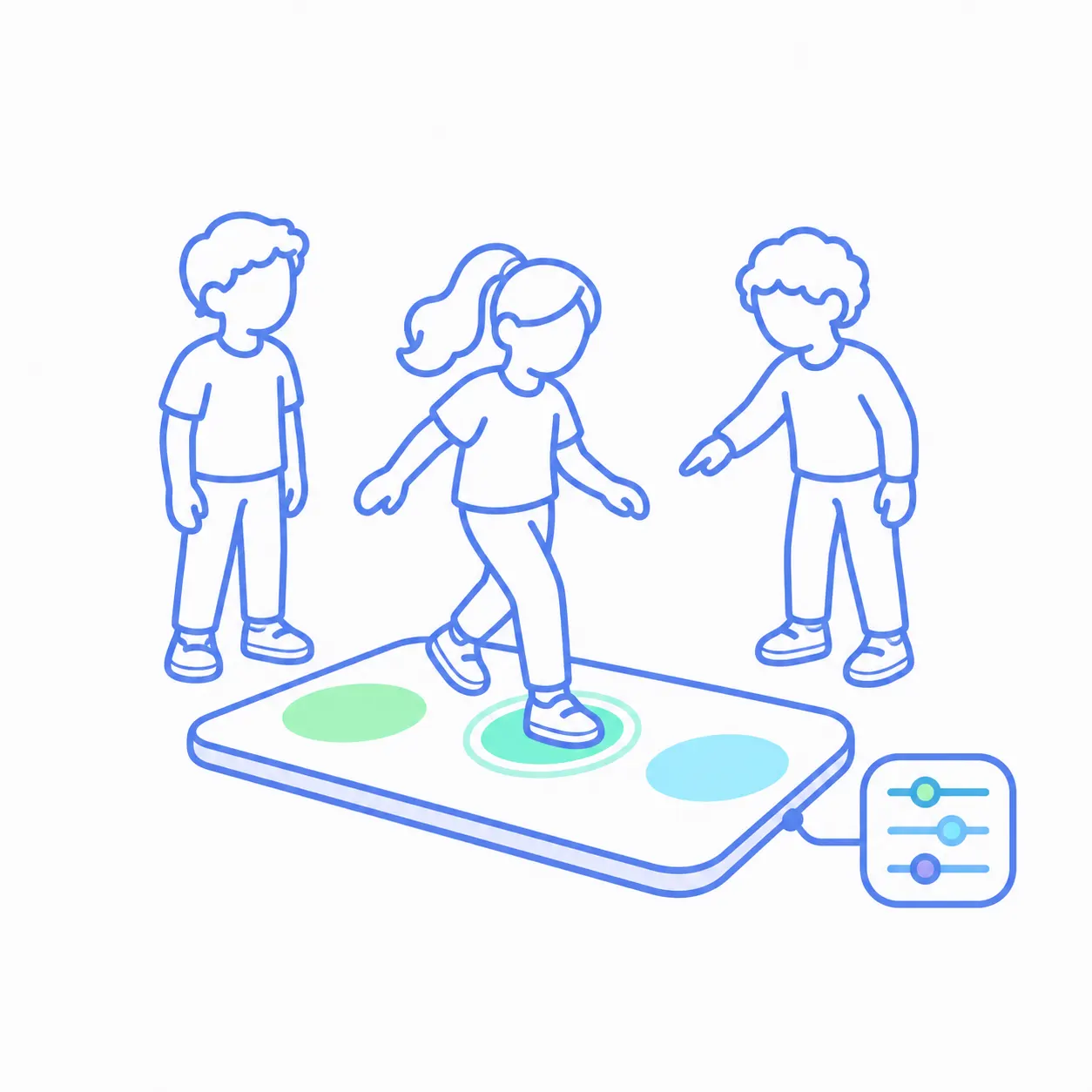
SPED Classrooms
The system can be used one-on-one or in a small group. While one student completes the activity, others can observe, count aloud, suggest an answer, or wait for their turn. In this way, the equipment supports not only math skills but also sustained focus and classroom participation.
We are also developing the ability to customize each session to fit the student's level, pace, and goals, by adjusting difficulty, response format, and the number of prompts.

Therapy and Learning Centers
A single system can support a range of goals across a center’s programs:
- an educator can lead counting and calculation activities;
- a specialist can select exercises tailored to a child's motor or sensory goals;
- an occupational therapist (OT) and speech-language pathologist (SLP) can co-treat, using one math game to work on motor planning, following directions, verbalizing answers, and communication;
- a short game can be used between tasks as an energizing or calming break, helping students reset before returning to the lesson.
The center does not need to purchase a separate system for every service area. The team gets one flexible tool that can be adapted to the program, the specialist, and the individual student.
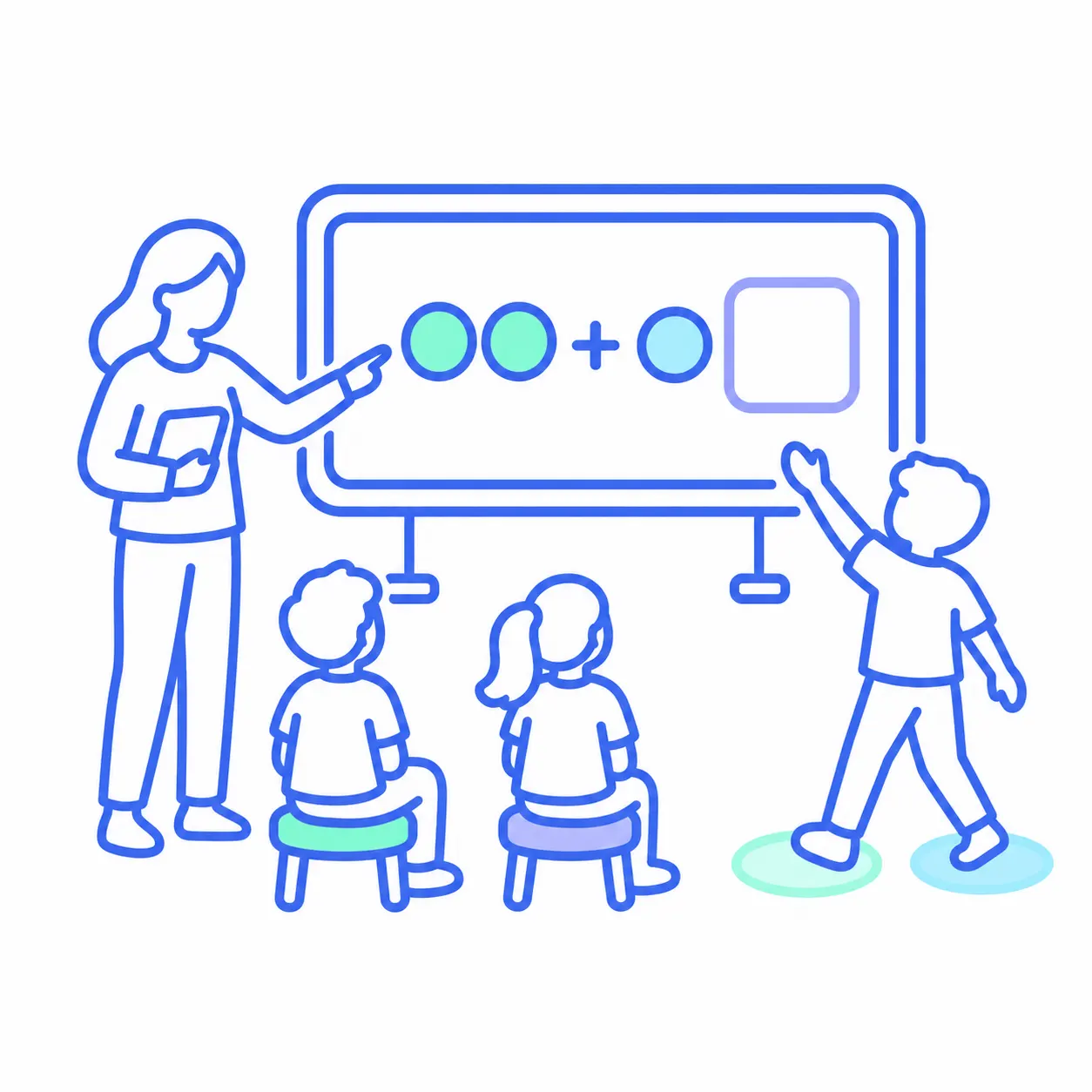
General Education Schools
Neurolevel can be worked into a regular math lesson in several ways:
- as a lesson opener;
- during practice time;
- at learning stations;
- as a movement break that includes a math task.
A teacher can work with the entire class, a small group, or an individual student. This gives students who struggle to sit still for long periods extra practice, while keeping the whole class on the same lesson topic.
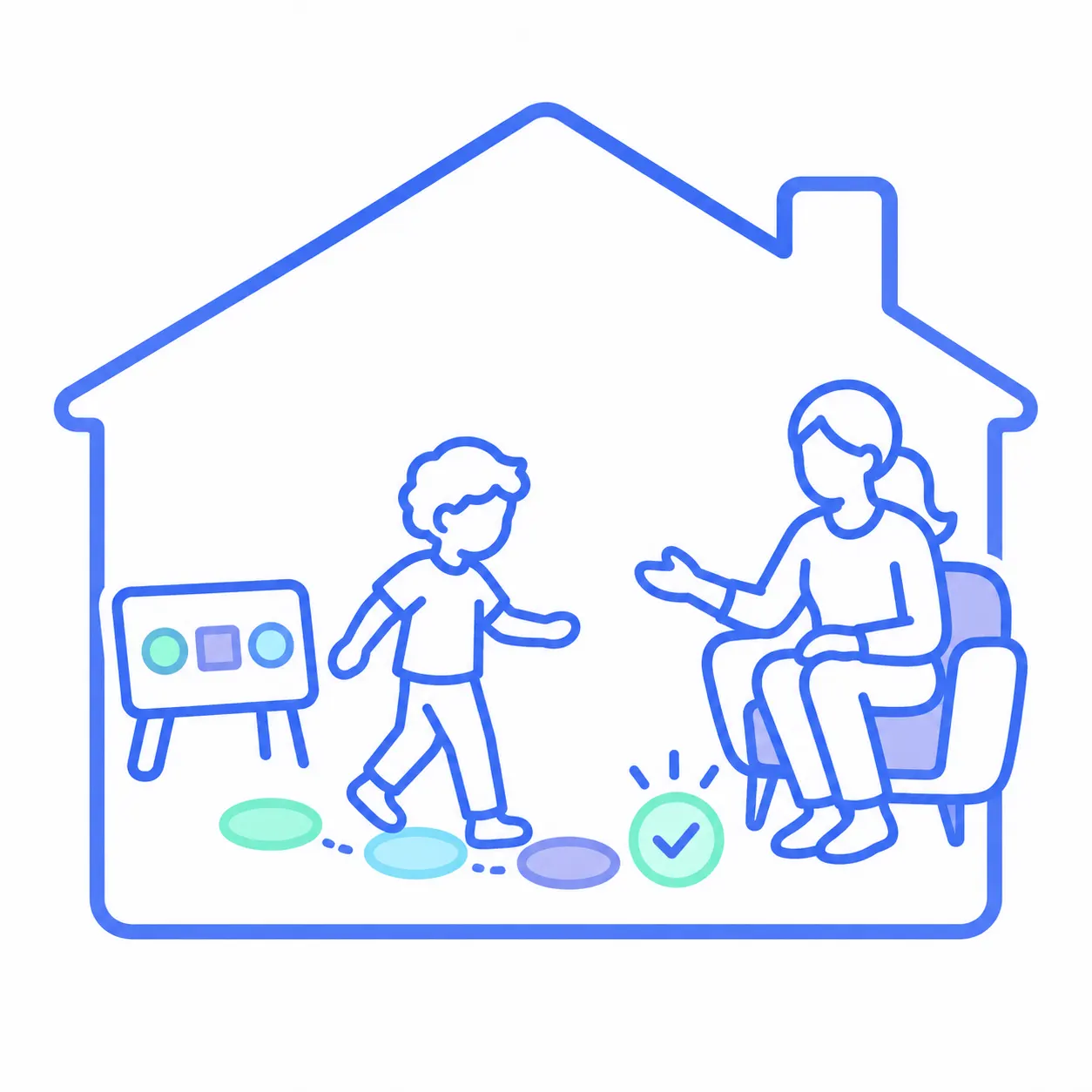
Practice at Home
At home, a child can review familiar numbers, sequences, and calculations at a comfortable pace. Movement and immediate feedback make review more active and help sustain interest.
Parents do not need to design exercises themselves or become teachers. They can use a format their child already knows for regular practice and reinforcement between sessions.


The Neurolevel team answers questions and provides equipment descriptions and other materials for grant applications. Schools may also look into Title I or IDEA Part B – if the purchase aligns with the goals and requirements of the specific program.
How Is Technology Used in the Math Classroom?
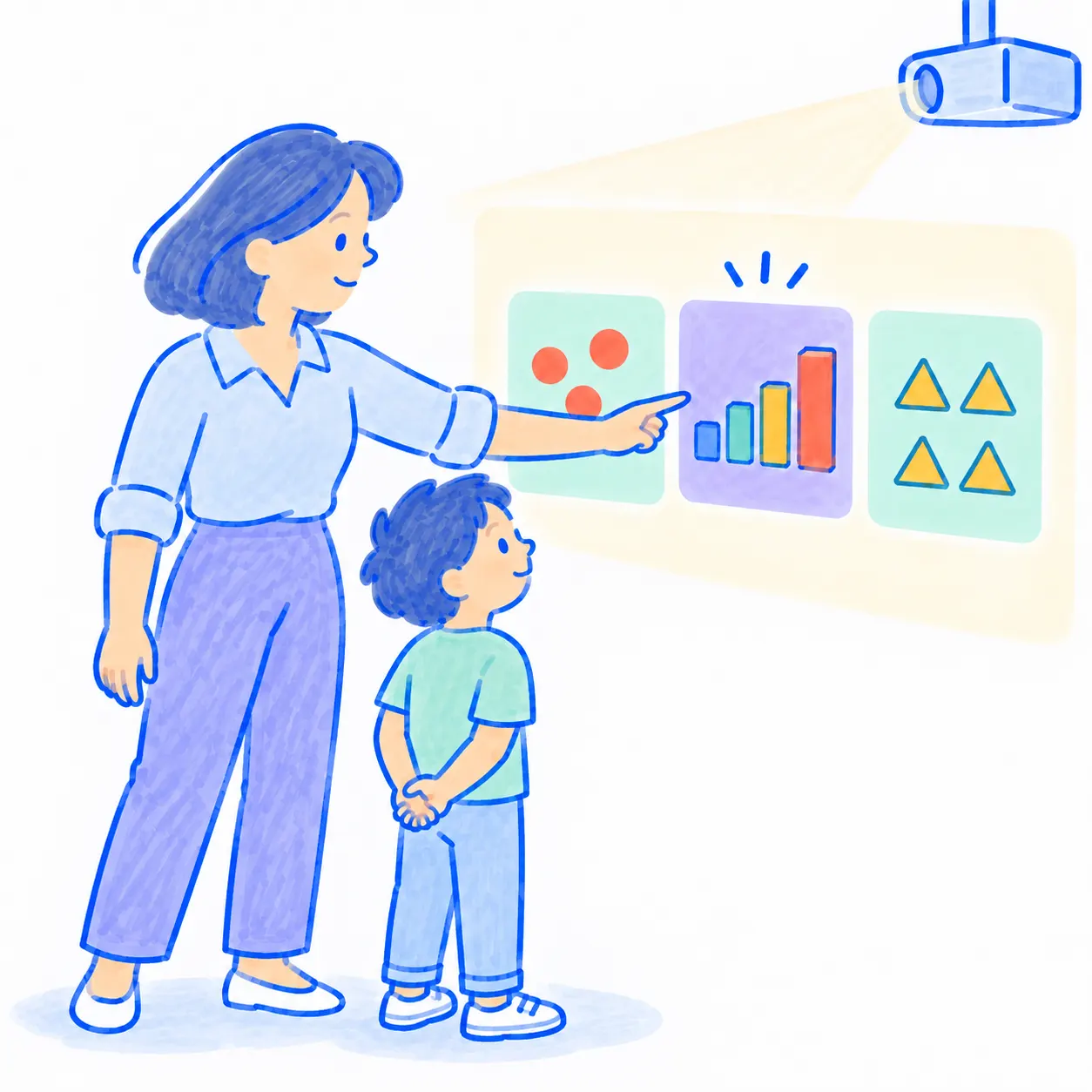
1. The Teacher Selects an Activity
A ready-to-use game can be selected for counting, number sequences, or arithmetic.
If the available games do not meet the need, the Neurolevel team can develop a custom activity based on the school’s materials and goals.
2. The Activity Appears in the Classroom
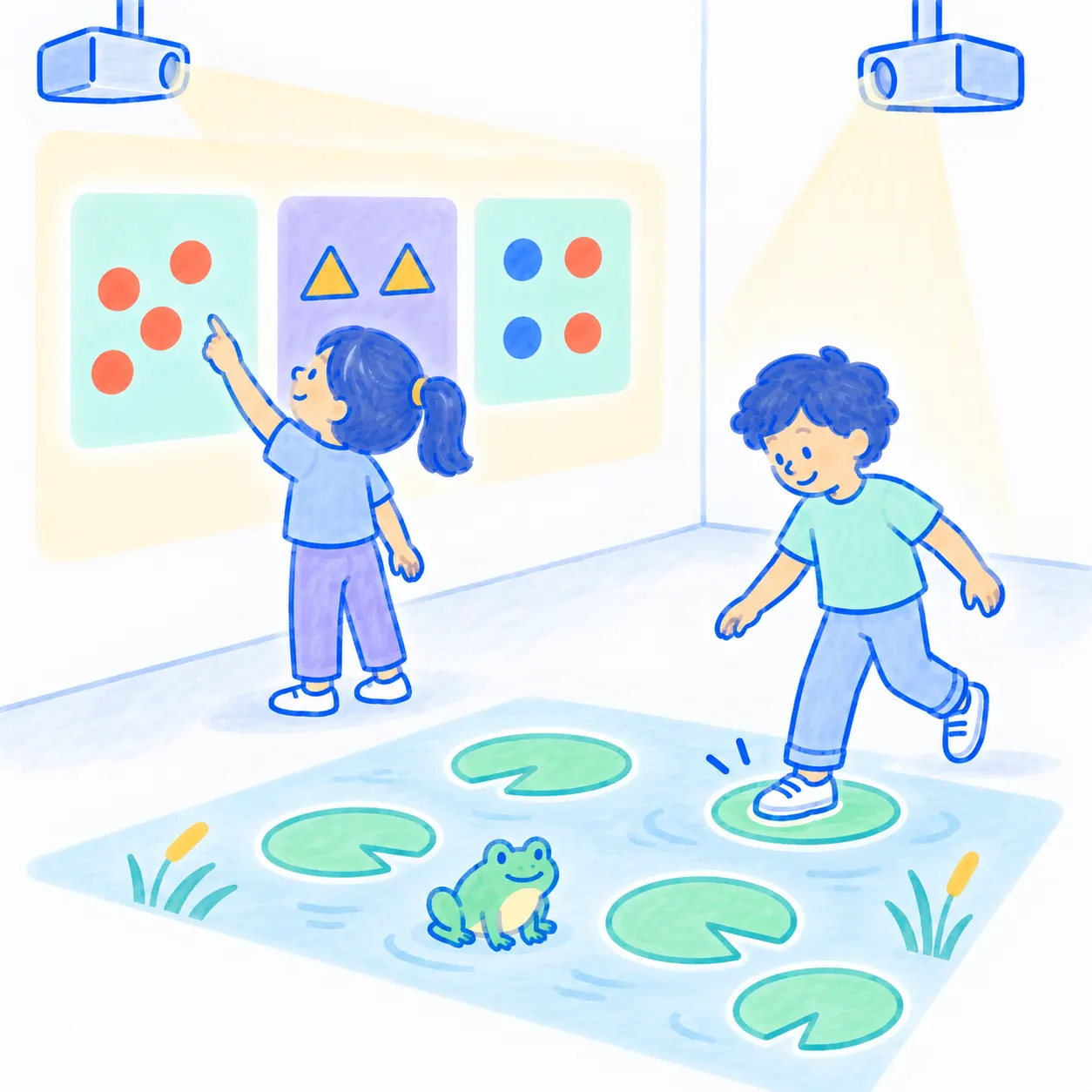
Depending on the system, the image is projected onto a wall or the floor.
For example, Counting and Math are available on the Sensory Wall and the Sensory Floor, while Frog Game is available only for Sensory Floor.
3. The Student Responds Through Movement
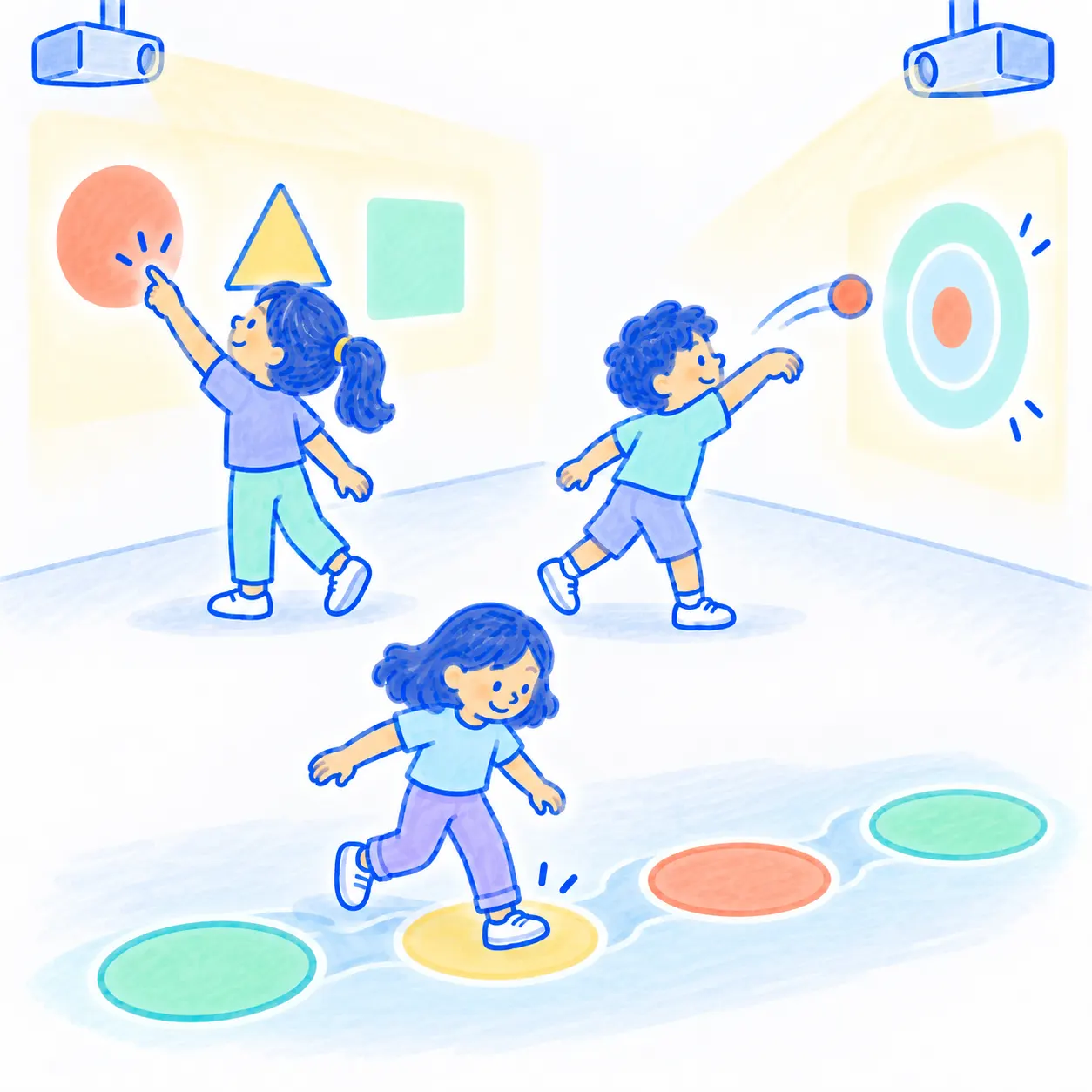
Instead of clicking a mouse, the student performs a physical action:
- touches the correct element;
- selects an answer with their foot;
- moves across the interactive floor;
- throws a ball at the target area;
- or uses another interaction built into the activity.
4. The System Provides Immediate Feedback
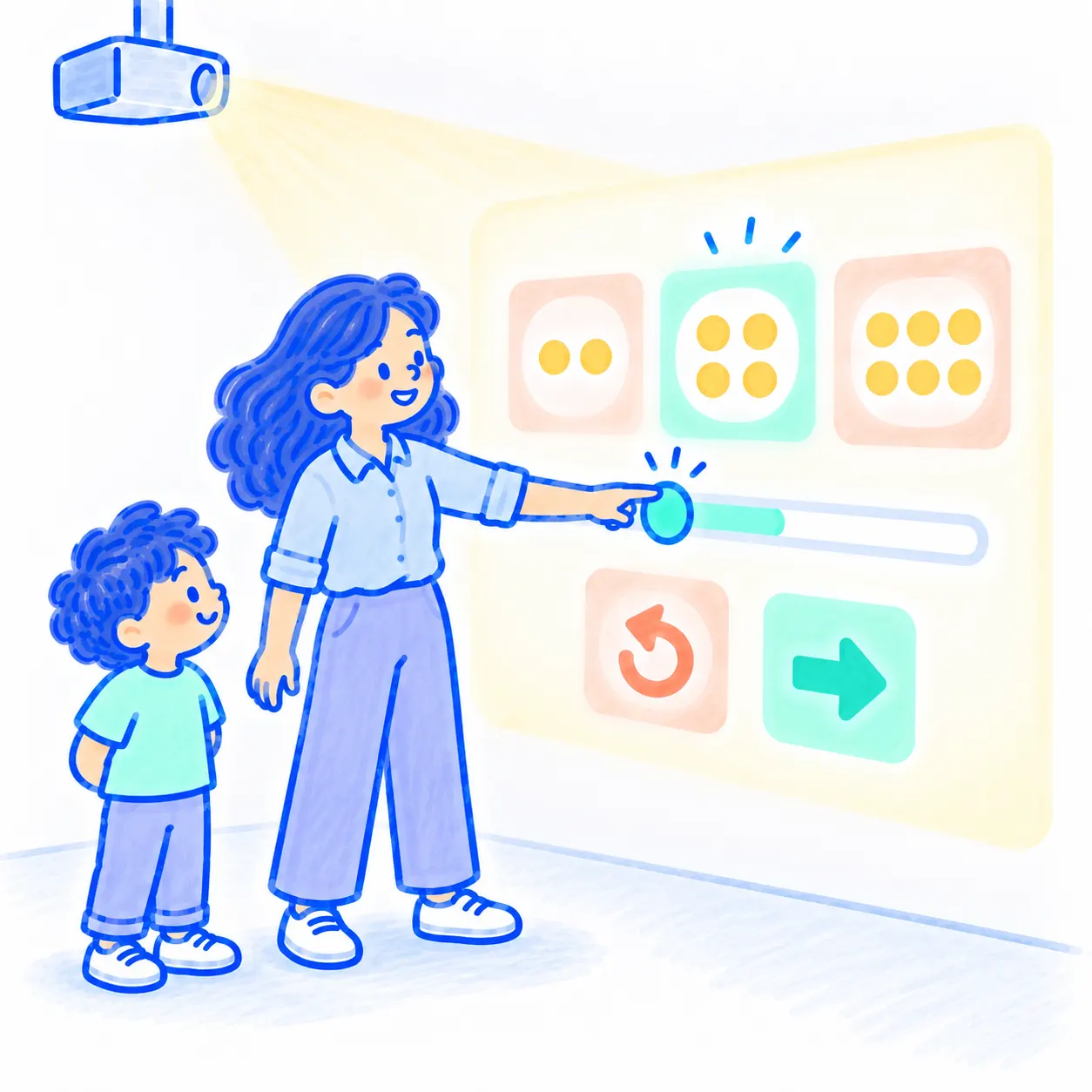
After taking action, the student immediately sees whether the selected answer is correct.
There is no need to complete an entire worksheet and wait for it to be checked. Results appear immediately, so students can notice an error as it happens and try again. Points and levels help maintain interest and make progress visible.

5. The Teacher Adjusts the Pace and Difficulty
The same activity can be repeated several times, adapted to the student’s level, or replaced with the next one.
This provides more practice where it is needed without keeping the student on material they have already mastered.
Visuals, interactive objects, touch, and action make an abstract task easier to understand and give the child more ways to engage with the material.
Hands-On and Visual Practice
A meta-analysis of 53 studies found that working with physical and virtual objects improves math outcomes.
In Neurolevel, the child responds by touching, moving, or throwing a ball.
Interactive Visual Objects
A review of 19 studies found improved math outcomes among students with learning difficulties after working with virtual manipulatives.
In Neurolevel, objects respond to the child’s actions, and the system displays the result immediately.
Structured Instruction With Feedback
A systematic review of math programs for students with developmental differences found that effective instruction often combines concrete objects, visual models, and graphic cues. We use all of these elements in our games, helping the child gradually move from a concrete action to a mathematical symbol.
Research supports the approaches on which the system is built.
Interactive Math for Different Learning Needs
The same diagnosis does not mean the same abilities, learning pace, or ways of processing information. Neurolevel therefore adapts the activity to the needs of the individual student, rather than asking the student to adapt to a fixed exercise.
Did You Know?
Math Skills Can Vary Widely Among Students With ASD
In a recent study by Tasha M Oswald, 22% of participants with ASD showed pronounced difficulty solving math problems, while 4% showed signs of mathematical giftedness. These findings clearly demonstrate that even within a single diagnostic group, students require activities at different levels and in different formats.
A Visually Clear Task
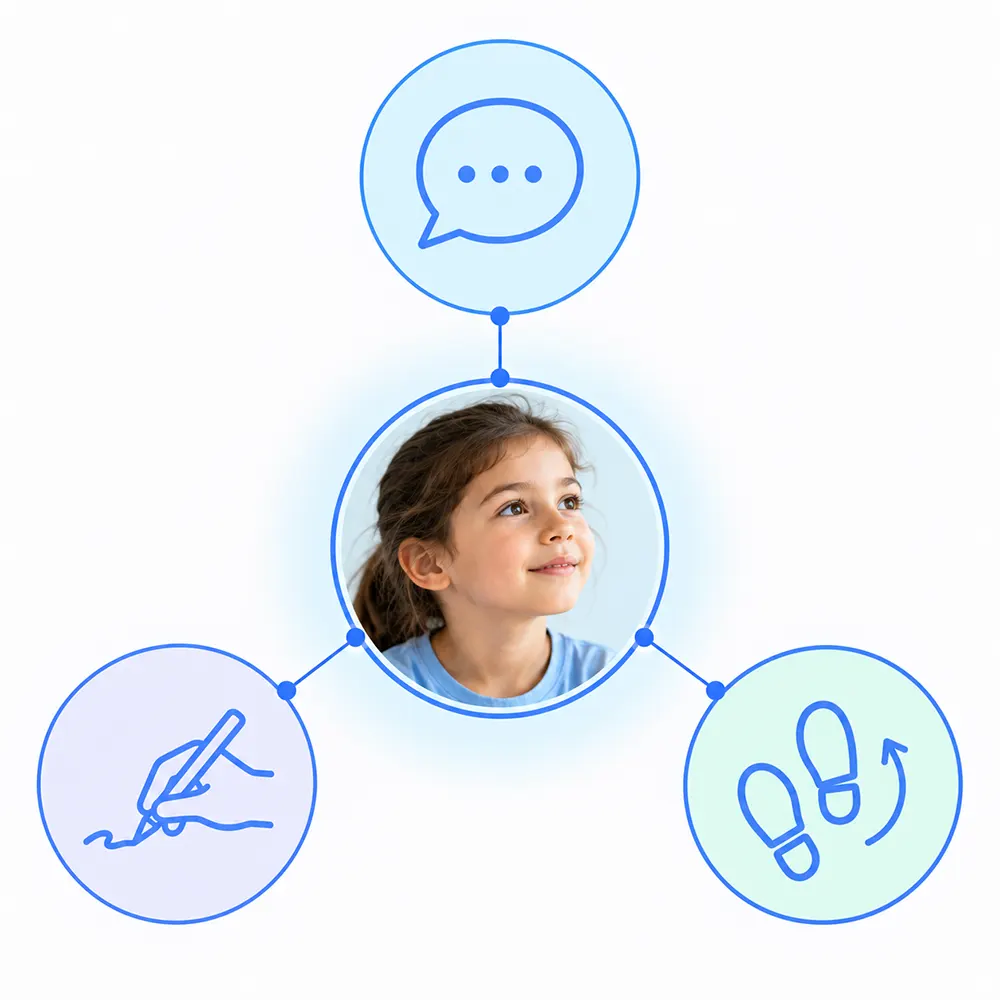
Spoken instructions disappear as soon as they are delivered. In Neurolevel, the number, objects, and answer choices remain visible to the student on the wall or floor.
Putting It Into Practice
The teacher can shorten the verbal explanation and use the projection to present the main task visually. The child does not have to remember the wording, interpret it, and search for an answer all at once. More attention can go to the math skill itself.
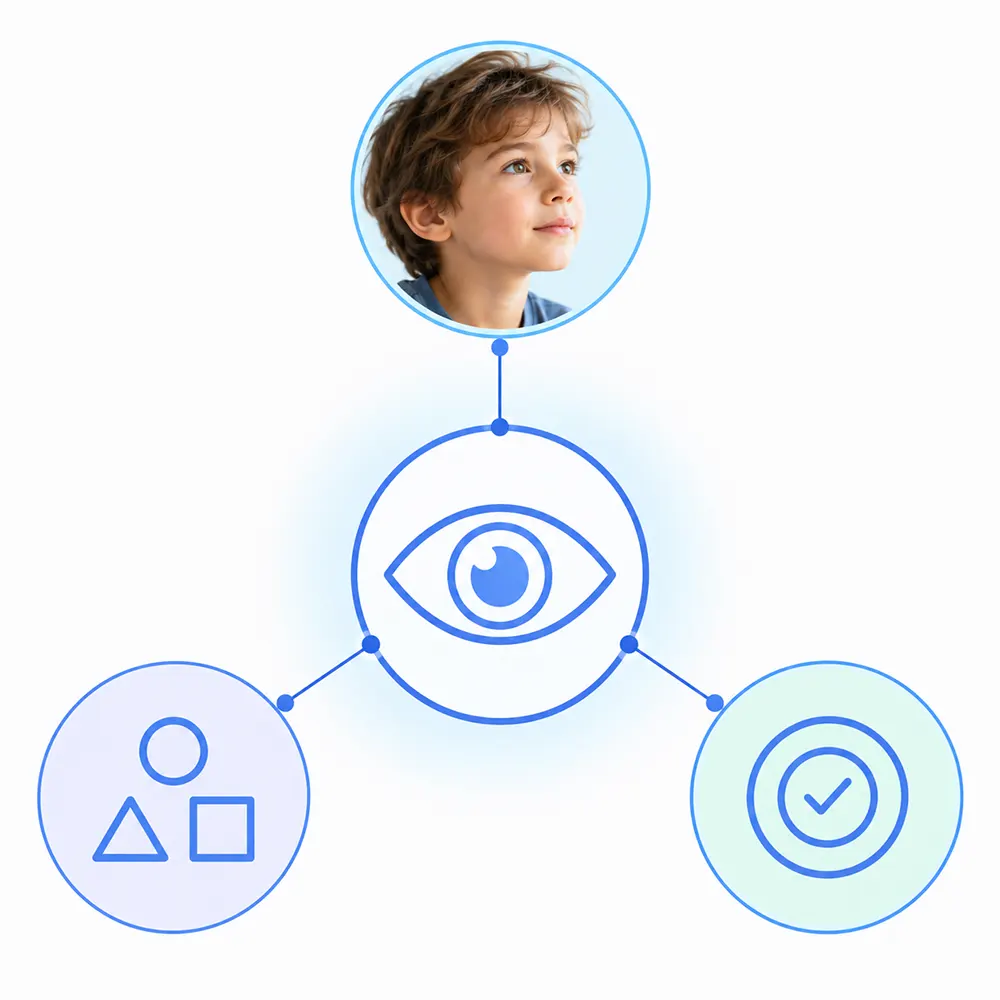
This is helpful for children who find it difficult to hold lengthy instructions in working memory or process information presented only verbally.
Multiple Ways to Respond
Sometimes a child understands the task but can't show it the usual way: answering quickly, writing the answer, or accurately tapping a small item on a tablet. Neurolevel offers another option: the child views several answers and selects the correct one through movement.
Putting It Into Practice
The teacher can use this format on its own or combine it with spoken and written responses, depending on the child’s motor abilities and learning goals.
This helps separate math knowledge from difficulties related to speech, writing, or working on a small screen.
Adjustable Levels of Support
For one student, seeing the answer choices may be enough. Another may need a prompt, guided practice, or an additional attempt.
The teacher can: work through the first example with the child; reduce the number of choices; provide a visual or verbal prompt; gradually fade support; offer another attempt after an error.
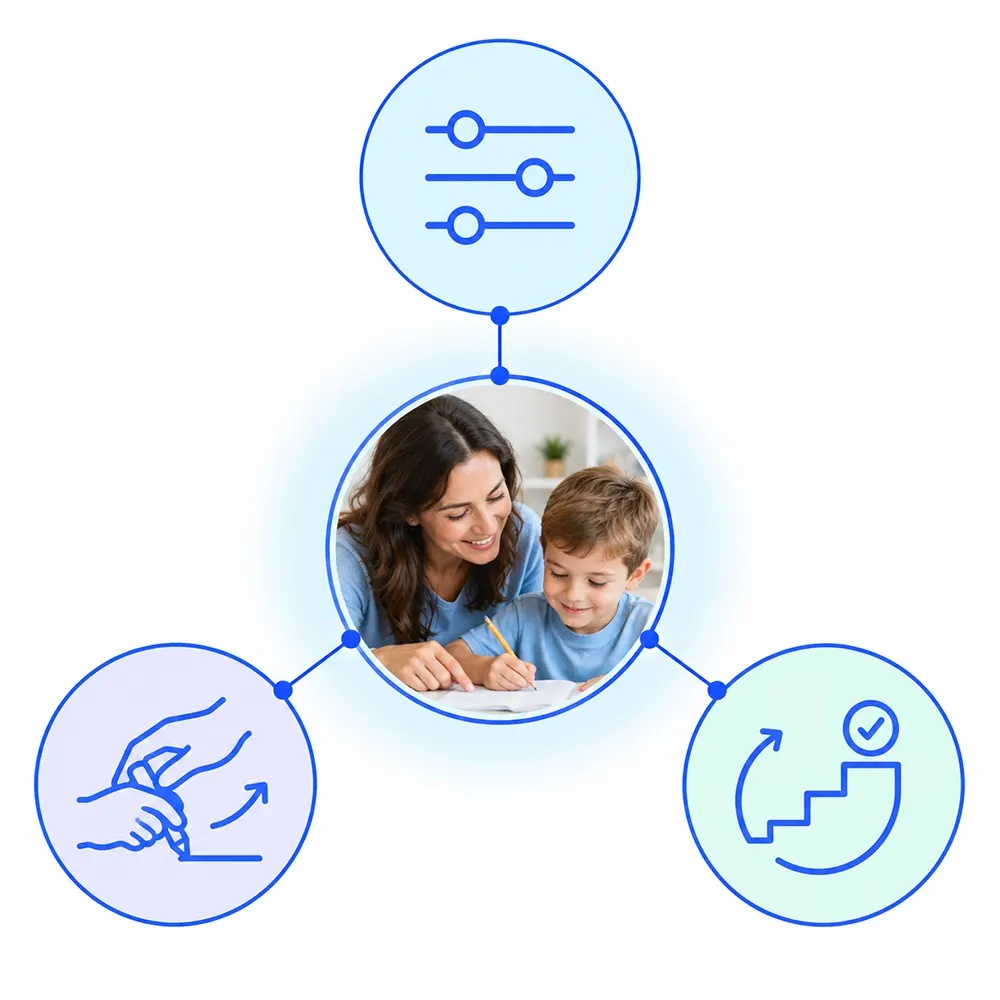
This kind of support is especially useful for students who struggle to start a task without prompting, follow a sequence of steps, or apply a learned strategy to a new problem. Reducing support step by step shows when the child is ready to work independently.
Practice Aligned With IEP Goals
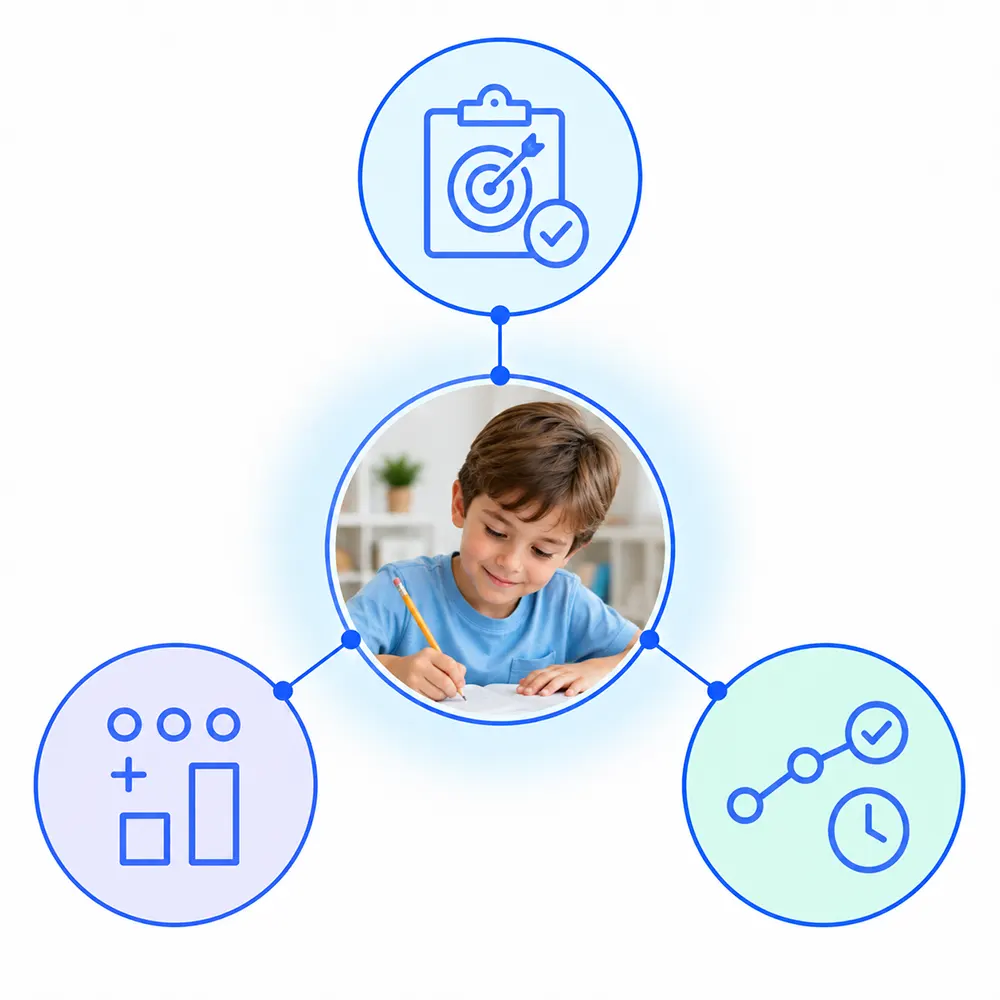
Neurolevel can be incorporated into instruction tied to specific IEP goals, including number recognition, counting, comparison, solving problems, following directions, or increasing the duration of active participation.
How can progress be documented?
The teacher can track the percentage of correct responses, the number of attempts and prompts, the selected level, and time spent actively engaged, then add these observations to the student’s current IEP documentation.
One Tool – Multiple Lesson Formats
Adaptation is not limited to choosing an easier or harder problem. It also means considering how much time the child needs to respond, how many repetitions they can manage, and what support they require.
Putting It Into Practice
With Neurolevel, the same activity can be organized in different ways: complete it one-on-one at the student’s pace; work through it with the teacher, discussing each step; have the child select an answer independently; take turns in a small group; solve it together and discuss the options.

The teacher keeps one familiar interaction while adjusting the pace, content, number of repetitions, response method, and participation format. This allows the system to fit both an individual education plan and small-group instruction.
Ways to Use Neurolevel in a Math Lesson
Neurolevel can be easily integrated into the lesson structure: to introduce a topic, reinforce a skill, provide individual practice, or support group work.
The teacher selects a format based on the lesson objective, the students’ level, and the amount of support they need.
[ 01 ]
Math Warm-Up
Goal: shift attention to math and review previously learned material.
How to use it: offer a short activity on counting, number recognition, or completing a sequence.
Benefit: a visual task and a simple movement-based response help children with developmental differences engage more easily at the start of the lesson. The teacher can immediately see what needs to be reviewed before introducing a new topic.
[ 02 ]
Targeted Skill Practice
Goal: apply a new concept through practice.
How to use it:
- count the objects → choose the numeral;
- see a number → find what comes next;
- solve the problem → select the answer.
Benefit: the child connects the explanation to a concrete action and gets several opportunities to reinforce the skill. This is especially useful for students who find it difficult to move from verbal instructions to a written exercise.
[ 03 ]
Individual Practice
Goal: give the student an appropriate pace and level of support.
How to use it: adjust the difficulty, number of repetitions, and prompts based on the child’s current level.
Benefit: the student does not have to match the pace of the entire class. The teacher can gradually decrease support and see when the child is ready to work independently.
[ 04 ]
Small-Group Work
Goal: combine math practice with collaboration.
How to use it: students take turns answering, discuss the solution, or receive different roles. One selects the answer, another names the number, and a third checks the result.
Benefit: helps children who find it difficult to join a group activity, wait for their turn, follow a sequence of actions, or express an answer in the usual way. Assigning roles allows each child to participate at an accessible level.
[ 05 ]
Keep Practicing While Moving
Goal: change the format after extended sitting without interrupting the lesson.
How to use it: ask students to find a number on the floor, touch an answer on the wall, or direct a ball toward the target area.
Benefit: movement breaks up a repetitive demand while students continue working with the same math content. This is especially useful for students who find it difficult to sit for long periods or return to the lesson after a separate break.
Custom Math Activities for Your Curriculum
Neurolevel can be adapted to your curriculum instead of forcing your lesson to fit a fixed set of activities.
If none of the ready-to-use games is the right fit, the Neurolevel team can develop a custom game for your topic, materials, and learning goals.
Game Creator is under development. In the future, it will allow educators to upload their own materials and create tests, quizzes, and activities.

Expert Perspective on Interactive Math Learning

Dorinda Luzardo
Autism Intervention & Special Education Expert
Gabriela De la torre
BA, BCaBa, ABA Therapist
Lis Espinosa
RBT, ABA Therapist
Amanda Sosa
BCBA PCM-P2 Behavior AnalystMath Learning in Practice
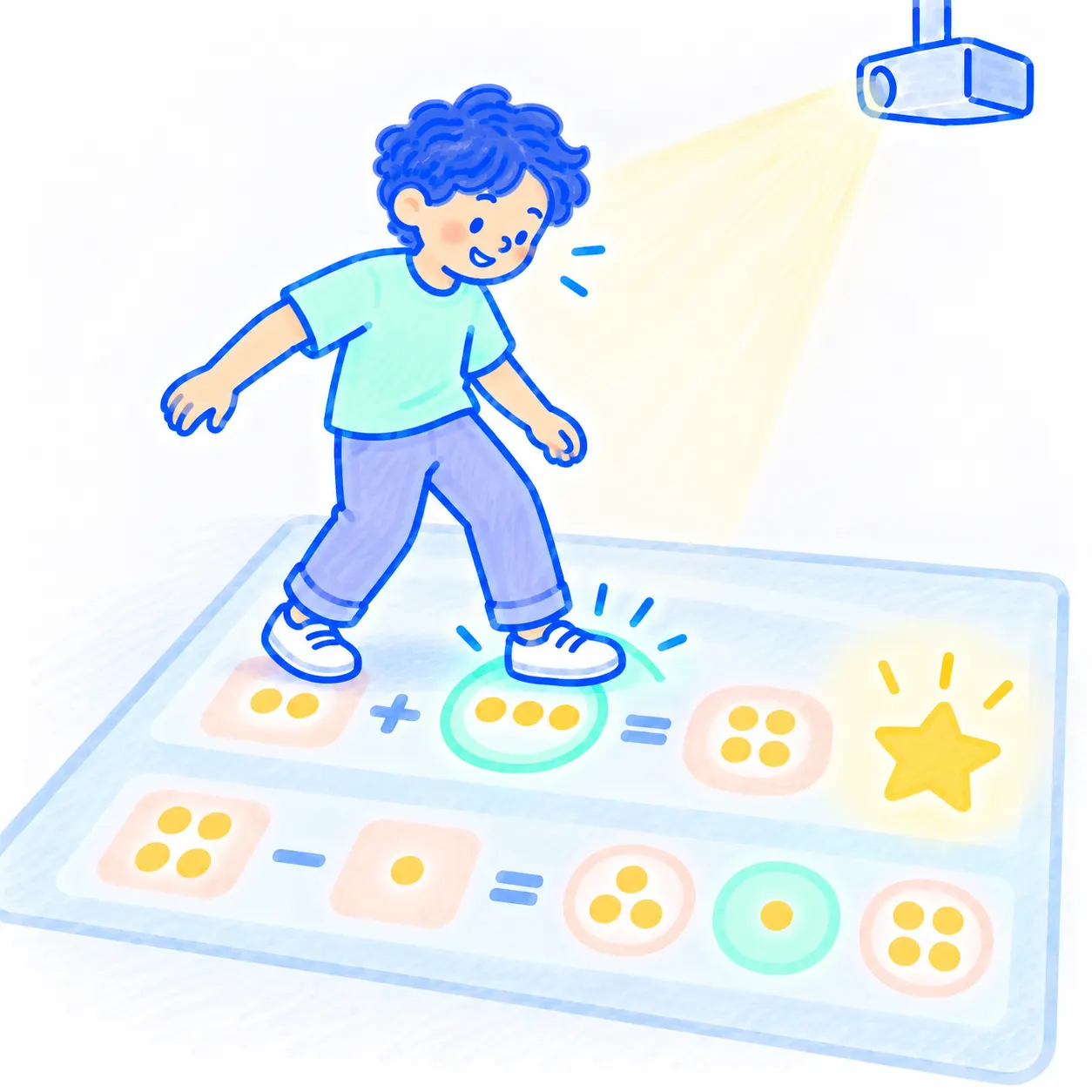
Christopher: Addition and Subtraction Became Concrete Actions
Christopher practiced addition and subtraction on the interactive floor: he solved a problem, selected an answer through movement, and earned a star for a correct response.
As a result, he did more than memorize answers, he got regular practice with mathematical operations in a format he could actually access. For us, this is a strong example of how movement and immediate feedback can help a child stay engaged in a learning task.
From Two to More Than Ten Minutes: More Time for Learning
One child was previously able to participate actively for about two minutes. After Neurolevel was introduced, that period increased to more than ten minutes.
This is more than an impressive number. The additional time allows the child to complete more activities, repeat a challenging skill, and receive feedback. The teacher can lead a full practice session without constantly trying to redirect attention back to the task.
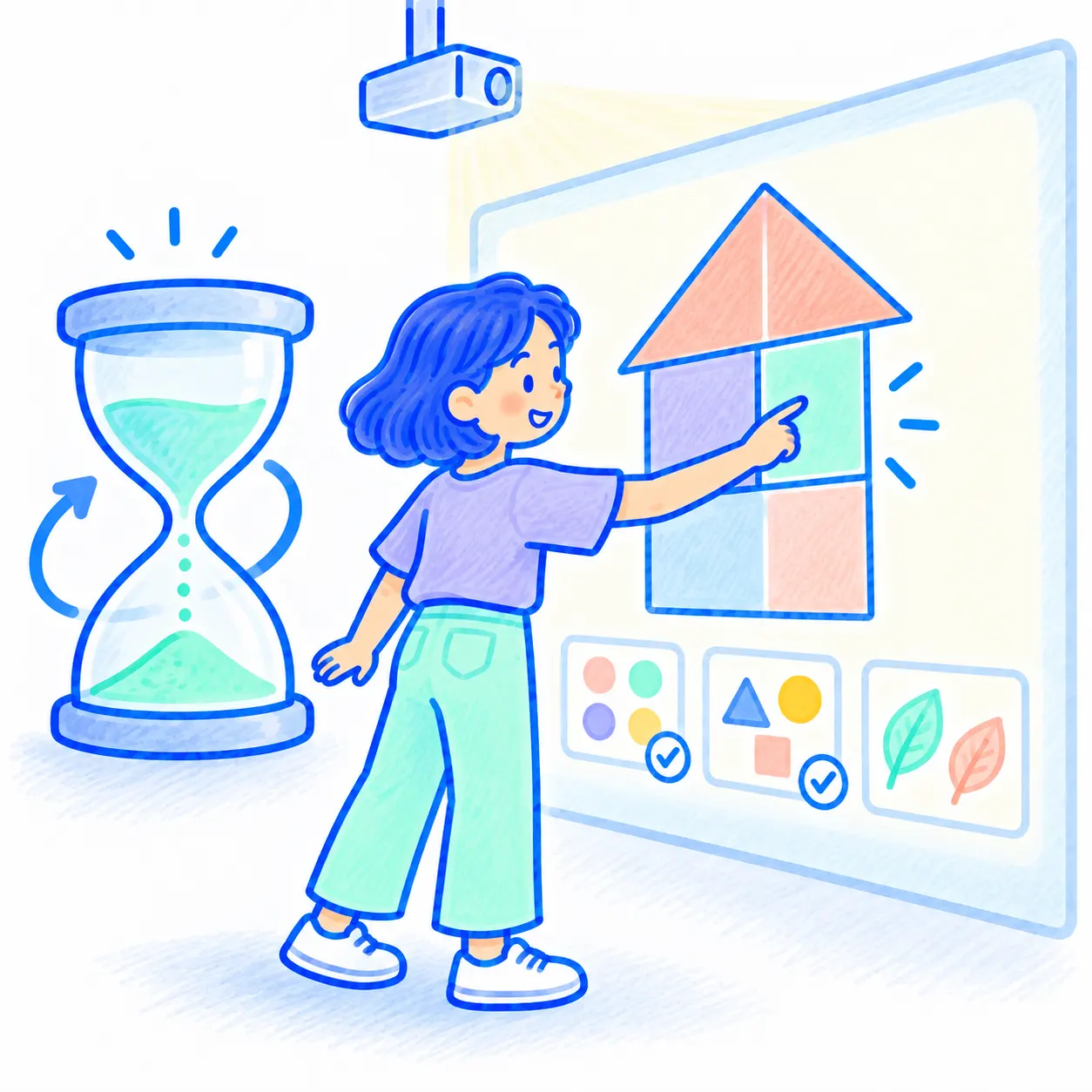
See how math activities work on the Interactive Wall and Interactive Floor, which ready-to-use games are right for your students, and how the system can be adapted to your curriculum.
During the demonstration, the Neurolevel team will help you determine: which equipment is best suited to your space; which math games you can use; how to organize individual and group sessions; which of your own materials can be converted into an interactive format.
Frequently Asked Questions About Technology in Math Education
Which math skills can students practice /with Neurolevel?
What equipment is used for math games?
Can the games be adapted to a school curriculum?
Is Neurolevel suitable for students with autism, ADHD, and other developmental differences?
Is movement-based math instruction proven to work better than traditional instruction?
Research reviews, including a meta-analysis of single-case research using mathematics manipulatives with students at risk or identified with a disability, show that visual models, interactive objects, and hands-on activities support math learning and retention in children with developmental differences.
