


 Interactive Science Games for Special Education
Science can be hard to learn through text and teacher explanation alone. A student needs to remember new words, notice relevant features, and connect them to real-world objects. That's especially tough for students who struggle to stay focused or follow long instructions. NeuroLevel starts with a clear, concrete action. The student observes, compares, and makes a choice, and then the educator explains what that choice reveals about the natural world.
 Made in USA
 3 Years Warranty
 US based Support
The games are available on NeuroLevel equipment and school interactive whiteboards. After the equipment is purchased, no annual subscription is required for the games or free updates.
What Can Students Learn Through Interactive Science Activities?
With students with autism, ADHD, and other developmental differences, it's important to help them understand how they arrive at new knowledge. Even a simple task like "find the bird by its silhouette" involves several steps: notice relevant features, compare images, make a choice, and explain that choice in an accessible way.
A student can get stuck at any stage. One student might struggle to focus on the shape of a wing among other details. Another might recognize the bird right away but find it hard to explain which feature gave it away. The educator looks at the response and pinpoints the stage where the student needs support.
| Skill | Where Difficulty May Occur | How Our Approach Helps |
|---|---|---|
| Noticing Relevant Features | The student sees the bird as a whole but gets distracted by color and misses the wing shape the task calls for. | The student views the object on a shared screen. If they don’t identify the relevant detail on their own yet, the educator points attention to it. |
| Comparing and Grouping | The student recognizes each fish on its own but loses track of the comparison rule while looking for the matching silhouette. | The student chooses from several options. The educator helps keep the comparison rule in focus and gradually fades prompts. |
| Making and Testing Predictions | The student guesses or jumps straight to the next option without thinking about why the first choice didn’t fit. | The student commits to an answer first, then sees the result. The educator talks through what was confirmed and what needs another look. |
| Explaining a Choice | The student finds the correct silhouette but struggles to explain which feature gave it away. That doesn’t necessarily mean they didn’t understand the task. | The student can show the answer first through an action or gesture. Then the educator helps them point to the relevant feature and express the idea in an accessible way. |
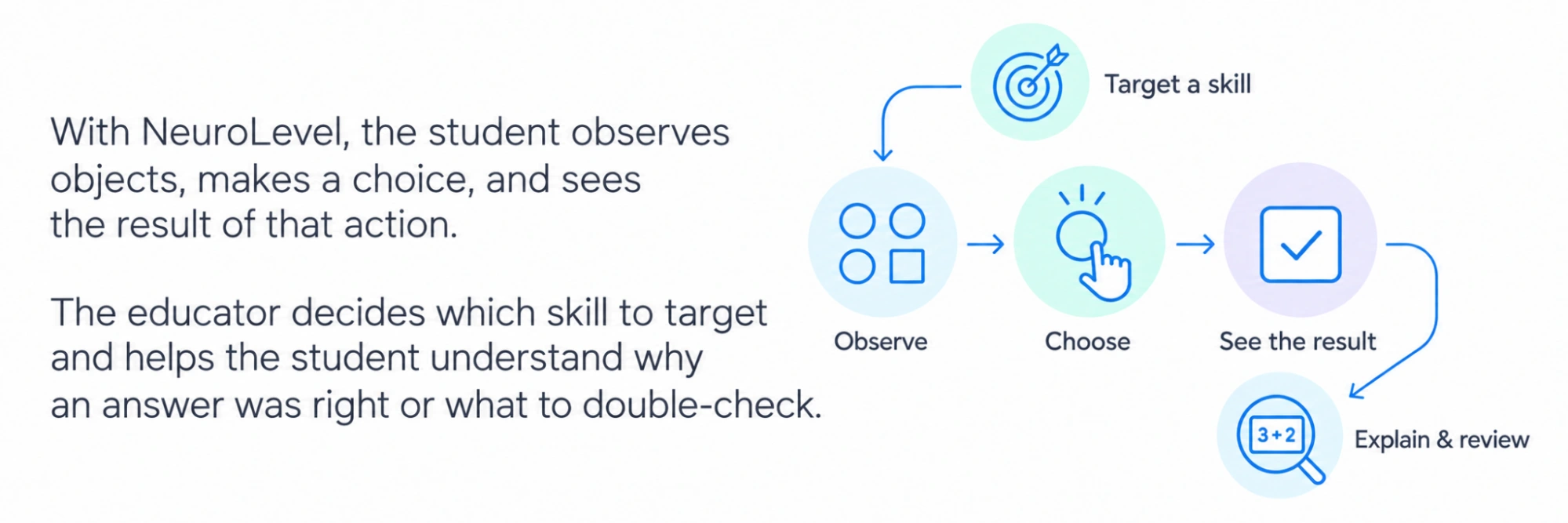

What Helps Students Participate?
Clear Visual Task
The student sees the objects and the action to complete. The educator models one example and points out a relevant feature, so the student can more easily see what to compare and which rule to use when picking an answer.
Multiple Ways to Respond
The student can name a choice, show it with a gesture, point to an AAC symbol, or touch an object. That way, a student who struggles with speech can participate too. The educator can see that the student understood the task and help them express the idea in an accessible way.
Movement as a Support for Understanding
Stepping, throwing a ball, or shaping terrain with the hands provides proprioceptive input from the muscles and joints. When movement ties into the learning task, the concept gains a physical component. For example, the student builds a hill and compares it to a valley. That hands-on link can help the student understand and remember differences that are hard to learn through explanation alone.
Prompts as Needed
If the student struggles to choose, the educator highlights the relevant feature or cuts down the number of options. As the student gets more successful with the task, the educator gradually fades prompts so the student can identify the feature and decide more independently.
Adaptable Task Demands
The educator adjusts the length of the game, number of repetitions, pace, and participation format. The student gets enough time to process and respond, and the task gets more challenging once they're ready.
Explore NeuroLevel Science Games
In interactive science activities, students explore the natural world through play and movement, while the educator helps them ask questions, notice relevant features, and look for explanations. NeuroLevel games also work in STEAM lessons, linking science topics to math, technology, or creative activities.


We develop games in biology, ecology, mathematics, physics, astronomy, and other areas of science.
What Does Research Say About Teaching Science This Way?
Our games draw on findings from established research:
Students Learn to Investigate and Draw Conclusions
A review of 26 studies found that when students with disabilities ask questions, observe, and test their ideas, it can support science learning. But educator support still matters.
In NeuroLevel, the student explores a new topic through a game, and interaction with the educator becomes part of the play experience.
Knowledge Can Be Demonstrated in Different Ways
A student might understand how two objects differ but struggle with a spoken response. CAST guidelines recommend offering multiple ways to access information and respond, including speech, pointing, actions, or a familiar AAC system. That way, the educator can see what the student knows and choose the right support.
On the NeuroLevel interactive floor or wall, the student can show a choice through movement or by touching the projection.
Interactivity Can Support Engagement, While the Educator Turns Action Into Learning
Research suggests that digital activities can help engage students with disabilities in science. The equipment itself is a tool that can boost motivation.
In NeuroLevel games, every action the student takes gets an immediate system response, so they can see the result and try again.
One System for Different Learning Environments
NeuroLevel equipment can be used at school, in learning centers, and at home. The activity format is adapted to the setting and the student’s goals:
helps the teacher engage students with different abilities in the same topic,
If NeuroLevel equipment is available at home, the student can revisit familiar activities with an adult and reinforce learning at their own pace.

Special Education Classrooms
In a special education classroom, the educator often works with students who have different learning goals and ways of participating, so the same science lesson needs to be adapted to each student’s abilities.
How Does Our Equipment Help?
A large projection brings students together around one task. One student might look for the relevant feature, another might compare options, and a third might explain to the group why a particular answer was chosen.
The teacher can see what each student does and adjust the level of support by pointing out a feature, cutting down the number of options, or offering another try. Because the game format is familiar, it’s easy to revisit the skill in later sessions and see what the student can already do on their own.
Inclusive Classrooms
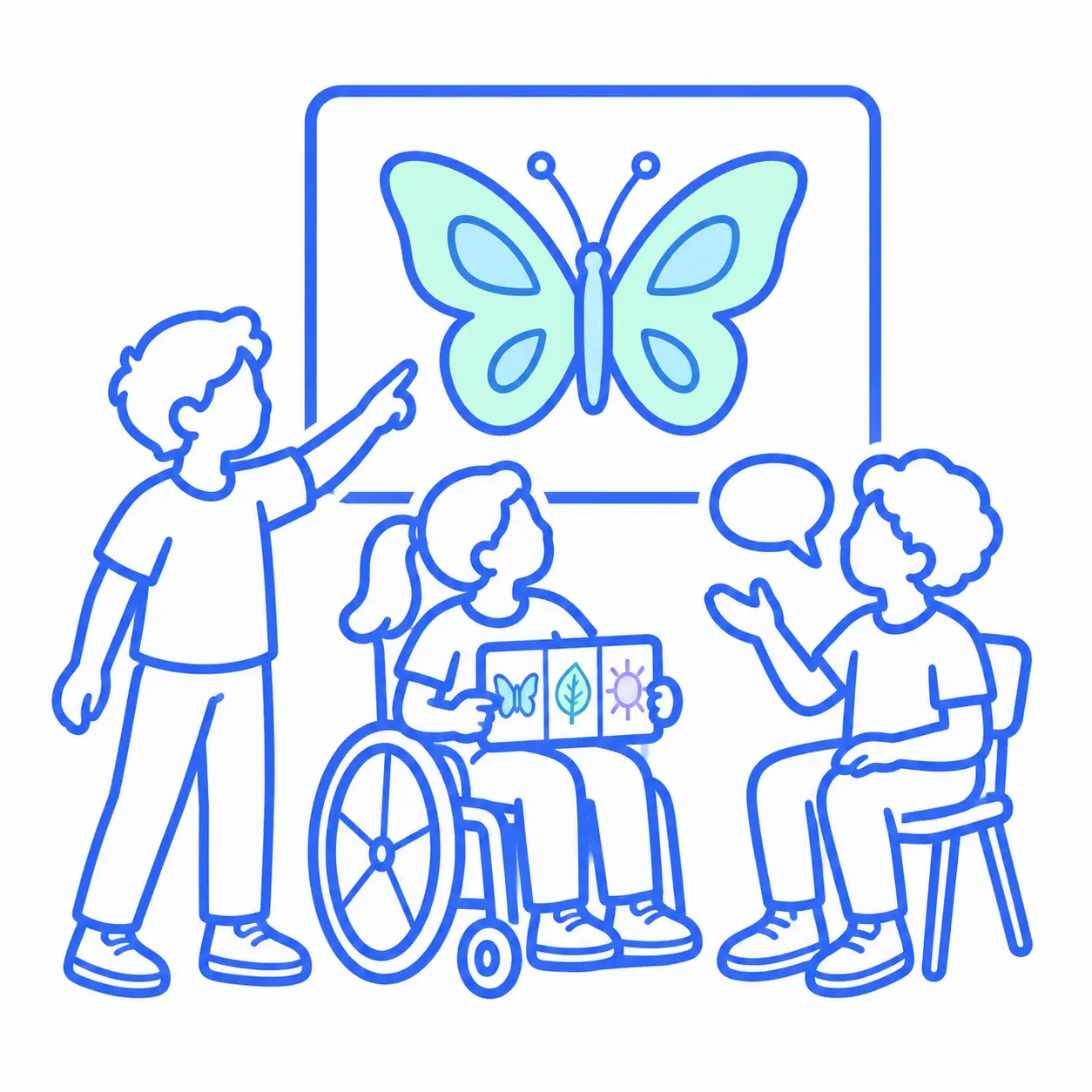
In an inclusive classroom, the whole class should stay on a shared lesson topic, even when students complete the task at different levels.
How Does Our Equipment Help?
On a large screen, everyone sees the same object and the result of the choice. Some students name the object, others compare features, and those who are ready can offer an explanation.
One student’s response can kick off a class discussion: “Do you agree? What else can you notice?” Every student can participate in an accessible way, whether through action, speech, gesture, or a familiar communication system.
Therapy and Learning Centers
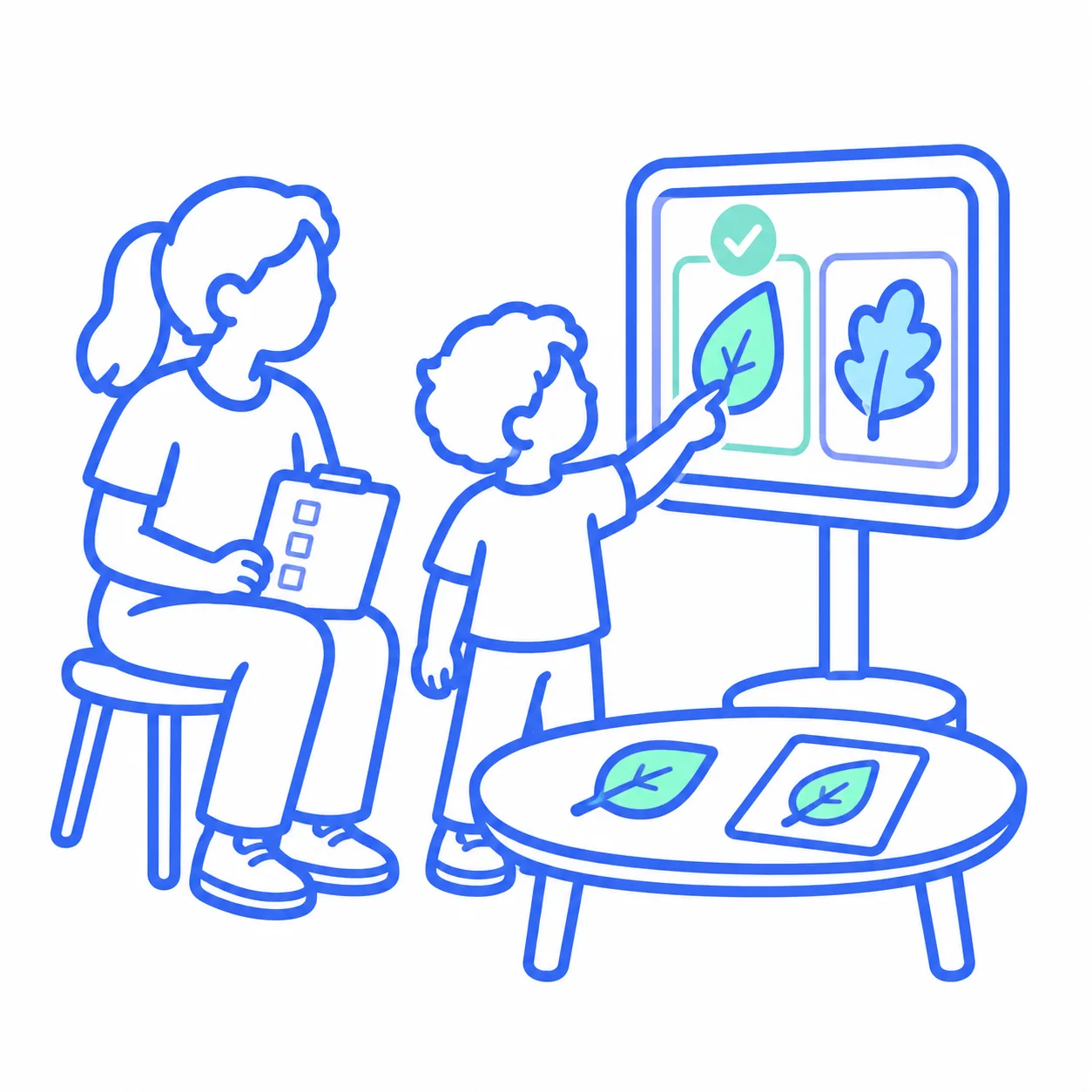
In an individual session, every part of the action matters. Did the student notice the target object? Stick to the rule? Check the answer after getting feedback?
How Does Our Equipment Help?
Each step is visible in the game, so it's easier for the specialist to decide which prompt to give and when to fade it.
The specialist tracks how long the child stays focused, how many prompts they need, and if they can return to the task after getting distracted. Then the specialist checks the same skill outside the game using photographs or real objects. That ties the learning task to work on participation in the activity.
At Home
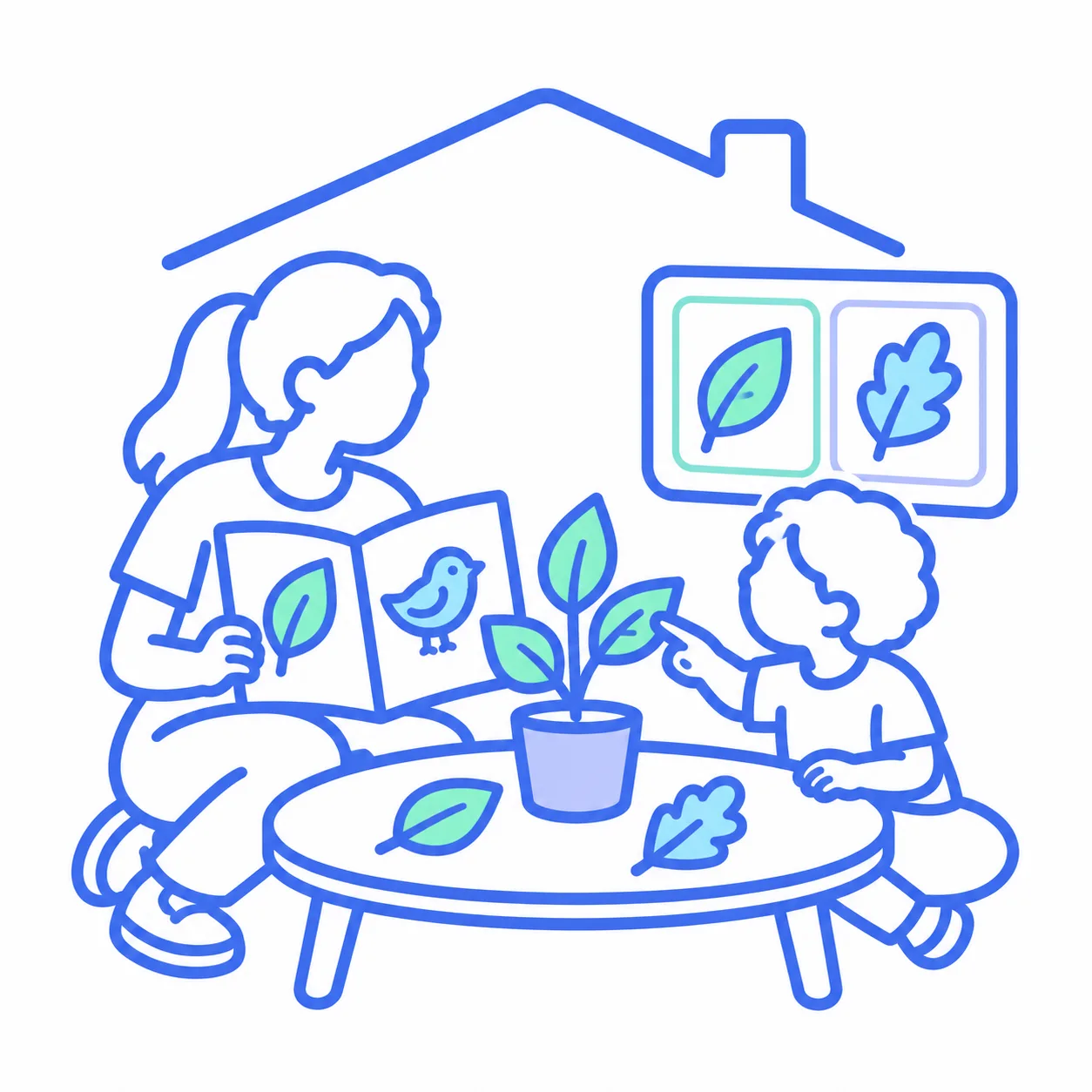
If NeuroLevel equipment is installed at home, the family can use it to revisit familiar topics. Following the educator's or specialist's recommendations, the adult gives the child time to observe objects, compare them, and respond.
How Does Our Equipment Help?
The family can repeat a familiar game and then keep the discussion going away from the screen: looking at a plant, comparing leaves, or finding a familiar animal in a book.
Parents don't need to build a new lesson from scratch. They have a clear starting point for home practice, and the child gets a chance to apply comparison and observation skills in everyday settings.
Ways to Use NeuroLevel Science Technology
There are several ways to bring NeuroLevel into a science lesson. The right format depends on the learning goal and the number of participants.
[ 01 ]
Observation Through Movement
On the Sensory Floor, the child finds a natural object and shows the choice through movement. The educator then asks which features gave it away, turning the action into a starting point for talking about the natural world.
[ 02 ]
Shared Discussion
On the Sensory Wall, a group of students sees the same object and the result of the choice. One student responds while the others suggest features or ask questions, and the educator helps them compare their explanations.
[ 03 ]
Small-Group Work
At the Multi-Touch Table, students examine objects together and agree on which feature to compare. Everyone can suggest an option, point out a detail, or explain a decision, though the specific action depends on the game.
[ 04 ]
Landform Model
In the Sandbox, students build hills and valleys and watch the terrain image change. The educator connects the model to a map or a photograph of real terrain and talks through where water might flow.
Custom Science Activities for Your Program
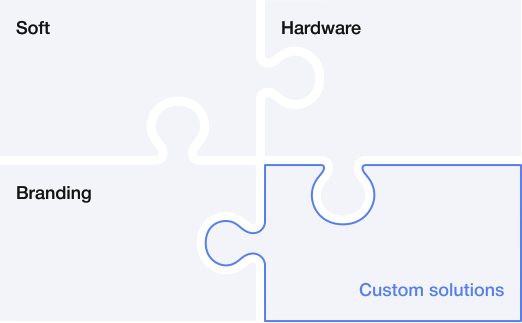
If none of our existing games covers the topic or target skill you need, the NeuroLevel team can build a custom game around your learning objective. It can include specific objects, questions, and actions that let students observe, compare, group, or test predictions.
Game Creator is still in development. Once it launches, professionals will be able to upload their own materials and build activities themselves.
Expert Perspective on Interactive Science Learning

Dorinda Luzardo
Autism Intervention & Special Education Expert
Gabriela De la torre
BA, BCaBa, ABA Therapist
Lis Espinosa
RBT, ABA Therapist
Amanda Sosa
BCBA PCM-P2 Behavior AnalystScience in Practice
Play
Angels Reach Foundation: Exploring Science Through Sand
At Angels Reach Foundation, children explore nature through hands-on interaction with sand, learning about animals and plants and discussing why different species need different habitats.
Key Outcome: According to center founder Dorinda Lusardo, learning science through tactile interaction with sand also supports fine motor development. In her observations, this can make it easier for children, including those with developmental differences, to transition to more traditio99nal paper-and-pencil tasks.
Play
Family Experience: Interest in Science Through Shared Play
In a NeuroLevel interview, a mother of three children notes that interactive activities help her children become familiar with science concepts and engage more readily in learning. Shared play also creates natural opportunities to communicate, such as showing a discovery, asking a question, or discussing an answer with another participant.
Frequently Asked Questions
Are these science lessons or just games?
Can students who do not use speech participate?
Can NeuroLevel be connected to IEP goals?
Are the games aligned with NGSS?
Which standard applies depends on the topic and grade level, and the educator adds questions and an assessment method to the activity. Completing the game alone doesn't mean all NGSS requirements have been met.
