


Sensory Multi-Touch Table for Learning, Therapy, and Collaborative Play
 Made in USA
 Approved by Therapist and Educators
 3 Years Warranty
Create an engaging digital learning and activity space with the NeuroLevel Sensory Table. The system combines a large 4K multi-touch display, a built-in computer, and specialized educational and therapy-focused software.
Designed for schools, preschools, special education classrooms, sensory rooms, therapy centers, rehabilitation facilities, and community spaces, the table supports individual instruction, small-group activities, collaborative play, and specialist-led sessions.
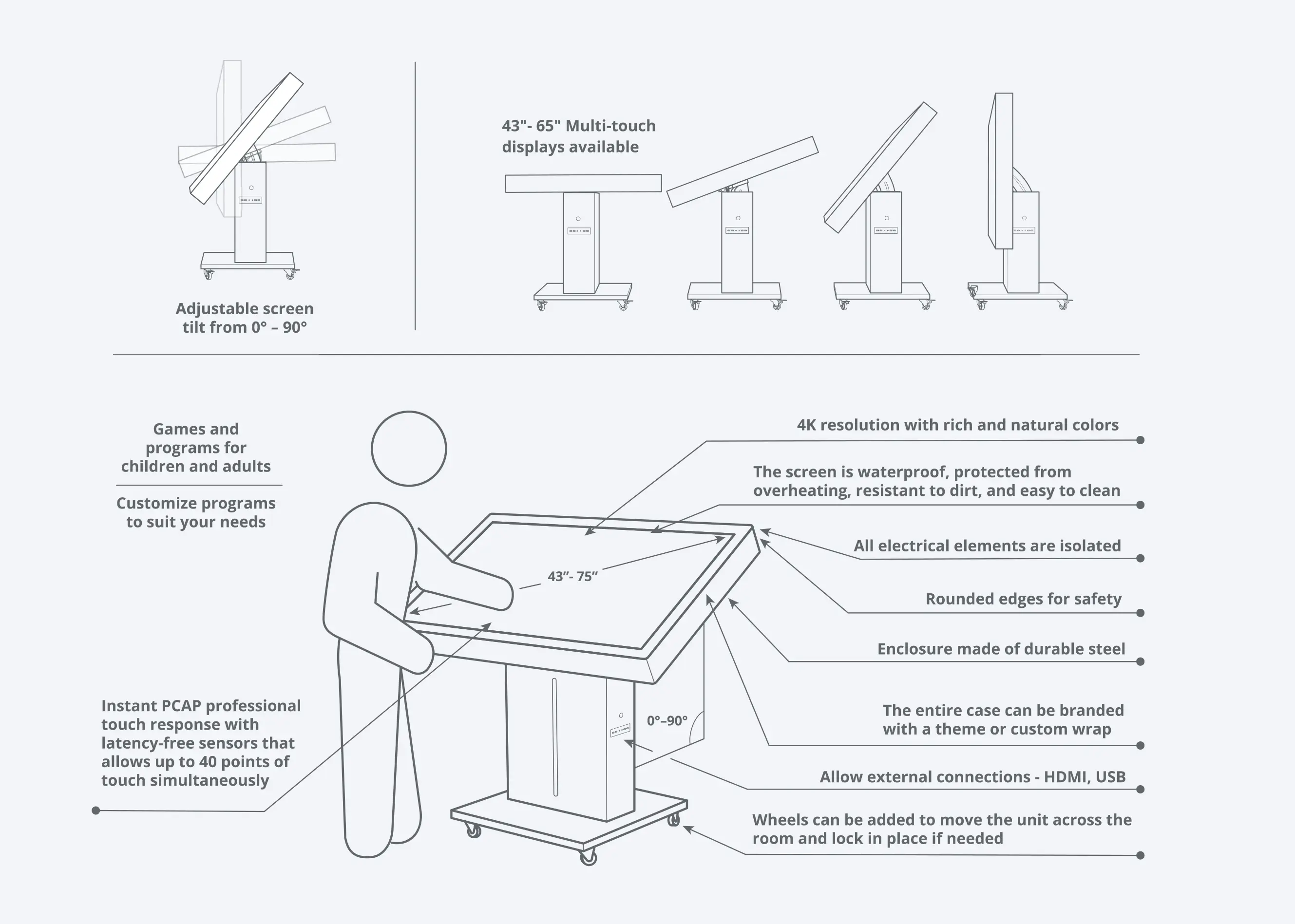
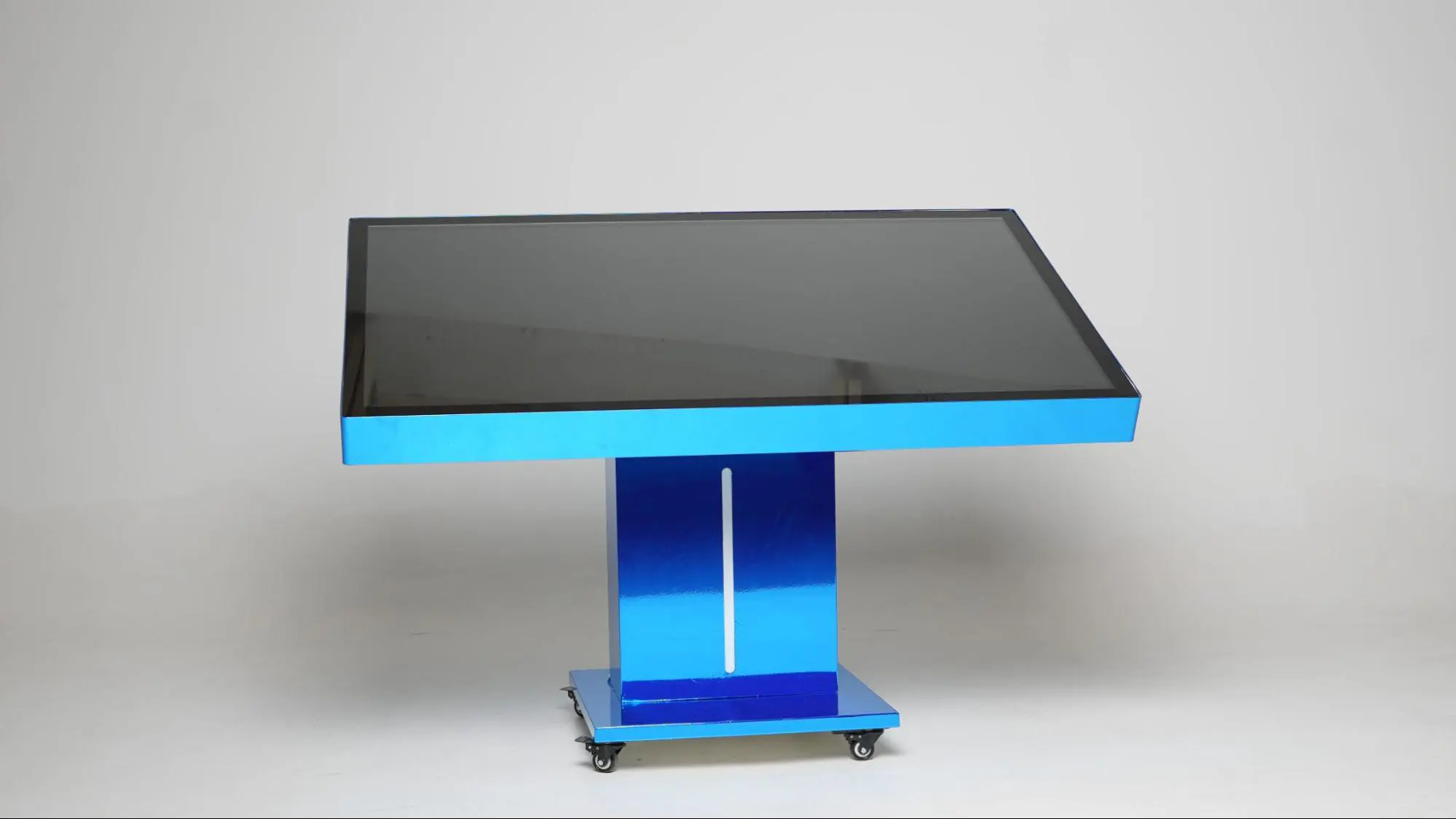
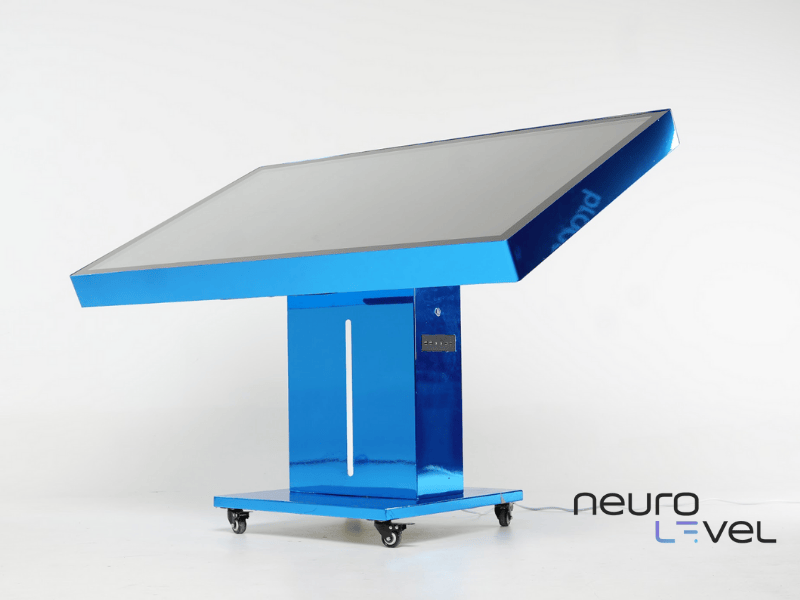
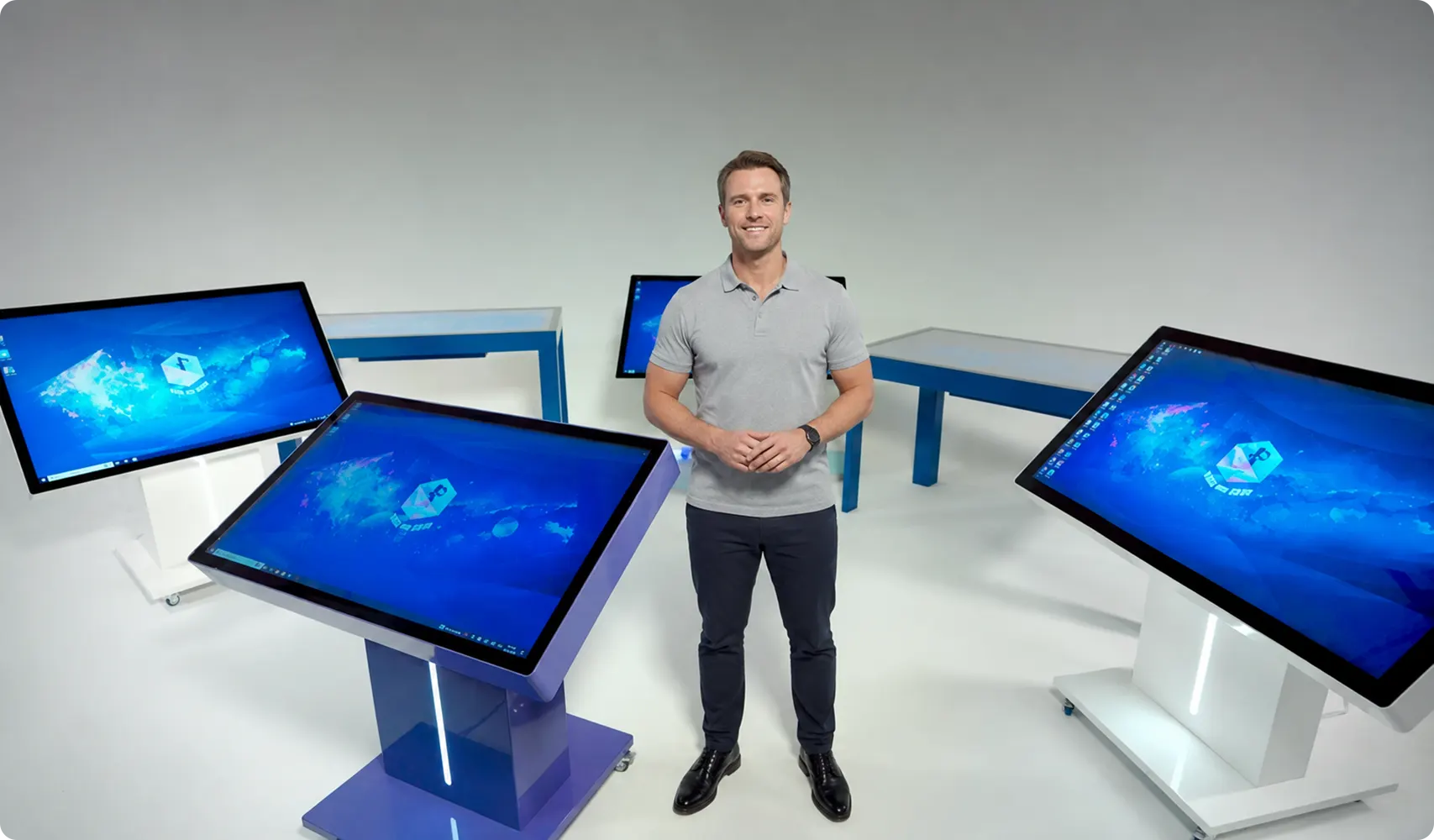
The NeuroLevel Sensory Table is available in two stand configurations. The motorized stand allows educators and therapists to raise or lower the display and adjust its tilt from a horizontal tabletop position to a fully vertical 90-degree position using the remote control. Its wheel-mounted design also allows the system to be moved between suitable rooms.
For younger children, the table is available with a fixed 4-leg stand. This configuration keeps the display at a low, stable tabletop height suited to toddlers and young preschoolers.
The NeuroLevel Sensory Table product line includes 55-inch, 65-inch, and 75-inch screen options. Available screen sizes may vary by stand configuration. Customers can select a model based on the available room space, participants’ age, expected group size, and intended use.
What Is a Digital Sensory Activity Table?
A digital sensory activity table is a large multi-touch system designed for learning, guided play, skill-building activities, and professional sessions. Instead of using a conventional tabletop, participants interact with digital objects, images, sounds, games, and educational tasks displayed directly on the touch-responsive surface.
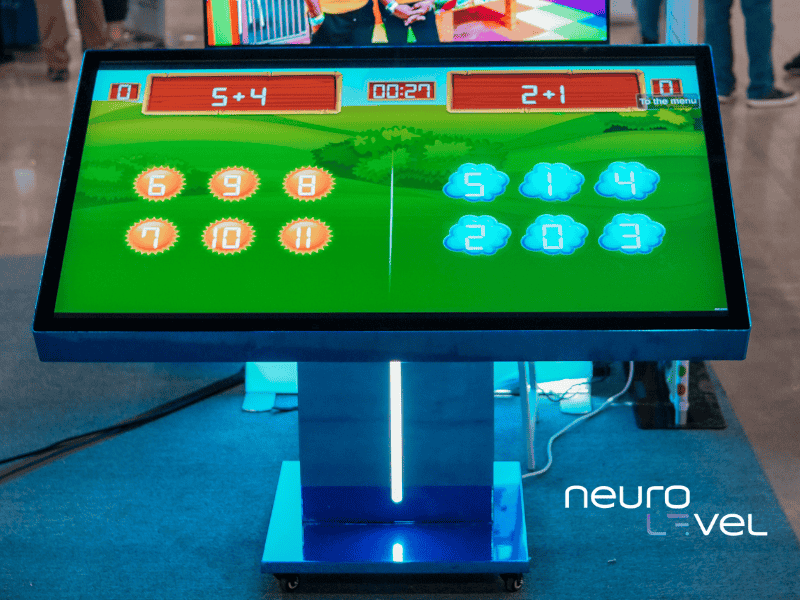
Users can tap, drag, match, sort, trace, select, and move objects with their hands. The display recognizes simultaneous touches, making it possible to run multi-user activities when the selected application supports this format.
Unlike a traditional sensory play table that uses sand, water, or loose materials, the NeuroLevel system provides reusable digital activities on one touch-responsive surface. Educators and therapists can quickly switch between academic tasks, visual-motor exercises, cause-and-effect activities, puzzles, creative games, and collaborative challenges.
The table can be incorporated into structured lessons, learning stations, professional therapy sessions, recreational programs, and individual or small-group activities.
Models and Price
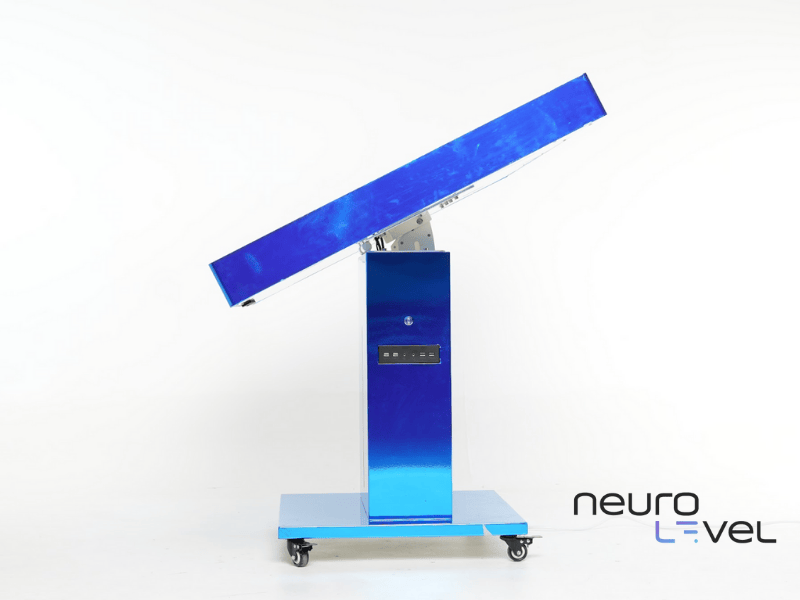
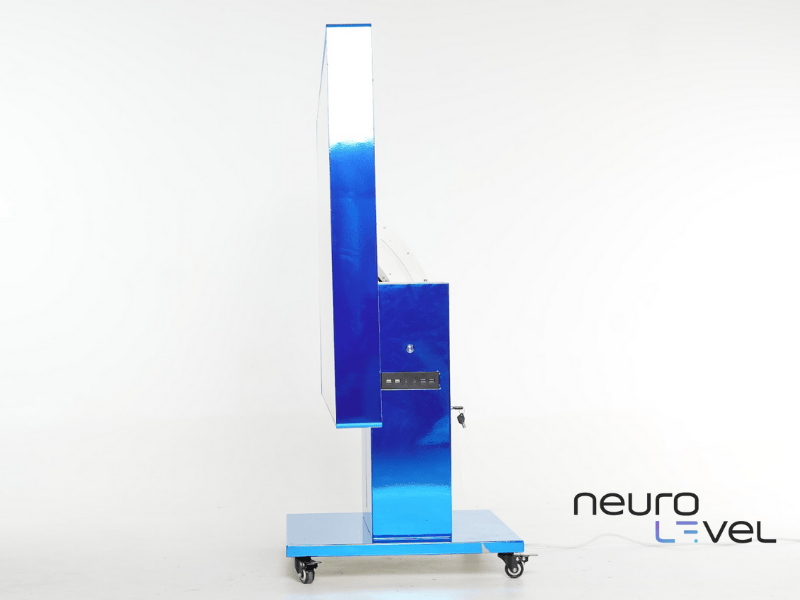
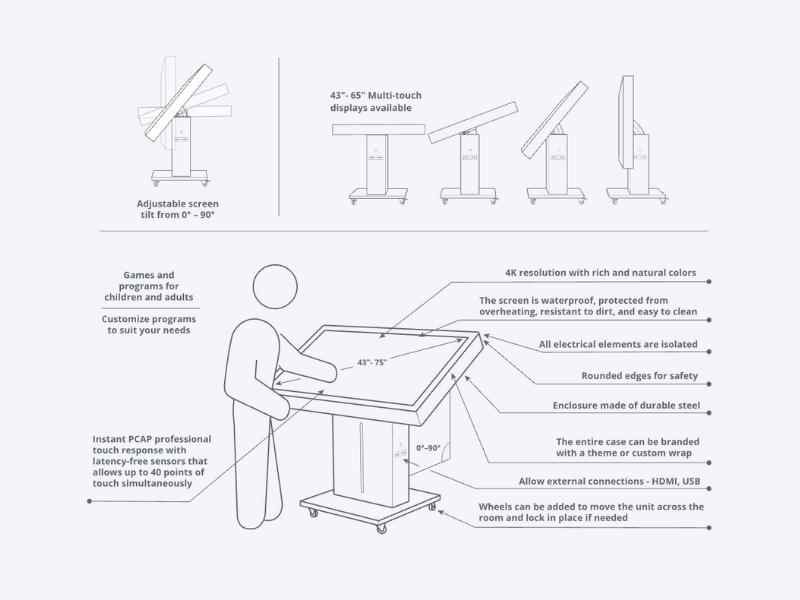

97 Activities

Motorized Height & Tilt

55", 65", 75"
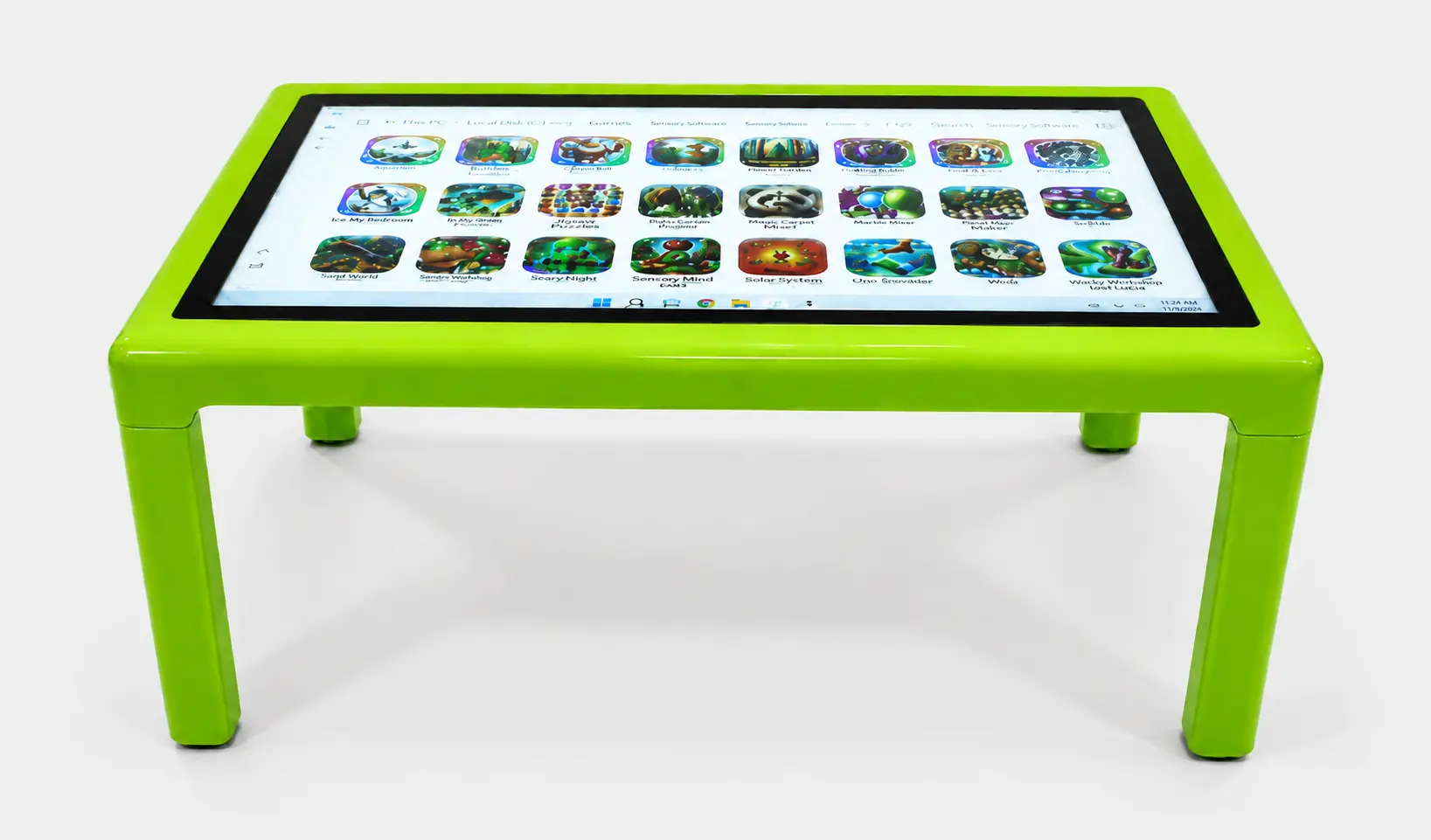
97 Activities

23.5" (Fixed)
55", 65"
Which Screen Size Is Right for Your Facility?
The appropriate screen size depends on the available space, selected stand configuration, planned activities, viewing distance, and expected number of participants.
55-inch model
Provides a compact, space-efficient working surface suitable for smaller classrooms, therapy rooms, preschool spaces, and focused individual activities.
65-inch model
Offers additional working space, making it a versatile choice for individual instruction, adult-guided sessions, and small-group activities.
75-inch model
Provides the largest standard shared surface and is suitable for larger rooms, multi-user activities, collaborative tasks, and group engagement.
Available screen sizes may vary between the motorized and fixed 4-leg configurations.
Need a larger display? Upon request, NeuroLevel can produce custom models with screen sizes exceeding 75 inches for high-capacity spaces or specific project requirements.
The motorized configuration features a wheel-mounted stand for movement between suitable rooms. The fixed 4-leg configuration provides a low, stable tabletop position designed primarily for younger children.
Contact the NeuroLevel team to compare available screen sizes, stand configurations, room requirements, and intended applications.
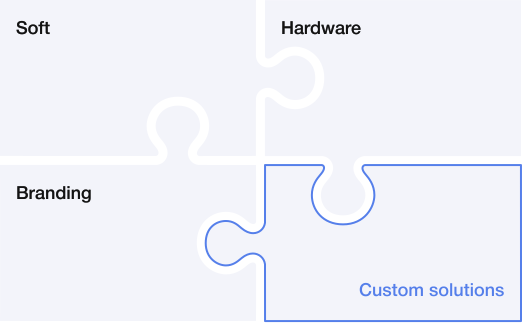
Custom Systems
NeuroLevel can develop a custom Sensory Table configuration when the standard system does not fully match a facility’s technical, visual, or operational requirements.
Available customization options may include:
graphics card configuration;
RAM capacity;
storage capacity;
exterior finish;
organization branding;
logo placement.
The NeuroLevel team can review the intended application, software requirements, expected usage, and facility preferences before recommending a configuration.
Contact NeuroLevel to discuss available custom hardware, branding, and software options.
How Does the Sensory Table Work?
The NeuroLevel Sensory Table uses a large 4K multi-touch display rather than a projector or projection surface.
A built-in computer with Windows 11 Pro runs the NeuroLevel software and displays applications directly on the touch-responsive screen.
Users control the content by: tapping, dragging, tracing, matching, sorting, selecting and moving digital objects.
The system processes each touch and provides an immediate visual or auditory response. PCAP technology supports simultaneous touch interaction, allowing several participants to engage with the same application when multi-user functionality is available.
The table is available with two stand configurations.
The motorized stand allows staff to adjust the display height and move the screen from a horizontal tabletop position to an angled or fully vertical position using the remote control.
The fixed 4-leg stand keeps the display at a low, stable, horizontal tabletop height intended primarily for toddlers and young preschoolers.
Educators and specialists can select applications for educational tasks, guided play, visual-motor activities, cognitive challenges, creative exercises, and recreation.
No handheld controllers, wearable sensors, or separate projection equipment are required for standard touch-based interaction.

Inner ear
Internal
Hearing
Sight
Body awareness
Touch
Where Can the Sensory Table Be Used?
The NeuroLevel Sensory Table can be incorporated into educational, therapeutic, inclusive, recreational, and rehabilitation environments.
The choice of a motorized or fixed 4-leg stand allows organizations to select a configuration based on participants’ age, available space, planned activities, required screen positioning, and staff workflow.
Special Education Classrooms
Teachers can use the table for structured lessons, learning stations, individual instruction, and small-group activities. Applications may involve:
letter and number recognition;
matching and sorting;
vocabulary;
reading and phonics;
counting and basic math;
colors, shapes, animals, and everyday objects;
sequencing;
memory tasks;
problem-solving;
following visual and verbal instructions.
The shared multi-touch surface also allows teachers to organize turn-taking, cooperative tasks, and guided activities for students with different learning needs.
When the motorized configuration is selected, teachers can position the display horizontally, at an angle, or vertically according to the lesson and participation format. The fixed 4-leg model provides a low horizontal working surface for younger students.
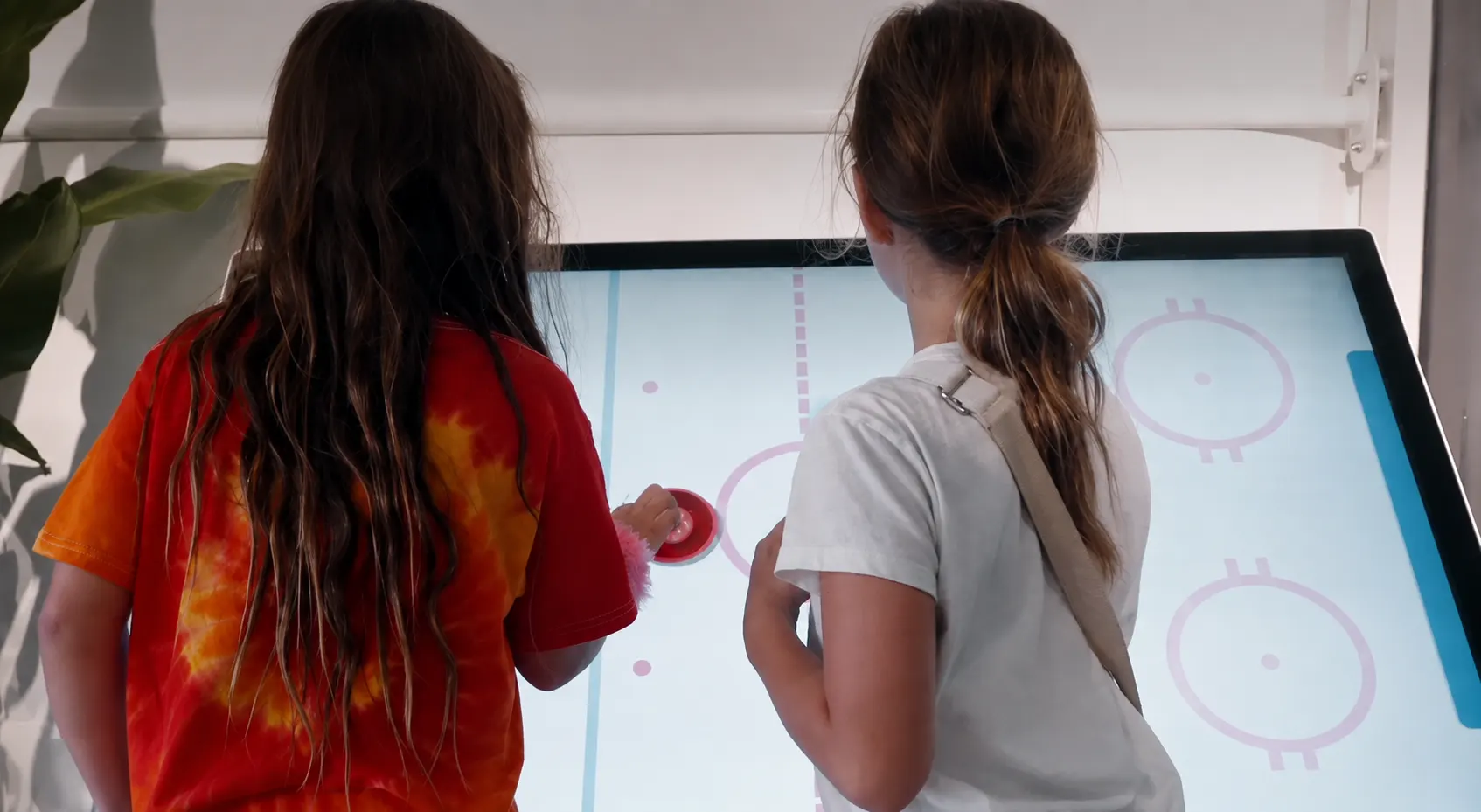
Preschools and Early Learning Centers
A sensory play table gives young children an engaging way to explore educational content through touch, visual prompts, sound, and shared play. Age-appropriate activities can introduce:
letters and numbers;
colors and shapes;
animals and nature;
matching and categorization;
early vocabulary;
tracing;
simple puzzles;
creative drawing;
cause-and-effect relationships.
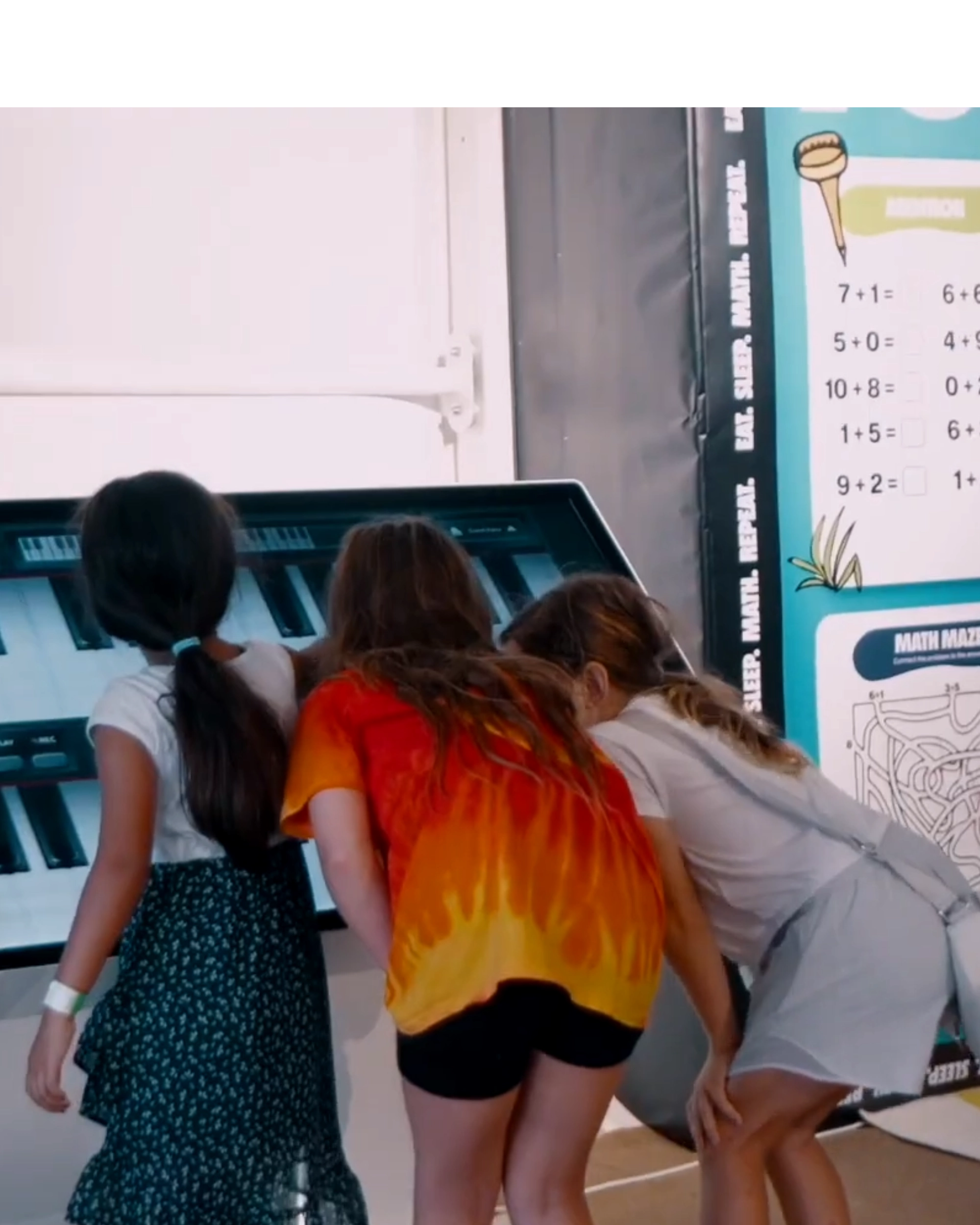
Several children can participate around the same surface during teacher-led or collaborative activities. The fixed 4-leg configuration may be especially suitable for preschool and early learning environments because it keeps the display at a low, stable tabletop height.
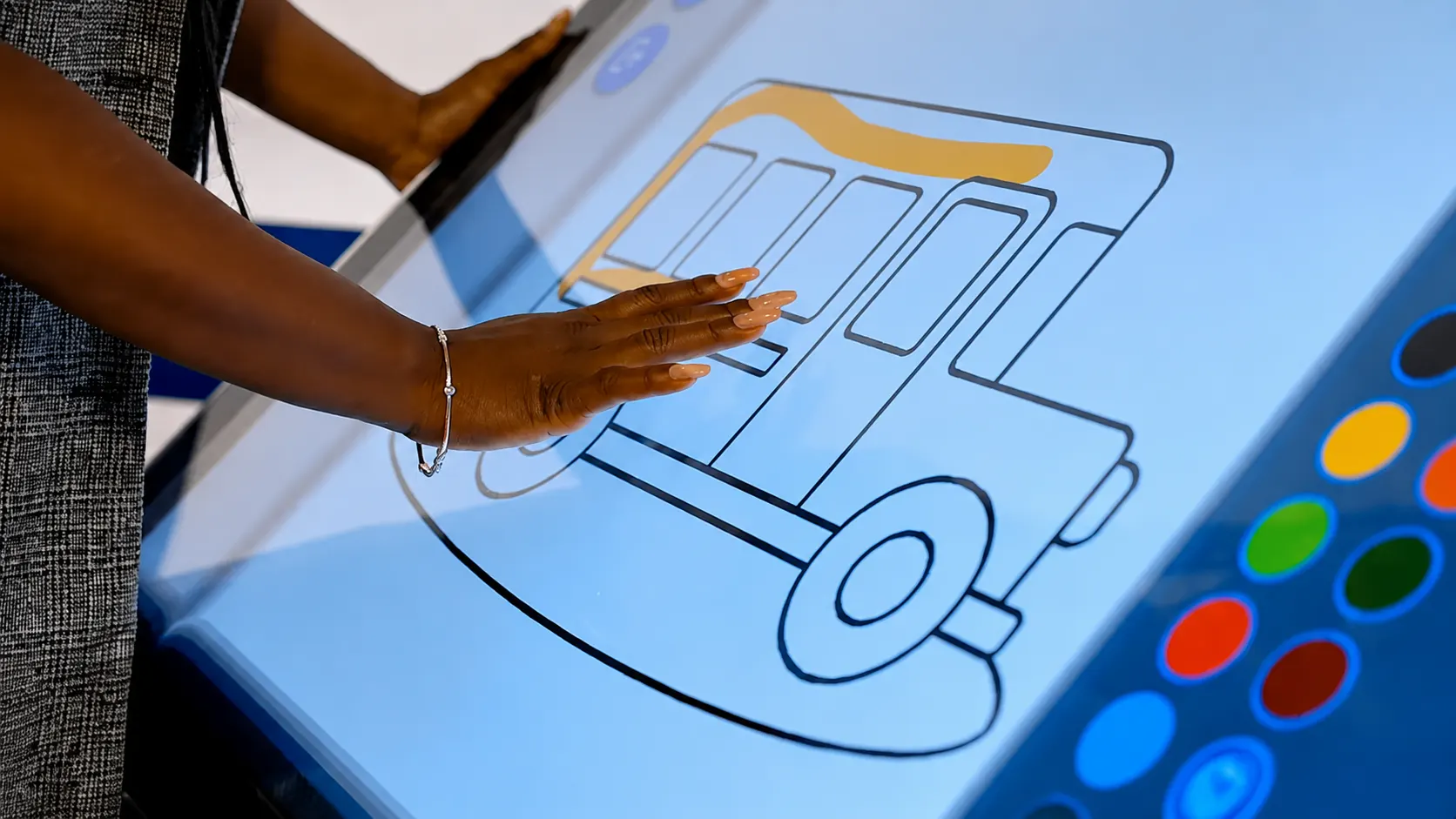
Sensory Rooms
The table can become part of a multisensory environment that combines touch-based interaction, visual content, audio cues, and immediate feedback. Specialists can select activities based on the purpose of the session. Depending on the software and selected settings, the table may be used for:
visual exploration;
cause-and-effect play;
focused tabletop tasks;
creative activities;
matching and sorting;
structured sensory engagement.
The table provides an alternative to movement-intensive floor or wall equipment. Facilities can select the adjustable motorized configuration or the low fixed 4-leg model according to participants’ age, activity format, and room requirements.
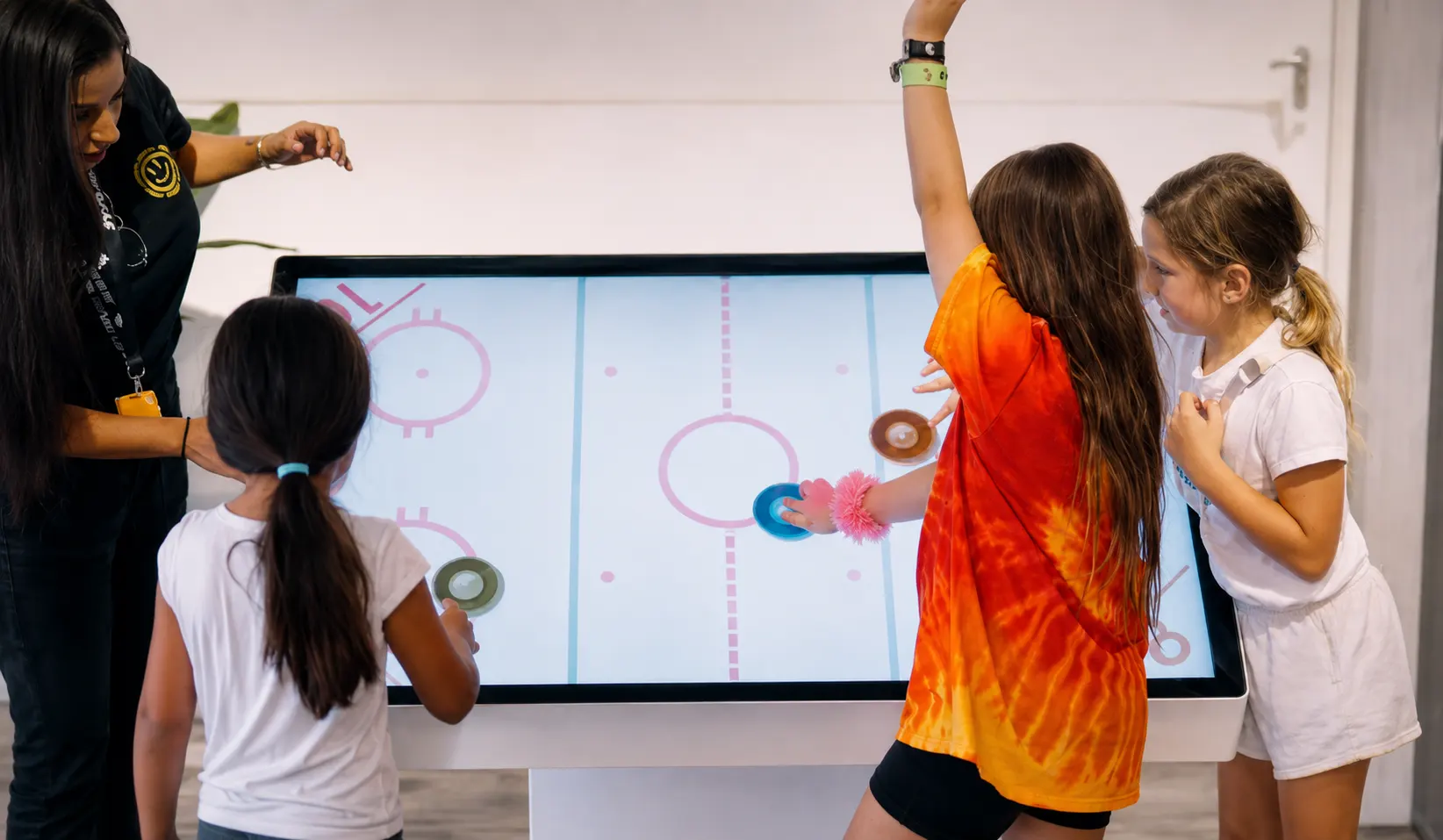
Occupational Therapy Centers
Occupational therapists can incorporate the sensory table into supervised activities focused on:
controlled touch and hand movements;
fine motor control;
hand-eye coordination;
bilateral hand use;
reaching and target selection;
visual tracking;
matching and sorting;
sequencing;
task completion;
sustained participation.
When the motorized configuration is selected, the therapist can adjust the table height and tilt angle using the remote control. Applications with different visual, motor, and cognitive demands can then be selected according to the participant and session goals.
The fixed 4-leg model may be considered for supervised activities involving toddlers and young preschoolers who require a lower horizontal working surface.
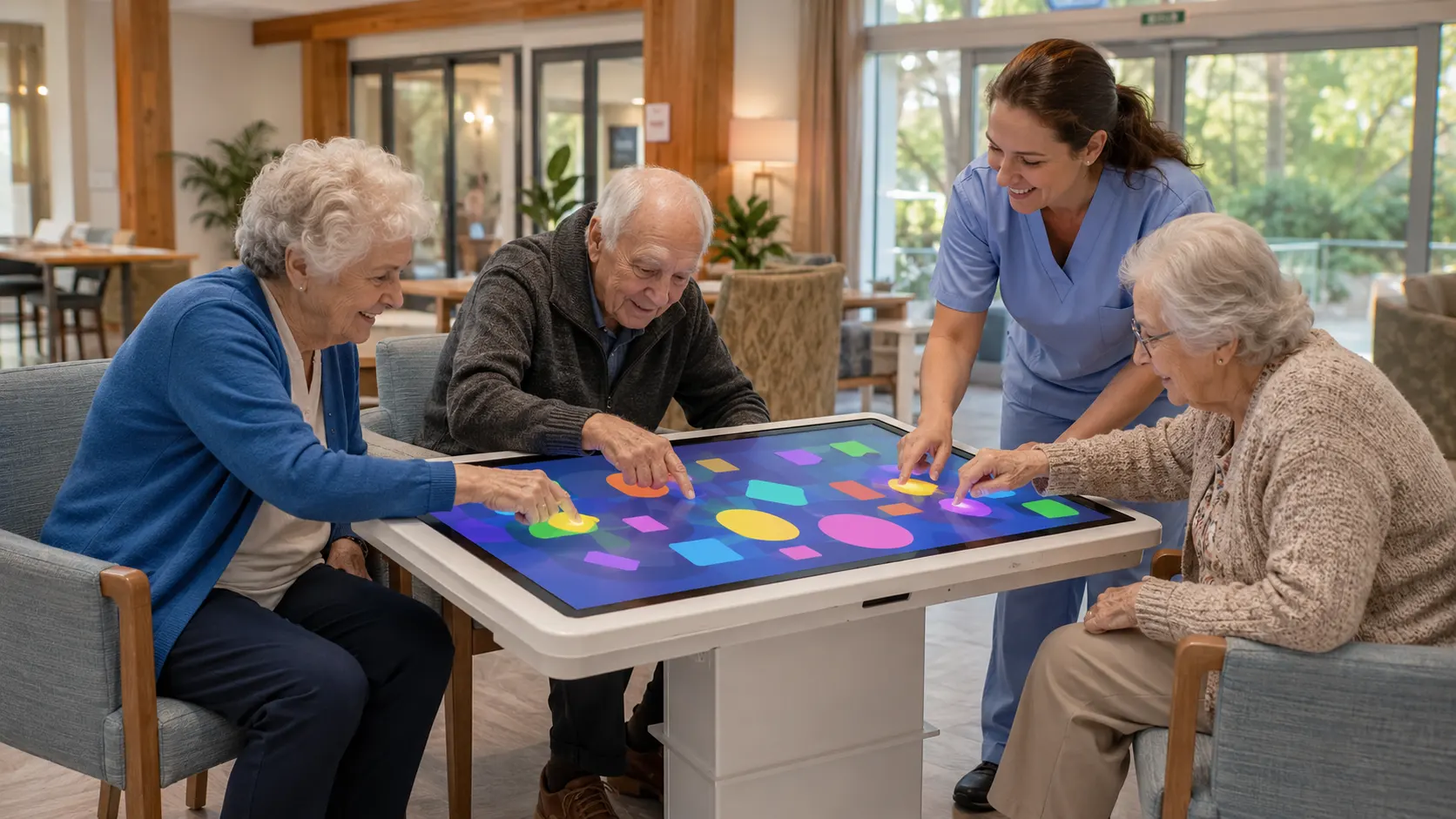
Senior Living and Elderly Care Facilities
Care staff and activity coordinators can use the sensory table to engage older adults in cognitive stimulation, upper-body movements, and social interaction.
Activities can be used for:
memory tasks and visual discrimination exercises;
gentle exercises for the upper limbs and fine motor skills;
interactive digital games and puzzles;
creative audiovisual activities.
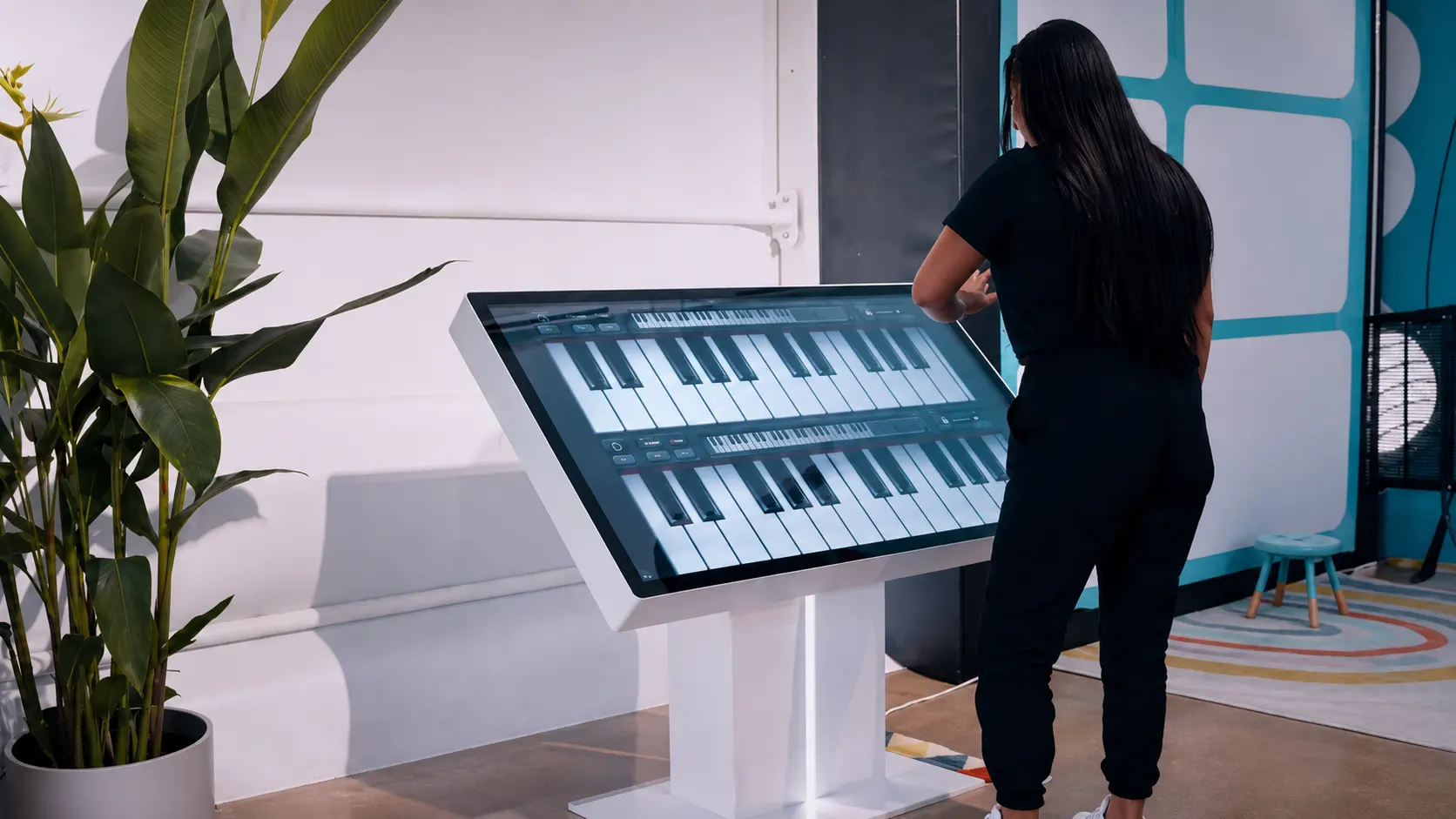
Schools and Inclusive Programs
The sensory table can complement classroom instruction, special education services, after-school programs, and inclusive learning activities.
Teachers may use it for:
academic practice;
collaborative problem-solving;
project-based tasks;
digital art;
quizzes;
group challenges;
recreational activities;
supervised free-choice time.
The wheel-mounted motorized model can be moved between suitable classrooms and departments. The fixed 4-leg model provides an alternative for early childhood classrooms and spaces where motorized positioning is not required.
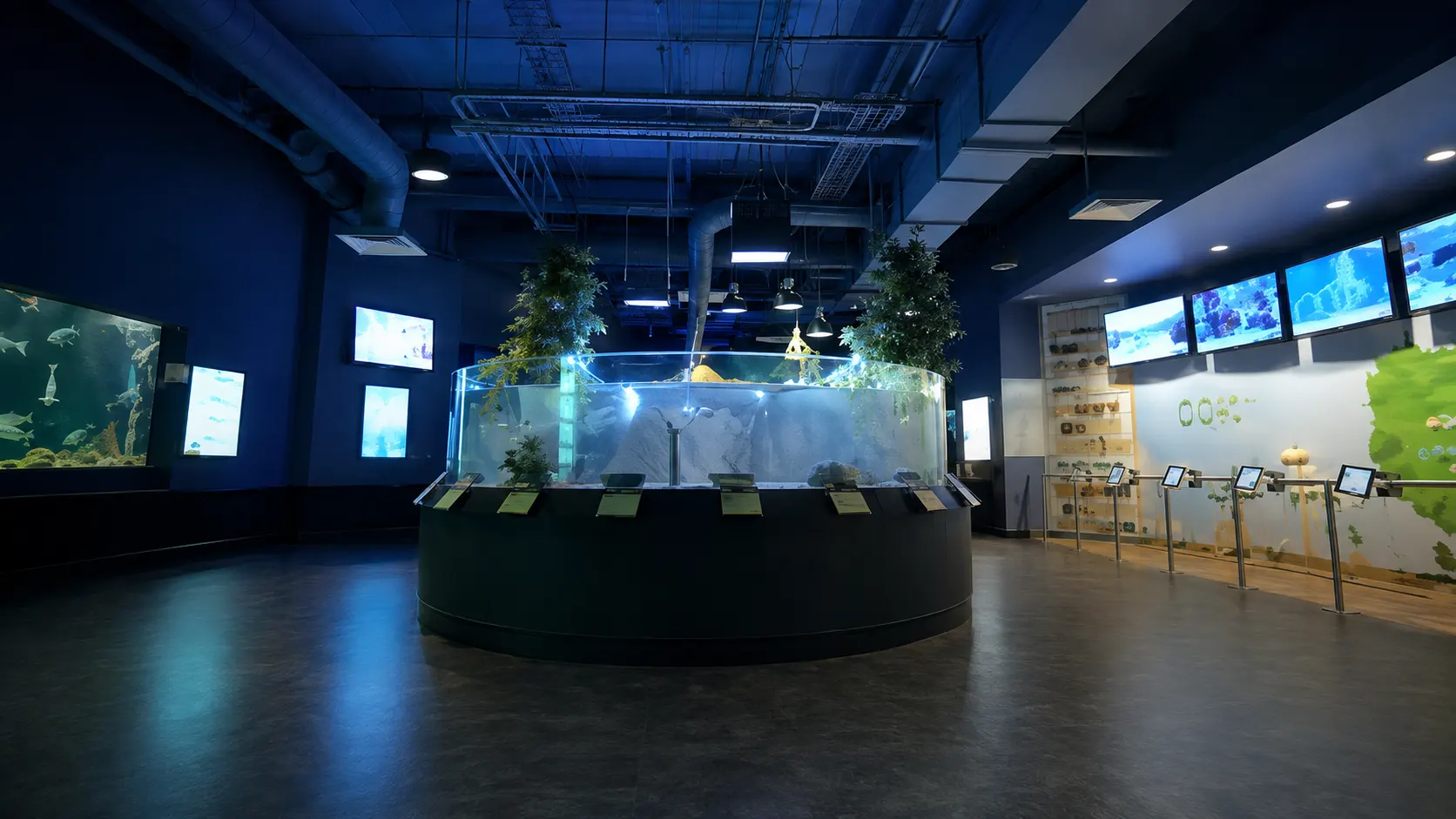
Rehabilitation and Healthcare Facilities
Qualified practitioners can incorporate the table into supervised cognitive, visual-motor, and upper-body activities selected according to each participant's abilities and goals. Possible activity components include:
reaching toward visual targets;
selecting and moving digital objects;
using both hands;
completing sequences;
responding to visual or auditory cues;
maintaining attention to a structured task;
practicing controlled and accurate movements.
The system is an activity tool and does not replace clinical assessment, rehabilitation planning, or professional treatment.
Libraries, Community Centers, and Recreation Facilities
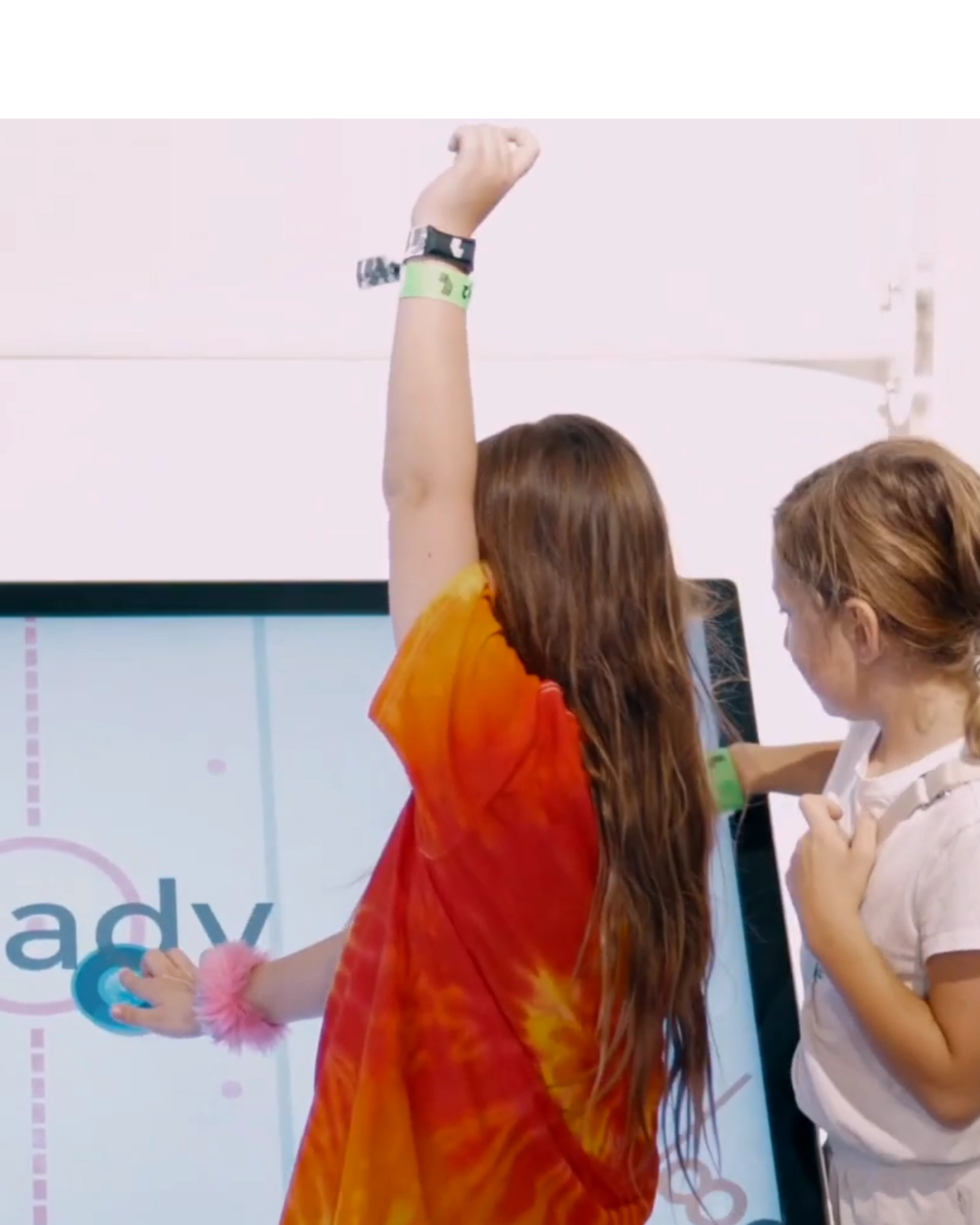
The table can support educational programs, group activities, creative sessions, digital games, and inclusive recreational events. Its large shared surface encourages participants to communicate, solve problems, take turns, and work together.
Home Learning and Activity Spaces
The table may also be used in suitable home environments for learning, digital sensory play, creative activities, and reinforcing tasks recommended by teachers or specialists. Because it is a professional full-size system, buyers should consider.
available room space;
screen size;
intended use;
access to a power source;
movement and storage requirements.
Activities and Skills Supported by the Sensory Table
NeuroLevel applications combine touch-based interaction with visual content, audio cues, hand movements, cognitive tasks, and shared participation. Educators and specialists can select activities based on the users' abilities, session format, and educational or therapeutic goals.
[ 01 ]
Matching and Sorting
Users move digital objects into corresponding categories, groups, or locations. These tasks may be incorporated into activities involving:
visual discrimination;
categorization;
vocabulary;
colors and shapes;
number and letter recognition;
recognition of everyday objects.
[ 02 ]
Tracing and Target Selection
Participants follow paths, select icons, touch specific areas, or move objects toward a target. These activities can be used during tasks focused on:
controlled hand movement;
touch accuracy;
visual-motor coordination;
hand-eye coordination;
visual tracking;
sustained attention.
[ 03 ]
Sequencing and Memory
Users arrange objects or events in order, reproduce visual patterns, or remember the location of images. Such tasks may involve:
working memory;
sequencing;
attention;
planning;
following multi-step instructions;
understanding routines and processes.
[ 04 ]
Educational Tasks
Applications can support lessons and practice involving:
reading;
phonics;
vocabulary;
math;
science;
art;
everyday concepts;
problem-solving.
[ 05 ]
Communication and Language Activities
Suitable applications can be incorporated into tasks involving:
picture naming;
vocabulary practice;
matching words and images;
category recognition;
following verbal directions;
shared attention;
turn-taking.
[ 06 ]
Collaborative Tasks
Several participants can work around the table during cooperative games, shared puzzles, turn-taking activities, and group challenges. The educator or specialist determines the appropriate number of participants based on:
the selected application;
screen size;
available space;
activity format;
users' individual needs.
[ 07 ]
Cause-and-Effect Activities
A touch, drag, or selection produces an immediate change on the screen. This format can help users explore the relationship between an action and its result while encouraging intentional participation.
[ 08 ]
Creative Activities
Drawing, music, visual exploration, and open-ended digital activities give users opportunities to make choices and create content on the shared surface.


Individual and Collaborative Sensory Play
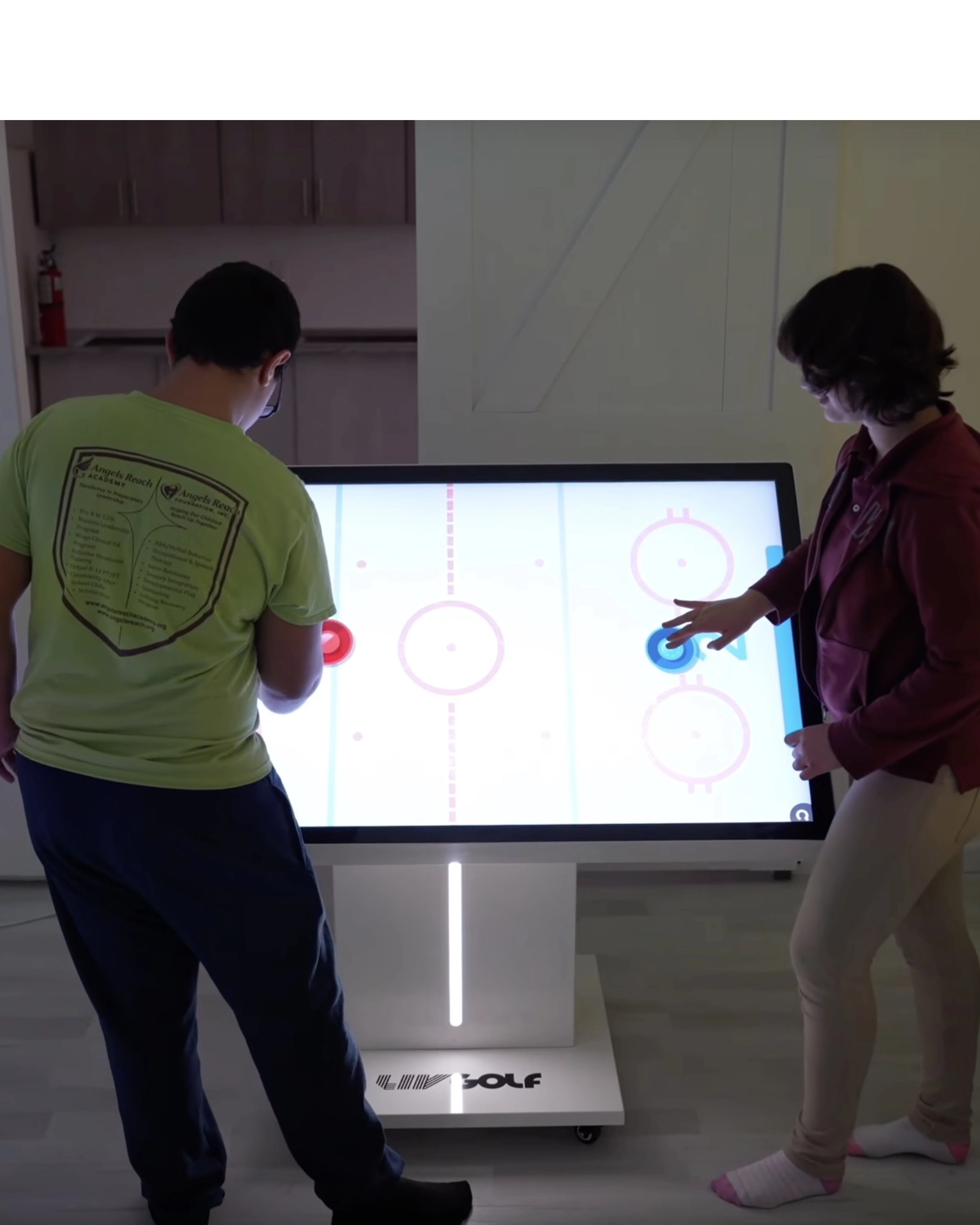
The sensory play table can be used for individual, adult-guided, and small-group activities. One participant may complete a structured task independently or with support, while multi-user applications allow several children to work on shared puzzles, matching activities, digital drawing, cooperative games, and group challenges.
Educators and therapists can use the shared display to organize turn-taking, communication, joint decision-making, and collaborative problem-solving. The appropriate participation format depends on the selected application, screen size, room setup, and users’ needs.
Positioning Options for Different Activities
NeuroLevel offers motorized and fixed stand configurations for different users, activities, and facility requirements.

Motorized Height and Tilt Adjustment
The motorized stand allows staff to change both the display height and tilt angle using the remote control. The height can be adjusted from 44.1 to 59.1 inches, while the tilt angle can be changed from 0 to 90 degrees.
This allows educators and specialists to position the screen according to:
the user’s working position;
the type of activity;
the room layout;
the preferred viewing angle;
individual or group participation;
seated or standing use.
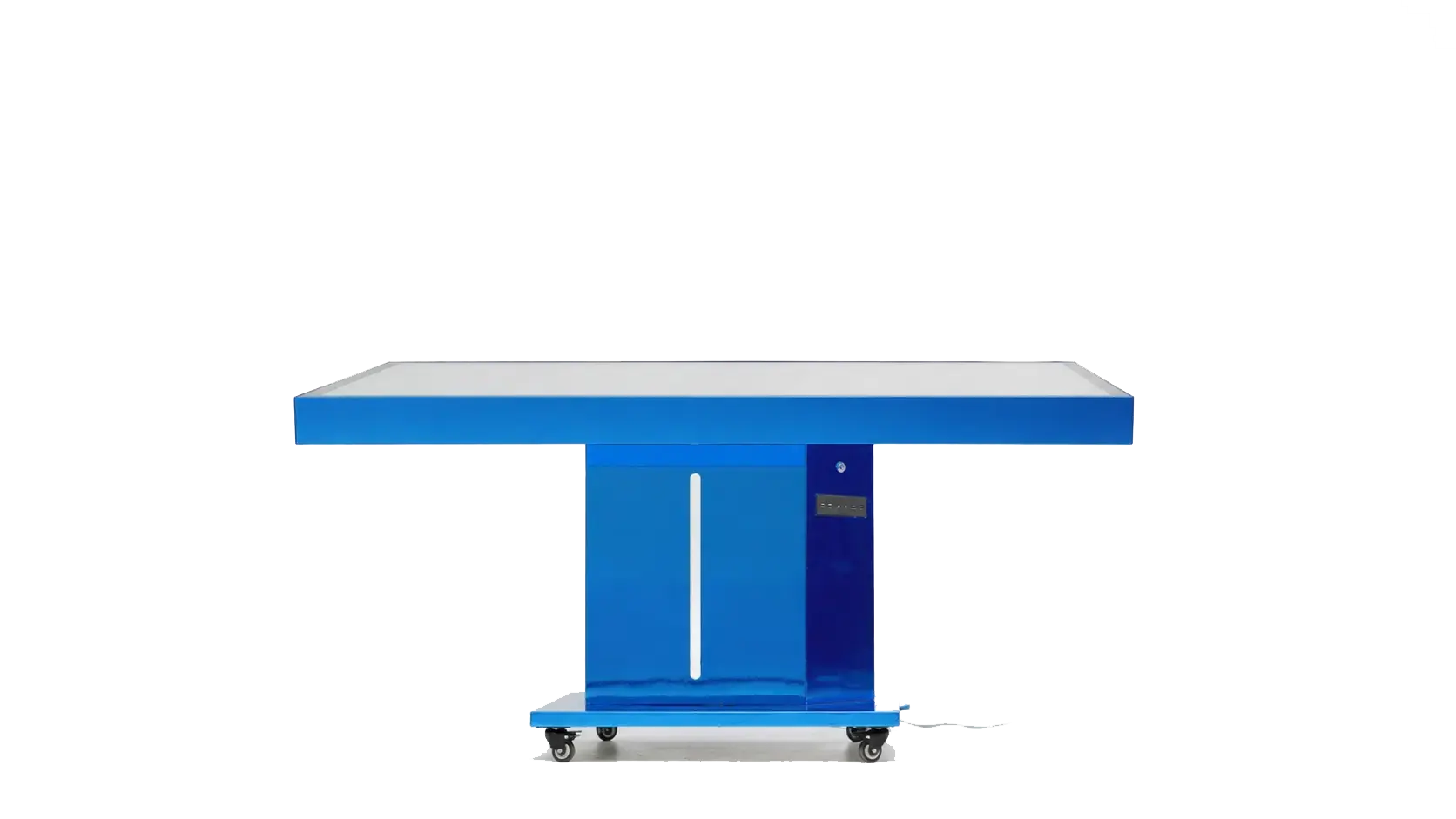
Horizontal Position – 0 Degrees
A horizontal tabletop position may be suitable for:
shared play;
matching and sorting;
group work;
digital drawing;
puzzles;
activities involving users positioned around the display.
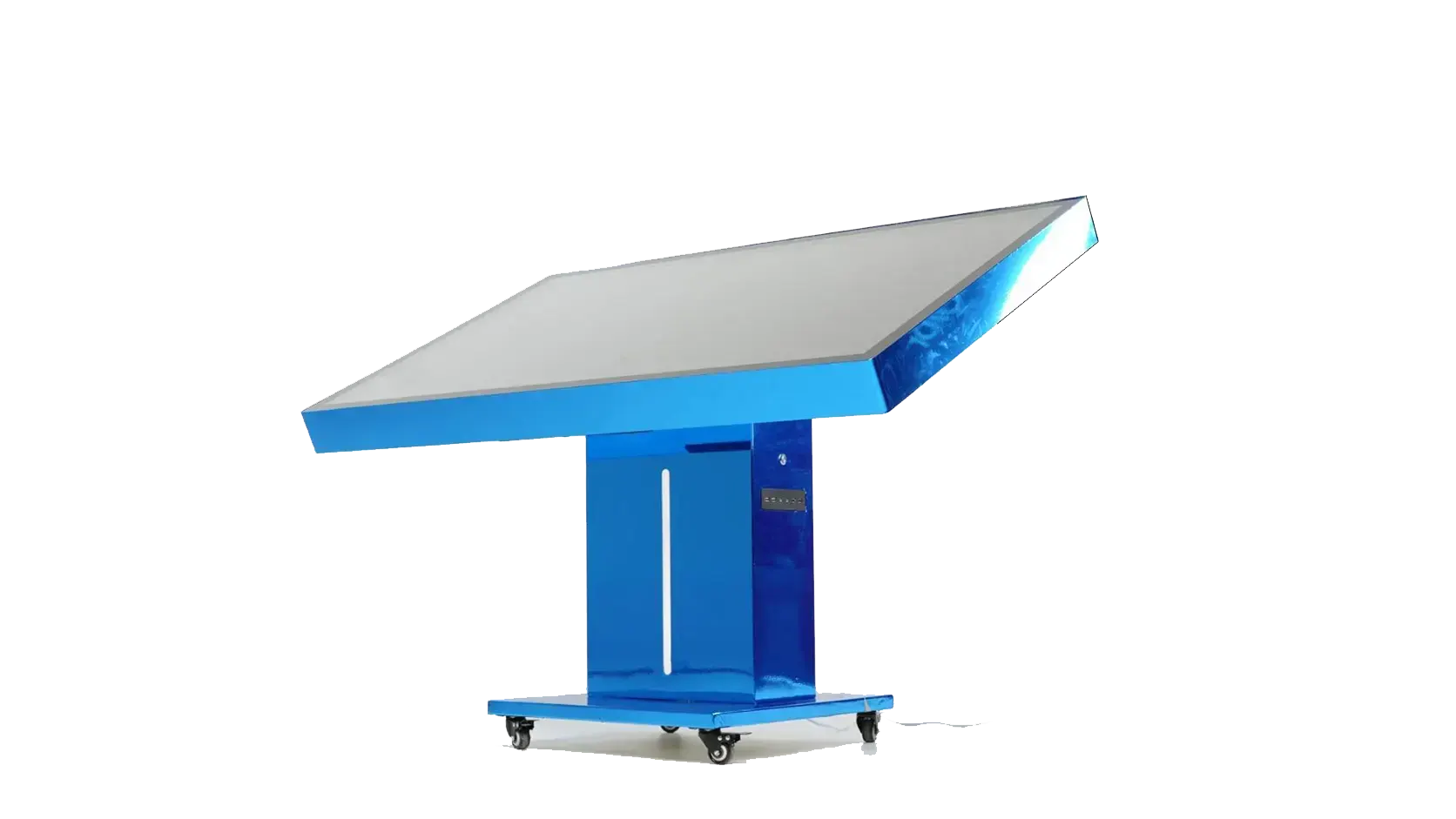
Angled Position
An intermediate angle may be selected for:
individual tasks;
therapist-led sessions;
visual-motor activities;
closer screen access;
guided educational exercises;
activities that require a more direct viewing angle.
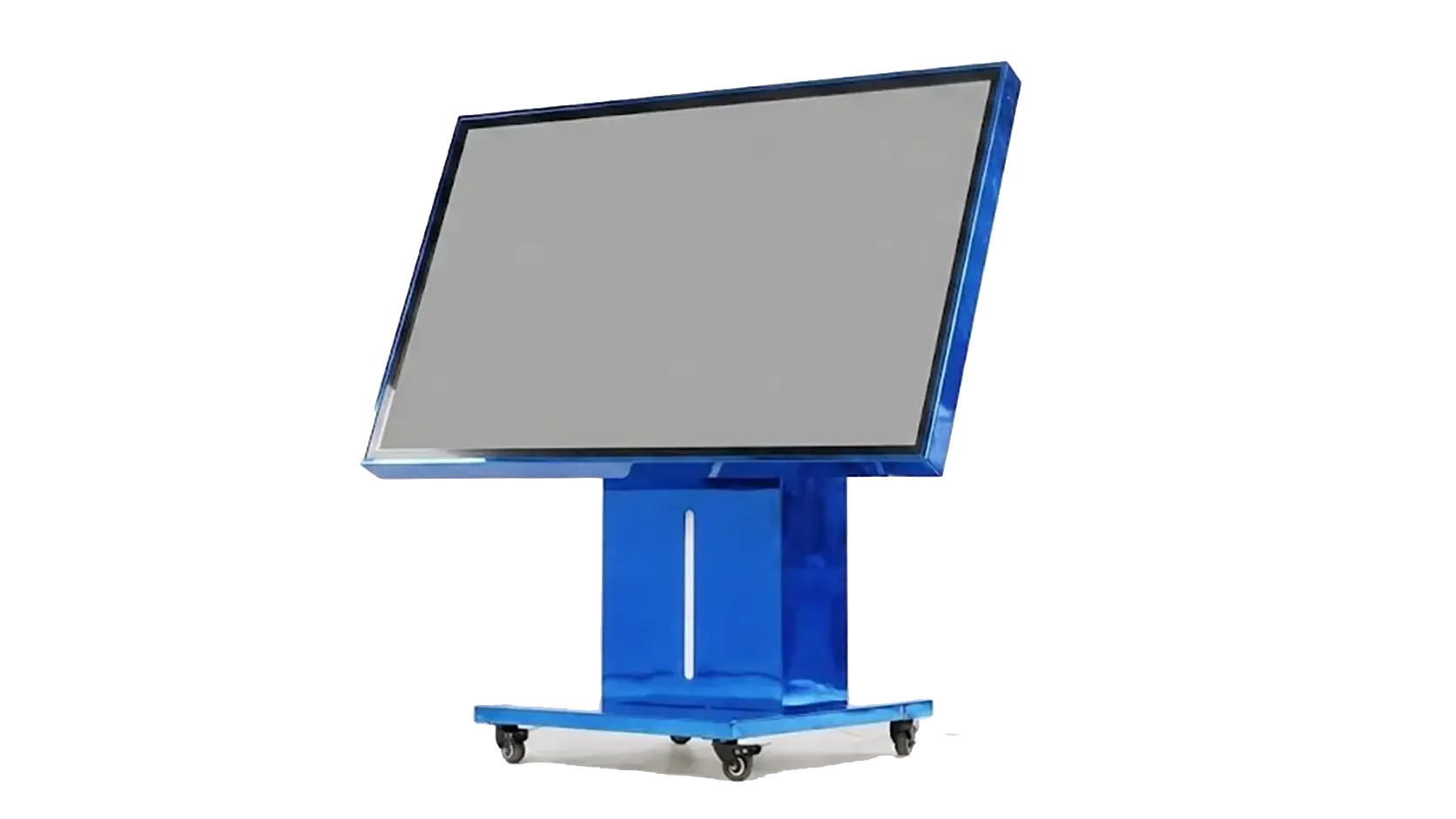
Vertical Position – 90 Degrees
A fully vertical position may be used for:
presentations;
demonstrations;
standing activities;
group instruction;
visual attention tasks;
touch-based activities completed in front of the screen.
The wheeled stand also allows the system to be moved between rooms. Staff should position the table on a stable surface and follow the manufacturer's operating and safety instructions during use.
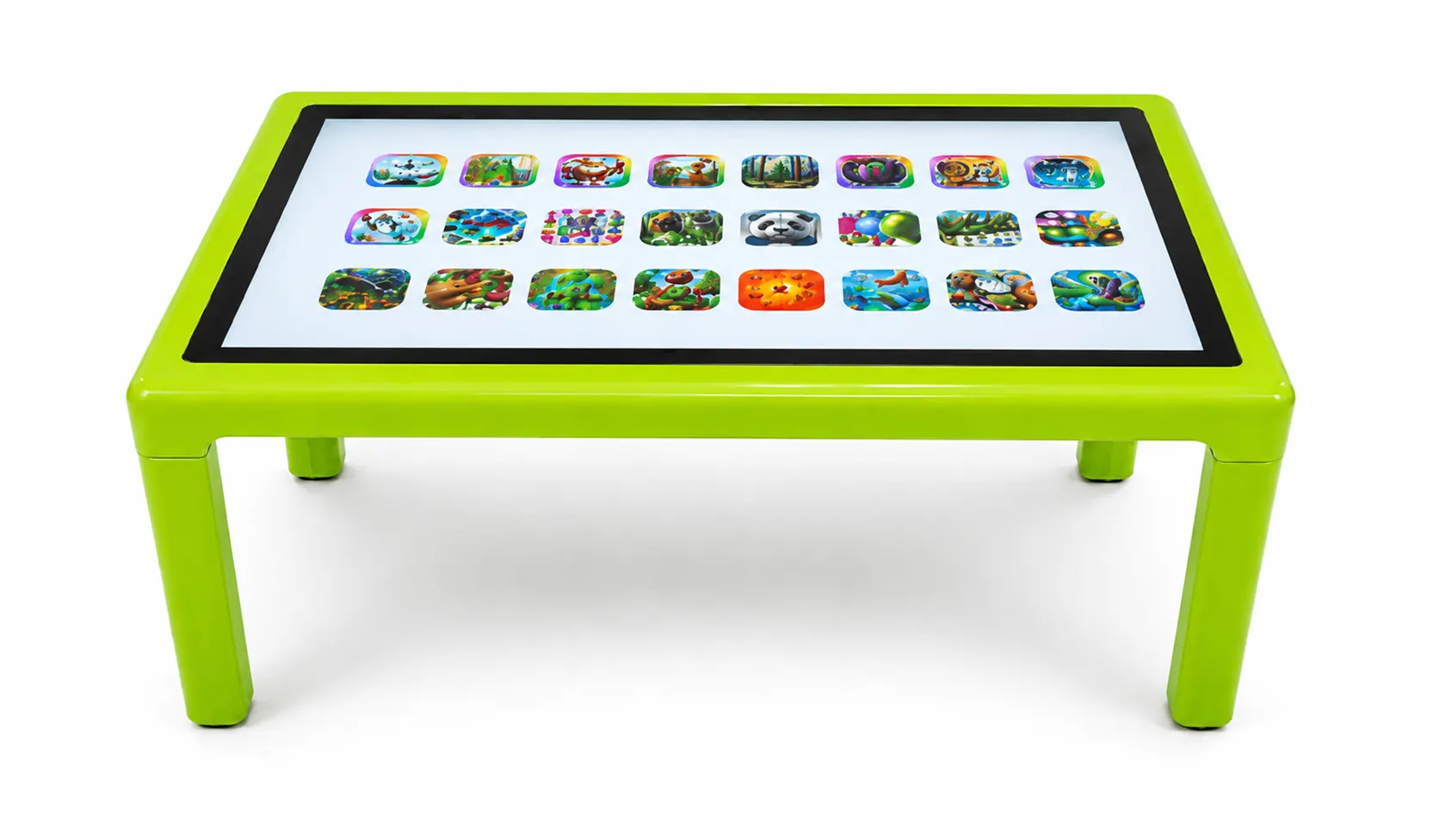
Fixed 4-Leg Configuration
The fixed 4-leg model keeps the display in a low, stable, horizontal tabletop position. It is designed primarily for toddlers and young preschoolers participating in:
early learning activities;
matching and sorting;
digital drawing;
simple puzzles;
cause-and-effect play;
teacher-guided activities;
collaborative sensory play.
This configuration may be suitable for preschools, daycare facilities, early learning centers, and other environments where motorized height and tilt adjustment are not required.
Staff should position either model on a stable surface and follow the manufacturer’s operating and safety instructions.
Adaptability
The NeuroLevel Sensory Table can support activities with different levels of visual, motor, auditory, language, and cognitive demand. Educators and qualified practitioners can select the application, screen position, instructions, participation format, and level of support according to individual needs and session goals. The built-in computer operates on Windows 11 Pro and can also be used to access compatible educational materials and digital content outside the pre-installed activity library.

Inclusivity, Family
Benefits for Kids

What Can Educators and Therapists Observe?
Direct observation and activity performance can help teachers and specialists document how a participant responds to different tasks.
Depending on the activity, they may observe:
time spent on task;
response accuracy;
speed of target selection;
ability to follow one- or multi-step instructions;
amount and type of prompting required;
controlled touch and dragging movements;
hand-eye coordination;
use of one or both hands;
visual tracking;
task completion;
willingness to begin or continue an activity;
turn-taking;
participation with peers;
response to changes in task complexity;
response to different screen positions.
Observations should be compared across repeated sessions and considered alongside the participant’s individualized educational or therapeutic goals.
Activity scores and staff observations can support session documentation, but they do not replace standardized educational, developmental, or clinical assessment.

Why Choose NeuroLevel?
Selecting a sensory table involves more than comparing screen sizes. The system should fit the available space, participants’ age, staff workflow, educational or therapeutic objectives, and planned activities.
Three Available Screen Sizes
The NeuroLevel Sensory Table product line includes 55-inch, 65-inch, and 75-inch configurations. Available screen sizes may vary by stand type.
Two Stand Configurations
Customers can choose between a motorized stand and a fixed 4-leg stand.
The motorized configuration supports height and tilt adjustment and can be moved between suitable rooms. The fixed configuration provides a low, stable, horizontal working surface designed primarily for toddlers and young preschoolers.
10 Touch Points
PCAP technology supports up to 10 simultaneous touch points, allowing multi-user activities when supported by the selected application.
Motorized Height and Tilt Adjustment
The remote-controlled motorized stand allows staff to raise or lower the screen and position it anywhere from a horizontal tabletop format to a fully vertical display.
This configuration can support:
table-based activities;
angled individual work;
standing tasks;
demonstrations;
group instruction.
Pre-Installed Software and Windows Functionality
The system includes:
68 NeuroLevel applications;
29 Nuiteq games.
The activity library supports educational, skill-building, sensory, creative, collaborative, and recreational use.
The table also runs on Windows and can be used as a large touchscreen computer. Users can open standard Windows applications, browse the web, work with documents, play multimedia content, and install compatible third-party software.
Online Demonstration and Consultation
Schools, therapy centers, preschools, and other organizations can request an online demonstration before selecting a system.
During the consultation, the NeuroLevel team can discuss:
intended use;
stand configuration;
screen size;
room space;
expected users;
software requirements;
custom options;
purchasing questions.
Individual and Group Activities
The large touch-responsive surface can be used for:
independent tasks;
adult-guided sessions;
small-group instruction;
cooperative activities;
multi-user games.
Fixed Tabletop Position for Younger Children
The fixed 4-leg model keeps the display at a lower horizontal tabletop height. It may be suitable for preschools, daycare facilities, early learning centers, and activities involving toddlers and young preschoolers.
Built-In Computer
A powerful computer with Windows 11 Pro is integrated into the system, reducing the need to connect and configure a separate workstation for standard use.
Mobile Motorized Configuration
The motorized model features a wheel-mounted stand that allows facilities to move the system between suitable classrooms, therapy rooms, sensory rooms, and activity spaces.
Connectivity Options
Wi-Fi, HDMI, and USB connections support integration with compatible equipment and content.
Custom Configuration Options
NeuroLevel can modify selected hardware specifications and exterior branding according to the customer’s requirements.
Lifetime Technical Support
Lifetime technical support is included with the Sensory Table.
Reviews
NeuroLevel, a Kids Jump Tech project, partners with educators, therapists, and parents to enhance therapeutic and educational outcomes for individuals with special needs







Sensory Rooms Bundles With Our Products
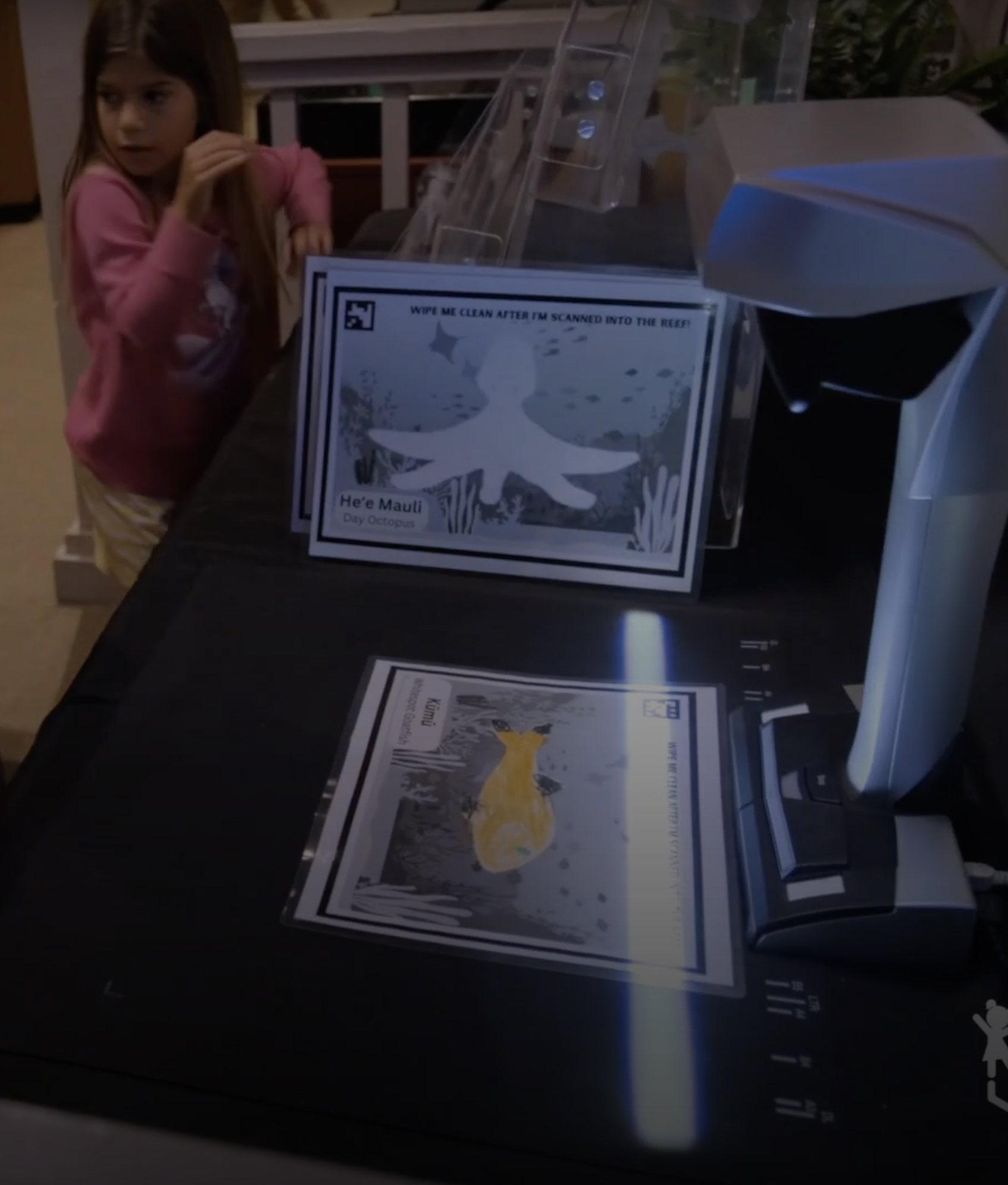
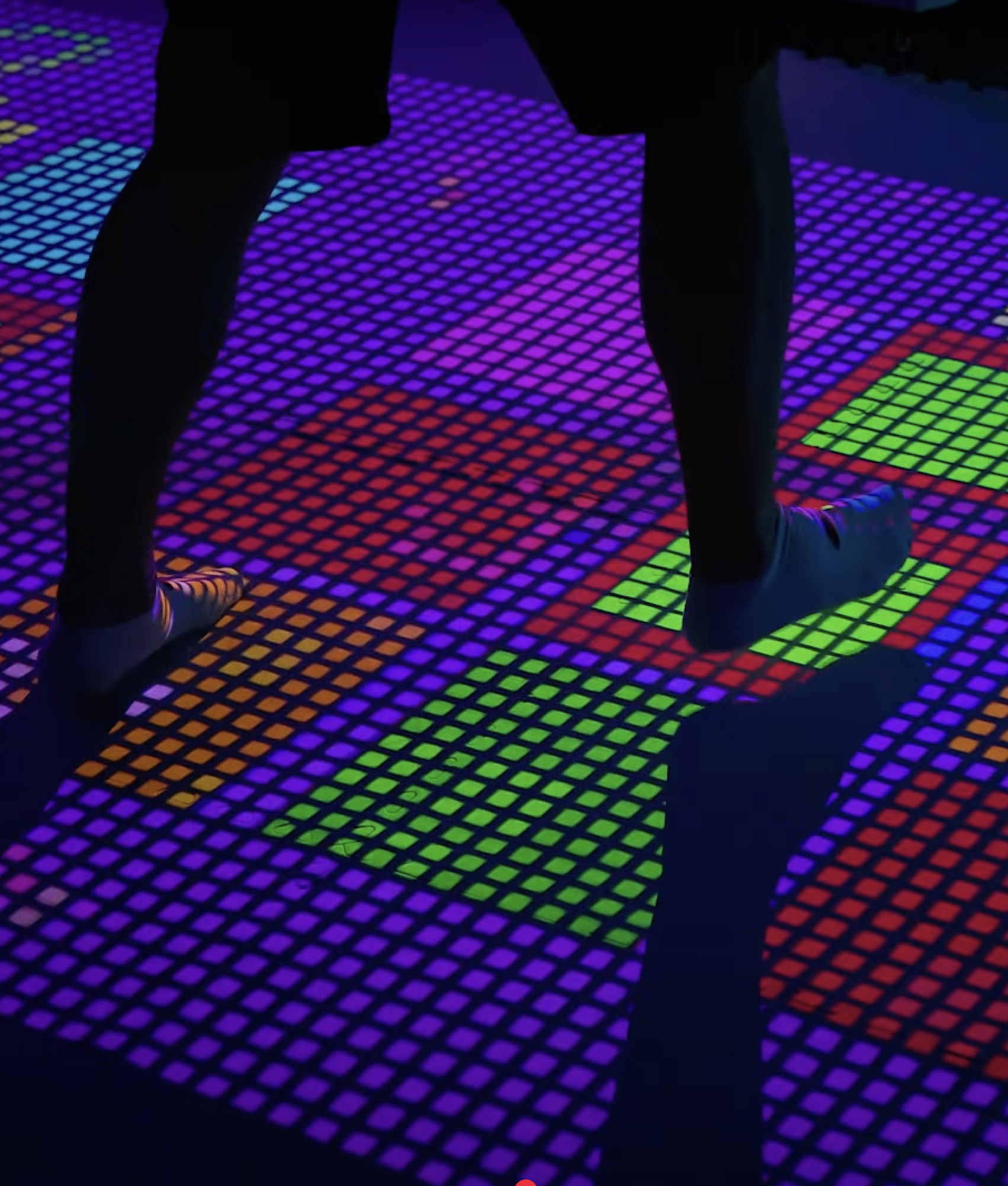
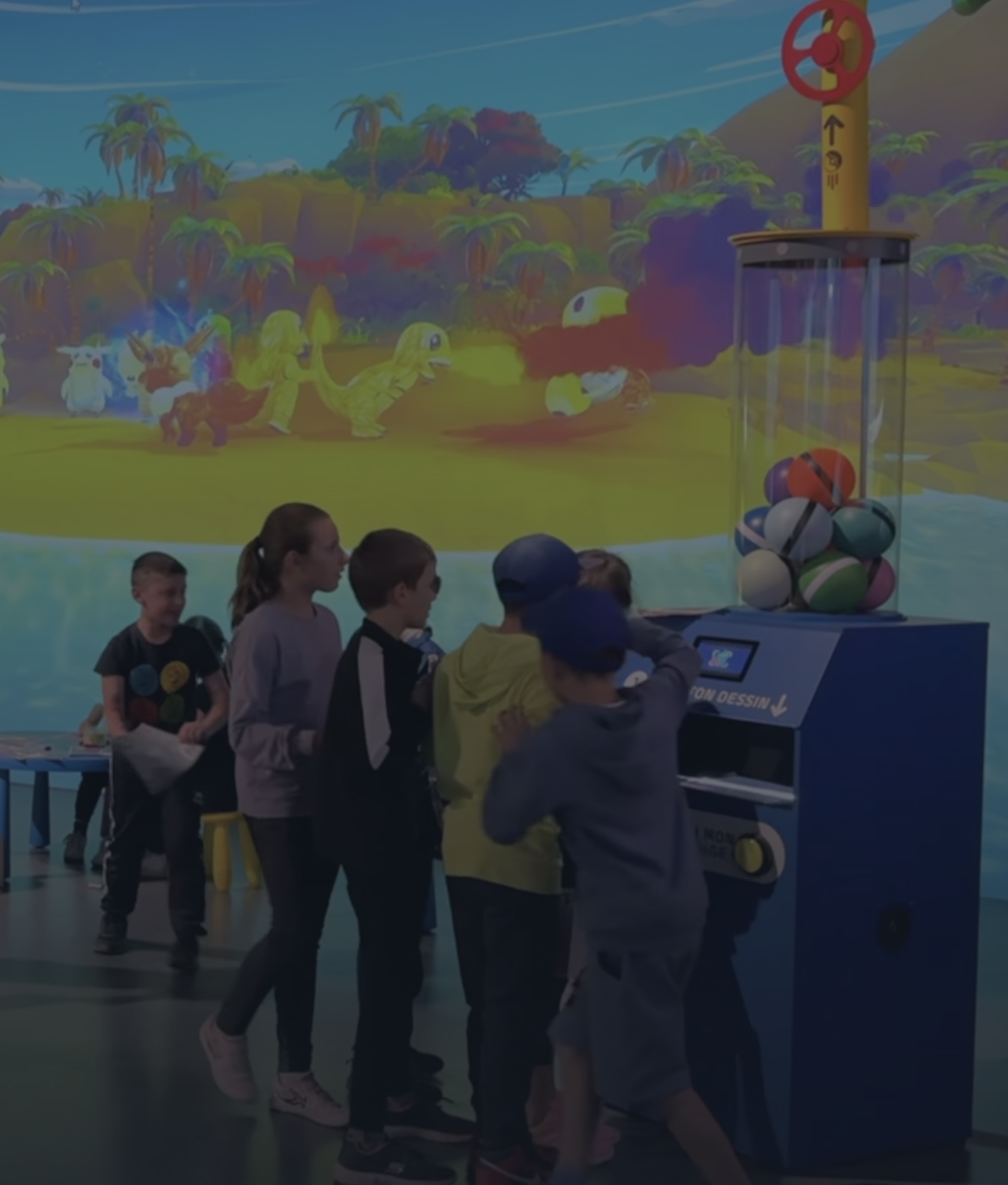
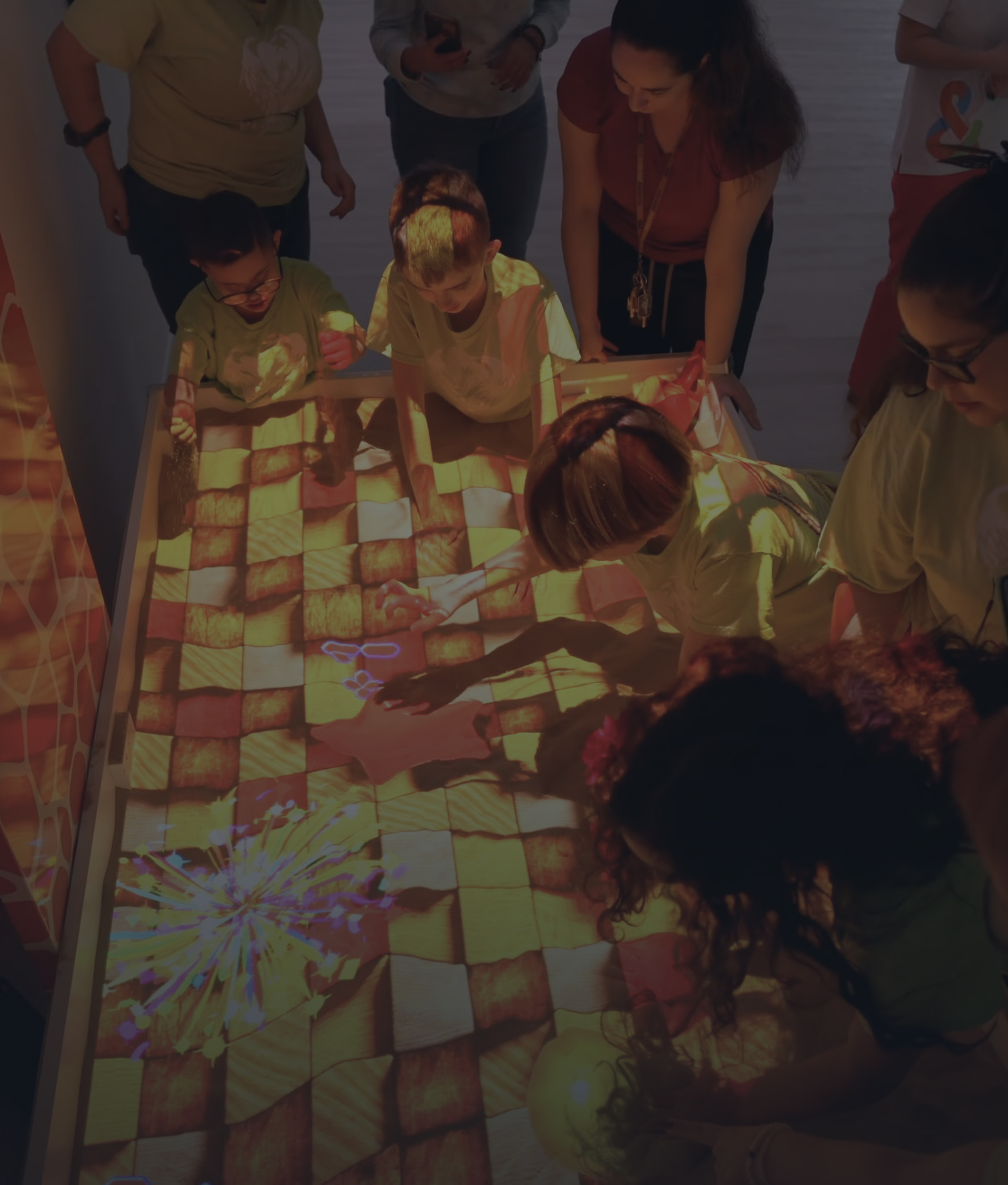
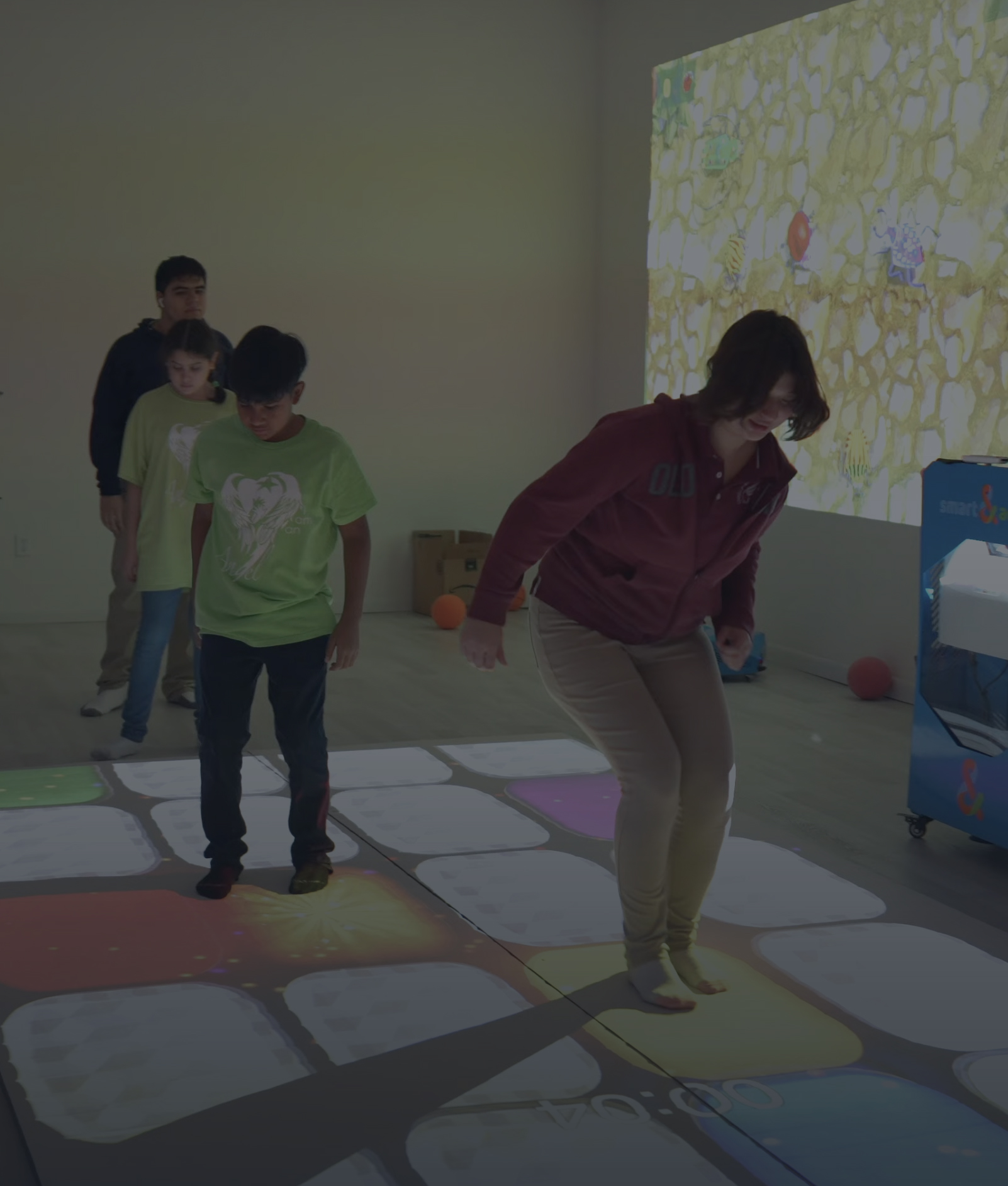
We offer portable sensory rooms and sensory corners to transform any space into an engaging environment. Our solutions are customizable, providing immersive experiences for therapy, events, or active exploration.
FAQ
What is the difference between the motorized and fixed 4-leg Sensory Table models?
The motorized model allows staff to adjust the display height and tilt angle using a remote control. The screen can be used in horizontal, angled, and vertical positions, while the wheel-mounted stand allows the system to be moved between suitable rooms.
The fixed 4-leg model keeps the display at a low, stable, horizontal tabletop height. It is designed primarily for toddlers and young preschoolers and may be suitable for preschools, daycare facilities, early learning centers, and other early childhood environments.
Both configurations provide a large touch-responsive surface for educational, sensory, creative, individual, and collaborative activities.
How is the NeuroLevel Sensory Table different from a traditional sensory play table?
A traditional sensory play table usually uses physical materials such as sand, water, rice, or manipulatives.
The NeuroLevel Sensory Table uses a digital multi-touch display. It allows educators and specialists to switch between educational tasks, visual activities, games, puzzles, drawing, and structured touch-based exercises without replacing physical materials between sessions.
How can the sensory table be used in a classroom?
Teachers can incorporate the table into:
structured lessons;
learning stations;
individual instruction;
small-group work;
literacy and numeracy practice;
matching and sorting tasks;
quizzes;
collaborative challenges;
supervised recreational activities.
The selected applications should correspond to the students’ age, abilities, curriculum, and learning goals.
Is the sensory activity table suitable for special education?
Yes. The table can be used in special education classrooms for visual instruction, guided practice, touch-based learning, individual tasks, and small-group activities.
Educators can adjust the instructions, activity complexity, amount of prompting, participation format, and working position according to each student’s needs.
Can the table be used in preschools and early learning centers?
Yes. Preschool teachers can use age-appropriate activities involving:
colors and shapes;
letters and numbers;
animals and nature;
matching;
categorization;
tracing;
simple puzzles;
early vocabulary;
drawing;
cause-and-effect play.
The shared display also allows children to participate in teacher-led and cooperative activities.
Can occupational therapists use the sensory table?
Occupational therapists can incorporate suitable applications into supervised activities involving:
controlled hand movements;
fine motor control;
hand-eye coordination;
bilateral hand use;
visual tracking;
reaching;
target selection;
sequencing;
task completion.
The table is an activity platform and does not replace professional assessment or individualized therapy.
Can speech and language professionals use the table?
Suitable applications may be included in sessions involving:
picture naming;
vocabulary;
matching words and images;
categorization;
sequencing;
following verbal directions;
shared attention;
turn-taking;
communication during group activities.
The specialist determines how the software is incorporated into each participant’s individual goals.
Can activities be adapted for users with different abilities?
Yes. Educators and qualified practitioners can adapt an activity by changing:
the number and size of objects;
response speed;
time limits;
visual and auditory content;
complexity of instructions;
amount of prompting;
individual or group format;
screen position;
cognitive and motor demands.
Difficulty should be adjusted according to observed performance rather than diagnosis alone.
Can the table be used for both individual and group activities?
Yes. One participant can complete a task independently or with adult guidance, while suitable applications can also be used for turn-taking, cooperative games, shared puzzles, group problem-solving, and collaborative learning.
The appropriate participation format depends on the selected activity, available space, and users’ needs.
What types of skills can sensory table activities support?
Depending on the selected application and the way the session is structured, activities may focus on:
early academic learning;
visual attention;
fine motor control;
hand-eye coordination;
matching and categorization;
memory and sequencing;
following instructions;
problem-solving;
communication;
turn-taking;
cooperative participation.
The table provides opportunities to practice these skills but does not guarantee specific educational or therapeutic outcomes.
Can educators and therapists use their own digital content?
The built-in computer may allow staff to open compatible educational materials and digital content outside the standard application library.
Contact NeuroLevel to confirm supported software, file formats, and installation requirements before purchasing or installing additional content.
How can a school or therapy center choose the right activities?
Activities should be selected according to:
participants’ age and abilities;
educational or therapeutic goals;
individual or group format;
required level of support;
motor and communication needs;
session length;
desired level of visual, auditory, and cognitive demand.
Teachers and specialists can begin with simpler activities and gradually increase complexity based on participant responses.
Can I see how the sensory table is used before ordering?
Yes. Schools, preschools, therapy centers, and other organizations can request an online demonstration and discuss their intended users, activities, room setup, and purchasing requirements with the NeuroLevel team.