


Procurement, Grants and Funding for Sensory Interactive Equipment
 Made in USA
 3 Years Warranty
 US based Support
For an institutional equipment purchase, confirm the vendor paperwork, payment terms, and full project cost before issuing a purchase order or submitting a funding request.
NeuroLevel develops sensory interactive systems for special education and therapy, including interactive floors, walls, sandboxes and multi-touch tables. This page covers vendor paperwork, purchase orders, project budgets, and funding resources for institutional buyers.

Funding eligibility depends on your organization, the intended use, and the specific program. A product’s use in education or therapy does not automatically make it eligible for a grant.
NeuroLevel provides Form W-9 and EIN information on request, completes institutional vendor applications, and accepts purchase orders from public institutions. Payment terms are agreed for each order. For a funding application, send us the technical questions your team needs answered.
Form W-9 provides taxpayer information; it does not establish grant eligibility. An EIN is a tax identifier, while a Unique Entity ID (UEI) identifies an entity in federal award systems. SAM.gov distinguishes between obtaining a UEI and completing entity registration.


Planning a Purchase Order
NeuroLevel accepts purchase orders from public institutions. Before issuing a PO, share your organization’s purchasing and payment requirements for review and agreement. A PO number alone does not establish payment terms or a shipping date. Use the following sequence to prepare the order:
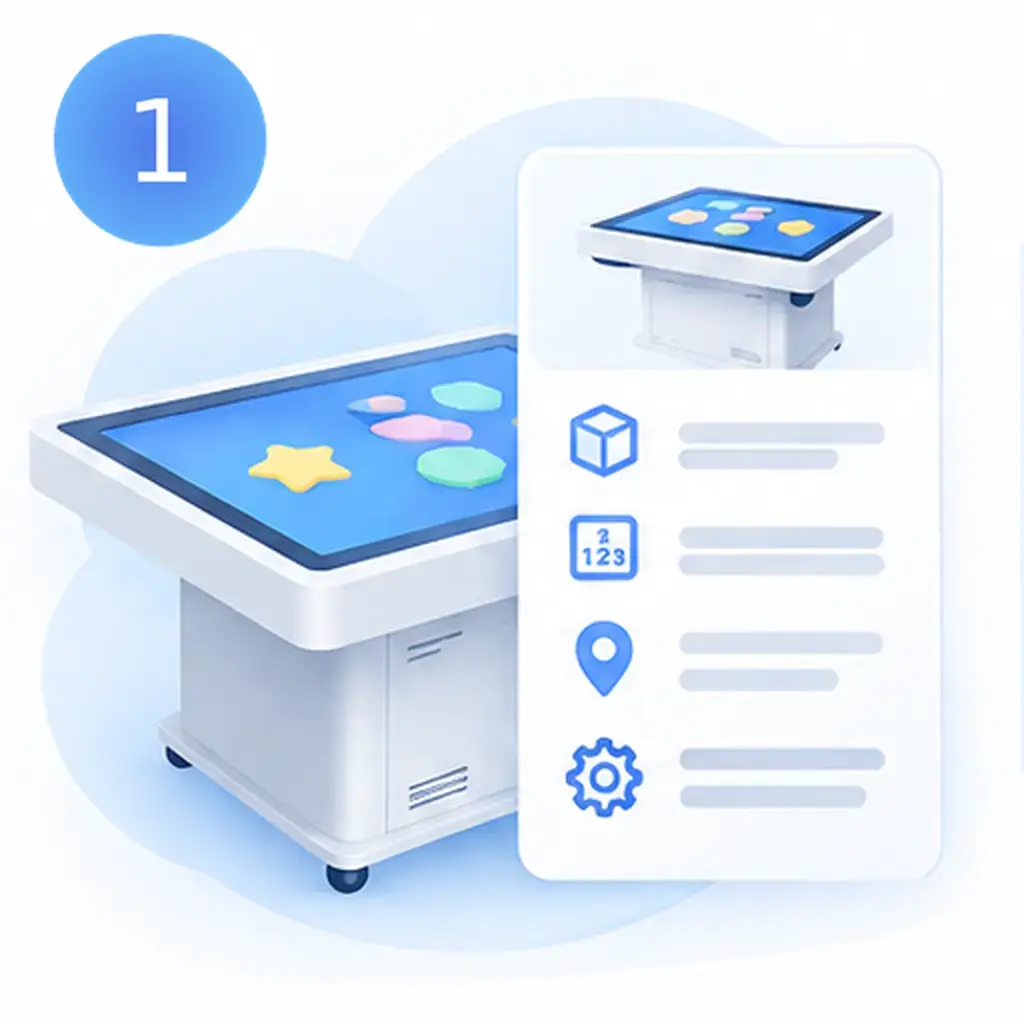
Define the configuration
Identify the product, model, quantity, room location, and required software or accessories.

Obtain a quotation
Check the quote number, validity period, included items, delivery estimate, and exclusions.
Complete vendor onboarding
Resolve supplier documentation and billing requirements before submitting the order.
Agree on commercial terms
Confirm payment timing, any deposit, delivery arrangements and acceptance procedures.
Issue the PO
Reference the agreed quotation and include the correct legal buyer, billing address, shipping address, and purchasing contact.
Obtain order confirmation
Confirm that the supplier has accepted the order and its terms before treating delivery as scheduled.
