Sensory Equipment Installation Supervision and Onboarding
 Made in USA
 3 Years Warranty
 US based Support
Bringing sensory interactive equipment into a clinic or special education setting starts with understanding the room, the people who will use it, and the activities your team wants to offer.
NeuroLevel provides technical supervision for equipment installation in medical centers, rehabilitation clinics, and special education schools. Your certified contractors handle the physical installation, and we supervise the technical side.
Who Installs the Equipment?
Your facility hires the certified contractors who do the installation. NeuroLevel's role is to provide equipment-specific technical supervision.
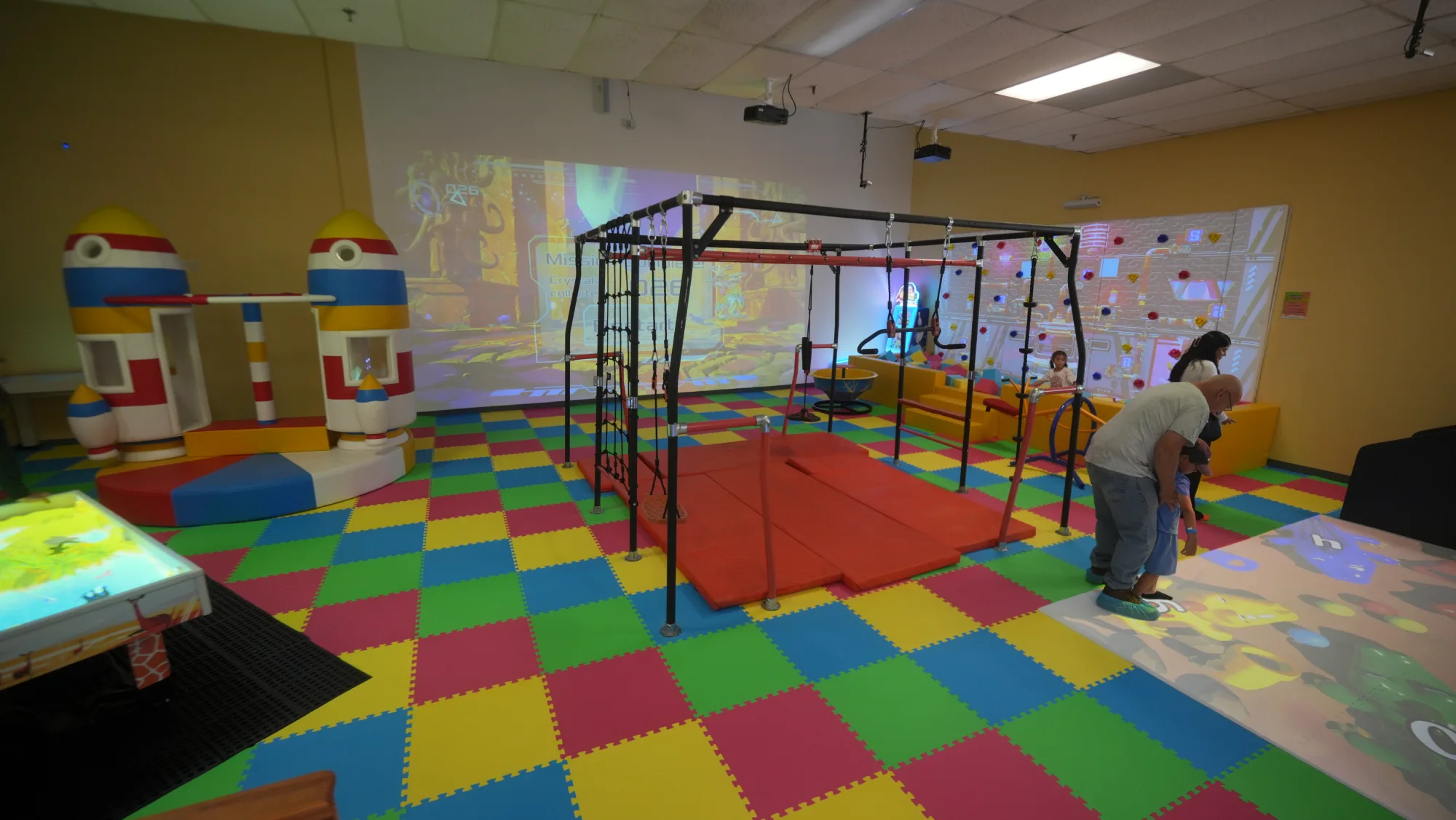
For a fixed projection system, the work can involve mounting equipment, preparing the installation location, and arranging power and cable routing. The exact requirements depend on the model you choose and your room.
Before scheduling the work, decide who will handle the physical installation, who will coordinate with NeuroLevel, and which facility staff should take part in setup discussions.
Planning the Setup Around Your Room
A dedicated therapy room and a shared special education classroom have different space constraints. Equipment placement should match how people enter, move through, and use the room during an actual session.
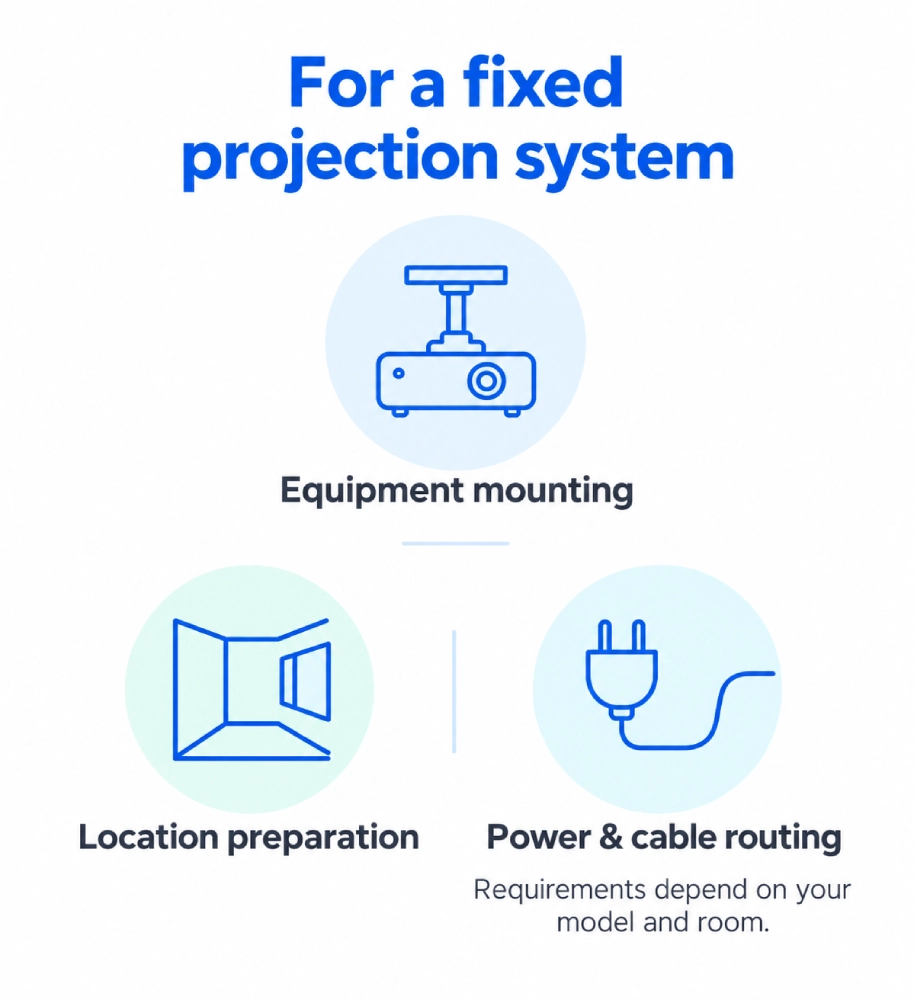
NeuroLevel offers ceiling-mounted and mobile Sensory Floor configurations, as well as other interactive systems. Which model fits best depends on available space, lighting, installation options, and intended use.
For wall-based or tabletop interaction, explore our Sensory Wall and Sensory Multi-Touch Table.
Before we talk through a setup, gather:
Room length, width, and ceiling height.
Photos of the proposed equipment location and interaction area.
Details on daylight and normal room lighting.
Where furniture, doors, and existing equipment sit.
Available power connections and any facility IT restrictions.
If the equipment will stay in one room or move between spaces.
The types of individual or group activities your staff plan to run.
For fixed projection systems, think through the mounting position and the intended image area before installation. For mobile systems, pin down where the equipment will be used and how much space you have for interaction.
Setup Considerations for OT, PT, and ABA Rooms
The room's purpose helps shape the layout. Your therapists and educators determine the intended activities and participants' needs, and the equipment configuration should support that workflow.

Occupational Therapy Rooms
In an occupational therapy (OT) room, talk through how participants will approach the interactive surface and where the therapist will work alongside them. Think about if activities will take place at floor level, against a wall, or at a table, and how the equipment will share space with existing resources.
The configuration you choose should leave room for the positions and movements the occupational therapist plans to use.
Physical Therapy and Rehabilitation Rooms
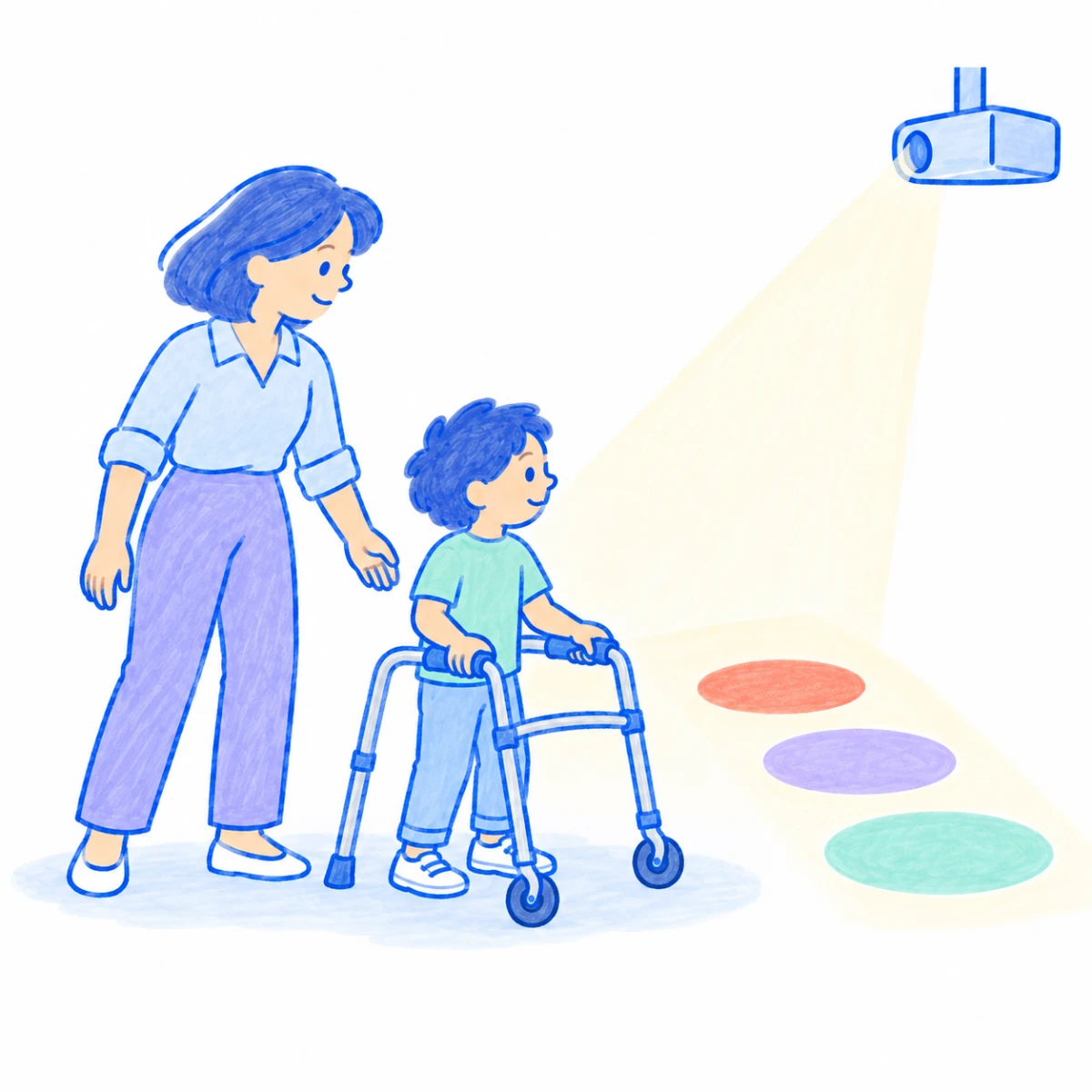
In a physical therapy (PT) or rehabilitation room, talk through the intended movement area, staff access, and any mobility aids used during sessions.
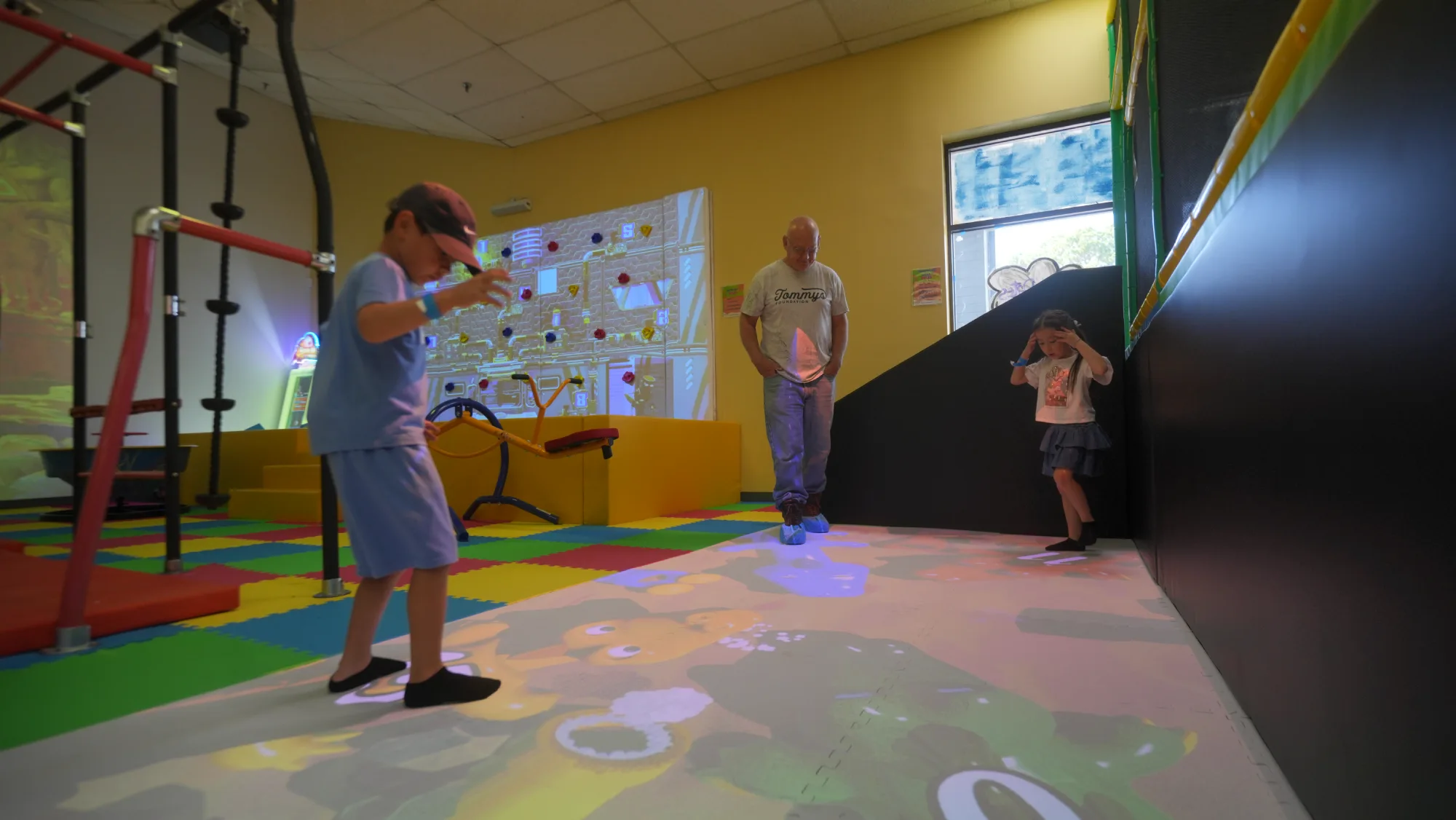
For floor projection, consider the visible image alongside the surrounding space. A projection that fits the floor doesn't, by itself, mean the area is right for a particular movement task. The treating professional decides on the appropriate activities and assistance.

Applied Behavior Analysis Rooms
In an applied behavior analysis (ABA) room, talk through how the system will be used: for individual activities, turn-taking, or small-group participation. Placement should allow for staff observation and transitions between interactive activities and other tasks.
Your behavior analyst decides how the equipment fits into the participant's program.

Special Education Classrooms
In a shared classroom, think about group size, transitions between learning stations, and how often the interactive area needs to be available throughout the day. Mobile equipment can suit some shared spaces, while a fixed system may work better in a dedicated activity area.
Onboarding Your Team
The equipment instructions explain everyday operation. If your staff would like a guided walkthrough, NeuroLevel can provide onboarding on request.
For more information about staff onboarding, see our equipment training page.
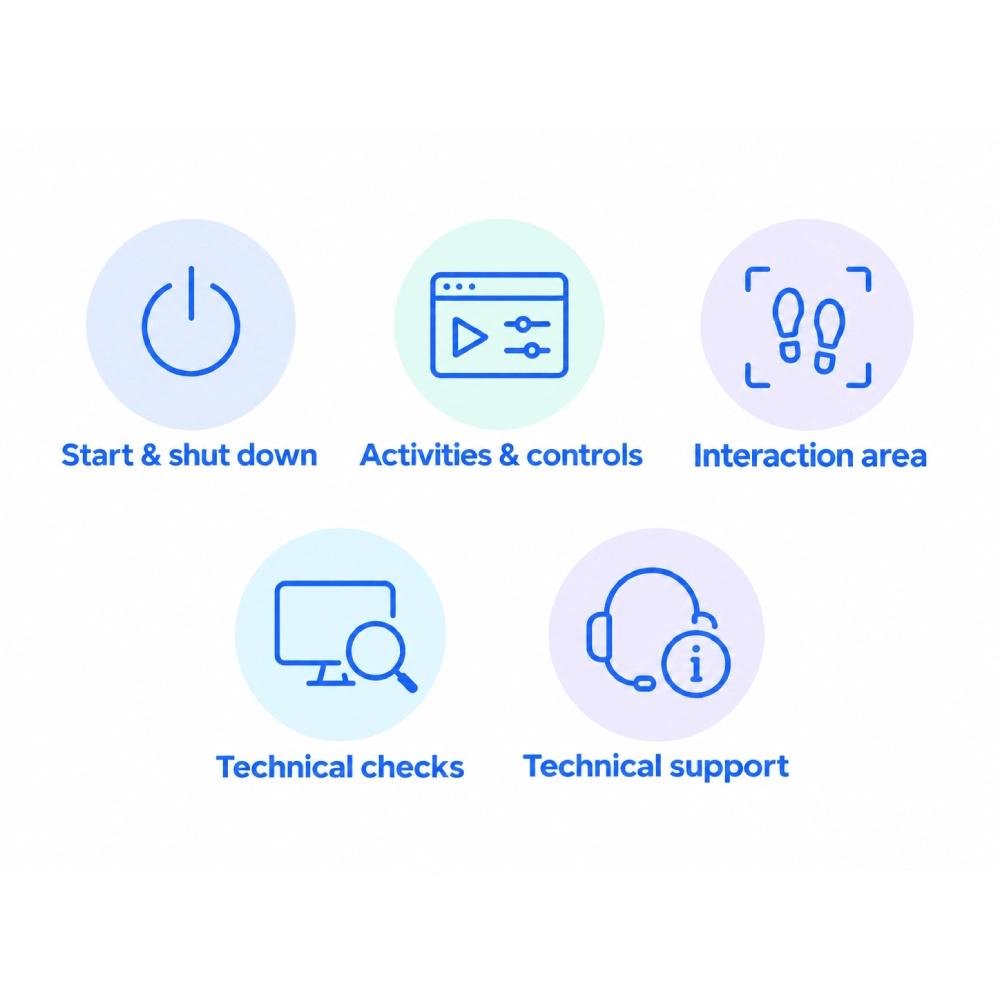
The instructions cover:
- Starting and shutting down the selected system.
- Opening activities and using the available controls.
- Understanding the designated interaction area.
- Recognizing when placement or response needs a technical check.
- Contacting technical support with the relevant system information.
Your team remains responsible for selecting activities and deciding how to use the equipment in therapy or education. Equipment onboarding focuses on system operation.
Remote and On-Site Supervision
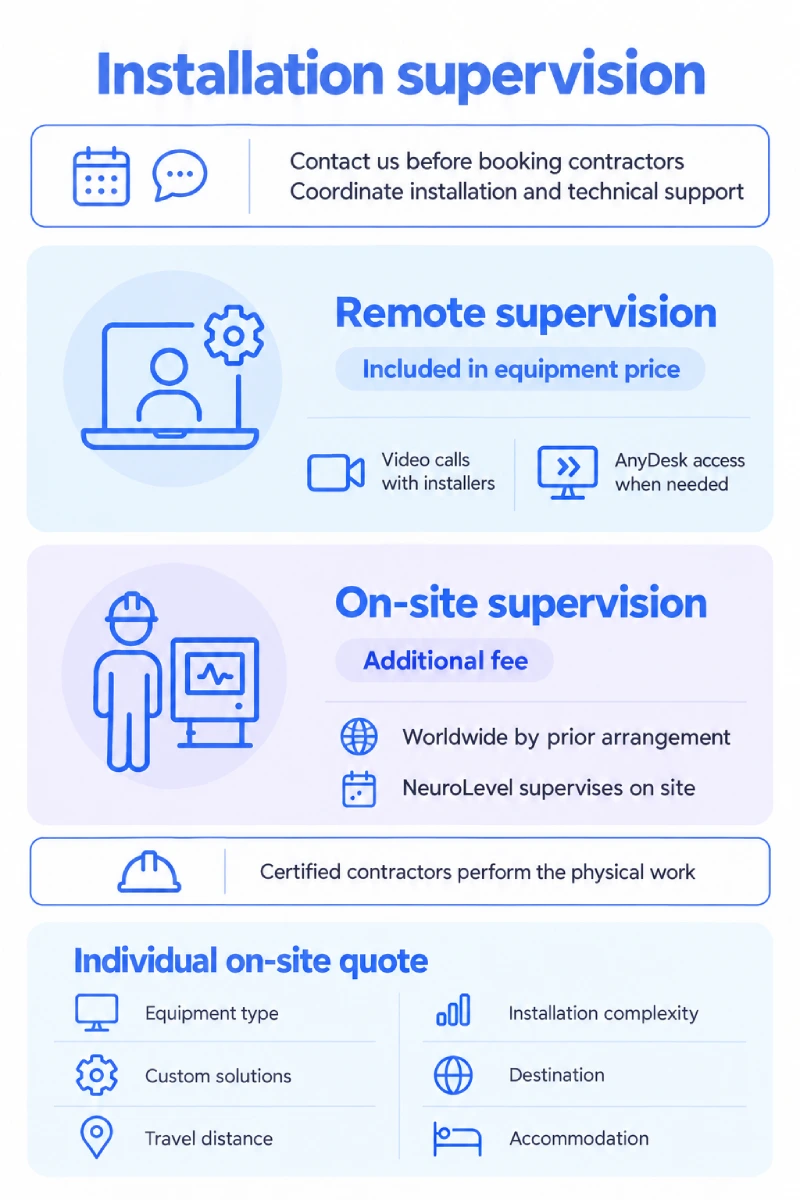
Remote technical supervision is included in the equipment price. NeuroLevel talks with your installers over video call and can use AnyDesk to access the device when needed. Reach out to us about the installation before booking your contractors so we can coordinate the work and technical support.
If you opt for on-site supervision, a NeuroLevel representative comes out to supervise the equipment installation. Your certified contractors still do the physical work.
On-site supervision is available worldwide by prior arrangement for an additional fee. We calculate each quote individually, based on the equipment type, installation complexity, any custom solutions, destination, travel distance, and accommodation costs. Contact NeuroLevel for a quote on your project.