


Procurement, Grants and Funding for Sensory Interactive Equipment
 Made in USA
 3 Years Warranty
 US based Support
For an institutional equipment purchase, confirm the vendor paperwork, payment terms, and full project cost before issuing a purchase order or submitting a funding request.
NeuroLevel develops sensory interactive systems for special education and therapy, including interactive floors, walls, sandboxes and multi-touch tables. This page covers vendor paperwork, purchase orders, project budgets, and funding resources for institutional buyers.
Funding eligibility depends on your organization, the intended use, and the specific program. A product’s use in education or therapy does not automatically make it eligible for a grant.
NeuroLevel provides Form W-9 and EIN information on request, completes institutional vendor applications, and accepts purchase orders from public institutions. Payment terms are agreed for each order. For a funding application, send us the technical questions your team needs answered.
Vendor Documents for Your Purchasing Department
Before submitting a requisition, check which documents your organization requires to create or update a vendor record. Keep the legal supplier name consistent across the quotation, tax documents, purchase order, and invoice.
| Document or detail | Availability and purchasing use |
|---|---|
| Completed Form W-9 | Available on request for vendor setup and applicable US tax reporting. |
| Vendor application forms | NeuroLevel completes institutional vendor applications to support supplier onboarding. |
| Employer Identification Number (EIN) | EIN information is available on request for your vendor records. |
| Equipment quotation | Request pricing for your selected model, quantities, and project requirements. |
| Product specifications | Send the technical questions your purchasing or grants team needs answered. |
| Business insurance | NeuroLevel carries business insurance. Send your institution’s insurance requirements for review. |
| Order and payment terms | Payment and order arrangements are agreed individually before the order is confirmed. |
UEI & SAM.gov Registration Requirements
NeuroLevel does not currently have a UEI or active SAM.gov registration. If your purchasing process requires either, raise the requirement before issuing a PO so your team can determine whether the purchase can proceed.
E-Verify & Vendor Documentation Requirements
NeuroLevel participates in E-Verify. Send your institution’s vendor application and any additional documentation requirements when discussing the order. E-Verify participation does not replace a UEI, SAM.gov registration, or the eligibility review for a funding program.
Planning a Purchase Order
NeuroLevel accepts purchase orders from public institutions. Before issuing a PO, share your organization’s purchasing and payment requirements for review and agreement. A PO number alone does not establish payment terms or a shipping date. Use the following sequence to prepare the order:
Define the configuration
Identify the product, model, quantity, room location, and required software or accessories.

Obtain a quotation
Check the quote number, validity period, included items, delivery estimate, and exclusions.
Complete vendor onboarding
Resolve supplier documentation and billing requirements before submitting the order.
Agree on commercial terms
Confirm payment timing, any deposit, delivery arrangements and acceptance procedures.
Issue the PO
Reference the agreed quotation and include the correct legal buyer, billing address, shipping address, and purchasing contact.
Obtain order confirmation
Confirm that the supplier has accepted the order and its terms before treating delivery as scheduled.
Payment arrangements are negotiated individually
Net 15 or Net 30 terms can be agreed upon, and Net 60 may be considered on a case-by-case basis. A staged arrangement may instead use 30% before work begins, 40% before shipment, and 30% after delivery. The agreed quotation and order confirmation should state the applicable schedule for your purchase.
Build a Complete Project Budget
A funding request should describe the full cost of implementing the selected system. Ask for separate line items where relevant:
- Equipment, model and quantity.
- Included software and perpetual license.
- Shipping and applicable taxes.
- Mounting hardware and accessories.
- Room preparation, electrical work and physical installation.
- Any separately quoted on-site installation supervision.
- Any separately agreed staff training or onboarding services.
- Support or maintenance beyond the included coverage.
Where physical installation is required, your certified contractors carry out the work in accordance with the supplied instructions. NeuroLevel answers installation questions by video call. Remote supervision is included in the equipment price; on-site supervision is quoted separately for the project. See our installation supervision and onboarding page for details.
Contractor & Supplier Cost Eligibility
Keep contractor work and supplier services clearly identified in the budget. Ask the funding administrator whether each cost category is eligible before including it in a request.
Equipment, Software & Setup Requirements
The standard supply includes the equipment and instructions. The supplied software license is perpetual. Equipment setup requirements vary by model, so identify the exact system when preparing your budget.
Equipment Setup & Staff Training Support
Staff training is available on request. For setup questions, NeuroLevel can explain the steps over the phone or connect remotely to configure the device as needed. See our equipment training page for more about learning to use the system.
Can IDEA Funds Be Used for Sensory Equipment?
IDEA Part B funds may support assistive technology devices and services needed for a child’s free appropriate public education. The US Department of Education’s assistive technology guidance explains the role of IEP teams and potential funding sources. Your district must assess the proposed use, costs, and required approvals; a NeuroLevel purchase does not automatically qualify.
For a school or district considering IDEA funding:
[ 01 ]
Start with the educational need
Describe the access or participation barrier the proposed equipment would address.
[ 02 ]
Involve the appropriate team
Ask special education staff and the district’s assistive technology specialists to assess suitability.
[ 03 ]
Document the connection to services
Where relevant, explain how the proposed use supports identified IEP needs and services.
[ 04 ]
Review the proposed expenditure
Have the district’s grants or finance team confirm allowability, allocation, and required approvals.
[ 05 ]
Follow district procurement procedures
Complete the purchasing process after the relevant approvals are in place.
Other Funding Routes to Explore
The following are starting points for research, rather than a list of currently open grants or approved funding sources for NeuroLevel products.

State and Local Education Programs
Schools can ask their state education agency and district grants office about programs related to special education, accessibility, or educational technology. For each opportunity, check eligible applicants, allowable equipment costs, application dates, and any local approval requirements.
Do not assume that a program available in one state applies in another.
Federal Grant Opportunities
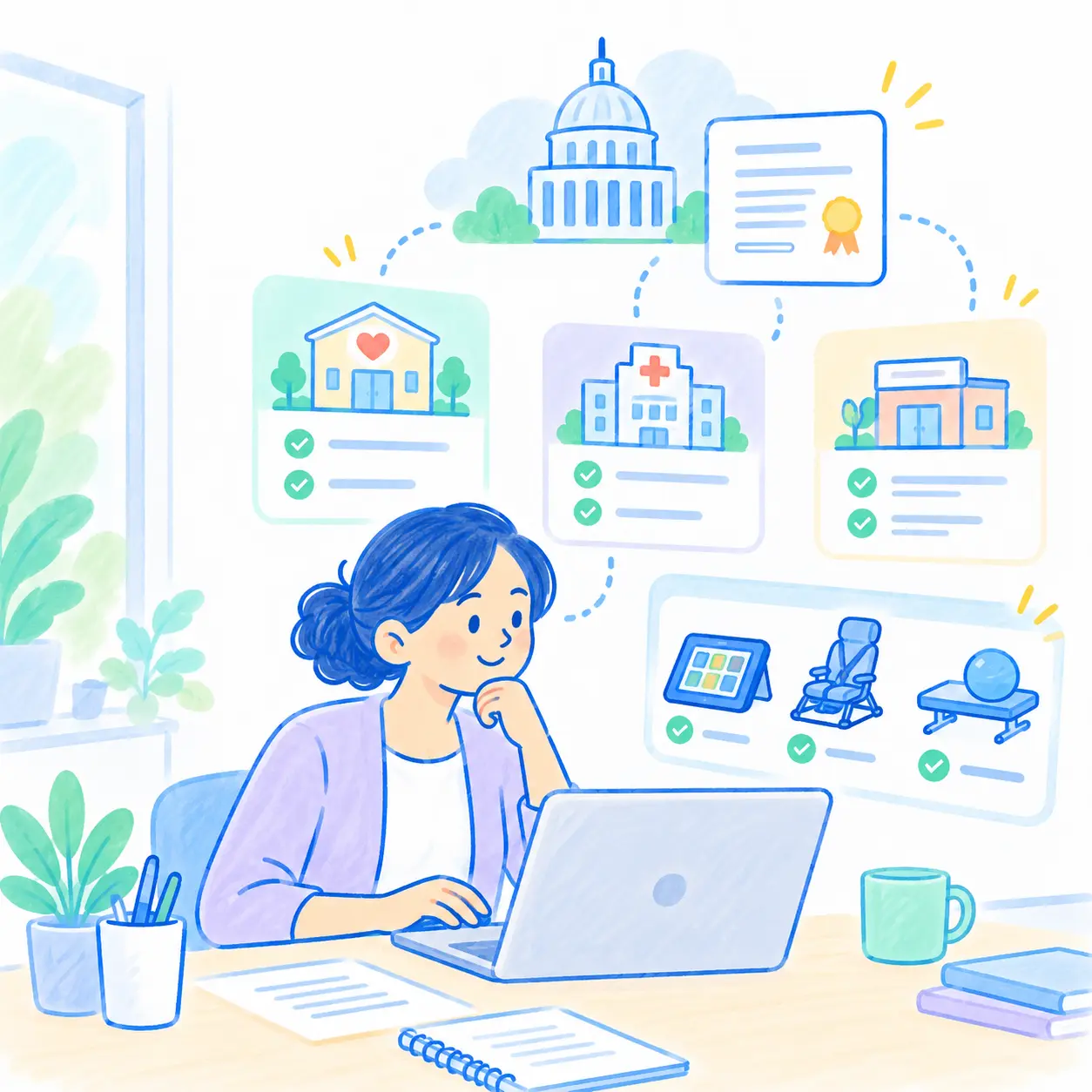
Grants.gov lists federal funding opportunities. Read the applicant eligibility section and permitted costs in the individual Notice of Funding Opportunity (NOFO) before preparing an application.
A nonprofit rehabilitation center, a public hospital, and a for-profit clinic may have different eligibility criteria. Search by your organization type and project purpose, then check whether the opportunity permits the proposed equipment expenditure.
State Assistive Technology Programs
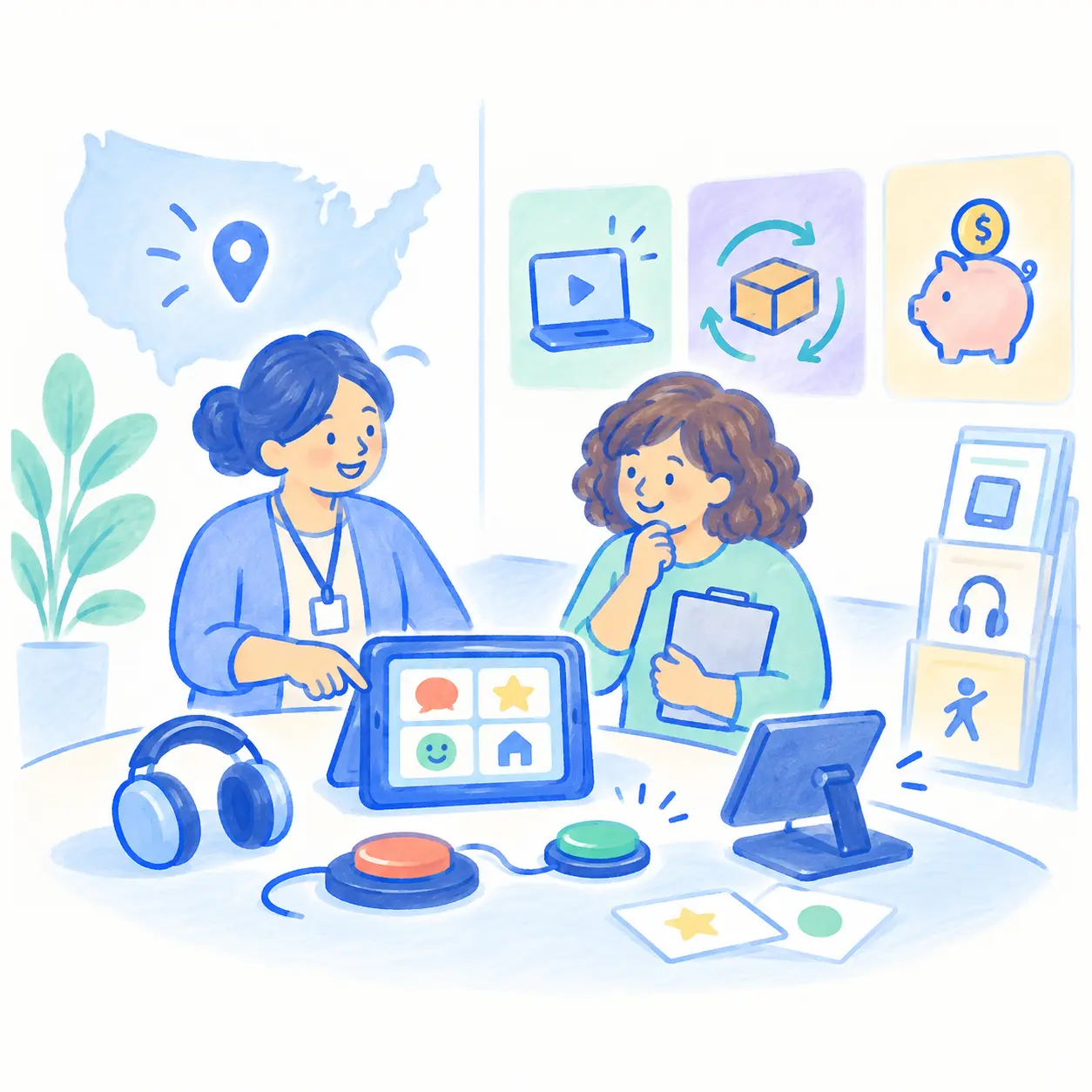
State Assistive Technology Act programs can be useful sources of information, device demonstrations, short-term loans, reuse options, and financing resources. Services and equipment availability vary.
Ask your state program which services are best suited to your organization and project. Program services and available devices vary; these programs are not a universal equipment grant for facilities. See the ACL assistive technology overview for more information.

Foundation and Community Funding
Schools and eligible nonprofit providers can also investigate local foundations, hospital foundations, and community donors. Check whether each funder supports capital equipment, your geographic area, and your organization’s legal status.
For private clinics, confirm that for-profit applicants are eligible before spending time on a proposal.

How to Prepare a Funding Application
For example, a school might propose supervised movement-based learning activities. A rehabilitation center might describe therapist-led activities selected for its service population.
Also confirm whether your organization needs competing quotations, a formal solicitation, or other purchasing documentation. An equipment recommendation does not replace the required procurement process.
Write a Specific Project Summary
Explain who will use the equipment, where it will be located, what activities staff will deliver, and what need the project addresses. Describe the proposed role of the system without promising clinical or educational outcomes.
Confirm Eligibility and Timing
Record the funder, program name, applicant requirements, deadline, award period, matching contribution, and permitted costs. Check whether approval is needed before ordering and whether purchases made before the award can be reimbursed.
Obtain an Itemized Budget
Match each quotation and contractor estimate to the application’s budget categories. Include implementation costs and explain how your organization will cover ongoing expenses.
Check Equipment and Procurement Approvals
For purchases charged to federal awards, some equipment costs require prior written approval under 2 CFR § 200.439. Ask your grants administrator to determine the applicable equipment classification, cost threshold, and approval requirements.
Define How You Will Review the Project
Choose measures your team can collect, such as staff training completion, scheduled use, or participation in planned activities. Use student-specific or clinical measures only where appropriate to your program and professional responsibilities.
Submit and Retain the Records
Follow the funder’s submission instructions and keep the final application, budget, approvals, and supporting documents. After an award, retain the purchasing and reporting records required by its terms.
Frequently Asked Questions
Is NeuroLevel equipment automatically grant-eligible?
No. Eligibility depends on the program, the applicant, the proposed use, and the expenditure rules. Confirm the purchase with the funding administrator before committing funds.
Does NeuroLevel have a UEI or active SAM.gov registration?
Not currently. If either is required by your purchasing or funding process, discuss the requirement with NeuroLevel before placing an order. An EIN or E-Verify participation is not a substitute.
Does a purchase order mean payment can be made after delivery?
Payment timing is agreed for each order. A PO does not automatically establish deferred payment terms. Confirm the due dates, any deposits, and whether payment is linked to shipment or delivery before issuing the order.
Can a grant budget include installation and training?
Eligibility depends on the award rules. Separate contractor installation and any paid on-site supervision or training from the equipment cost. Remote supervision is included in the equipment price, so avoid adding it again as a separate charge.
